
business resources
12 Best Trading Tools in 2026
07 Dec 2025

Choosing the right tools in 2026 is harder than it seems. The market is full of platforms promising simplicity, automation, or “smarter” decisions. But in reality, tools only help if they match how you trade, not how the ads say you should trade. A futures scalper looks for speed and depth. A long-term stock investor wants cleaner data and low-stress management. A crypto trader may care about automation and multi-exchange access more than anything else.
In the middle of all these choices, platforms like ATAS have gained more attention because they provide something many traders realize they’ve been missing: real insight into how orders, liquidity, and actual executed volume shape price movement. This is a very different angle compared to classic charting platforms that focus mostly on indicators and patterns.
This guide covers 12 of the best trading tools in 2026, spanning futures, forex, crypto, stocks, options, automation, and research. The goal is not to tell you which tool makes the most money — there is no best trading app to earn money that works for everyone. Instead, you’ll see what each tool does best, what problems it solves, and what kind of trader benefits from it.
What Types of Trading Tools Exist Today — and Can Traders Go Without Them in 2026?
Trading tools generally fall into a few categories. Some platforms focus on charting and price behavior. Others reveal what’s happening behind the scenes: order flow, depth of market, or volume distribution. There are also tools for automation, scanning, portfolio tracking, backtesting, and multi-exchange oversight. Each serves a different role, but together they help traders understand context, manage risk, and stay consistent.
Most modern traders consider the following features essential, especially in fast or fragmented markets:
- Reliable real-time data: Delays or inaccurate feeds often lead to avoidable losses.
- Clear execution and order management: Clean routing, simple order modification, and responsive interfaces.
- Market depth or volume tools: Useful for seeing liquidity, pressure, and whether a move is strong or fading.
- Cross-device access: Seamless switching between desktop, phone, and browser.
- Automation or alerts: Even manual traders need reminders and conditions that trigger outside market hours.
Can a trader succeed without these tools? Technically, yes — but they’ll be working at a disadvantage. Tools don’t replace skill or discipline, but they sharpen judgment, reduce noise, and give a clearer picture of market behavior.
ATAS — Deep Order-Flow and Volume Tools for Futures & Crypto (Most Comprehensive)
ATAS is built for traders who want to understand why price is moving, not just where it ends up. Instead of centering everything around classic chart patterns, it leans on trading volume analysis, order-book depth, cumulative delta, cluster charts, and different types of footprint views. Together, these show how buyers and sellers actually interact at each price level, so you can see whether bigger players are absorbing orders, pulling liquidity, or driving the market with aggressive trades.
To make this easier to read in real time, ATAS organizes a lot of complex information into a layout that experienced traders can scan quickly. In practice, that means tools like:
- Footprint and cluster charts to see volume and delta inside each candle
- DOM (Depth of Market) to monitor liquidity and order-book changes
- Big trade and imbalance filters to spot unusually strong activity
- Market replay to study past sessions tick by tick
Because of this focus on the mechanics of execution, many professionals treat ATAS as dedicated order flow software, not just another charting package. Its order flow analysis features help you pick up on imbalances, iceberg behavior, large orders, and key liquidity zones that often come before meaningful moves. On top of that, it works as a full trading analysis software, with customizable workspaces and support for futures, crypto, and some equity markets.
ATAS doesn’t replace your broker; you still route orders through connected exchanges or brokerage accounts. Instead, it becomes the “thinking space” of your trading process — the place where you read the market’s intentions with more detail than candles alone can provide. There is a learning curve, especially if you’re new to order flow, but for active futures and crypto traders who want to move beyond surface-level indicators, ATAS offers one of the most complete analytical environments available right now.
tastytrade — Options-Focused Platform With Backtesting and Risk Tools
Tastytrade is built around the workflow of active options and futures traders. Instead of separating strategy research, testing, execution, and position management across different tools, the platform brings them together in one place. Traders can build multi-leg strategies, test ideas against historical data, review potential risk, place trades, and continue tracking positions as they change.
The options-focused toolset is where tastytrade becomes particularly useful for active traders. Its features include:
- Strategy Builder with 10+ preset options strategies that can be customized
- Options backtesting using more than 10 years of historical market data
- Visual Risk Analysis for examining how price moves, volatility changes, and expiration could affect a position
- Smart Trade Order Tracking for following rolled and multi-leg positions from entry to exit
- API access for traders building custom workflows or working with backtesting programmatically
Backtesting is particularly useful for traders who want to pressure-test an idea before committing capital. Single-leg and multi-leg strategies can be tested under different entry and exit conditions, with results such as P&L and drawdowns providing a clearer picture of how the strategy behaved historically. tastytrade currently supports these capabilities, including 10+ years of historical data for its options backtester and real-time portfolio stress testing through its Risk Analysis tool.
MetaTrader 5 — Classic Multi-Asset Platform With Massive Community Support
MetaTrader 5 (MT5) remains one of the most widely used platforms in the world. You can trade forex, indices, commodities, and sometimes stocks, with access to advanced indicators, charting layouts, and automated strategies. Its built-in editor and marketplace allow traders to create or buy automated systems, making MT5 a reliable hub for users who want both manual and algorithmic trading options.
Many brokers still treat MT5 as their primary forex trading software, so traders who move between brokers often prefer MT5 simply because the interface stays consistent. The mobile version also works well for routine trade monitoring, though most active trading still happens on desktop.
If you’re new, MT5’s flexibility is valuable — you can start manually, then explore automation later without switching platforms. The main limitation is that MT5’s design hasn’t changed https://www.intelligenthq.com/augmented-reality-for-retail-a-strategic-imperative-in-the-digital-age/much in years, so it feels more functional than modern.
TradingView — Easy Charts, Fast Research, and Huge Community
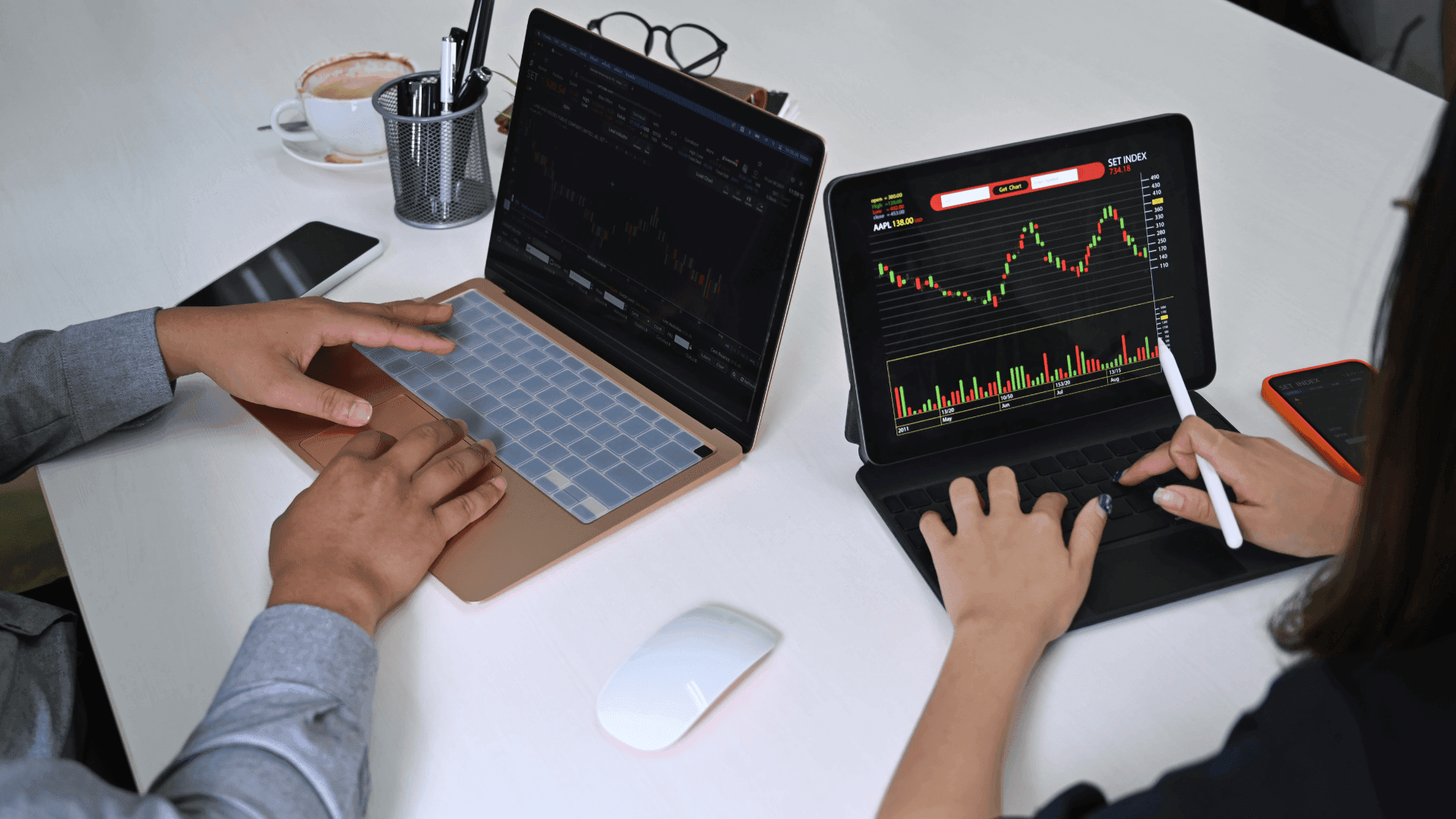
TradingView has become the “default” workspace for many traders because it runs on any device, syncs layouts instantly, and offers clean charts with hundreds of indicators. You can track stocks, crypto, forex, indices, and even some economic data visually.
Traders often keep TradingView open as their main charting window even if they execute trades elsewhere. It’s practical for analysis, watchlists, alerts, and scanning markets — making it a useful piece of nearly any online trading software setup.
For stock traders, TradingView doubles as straightforward stock trading software, especially because it includes screeners and lightweight fundamentals. The social features can be hit or miss, but the charting engine is consistently strong.
cTrader — Structured Layout and Transparent Execution for Forex
cTrader appeals to users who want modern design, smooth order handling, and clearer transparency around pricing. Depth-of-market windows, detachable panels, and one-click execution make it especially suitable for intraday currency traders.
Some traders prefer cTrader over MT5 because it feels more modern and intuitive. And because many brokers using it offer ECN-style routing, cTrader is often paired with tighter spreads — a key advantage for active users.
If you frequently trade on your phone, the mobile version is clean and dependable, making it a strong option for those looking for a robust forex trading app that doesn’t feel watered down.
NinjaTrader — Detailed DOM and Strategy Testing for Futures
NinjaTrader has evolved into a full ecosystem for futures trading. The platform offers powerful charting, fast DOM functionality, and a deep strategy builder with historical testing. For futures scalpers, the DOM and order entry tools feel responsive and customizable, which is especially useful when dealing with volatile markets.
It’s well-suited for traders who want day trading software that goes beyond simple charting. The coding environment also allows advanced traders to design their own signals and automation.
Beginners may find NinjaTrader overwhelming at first, so paper trading is highly recommended before placing real orders.
Interactive Brokers TWS — Global Markets From One Terminal
Trader Workstation (TWS) from Interactive Brokers is a feature-dense platform that supports virtually every major asset class. The scanning tools, routing settings, and detailed charts make it appealing to active traders who want more control over order placement.
Because of its reach and low fees, TWS is frequently mentioned as one of the best stock trading software available to retail traders. The downside is the steep learning curve — the interface has many layers and can feel cluttered.
Still, for traders who want global access and more control over orders than typical broker apps provide, TWS offers tremendous depth.
thinkorswim — Options-Friendly Platform With Smart Analytics
thinkorswim, now under Charles Schwab, has long been respected for its charting and advanced options tools. It allows traders to dig into volatility, Greeks, and scenario testing, making it one of the strongest all-in-one environments for options traders.
If you want practical option trading software that also supports stocks and futures, thinkorswim is worth exploring. It is heavier than most platforms, so it benefits users who like detailed analysis rather than lightweight mobile trading.
3Commas — Automation Layer for Exchange Traders
3Commas gives traders tools to build automated or semi-automated rules across multiple crypto exchanges. It supports grid bots, DCA tools, portfolio balancing, and smart trade features.
Some traders loosely call automation platforms like this AI trading software, though it’s more accurate to think of them as rule-based systems. You decide the conditions; the bot simply follows them.
If you trade crypto actively and want to maintain structure even when you’re offline, automation through 3Commas can help streamline your workflow.
Coinigy — Multi-Exchange Terminal for Crypto Traders
Coinigy consolidates data and trading access from multiple exchanges into a single dashboard. This is particularly helpful for traders who diversify across several platforms and want to view charts and positions without switching tabs.
It works well as a cross-exchange crypto trading app when you want charts, alerts, and order routing in one place. It doesn’t replace every exchange feature, but it reduces friction for people who frequently shift focus between markets.
Coinigy is especially useful for traders managing several accounts or tracking multiple spot and derivatives environments at once.

Webull — Good Starting Point for Newer Stock Traders
Webull is one of the more balanced platforms for beginners because it combines simple order entry, fractional shares, and reasonably good charts. It’s frequently mentioned as a top best trading app for beginners, especially in the U.S., because it offers paper trading and easy onboarding without overwhelming users.
It’s also often described as the best stock trading app for beginners thanks to its straightforward interface, though more advanced traders eventually outgrow it. As skills improve, many users pair Webull with a deeper desktop platform.
QuantConnect — Quant Research and Backtesting
QuantConnect is a coding-focused platform for designing and testing systematic trading strategies. You can analyze historical data across stocks, futures, crypto, and options, then run simulations to evaluate behavior under different conditions.
For serious strategy development, this type of environment offers value that charting tools simply cannot. It acts as a form of trading algorithms software, helping traders validate their ideas before risking money.
The platform requires comfort with Python or C#, but once you get the hang of it, the research possibilities are incredibly flexible.
Essential Supporting Tools: Calendars, Scanners, and News Feeds
Even the best platforms rely on supplemental tools. News feeds, volatility trackers, earnings calendars, and forex economic calendars help you understand what is driving movement across markets. These tools don’t replace trading platforms, but they reduce uncertainty and keep you out of trouble on high-impact days.
Here are examples of supporting tools traders often include in their workflow:
- Economic calendars for interest rate decisions, employment reports, and inflation data
- Market scanners for volume spikes, breakouts, or unusual options activity
- News feeds for rapid updates on market-moving events
Together, they act as a protective layer around your primary trading setup, helping you avoid surprises and stay aligned with broader market activity.
How to Choose the Best Trading Tool for Your Workflow
Use this brief list to help narrow your options:
- Your main market: Stocks, futures, forex, or crypto? Each has different platform strengths.
- Your trading style: Scalping, swing trading, automation, or long-term investing?
- Your need for detail: Do you need order flow, on-chain data, or multi-exchange access?
If your strategy relies heavily on execution speed, transparency, and depth, ATAS or NinjaTrader may fit. If you need broad access to stocks and global markets, TWS is strong. If you prefer simple portfolios and occasional trades, a lightweight mobile app works fine. If you build rule-based systems, a platform like QuantConnect or 3Commas may fit better.
There is no single best trading app that works for every trader. The goal is to assemble a setup that removes friction, clarifies information, and helps you execute consistently.
Share

Himani Verma
Content Contributor
Himani Verma is a seasoned content writer and SEO expert, with experience in digital media. She has held various senior writing positions at enterprises like CloudTDMS (Synthetic Data Factory), Barrownz Group, and ATZA. Himani has also been Editorial Writer at Hindustan Time, a leading Indian English language news platform. She excels in content creation, proofreading, and editing, ensuring that every piece is polished and impactful. Her expertise in crafting SEO-friendly content for multiple verticals of businesses, including technology, healthcare, finance, sports, innovation, and more.


