
resources
7 Beginner-Friendly AI Video Generators for Quick Social Clips
05 Jan 2026

Creating engaging video content for social media doesn’t have to be a daunting task, especially for beginners. With the rise of AI technology, anyone can produce professional-looking clips in minutes, no editing skills required. Whether you're a small business owner, influencer, or just want to share fun content on platforms like TikTok and Instagram, AI video generators are here to help. In this guide, we’ve curated seven beginner-friendly AI tools that make crafting quick social clips a breeze. Let’s dive into each tool, exploring their standout features and why they’re perfect for newbies.
1. Pollo AI: One-Click Viral Videos with Zero Editing
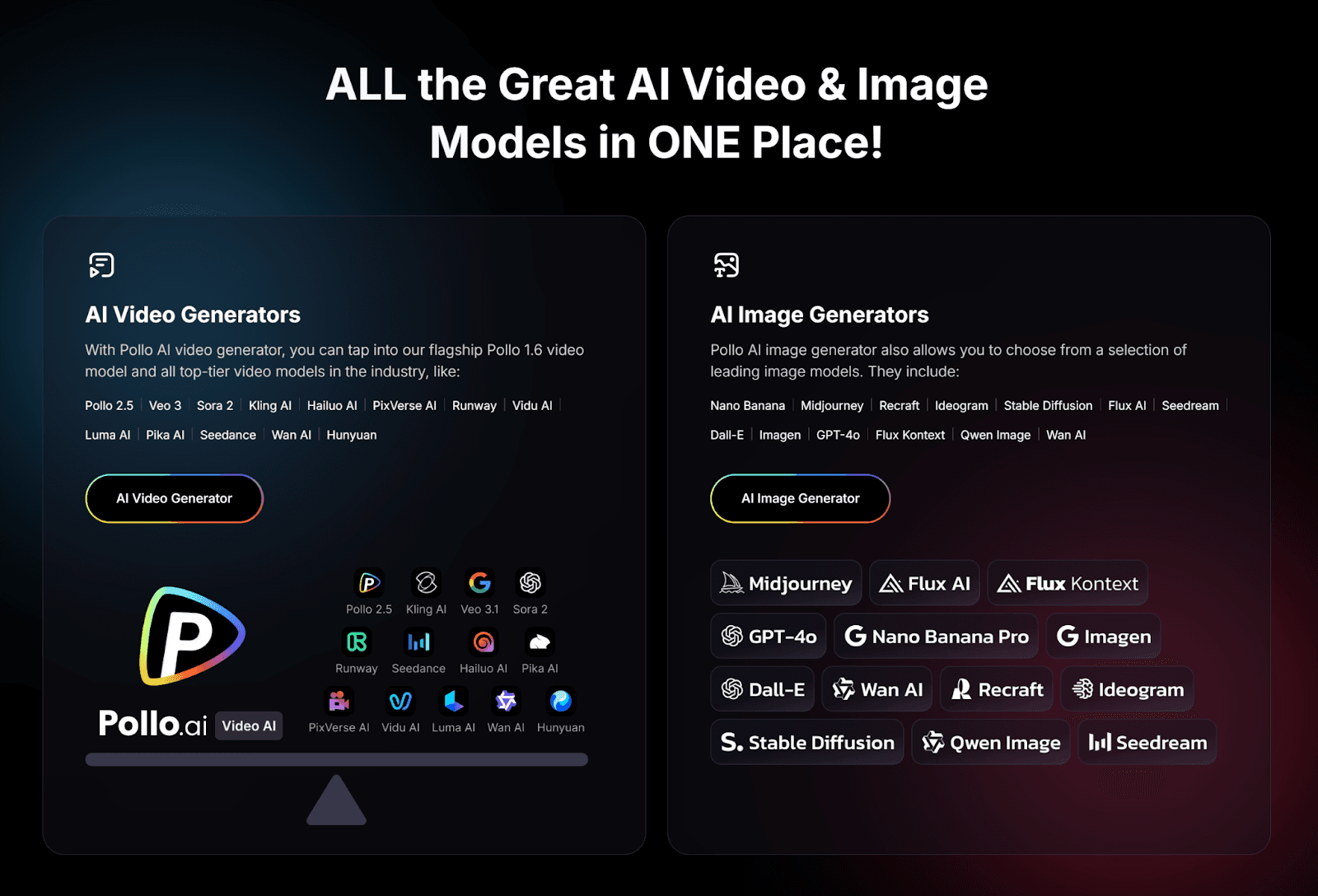
First on our list is Pollo AI, a standout text to video AI for beginners looking to create viral social clips effortlessly. This all-in-one AI agent simplifies video creation with its no-edit, one-click feature, allowing you to generate stunning videos in seconds. Just input your text or idea, and Pollo AI handles everything—from visuals to transitions—delivering polished content ready to post.
What makes it truly beginner-friendly is its massive library of templates, covering every trend and niche imaginable, ensuring your videos are always on point. Whether you’re making a funny reel or a promotional clip, this video generation APP makes it a top pick for anyone starting out.
2. Synthesia: Easy Avatar Videos for Social Storytelling
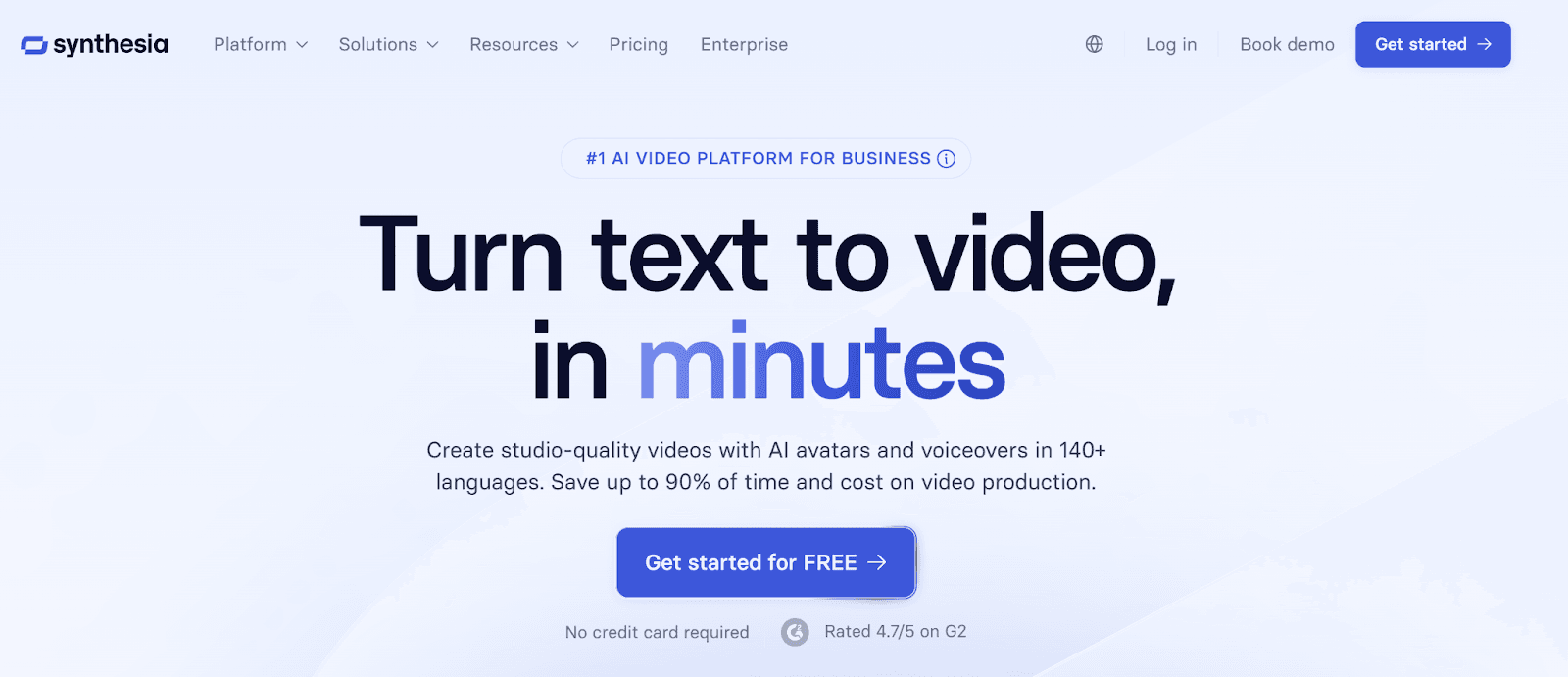
Synthesia is a fantastic tool for beginners who want to create unique social clips using AI avatars. With Synthesia, you type your script, pick an avatar, and choose a background— no filming or voice recording needed. The AI generates a video with a lifelike avatar speaking your words in a natural tone. It’s perfect for quick explainer videos or personal messages on social media, and it supports multiple languages for wider reach. The platform’s simple interface ensures that even those new to video creation can produce professional-looking content in minutes, making it a great option for storytelling on the go.
3. Lumen5: Transform Text into Social-Ready Videos
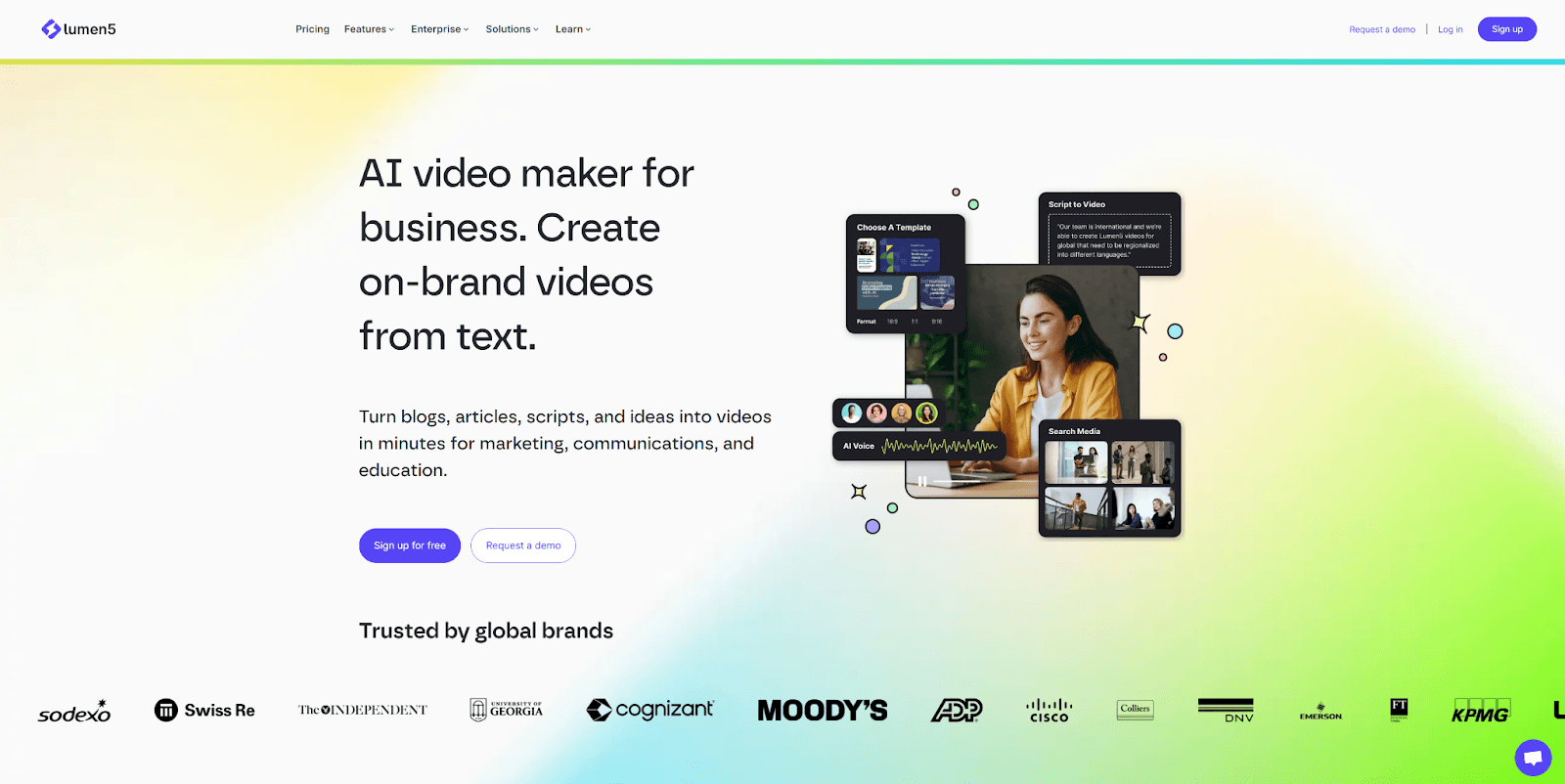
Lumen5 is ideal for beginners who want to repurpose text content into engaging social clips. Simply paste a blog post, script, or any text, and Lumen5’s AI converts it into a video with matching visuals, text overlays, and music. It offers customizable templates tailored for social platforms, so your videos are always the right size and style. This tool is perfect for content creators who want to turn written ideas into shareable clips without learning complex software. With Lumen5, beginners can create polished videos quickly, focusing on content rather than editing.
4. InVideo: Drag-and-Drop Simplicity for Social Content
InVideo offers a beginner-friendly experience with its drag-and-drop editor and AI-powered features. You can start with a text prompt, and the AI suggests templates and visuals to match your idea, making it easy to craft social media clips for Instagram, YouTube, or TikTok. With over 5,000 templates and automated voiceovers, InVideo ensures that even those with no experience can create eye-catching videos. Its straightforward design lets you customize without overwhelm, making it a solid choice for new creators looking to build a social media presence with minimal effort.
5. Wave.video: Social Media Videos in a Snap
Wave.video is tailored for beginners who need social media-ready videos fast. This AI tool provides templates optimized for platforms like Instagram and TikTok, ensuring your clips fit perfectly. Input text or upload media, and the AI adds animations, transitions, and music to create a cohesive video. It also offers automatic captioning, a must-have for accessibility and engagement on social platforms. Wave.video’s user-friendly interface and focus on quick creation make it an excellent pick for newbies wanting to share trendy, professional clips without a steep learning curve.
6. Animoto: Storytelling Made Simple for Social Clips
Animoto is a great choice for beginners who want to tell stories through short social videos. This AI tool lets you select a template, add text or media, and create a video with synced music and transitions—all automatically. It’s perfect for crafting event recaps, product promos, or personal updates for social media. Animoto’s library of licensed music and branding options helps beginners create consistent, polished content without technical know-how. If you’re new to video creation and want to focus on emotional or narrative clips, Animoto keeps things simple and effective.
7. Kapwing: Fun and Collaborative Video Editing for Beginners
Kapwing wraps up our list as a beginner-friendly, cloud-based AI tool perfect for creating social clips. Its AI features include automatic subtitles, background removal, and smart resizing for different platforms, making it easy to produce content that fits anywhere. Beginners can start with a text prompt or raw footage, and Kapwing suggests edits to speed up the process. It also offers meme templates and a collaborative editing option, ideal for friends or teams working on fun social projects. Kapwing’s playful yet practical design ensures new users can create engaging clips without feeling overwhelmed.
Why Choose AI Video Generators as a Beginner?
AI video generators are a game-changer for those new to content creation. They eliminate the need for expensive equipment or advanced editing skills, letting you focus on your ideas and message. Tools like Pollo AI, with its one-click, no-edit viral video magic, or Wave.video, with its social media optimization, empower beginners to create professional-quality clips in minutes. These platforms are designed with simplicity in mind, offering templates, automation, and intuitive interfaces that flatten the learning curve. Plus, they save time—crucial for keeping up with the fast-paced world of social media trends.
Tips for Getting Started
- Start Small: Choose a tool like Pollo AI or Lumen5 to test the waters with a simple clip before diving into more complex projects.
- Use Templates: Leverage the built-in templates to ensure your videos look polished and platform-ready.
- Experiment: Don’t be afraid to tweak styles or try different tools to find what suits your vibe.
- Post Regularly: Consistency is key on social media—use these quick tools to maintain a steady flow of content.
Conclusion
Creating quick social clips as a beginner has never been easier, thanks to these seven AI video generators. From Pollo AI’s effortless one-click viral videos with a vast template library to Kapwing’s fun and collaborative editing, there’s a tool for every newbie looking to make an impact online. These platforms, Synthesia, Lumen5, InVideo, Wave.video, and Animoto included, offer user-friendly features that take the stress out of video creation. So, why wait? Pick a tool that resonates with you, start crafting your first social clip, and watch your online presence grow. Which of these tools are you excited to try? Drop a comment below, and share this guide with other beginners ready to shine on social media!


