
business resources
7 Best AI Note Takers for 2026 (Tested and Ranked)
03 Apr 2026

AI note takers are tools designed to automatically capture, transcribe, and structure conversations in real time. Instead of manually writing notes during meetings, these systems use speech recognition and natural language processing to generate transcripts, summaries, and action items with minimal input from the user.
Their relevance has increased sharply with the shift toward remote work, hybrid teams, and async collaboration. Meetings are no longer confined to a single room or time zone—they happen across platforms like Zoom, Microsoft Teams, and Google Meet, often with distributed participants. As a result, the volume of meetings has grown, along with the cognitive load required to follow, participate, and document them simultaneously.
Manual note-taking is structurally inefficient in this context. It forces users to divide attention between listening and documenting, which often leads to incomplete notes, inconsistent structure, and missed details. This is where AI note taking apps provide a clear operational advantage. They automate the entire capture process: generating accurate transcripts, summarizing key points, and extracting action items. More advanced tools go further by improving audio clarity, organizing knowledge, and integrating outputs directly into workflows.
As a result, the best AI meeting note taker solutions function as meeting infrastructure, ensuring that information is captured, structured, and actionable.
We tested and compared the best AI note taking apps across real-world scenarios—including Zoom, Teams, Google Meet, and in-person meetings—to identify which tools actually deliver reliable performance and measurable value.
How We Tested AI Note Takers: Methodology & Evaluation Criteria
We shortlisted the best AI meeting note taker apps based on accuracy, features, integrations, pricing, and real-world usability—now let’s break them down.
To identify the best AI note taking apps, we evaluated each tool in real-world meeting conditions rather than relying on feature lists alone. The goal was to assess how these tools perform in practical scenarios—across different platforms, environments, and use cases.
Testing setup included:
- Platforms: Zoom, Microsoft Teams, Google Meet, and in-person recordings
- Devices: Primarily Windows and macOS (desktop apps and browser-based tools)
- Meeting types: 1:1 calls, team meetings, and multi-speaker discussions
- Audio conditions: Clean audio, background noise, and mixed accents
| Evaluation criterion | How? |
| Transcription accuracy | How well the tool captures speech across accents and noisy environments |
| Summary quality | Clarity, structure, and usefulness of AI-generated summaries |
| Action item extraction | Ability to correctly identify decisions and next steps |
| Real-time vs post-meeting performance | Whether the tool adds value during the meeting or only after |
| Ease of use | Setup time, interface clarity, and workflow friction |
| Integrations | Compatibility with tools like Slack, Notion, CRMs, and project management platforms |
| Cross-platform support | Availability across meeting tools and operating systems |
| Pricing vs value | Whether the feature set justifies the cost |
This methodology ensures that the tools listed below are not just feature-rich, but actually reliable in day-to-day workflows.
Quick List: Best AI Note Takers for 2026
- Krisp — Best AI note taker for online and in-person meetings
- Granola — Best for simple, distraction-free note taking
- Fellow — Best for team collaboration and workflows
- ClickUp — Best all-in-one productivity AI note taker
- Notta — Best for transcription-heavy workflows
- tl;dv — Best AI note taker for Zoom and Google Meet recordings
- Read AI — Best for meeting analytics and engagement insights
Reviewed and Tested 7 Best Note-Taking Apps
Each app below is broken down by its core strengths, key features, limitations, pricing, and ideal use cases so you can quickly identify which AI note taker fits your workflow.
Krisp — Best AI Note Taker for Online and In-Person Meetings
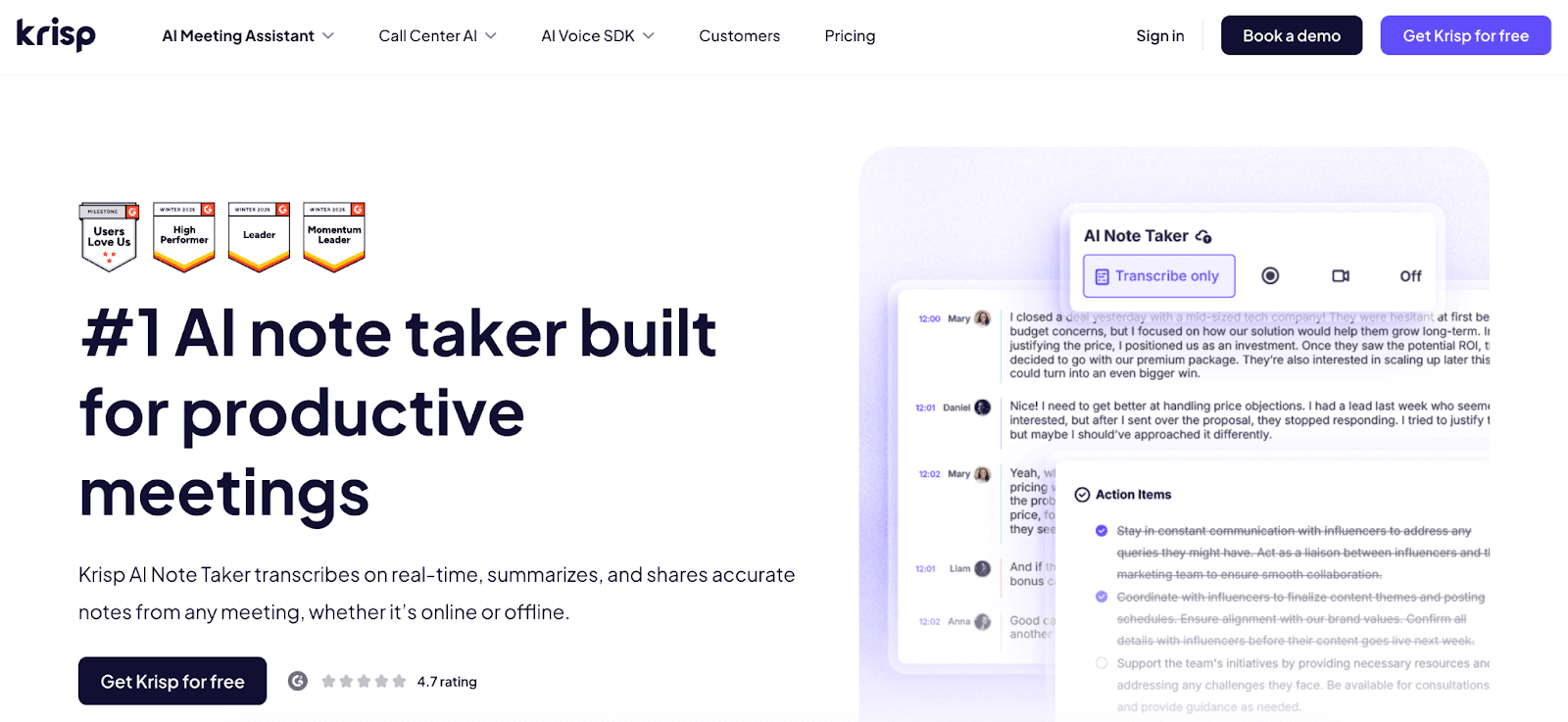
Krisp is a real-time AI note taker that combines transcription, note-taking, and audio enhancement in a single system-level tool. It delivers high transcription accuracy by processing audio at the source—its noise cancellation removes background disturbances such as echo and ambient noise, resulting in cleaner input, lower error rates, and more reliable summaries and action items. A core differentiator is its bi-directional accent conversion, which improves clarity for both speakers and listeners in real time. This directly enhances understanding during the meeting itself, reducing repetition and miscommunication—particularly in global, multilingual environments.
Because Krisp AI Note Taker improves audio quality before transcription occurs, it strengthens the entire workflow: clearer conversations lead to more accurate transcripts, which then generate higher-quality summaries, decisions, and insights. Combined with its bot-free architecture and broad compatibility across platforms—including Zoom, Microsoft Teams, Google Meet, Webex, Slack Huddles, and even in-person meetings—Krisp positions itself as a comprehensive, end-to-end solution.
It ranks among the best AI meeting note taker tools because, at a similar price point to standard note-taking apps, it also includes advanced audio intelligence features like noise cancellation and accent conversion—effectively improving both the meeting experience and the output quality.
Krisp Main Features & Benefits
- Real-time transcription with 96% accuracy across different audio conditions
- AI-generated summaries, action items, and key decisions
- Noise cancellation that removes background noise, echo, and cross-talk
- Bi-directional accent conversion for improved real-time understanding
- Works across Zoom, Microsoft Teams, Google Meet, Webex, Slack Huddles, and in-person meetings
- Bot-free recording for a non-intrusive and privacy-friendly experience
- Integrations with tools like Zapier, Notion, Salesforce, HubSpot, Pipedrive, and Affinity to sync meeting insights into workflows
- Desktop apps for Windows and macOS, plus iOS and Android mobile apps
Krisp Drawbacks
- Full feature access is limited to a 7-day free trial
- Advanced capabilities require a paid subscription after the trial
- Some features are optimized for desktop usage rather than fully mobile-first workflows
Krisp AI Note Taker Pricing
- Free trial: 7 days with full features
- Paid plan: starts at $8/month (annual billing)
G2 rating: 4.6/5 based on 1,000+ reviews
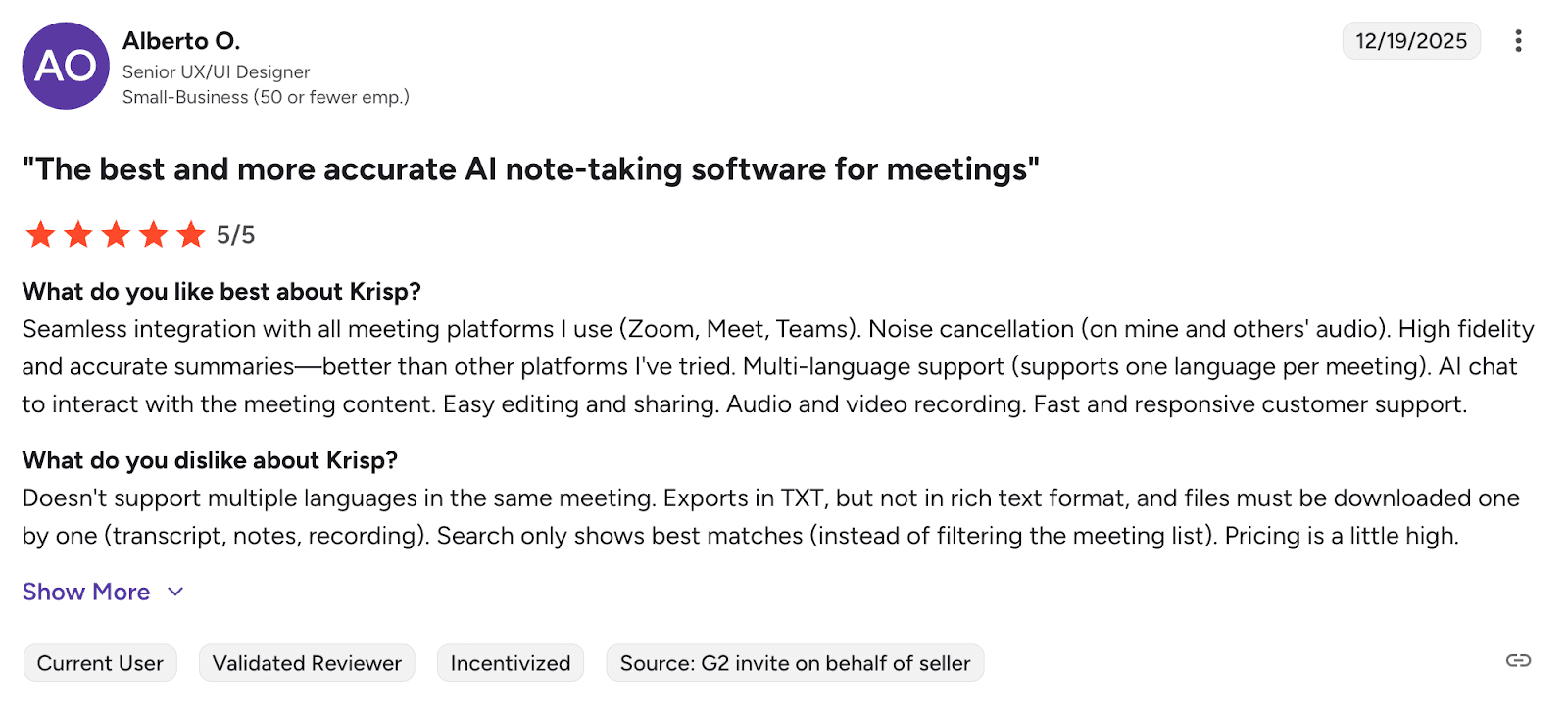
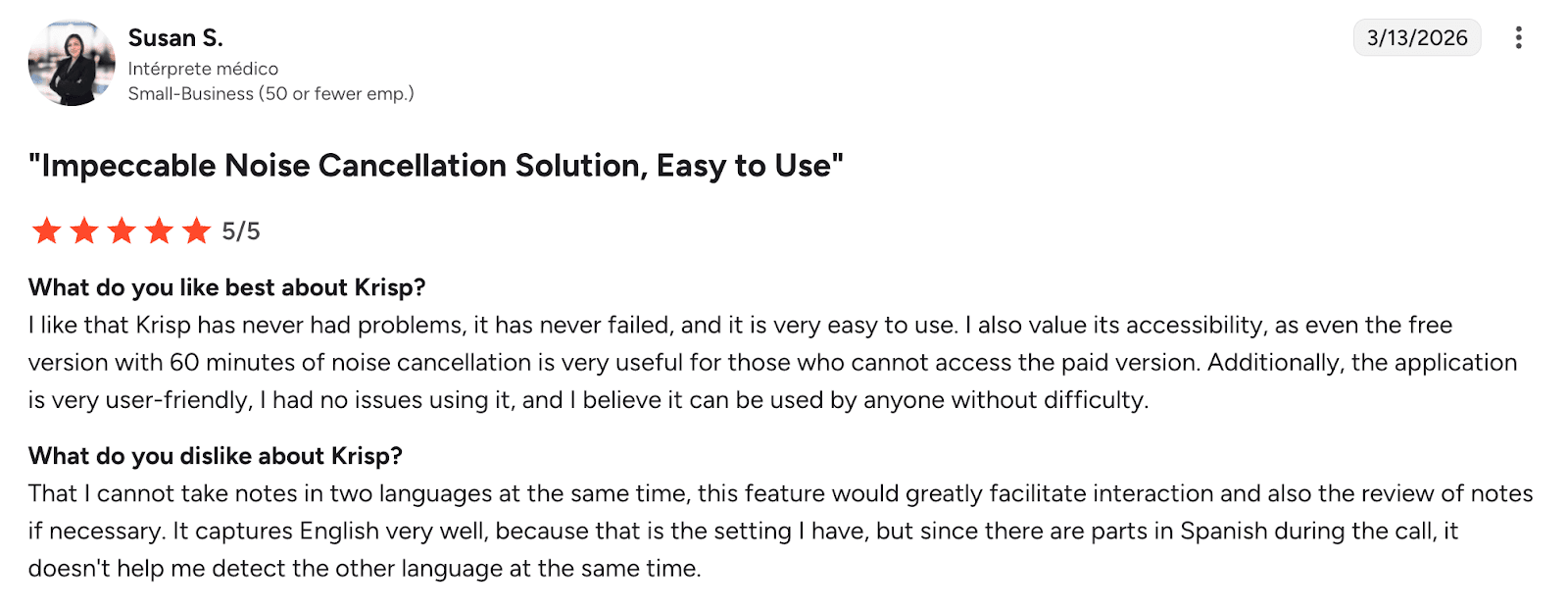
Users consistently value Krisp for its ability to clean up meeting audio in real time, which directly improves transcription accuracy and overall meeting clarity. They also highlight its ease of use, seamless integration across platforms, and reliable performance, making it a low-friction tool in daily workflows. Beyond transcription, features like AI-generated summaries, recordings, and interactive transcripts contribute to a more structured and productive meeting experience.
Who Is Krisp For
- Remote and hybrid teams
- International teams dealing with accents and inconsistent audio quality
- Professionals who need both real-time clarity and structured meeting notes
Krisp Verdict
Krisp is one of the most complete AI note-taking apps available in 2026, particularly for users who value real-time meeting clarity alongside accurate, structured documentation.
Granola — Best AI Note Taker for Simple, Distraction-Free Note Taking
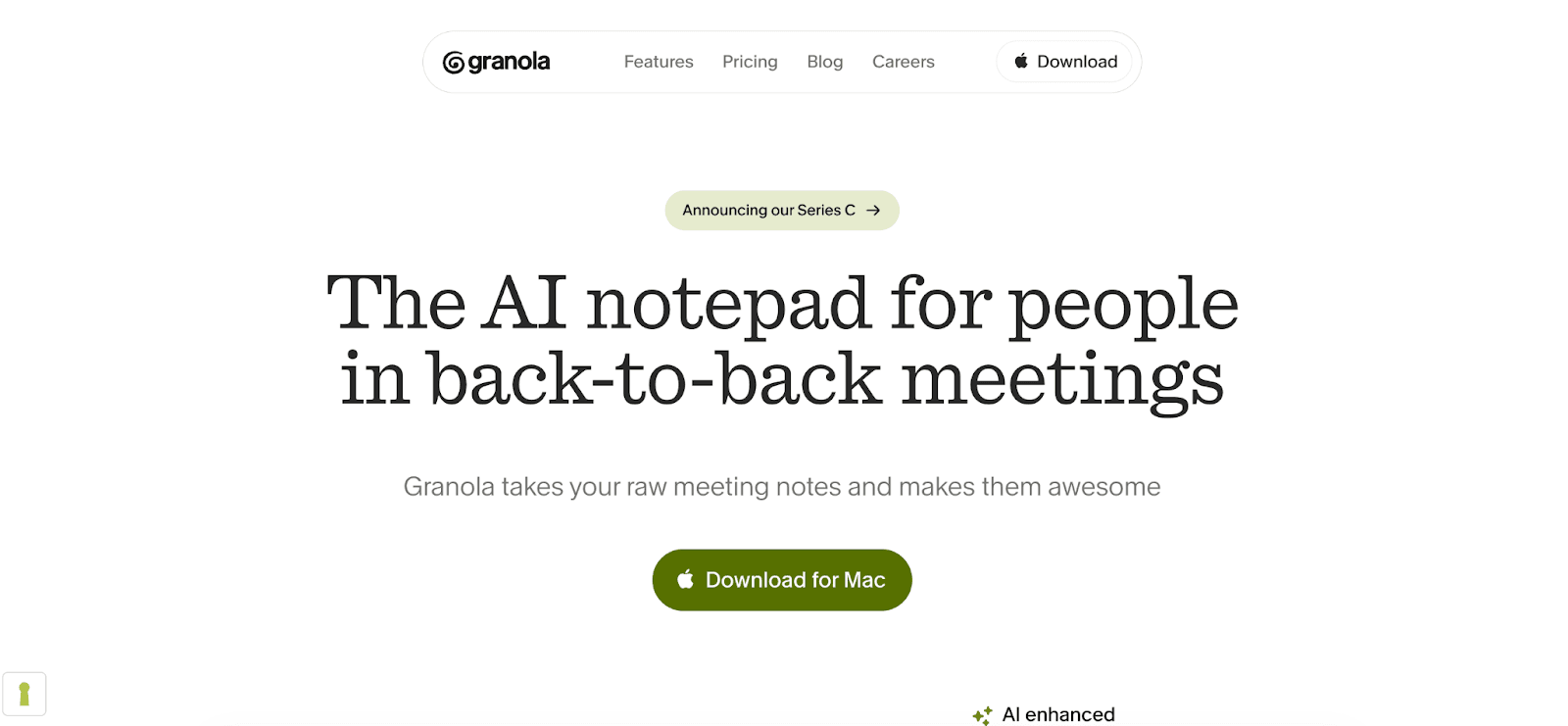
Granola is a lightweight AI note taker designed for users who want fast, clean, and distraction-free meeting notes without the complexity of full-scale meeting assistants. Unlike more feature-heavy AI note taking apps, Granola focuses on simplicity: it captures conversations, generates structured notes, and keeps the interface minimal so users can stay focused on the meeting itself.
Its core strength lies in reducing friction. There’s no heavy setup, no complex integrations required to get started, and no overwhelming dashboards. Instead, Granola emphasizes quick capture and clear outputs—making it particularly effective for individuals who need reliable notes without managing a full meeting infrastructure.
While it doesn’t attempt to optimize audio or provide advanced real-time enhancements like some competitors, it performs well in clean audio environments and delivers concise summaries that are easy to review and share. This makes it a strong option among the best AI note taking apps for users prioritizing usability over advanced functionality.
Granola Main Features & Benefits
- Simple, clean interface designed for distraction-free note taking
- AI-generated summaries that highlight key points and decisions
- Quick setup with minimal configuration required
- Lightweight performance without heavy system requirements
- Easy sharing of notes for personal or small team use
- Works well for basic meeting documentation and note capture
Granola Drawbacks
- Limited integrations with external tools
- Lacks advanced features like recordings or analytics
Granola Pricing
- Free plan available
- Paid plans start from $14/month
G2 rating: 4.9/5 based on 20+ reviews
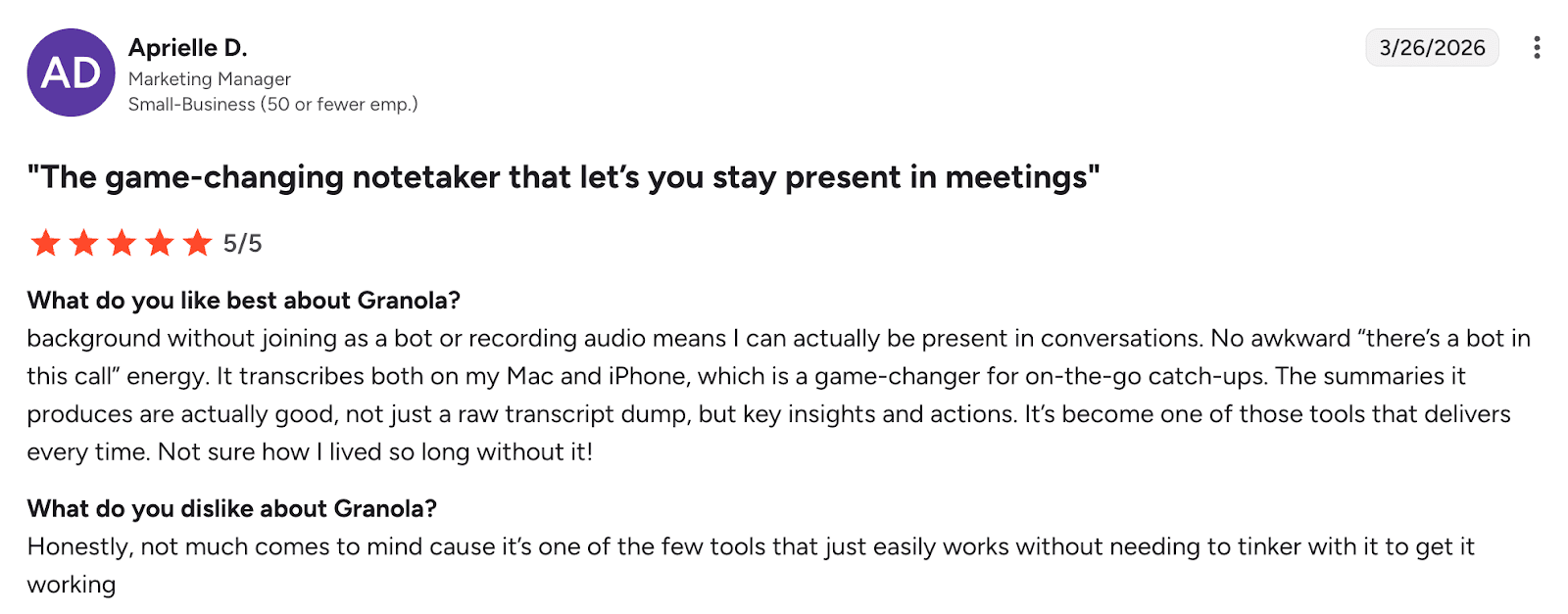
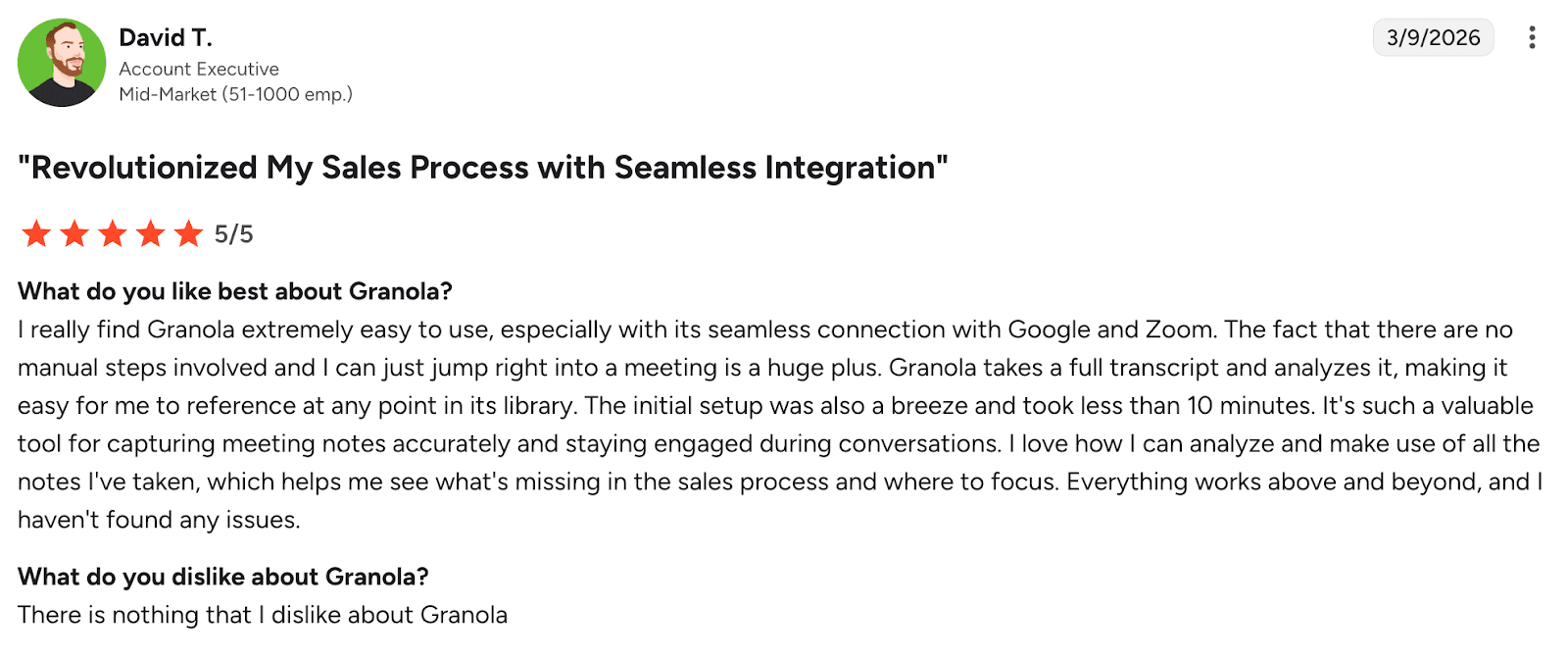
Users consistently highlight Granola’s ability to run unobtrusively in the background, allowing them to stay fully engaged in meetings without the friction of bots or manual note-taking. Its clean, insight-driven summaries, combined with fast setup, seamless integrations, and cross-device usability, make it a highly accessible tool that “just works.” Many also value its reliable performance and searchable meeting library, which turns conversations into reusable insights over time.
Who is Granola for
- Solo professionals and freelancers
- Founders who want quick summaries
- Users prioritizing simplicity over advanced features
Granola Verdict
Granola is a strong choice for simple, high-quality summaries, but it lacks the depth needed for more complex or team-based use cases.
Fellow — Best AI Note Taker for Team Collaboration and Workflows
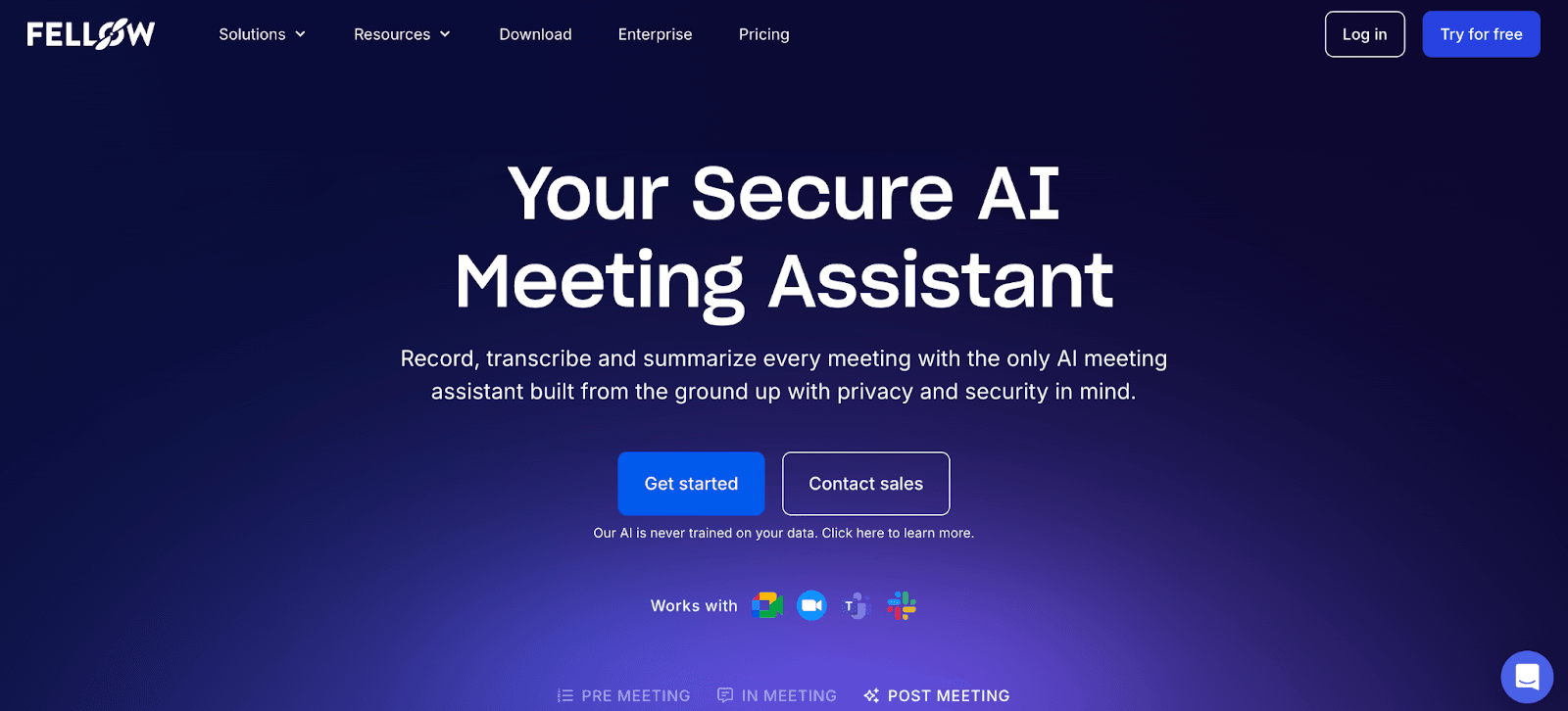
Fellow is an AI meeting note taker built around structured collaboration, making it fundamentally different from tools that focus only on transcription. Instead of just capturing what was said, Fellow manages the entire meeting lifecycle—from preparation and agendas to notes, action items, and follow-ups.
At its core, Fellow combines real-time transcription, AI summaries, and task tracking with collaborative meeting workflows. Teams can build shared agendas before the meeting, take notes together during the call, and automatically convert discussions into actionable tasks afterward. This structure significantly reduces the common issue of “lost decisions” and unclear ownership.
A key differentiator is its strong integration layer and workflow orientation. Fellow connects directly with tools like Slack, Notion, HubSpot, and project management systems, ensuring that meeting outputs don’t stay isolated but instead flow into execution.
Fellow Main Features & Benefits
- AI-powered transcription, summaries, and action item extraction
- Collaborative agendas and meeting templates for structured discussions
- Real-time note-taking with shared team input
- Automatic task assignment and follow-up tracking
- Integrations with Slack, Notion, HubSpot, Salesforce, and project management tools
- Cross-platform support (Zoom, Microsoft Teams, Google Meet, Slack)
- “Ask Fellow” AI assistant to search across past meetings and insights
- Enterprise-grade privacy, compliance, and admin controls
Fellow Drawbacks
- Interface and feature set can feel complex for new users
- Free plan is limited in number of meetings and recordings
- Less focus on real-time audio enhancement compared to tools like Krisp
Fellow Pricing
- Free plan available
- Paid plans start from $7/month
G2 rating: 4.7/5 based on 2,000+ reviews
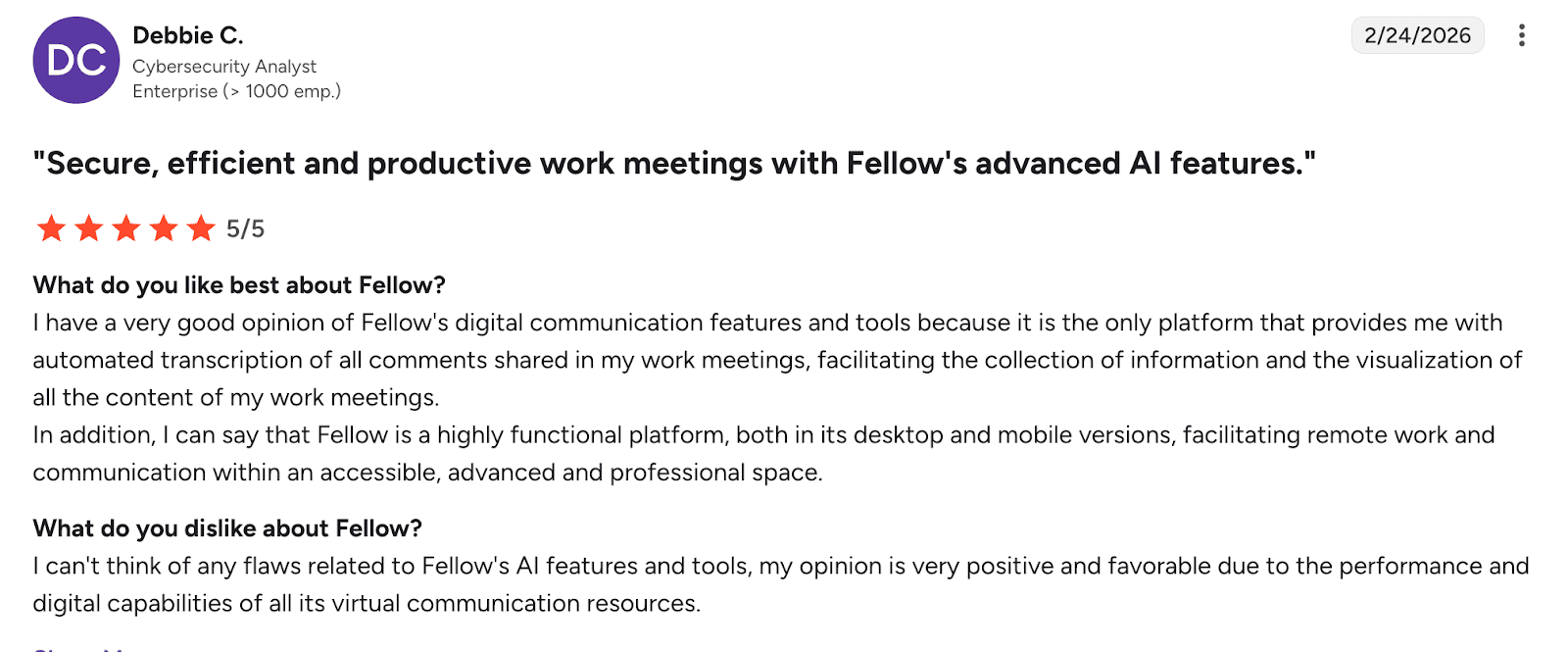
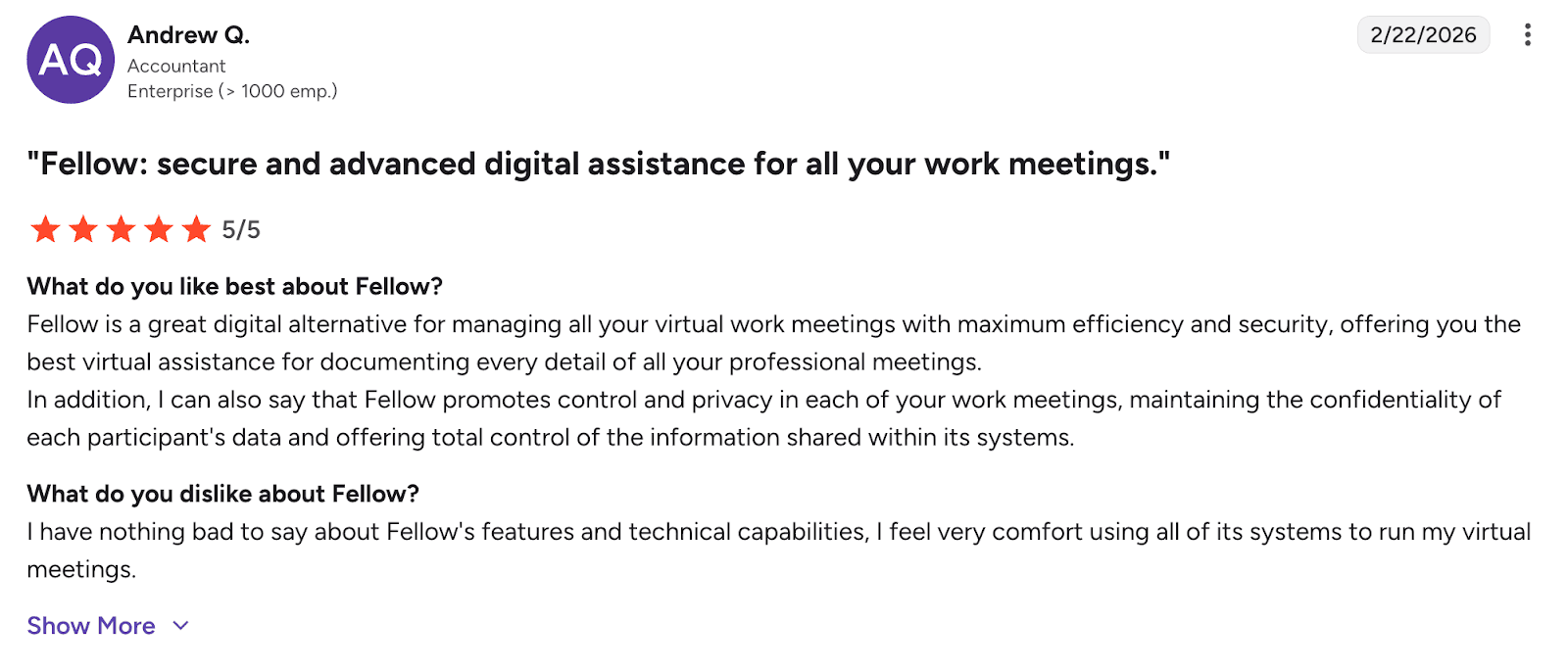
Users consistently value Fellow for its ability to capture and structure meeting information at a detailed level, combining automated transcription with strong organizational capabilities. It stands out for its enterprise-grade functionality, security, and data control, making it particularly suitable for professional environments handling sensitive information. Combined with cross-platform accessibility and reliable performance, Fellow is seen as a comprehensive tool for managing and documenting work meetings efficiently.
Who is it for
- Teams running frequent structured meetings
- Managers tracking decisions and accountability
- Organizations needing meeting workflows, not just notes
Fellow Verdict
Fellow is the best choice for teams that prioritize structure, collaboration, and follow-through over raw transcription performance.
ClickUp — Best All-in-One AI Note Taker App
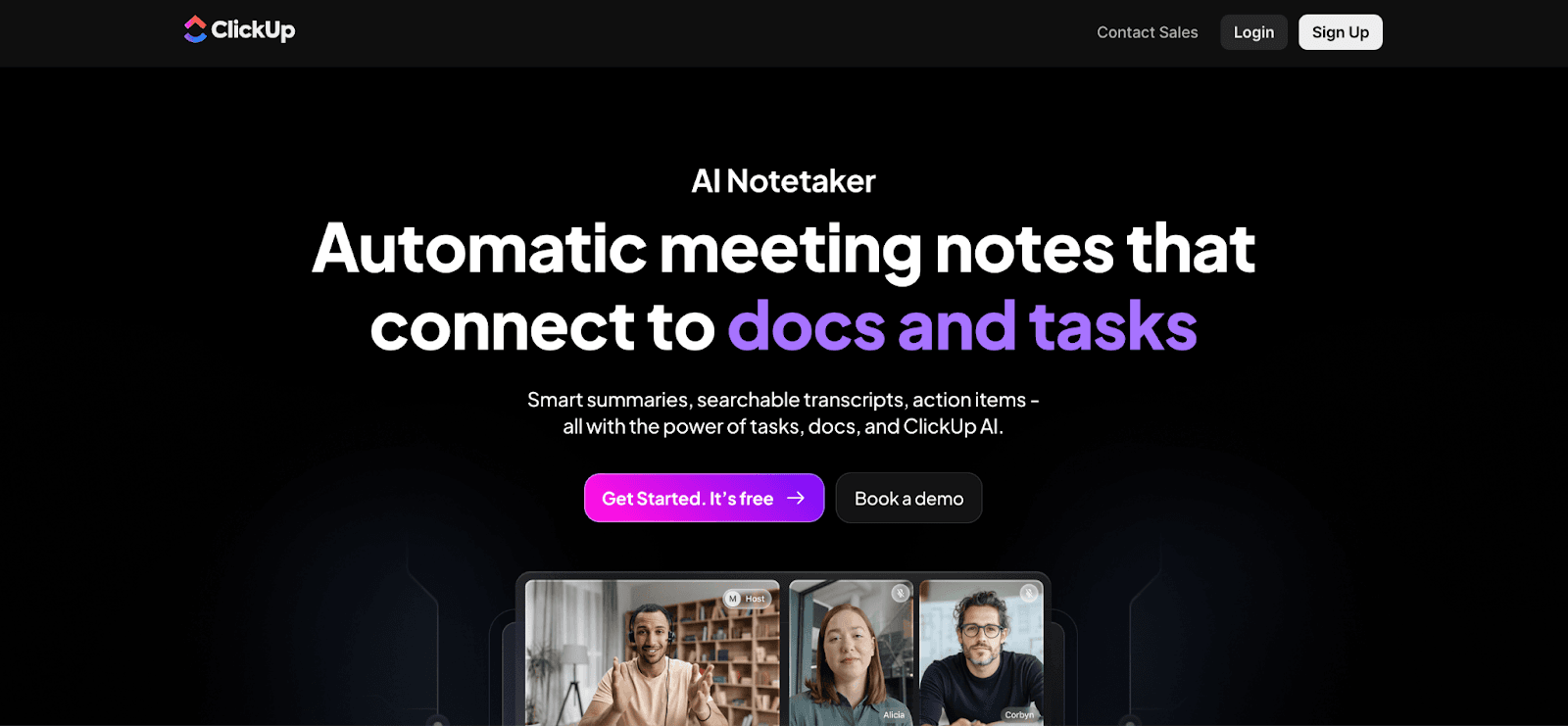
ClickUp is an all-in-one productivity platform that integrates AI note-taking directly into a broader workspace for tasks, documents, and collaboration. Unlike standalone AI note taking apps, ClickUp doesn’t treat meeting notes as a separate output—it embeds them into your workflow, turning conversations into tasks, updates, and actionable work in real time.
Its AI note taker, part of ClickUp Brain, captures meetings, generates structured summaries, and automatically identifies action items, decisions, and key discussion points. What differentiates ClickUp is not just note generation, but execution: insights from meetings can be instantly converted into assignable tasks, linked to projects, and tracked within the same system.
This makes ClickUp particularly valuable for teams that want to eliminate the gap between “meeting” and “doing.” Instead of switching between tools, everything—from discussion to delivery—happens in a single environment.
However, this depth comes with trade-offs. ClickUp is significantly more complex than lightweight AI meeting note taker tools, and its full value depends on proper setup and team adoption.
ClickUp Main Features & Benefits
- AI meeting transcription with structured summaries and key takeaways
- Automatic extraction of action items, decisions, and next steps
- Direct conversion of meeting insights into tasks and workflows
- Deep integration with docs, projects, dashboards, and team collaboration tools
- Searchable transcripts connected to workspace data
- Built-in video calls (SyncUps) and AI assistants for meeting support
- Extensive integrations with Slack, Google Drive, GitHub, and more
- Unified workspace combining notes, tasks, chat, and automation
ClickUp Drawbacks
- Steep learning curve due to feature complexity and customization
- AI note taker is not standalone—requires full workspace setup
- Pricing structure can become expensive with AI add-ons across teams
ClickUp Pricing
- Free plan available
- Paid plans start from $7/month
G2 rating: 4.7/5 based on 11,000+ reviews
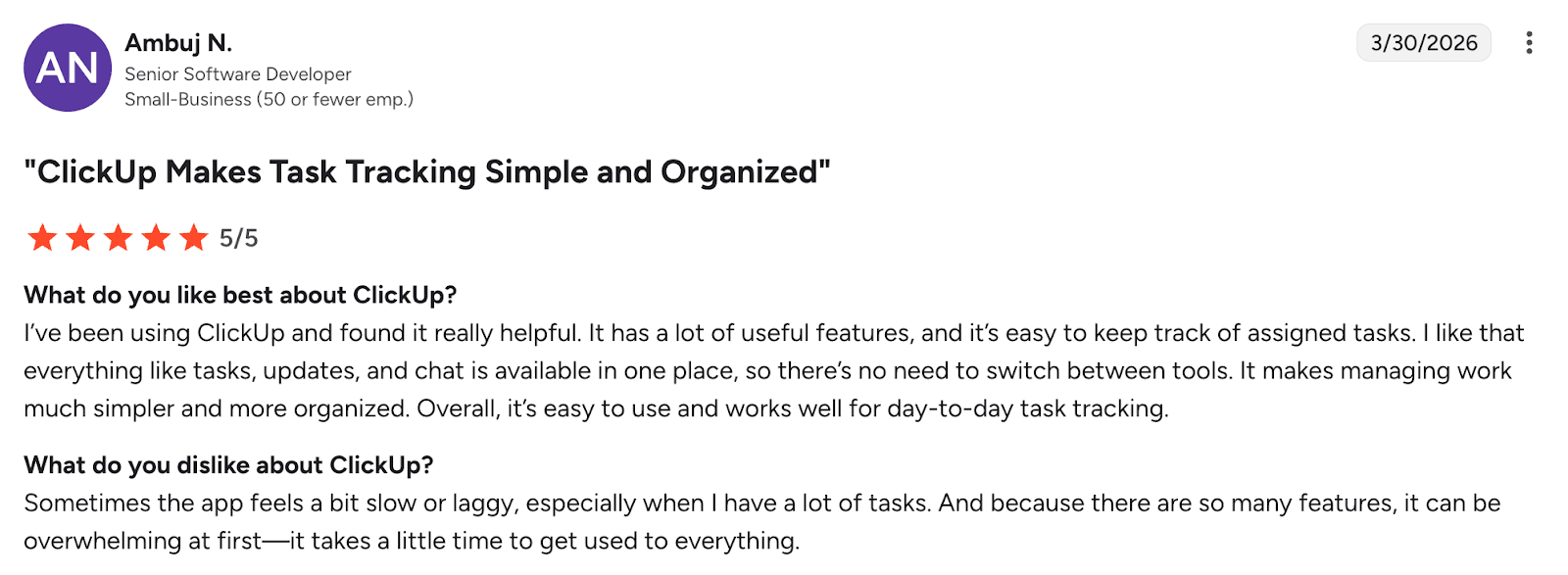
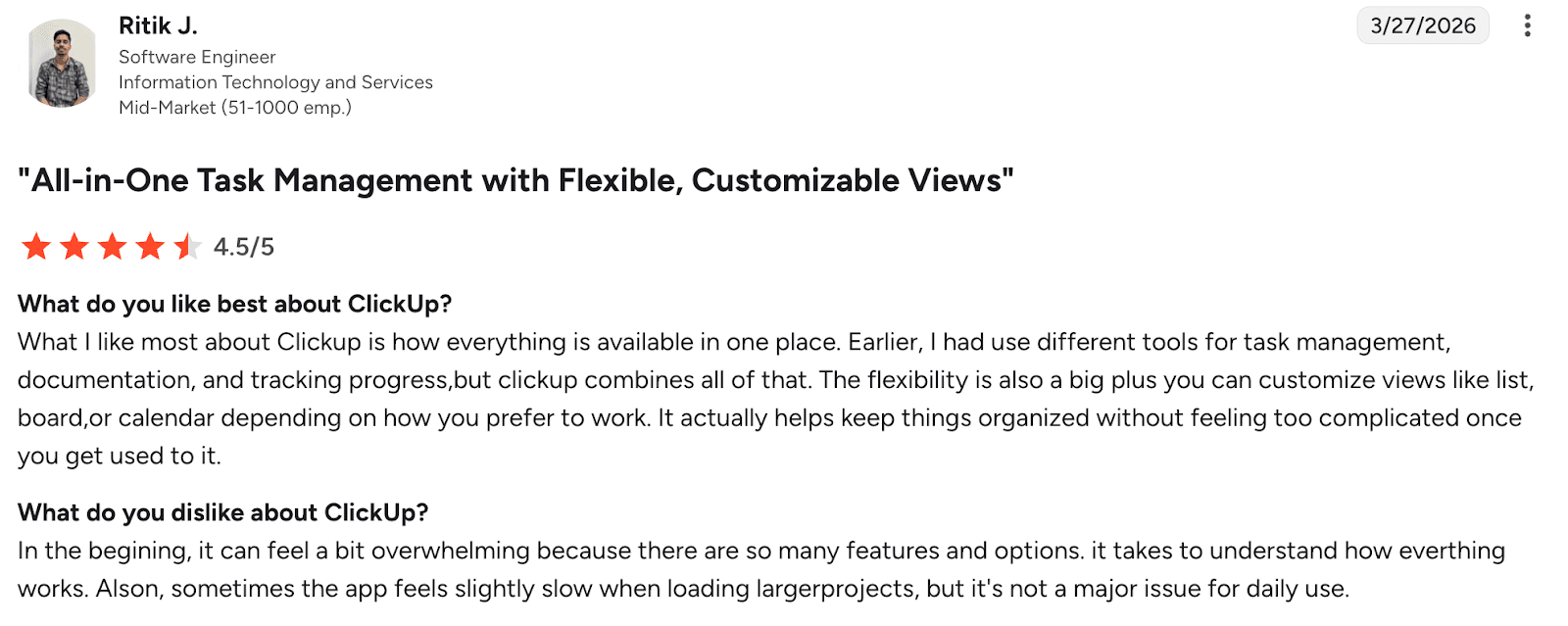
Users consistently highlight ClickUp’s all-in-one functionality and strong organization capabilities, noting that it centralizes tasks, communication, and files in a single workspace, which improves efficiency and team alignment. Many appreciate its high level of customization and flexibility, allowing teams to tailor workflows, views, and automations to their specific needs. However, users frequently mention a steep learning curve and complexity, especially for new users who may find the interface overwhelming at first. Some also report performance issues such as lag or slow loading, particularly in larger workspaces. Overall, ClickUp is seen as a powerful and versatile productivity platform, but one that requires time to master and may feel heavy for simpler workflows.
Who is ClickUp for
- Teams managing projects and meetings together
- Agencies and startups
- Users needing notes integrated into workflows
ClickUp Verdict
ClickUp is powerful for teams that need an all-in-one workspace, but it may be excessive if your primary need is meeting notes.
Notta — Best AI Note Taker for Transcription-Heavy Workflows
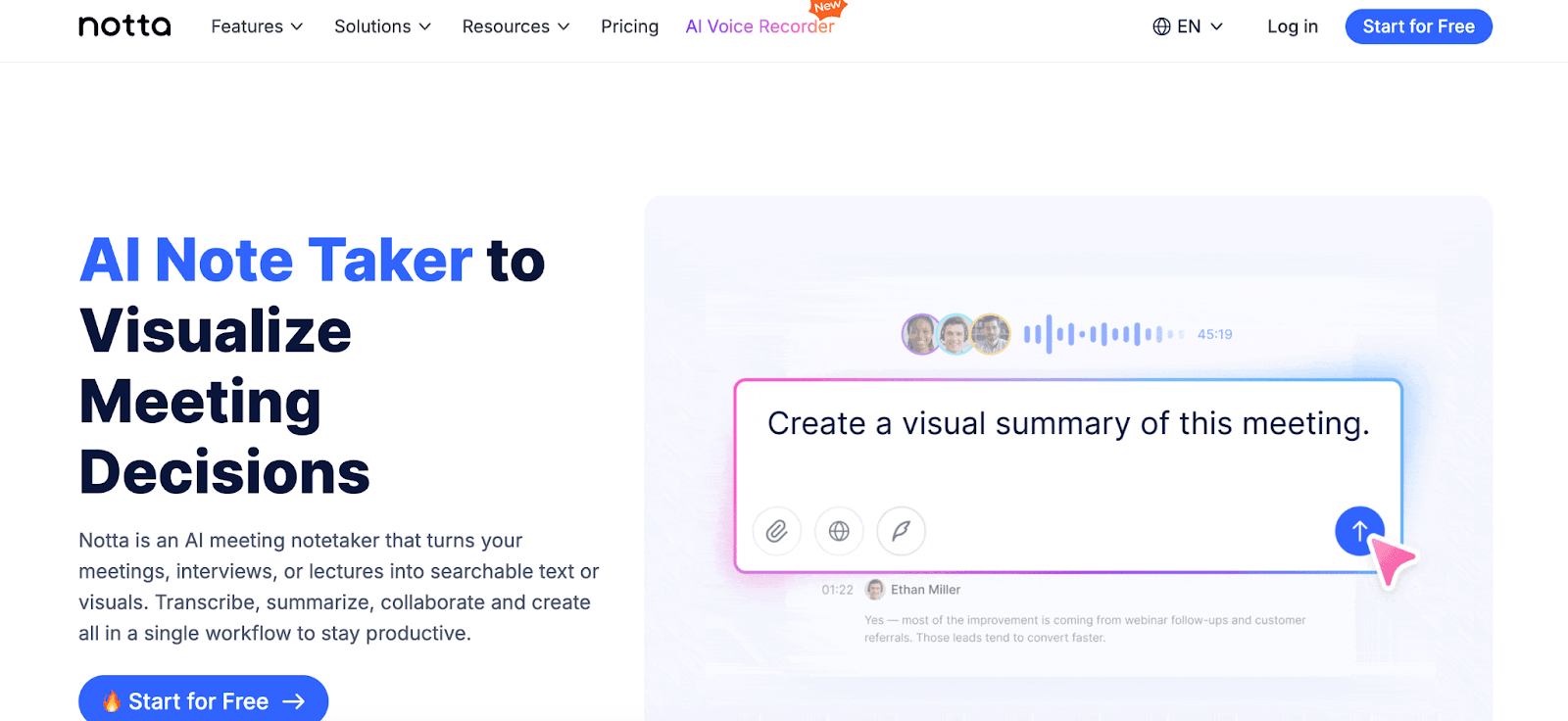
Notta is an AI meeting note taker built primarily around high-accuracy transcription, making it a strong choice for users who prioritize capturing every word of a conversation. Unlike more workflow-driven tools, Notta focuses on converting speech into structured, searchable text in real time, then layering summaries, highlights, and action items on top.
Its core strength lies in transcription performance. Notta supports real-time and file-based transcription across meetings, interviews, and recordings, with multilingual capabilities spanning 50+ languages—making it particularly effective for global teams and research-heavy workflows.
Notta Main Features & Benefits
- Real-time transcription with high accuracy across meetings and recordings
- AI-generated summaries, highlights, and action items
- Supports 50+ languages for multilingual transcription
- Transcribes both live meetings and uploaded audio/video files
- Speaker identification and searchable transcripts
- Integrations with Zoom, Google Meet, Microsoft Teams, and Webex
- AI assistant (“Notta Brain”) for generating insights and even presentations
Notta Drawbacks
- Advanced features are locked behind paid plans
- Limited real-time meeting enhancement (no noise cancellation or accent optimization)
- Can become expensive at higher usage levels
Notta Pricing
- Free plan available with limited transcription minutes
- Paid plans start at $7/month (annual billing)
G2 rating: 4.4/5 based on 200+ reviews
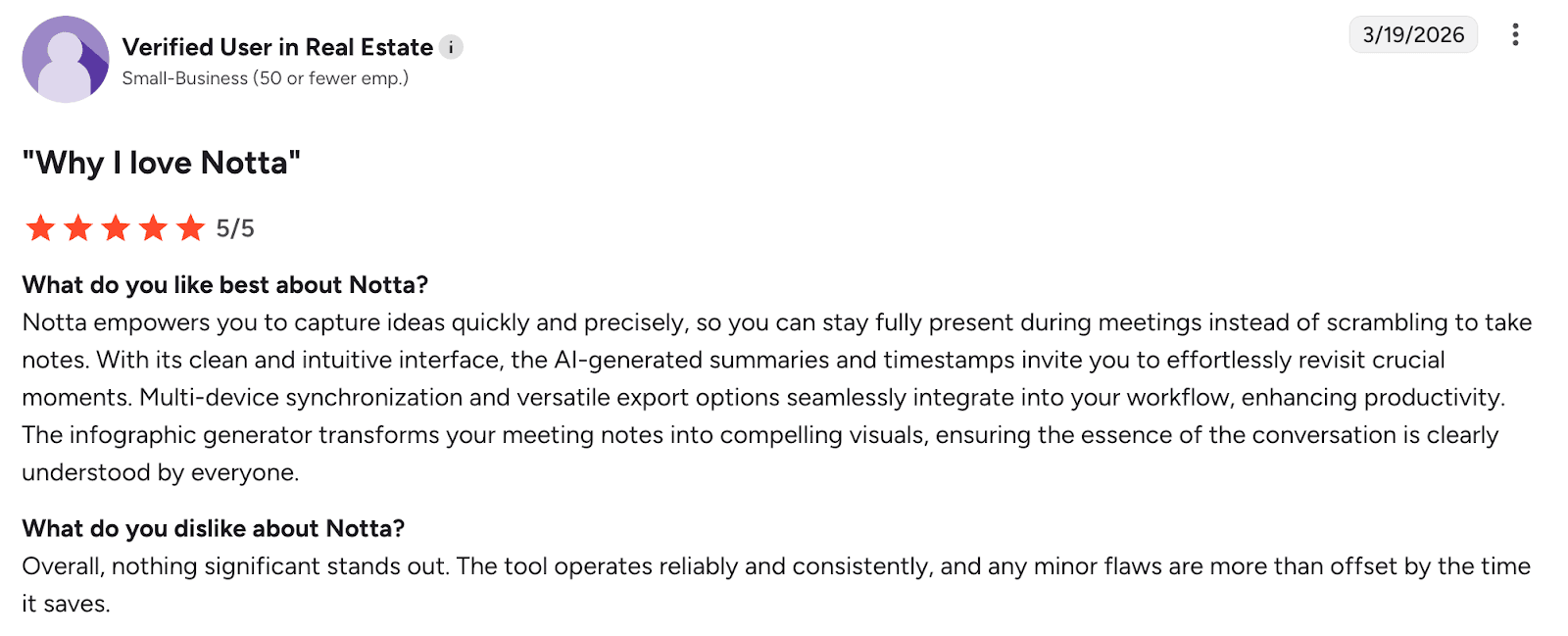
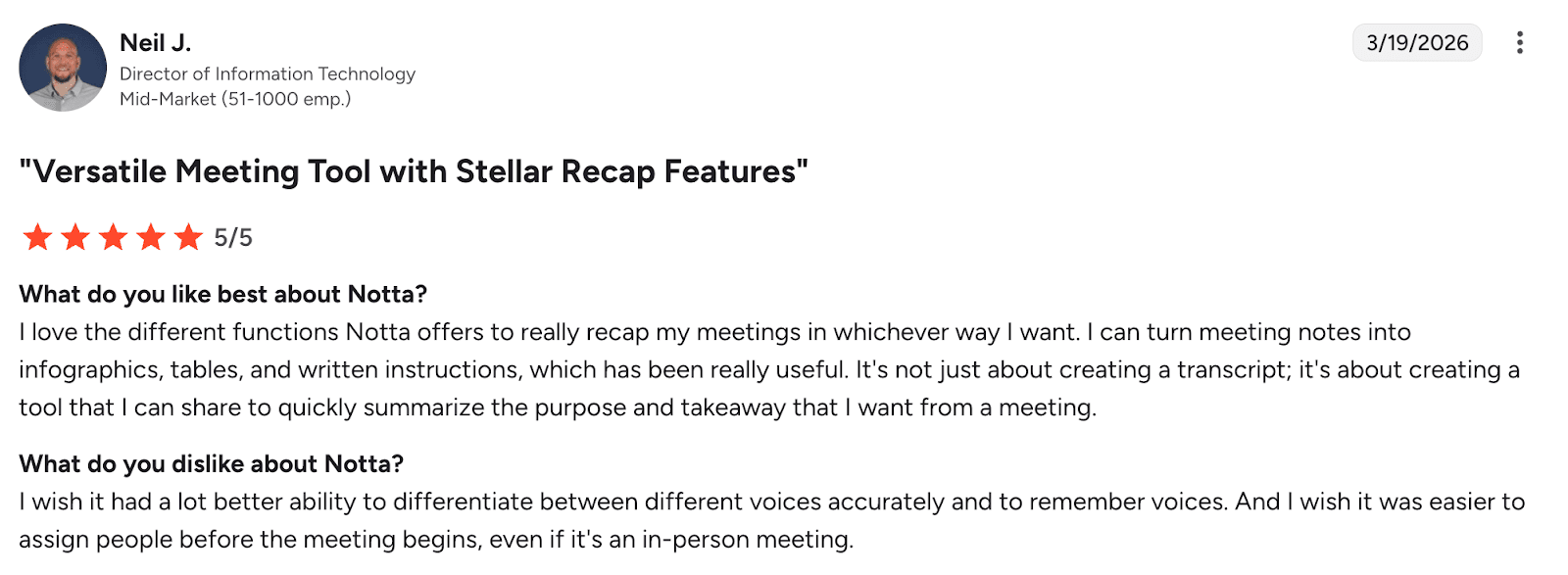
Users consistently highlight Notta’s high transcription accuracy and speed, especially appreciating its ability to handle multiple languages and generate real-time text with minimal effort. Many also value its clean interface and ease of use, along with features like timestamps, searchable transcripts, and cross-device syncing that improve workflow efficiency. However, users report that accuracy can drop in noisy environments or with overlapping speech, requiring manual corrections in some cases. Another common concern is the limited free plan and relatively high pricing, which restrict access to key features. Overall, Notta is seen as a reliable and efficient transcription tool, but with limitations in consistency and pricing for broader use.
Who Is Notta For
- Journalists, researchers, and students
- Teams with transcription-heavy workflows
- Multilingual teams needing accurate documentation
Notta Verdict
Notta is one of the best AI note taking apps for users who prioritize transcription accuracy and detailed documentation. If your workflow depends on capturing and analyzing conversations at scale, it’s a highly effective solution.
tl;dv — Best AI Note Taker for Zoom and Google Meet Recordings
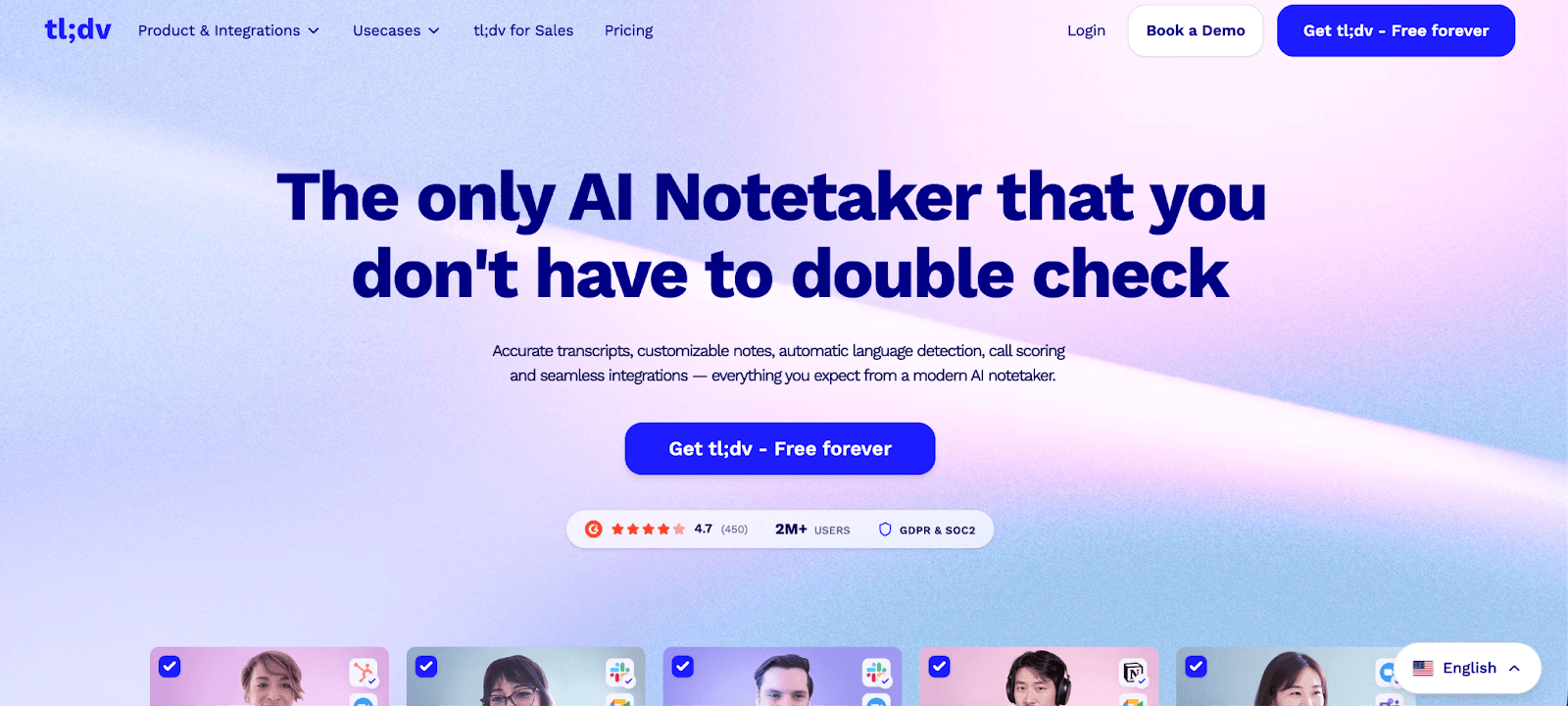
tl;dv is an AI meeting note taker built specifically for recording, summarizing, and reviewing meetings on Zoom and Google Meet. Rather than focusing on real-time interaction, it excels in post-meeting analysis—helping teams revisit conversations, extract insights, and share key moments efficiently.
Its core value lies in recording and navigation. tl;dv automatically records meetings, generates summaries, and allows users to create timestamped highlights, making it easy to jump directly to important parts of a conversation. This is particularly useful for teams that rely on asynchronous workflows or need to revisit discussions frequently.
Unlike tools focused on live meeting enhancement, tl;dv is optimized for documentation and knowledge sharing after the meeting has ended.
tl;dv main features & benefits
- Automatic recording for Zoom and Google Meet
- AI-generated summaries and key takeaways
- Timestamped highlights for quick navigation
- Easy sharing of specific meeting moments
- Searchable meeting library for past conversations
- Integrations with tools like Slack and Notion
tl;dv Drawbacks
- Limited support outside Zoom and Google Meet
- Less focus on real-time transcription accuracy
- No audio enhancement features
tl;dv Pricing
- Free plan available with limited transcription minutes
- Paid plans start at $18/month (annual billing)
G2 rating: 4.7/5 based on 400+ reviews
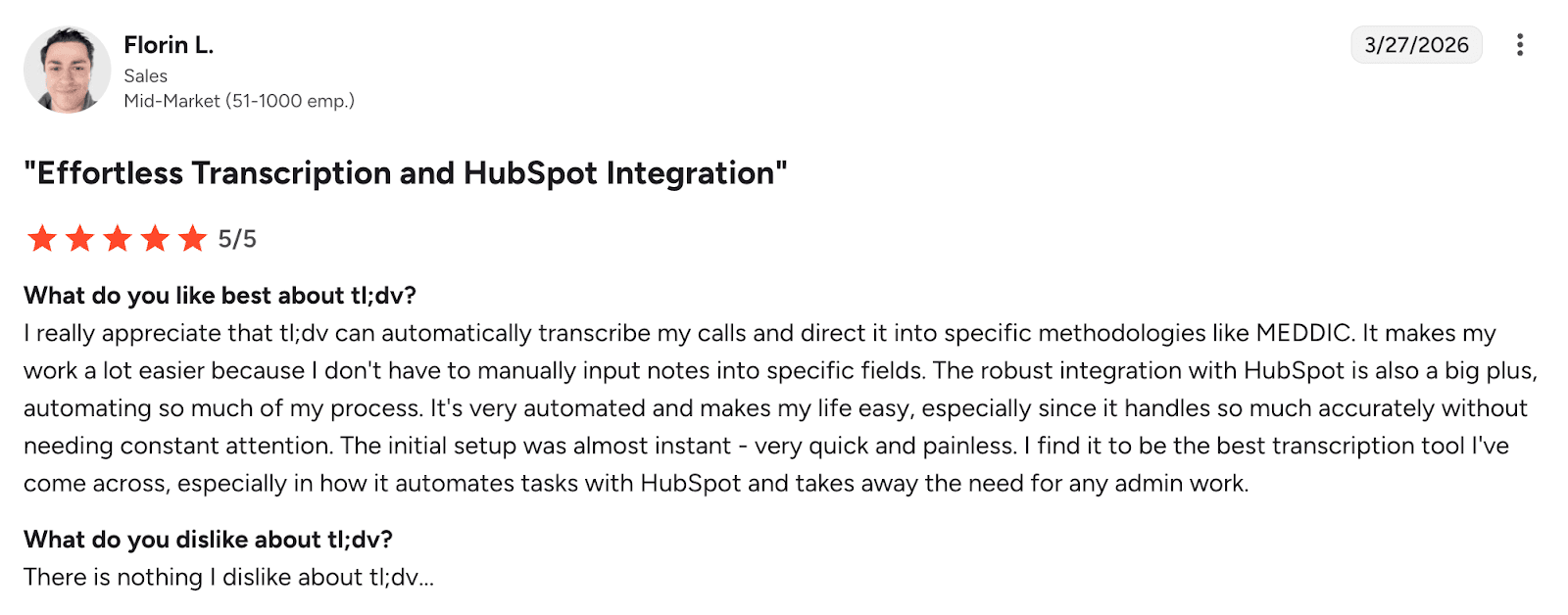
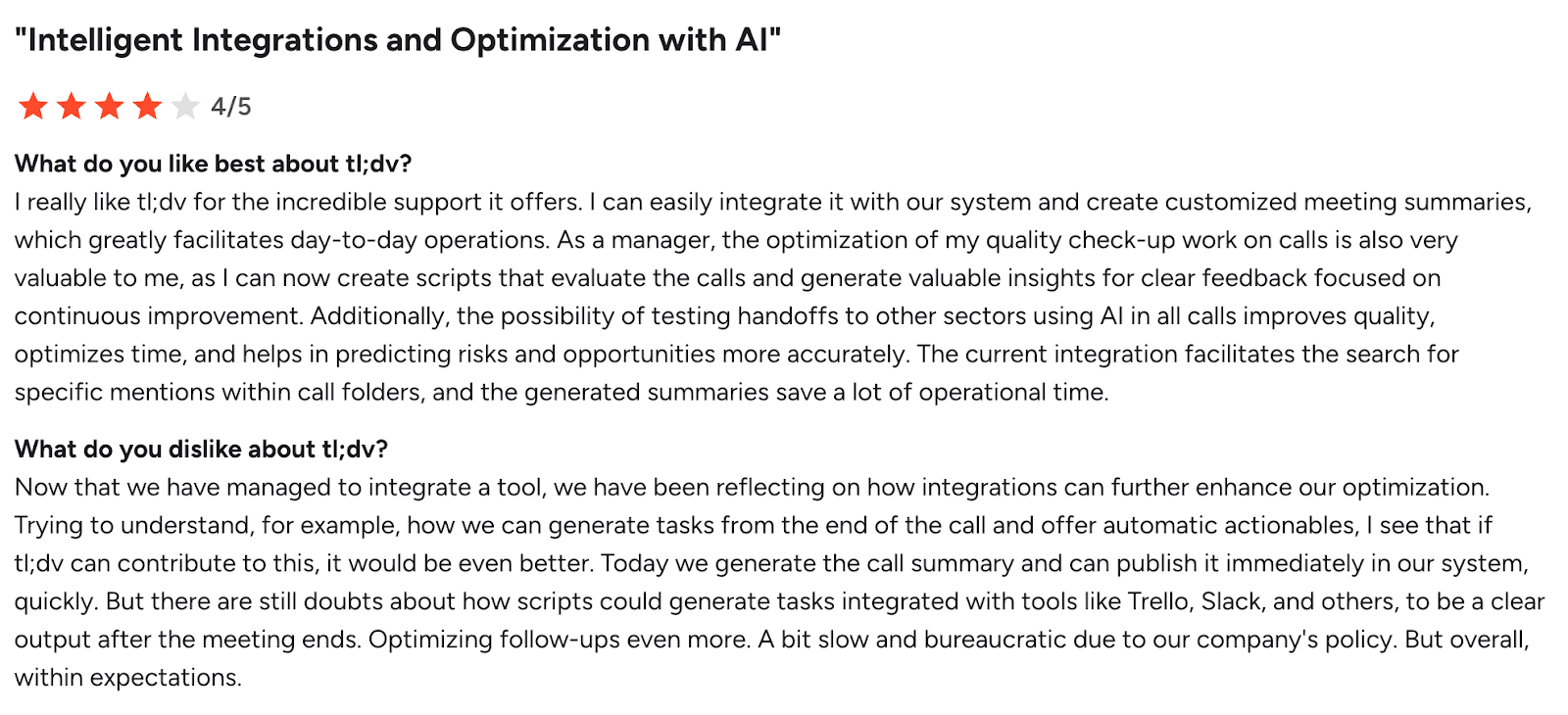
Users consistently highlight tl;dv’s ease of use and seamless onboarding, noting that it integrates smoothly into meetings and allows them to stay focused without manual note-taking. Many appreciate its automatic recordings, searchable transcripts, and AI-generated summaries, which significantly improve productivity and collaboration. However, users report that transcription accuracy can be inconsistent, especially in multilingual conversations, with some transcripts failing to generate altogether. Others mention limitations such as missing features, recording constraints, and occasional integration issues, which can disrupt workflows. Overall, tl;dv is seen as a highly efficient, user-friendly meeting assistant, but one that still requires improvement in reliability and advanced functionality.
Who Is tl;dv For
- Teams that rely on recorded meetings
- Async teams that need to revisit conversations
- Users focused on post-meeting insights rather than real-time support
tl;dv Verdict
tl;dv is one of the best AI meeting note takers for reviewing and sharing meeting recordings. If your workflow depends on revisiting conversations and extracting insights after meetings, it’s a strong, focused solution.
Read AI — Best AI Note Taker for Meeting Analytics and Engagement Insights
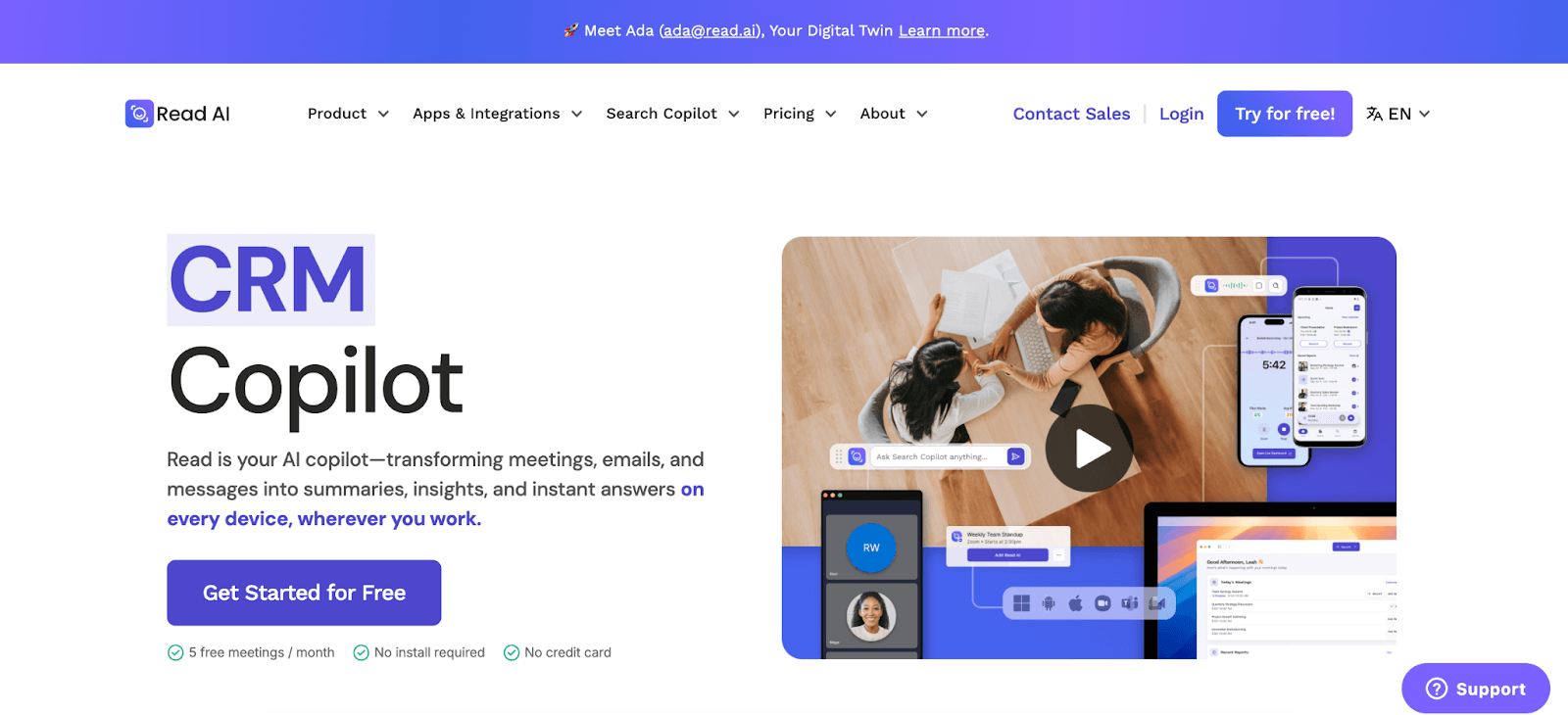
Read AI is an AI meeting note taker that goes beyond transcription and summaries by focusing on meeting intelligence. Instead of just capturing what was said, it analyzes how meetings perform—providing insights into engagement, participation, and communication dynamics.
Its core differentiator is analytics. Read AI generates summaries and transcripts, but also delivers metrics such as speaker talk time, engagement scores, and meeting effectiveness. This makes it particularly useful for teams looking to optimize how meetings are run, not just document them.
It integrates with platforms like Zoom, Google Meet, and Microsoft Teams, automatically generating reports after each meeting.
Read AI Main Features & Benefits
- AI-generated summaries, transcripts, and action items
- Meeting analytics (engagement, participation, talk ratios)
- Speaker insights and performance metrics
- Automated meeting reports after each session
- Integrations with Zoom, Microsoft Teams, and Google Meet
- Searchable meeting history
Read AI Drawbacks
- Strong focus on analytics may be unnecessary for basic users
- Can feel intrusive due to detailed performance tracking
- Less emphasis on simplicity compared to lightweight tools
Read AI Pricing
- Free plan available with limited transcription minutes
- Paid plans start at $15/month (annual billing)
G2 rating: 4/5 based on 30+ reviews
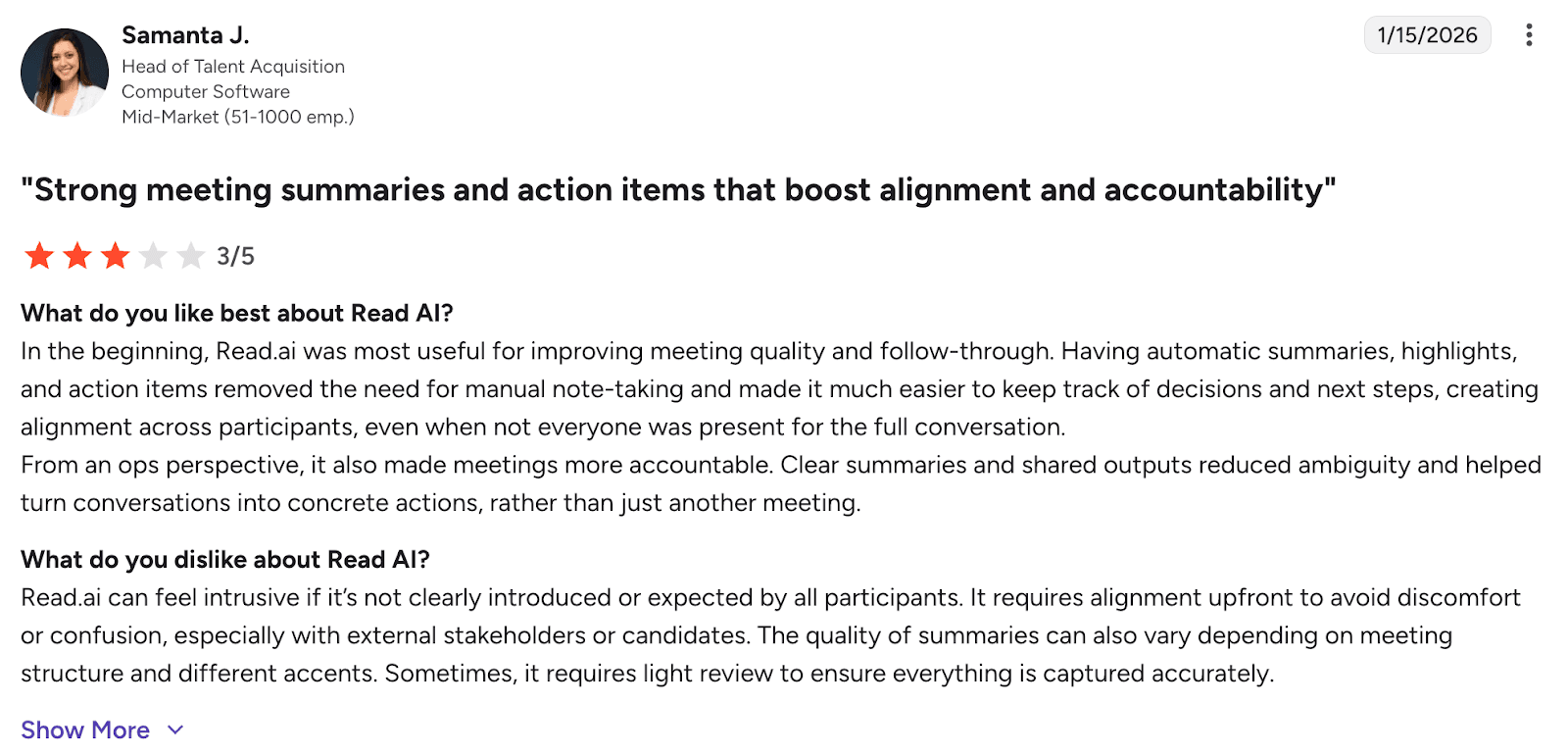
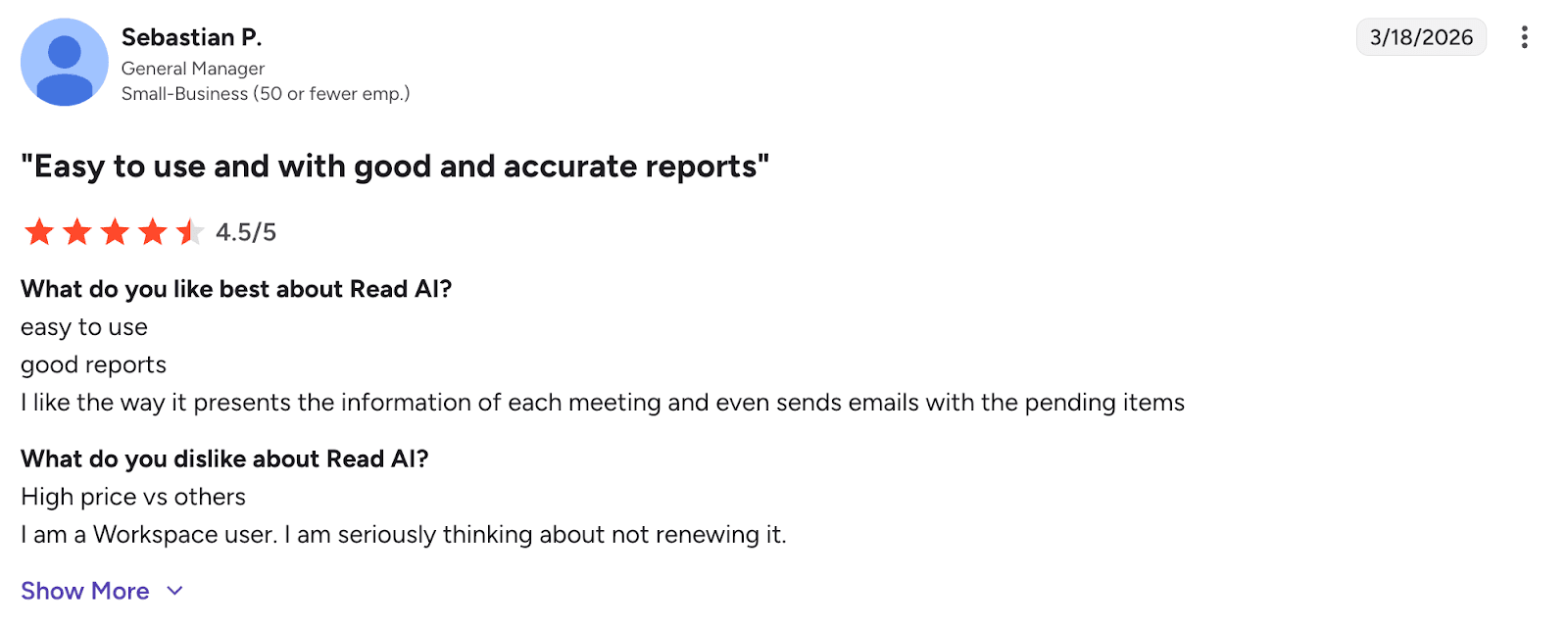
Users consistently highlight Read.ai’s clear summaries, automatic transcription, and structured meeting insights, which help reduce note-taking effort and improve accountability after meetings. Many also appreciate its ease of use and ability to capture action items and key moments, allowing them to stay focused during conversations. However, users report that summaries can sometimes be too general and miss nuanced details, especially in fast-paced discussions. A more significant concern is the tool’s intrusive meeting presence (bot joining calls) and integration issues, which can negatively affect user trust and workflow. Overall, Read.ai is seen as a feature-rich and productivity-enhancing assistant, but one that can feel intrusive and less reliable in execution.
Who Is Read AI For
- Managers and team leaders
- Performance-focused organizations
- Teams looking to improve meeting efficiency and communication
Read AI Verdict
Read AI is one of the best AI note takers for teams that want to optimize meetings through data and insights. If your goal is not just to capture meetings but to improve them, it offers a distinct advantage.
ReadyWhen - Best AI Chief of Staff for Meeting Follow-Through
ReadyWhen goes beyond traditional AI note-taking by acting as an AI Chief of Staff rather than simply generating transcripts and summaries. While most AI note takers focus on capturing what happened during a meeting, ReadyWhen is designed to help teams execute on what happens afterward. It automatically identifies action items, tracks commitments, surfaces follow-ups, and helps ensure that important decisions do not get lost between meetings.
Its core strength is turning conversations into accountability. Instead of requiring users to manually review notes and update project management tools, ReadyWhen helps organize priorities, monitor progress, and maintain visibility across ongoing initiatives. This makes it particularly valuable for managers, founders, and leadership teams who spend significant time coordinating work across multiple stakeholders.
ReadyWhen Main Features & Benefits
- AI-generated meeting summaries, action items, and follow-ups
- Tracks commitments and outstanding tasks across meetings
- Centralized view of priorities, decisions, and responsibilities
- Helps improve accountability and execution after meetings
- Integrates with existing productivity and collaboration workflows
- Designed to function as an AI-powered Chief of Staff rather than a standalone note-taking tool
ReadyWhen Drawbacks
- Less focused on transcription accuracy than dedicated note-taking platforms
- Best suited to teams managing ongoing projects and workflows
- May provide more functionality than needed for users seeking simple meeting notes
ReadyWhen Pricing
- Custom pricing available
- Best evaluated through a product demo
Who Is ReadyWhen For
- Founders and executives
- Team leaders managing multiple projects
- Organizations focused on meeting execution and accountability
- Teams that need follow-through, not just documentation
ReadyWhen Verdict
ReadyWhen is a strong choice for teams that struggle less with capturing information and more with acting on it. By combining meeting intelligence with execution tracking, it fills the gap between note-taking and operational follow-through.
Comparison Table: Best AI Note Takers (Based on Testing Criteria)
The table below summarizes how each AI note taker performed across the key evaluation criteria: transcription accuracy, summary quality, action item extraction, real-time value, integrations, ease of use, and overall value for money.
| Tool | Transcription Accuracy | Summary Quality | Action Items | Real-Time Value | Integrations | Ease of Use | Best For |
| Krisp | Excellent (enhanced by audio processing) | Excellent | Excellent | Excellent (improves live meetings) | Strong | Medium | Real-time clarity + notes (online & in-person) |
| Granola | Good (clean audio only) | Good | Basic | Low | Limited | Excellent | Simple, distraction-free note taking |
| Fellow | Good | Excellent | Excellent | Medium | Excellent | Medium | Team collaboration & workflows |
| ClickUp | Good | Excellent | Excellent | Medium | Excellent | Low–Medium (learning curve) | All-in-one workspace (notes + execution) |
| Notta | Excellent (especially multilingual) | Good | Good | Medium | Good | High | Transcription-heavy workflows |
| tl;dv | Good | Good | Basic | Low (post-meeting focus) | Good | High | Recording & reviewing meetings |
| Read AI | Good | Good | Good | Medium | Good | Medium | Meeting analytics & performance insights |
Conclusion
AI note takers have moved from convenience tools to core meeting infrastructure. As meetings become more frequent, distributed, and information-dense, relying on manual notes is no longer efficient—or reliable. The best AI note taking apps now automate not just transcription, but also structure, clarity, and follow-through.
That said, there is no single “best” tool for every use case. The right choice depends on how you run meetings and what you need from them:
- Krisp → best overall for real-time clarity + accurate notes
- Fellow → best for teams that need structure and accountability
- ClickUp → best for turning meeting insights into execution
- Notta → best for transcription-heavy and multilingual workflows
- tl;dv → best for recording and reviewing meetings
- Granola → best for simple, distraction-free note taking
- Read AI → best for analytics and improving meeting performance
If your priority is live meeting quality and accurate documentation, Krisp stands out as the most complete solution. If you’re optimizing for team workflows, task management, or post-meeting insights, other tools may align better with your stack.


