
resources
AI Image Editor Tools for Local Retailers Building a Consistent Citywide Brand Presence
02 Nov 2026

A shopper might first meet a local retailer on a street corner, then again in a neighborhood Facebook group, then again on a map listing, and finally in a friend’s shared post. If those four encounters look like they came from four different businesses, the brand never quite sticks. Consistency is what turns a familiar shop name into a recognizable presence across a whole city.
For small retailers, that consistency is hard to maintain. There is rarely a design team, and photos come from phones, suppliers, and whoever happened to be in the store that day. That is why many owners are turning to AI image editors with no sign up option: they let them clean up and adapt images quickly, without creating accounts or learning professional software first. This article looks at how local retailers can use these tools to look unified from one neighborhood to the next.
What Citywide Consistency Actually Means
Brand consistency does not mean every image is identical. It means a customer can recognize your business at a glance, whether they see a product photo on a delivery app, a flyer in a café window, or a post from a local events page.
For a retailer with one shop, that might mean the same color mood and framing style across all photos. For a small group of stores in different districts, it also means the Northside branch and the Riverside branch do not look like unrelated companies. Image editing is one of the most practical ways to hold these things together, because photography is where most of the visible variation comes from.
Where Local Retailers Lose Consistency
Before choosing tools, it helps to name the usual trouble spots.
Mixed photo sources. Supplier images, staff phone photos, and customer shots all have different lighting, angles, and backgrounds.
Platform differences. A product photo that works on a website may be cropped badly on a map listing or a social profile.
Seasonal and event content. Holiday promotions, street festivals, and sidewalk sales often get quick, rushed graphics that drift from the usual look.
Multiple people posting. When a manager, a part time employee, and the owner all publish content, small choices add up to a scattered feel.
An AI editor will not fix all of this alone, but it can remove much of the friction that causes it.
Why a No Sign Up Editor Suits Small Retail Teams
Retail staff change often. Seasonal workers come and go, and owners are busy on the floor. A tool that asks for an account, a password, and a plan selection before anyone can edit a single photo tends to be used by one person and ignored by everyone else.
An editor that opens straight into the task has a few practical benefits:
- Anyone on the team can fix a photo in a spare few minutes.
- There is no login to share or forget when someone leaves.
- Owners can test the approach without committing to anything.
That said, “no sign up” does not remove the need for care. Check what the tool says about how images are handled, what export quality is available, and whether any limits apply. Avoid uploading photos that contain customer faces, private documents, or anything sensitive unless you are comfortable with the tool’s stated practices.
Building a Simple Visual Standard First
The best editing tool in the world will not create consistency without a shared standard. Before editing anything, write down a short guide that anyone on the team can follow. It does not need to be fancy. A single page is enough.
Consider covering:
Background style. Decide whether product images use clean white, a soft neutral, or a real store setting. Pick one primary approach and one backup.
Lighting and color mood. Warm and inviting, bright and crisp, or muted and calm? Describe it in a sentence so editors know what to aim for.
Framing. Note how much space should surround the subject, and whether items are centered or placed off to one side.
Text and logo placement. Choose a consistent corner for your logo and a default spot for sale or event text.
Seasonal rules. Explain how much a holiday campaign may depart from the regular look. A common approach is to change accents and props while keeping the core framing and color mood.
With this in place, an AI editor becomes a way to apply the standard, rather than a source of random experiments.
Practical Uses Across the City
Storefront and window displays
A good window display photo can serve many purposes. Edit it once to remove distracting reflections or passersby, balance the lighting, and crop it for the different places it will appear. The same image might be a map listing photo, a social post, and a poster for a partner business down the street.
Product photography for several channels
Local retailers often sell through their own website, a marketplace, and social media at once. Each channel has different image requirements. An AI editor can clean up backgrounds and adjust proportions so products look the same wherever a customer finds them.
Neighborhood-specific promotions
A retailer with more than one location may want to highlight local details, such as a district name, a nearby landmark, or a community event. Using the same base image with light, consistent adjustments keeps the brand recognizable while still feeling local.
Event and sidewalk sale graphics
Street fairs, night markets, and holiday shopping weekends are when a retailer is most visible, and also when rushed content is most likely. Prepare editable base images in advance so a quick edit is all that is needed when the date arrives.
Collaboration with nearby businesses
Cross promotions with a café, a gym, or a neighboring shop are common in city retail. Editing ai image editor no sign up so the shared visuals respect both brands’ looks helps the partnership feel intentional rather than patched together.
Working With Ezeditor AI as One Example
Among the options available, Ezeditor AI is one example of a browser-based editor that retailers can try for everyday photo cleanup and adaptation. As with any tool, the right approach is to test it on your own images. Upload a few representative product and storefront photos, compare the results with your visual standard, and note how much time the edits take.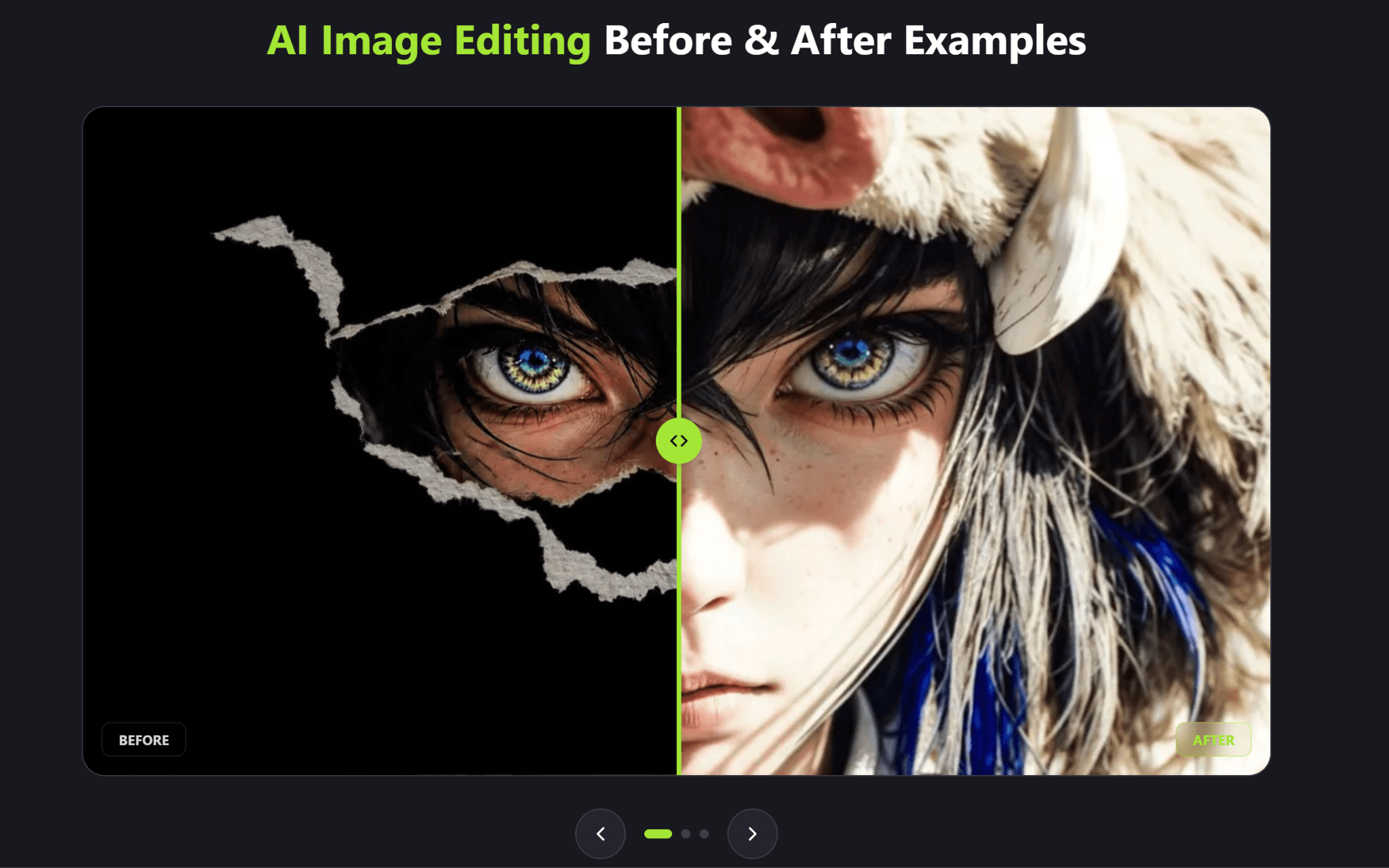
If the tool meets your needs, you can build it into a small routine: one person edits, another reviews against the one page guide, and the finished images go into a shared folder labeled by channel and season.
A Simple Weekly Routine
Consistency comes from habits more than from software. A light routine might look like this:
- Collect. At the start of the week, gather new photos from staff, suppliers, and events into one folder.
- Select. Choose only the strongest images. Fewer, better visuals usually beat a large pile of average ones.
- Edit. Apply the visual standard: cleanup, lighting adjustments, framing, and any needed resizing.
- Review. Zoom in on details such as product labels, prices, and logos. AI edits can introduce small errors, and a misleading product image can cost trust.
- Publish and archive. Post the images, then store the finished versions so they can be reused later.
Mistakes Worth Avoiding
Editing too heavily. Customers expect the product they see to match the product they receive. Keep edits honest, especially for color, texture, and size.
Letting every location invent its own style. Local flavor is welcome, but the core look should stay shared.
Ignoring image rights. AI editing does not change who owns a photo. Make sure you have permission to use supplier and customer images.
Skipping accessibility. Add useful descriptions when publishing images online, and keep text overlays readable.
Treating the first result as final. Review every edit before it goes public, particularly on images with small text or fine details.
Final Thoughts
A strong local brand is built from small, repeated impressions. When a shopper sees the same warm lighting, tidy framing, and familiar look on a window poster, a map listing, and a neighborhood social post, the business starts to feel established, even if it is a modest shop with a small team.
Simple, accessible editing tools make that kind of consistency realistic for retailers who do not have a design department. Start with a clear visual standard, test the tools on a handful of real images, and build a routine your whole team can follow. Over time, those small habits add up to a presence that customers recognize across the entire city.


