
business resources
Choosing a Pipeline for Containers: Cost, Scale and Agent Supp
20 Nov 2026

5 CI/CD Platforms for Docker and Kubernetes Workflows, Compared
A product team's coding agents now open pull requests faster than ever, yet customers see new features at the same pace. Builds wait in a queue, an integration suite fails at random and production releases depend on one engineer checking staging by hand. Writing code got faster. Proving it is safe to ship did not.
That gap is a delivery infrastructure problem. This guide compares five CI/CD platforms on the criteria that matter for container-based teams: Docker builds, automated testing, Kubernetes deployment, pipeline scalability, integration flexibility, agent support and cost. It draws on vendor documentation and pricing pages at the time of writing, not hands-on benchmarks, and the numbering is for navigation rather than ranking.
Key Takeaways
- All five platforms document Docker workflows and Kubernetes integrations, but setup and maintenance responsibilities differ widely.
- Running CI workers on Kubernetes and deploying your application to Kubernetes are separate capabilities with separate costs.
- Some platforms now give coding agents a documented way to configure, inspect or diagnose pipelines; others rely on standard review workflows.
- Pricing models range from compute usage and credits to per-seat subscriptions and self-managed infrastructure.
- A short pilot measured with DORA metrics tells you more than any feature list.
What to Look For in a Container-Ready Pipeline
Continuous integration means merging changes into a shared branch often and verifying them with automated builds and tests. Continuous delivery keeps verified changes ready to release, and continuous deployment sends them to production automatically. For a containerised application, a typical pipeline builds a Docker image, runs tests, pushes the image to a registry, deploys it to staging and then handles production approval.
Keep two questions separate during evaluation. Where do your build and test jobs run, and how does your application reach the cluster? A platform may answer both, but usually through different integrations.
Platform | Best fit | Container and Kubernetes route | Agent support | Billing model |
| Semaphore | Teams that want agents to set up and debug CI | Build, test and deploy to clusters from one pipeline | sem-ai CLI, MCP server mode, Testbox pre-push runs | Usage-based compute with free monthly credits |
| GitHub Actions | Teams already on GitHub | Image publishing; GKE deployment workflow; ARC for Kubernetes runners | Workflow controls rather than a direct agent interface | Monetary compute allowance plus runner usage |
| GitLab CI/CD | Source, review and delivery in one place | Docker build and push; Kubernetes executor; agent for deployment | Duo Agent Platform | Per-user subscriptions with compute allowances |
| CircleCI | Slow test suites in container jobs | Docker executor; self-hosted Kubernetes jobs | CLI with built-in MCP server | Credits |
| Jenkins | Full control of custom infrastructure | Docker Pipeline plugin; Kubernetes agents and CLI plugin | No native agent interface | Open source; infrastructure and staff time |
1. Semaphore: Let Coding Agents Work With Your CI
Best for: teams that want agent-assisted pipeline setup, failure diagnosis and pre-push checks against a real CI environment.
Containers and Kubernetes. The platform's Docker and Kubernetes guidance covers building images, testing them and deploying to clusters from a single pipeline. Keep the tested image as the release artifact so later stages never rebuild something different.
Testing and scale. The pricing page lists 20 concurrent jobs by default, with higher limits available on request.
Agents and integrations. For teams exploring AI CI/CD, Semaphore documents sem-ai, an agent-first command line tool with an optional Claude Code and Codex plugin. It can also run as an MCP server so agents can investigate failed builds. Its Testbox feature runs commands in a real CI environment before code is pushed.
Cost. The pricing page lists USD 15 in free monthly credits and USD 0.0075 per minute for an Ubuntu x64 2-vCPU machine. Support and success services are priced separately from compute.

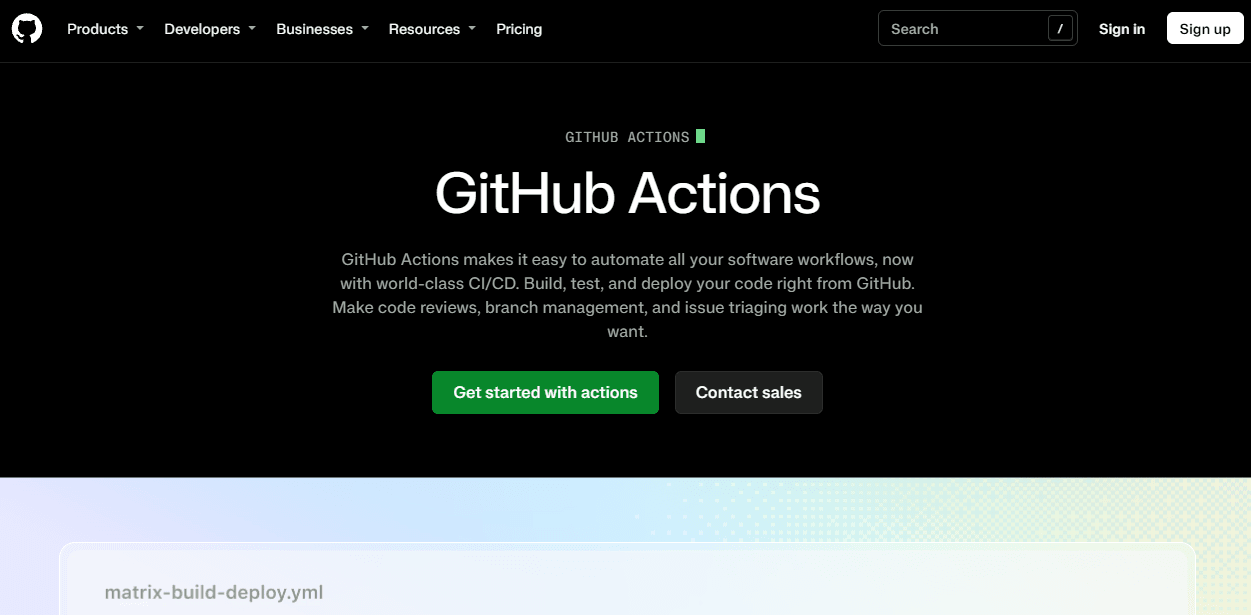
2. GitHub Actions: Keep Delivery Close to Your Code
Best for: teams that already host repositories and run code review on GitHub, where keeping CI in the same place saves integration work.
Containers and Kubernetes. The documentation covers publishing Docker images to one or several registries, with examples for Docker Hub and GitHub Packages. A separate example workflow deploys to Google Kubernetes Engine, which shows a documented route without limiting you to GKE.
Testing and scale. Actions Runner Controller is a Kubernetes operator that orchestrates and scales self-hosted runners. That adds build capacity in your cluster, but your team maintains the runner cluster and its images, and application deployment remains a separate workflow step.
Agents and integrations. Actions works well as the validation layer for agent-written changes, provided they go through the same required checks and merge decisions as human work. Workflow execution protections, now generally available, let administrators control which actors and events can trigger workflows.
Cost. Included compute is expressed as a monetary allowance. The standard Linux 2-core x64 runner is listed at USD 0.006 per minute, which is one machine rate rather than a full workflow cost.
3. GitLab CI/CD: Coordinate Delivery Inside One Platform
Best for: teams that want source control, review, CI and deployment under one permission model, including self-managed installations.
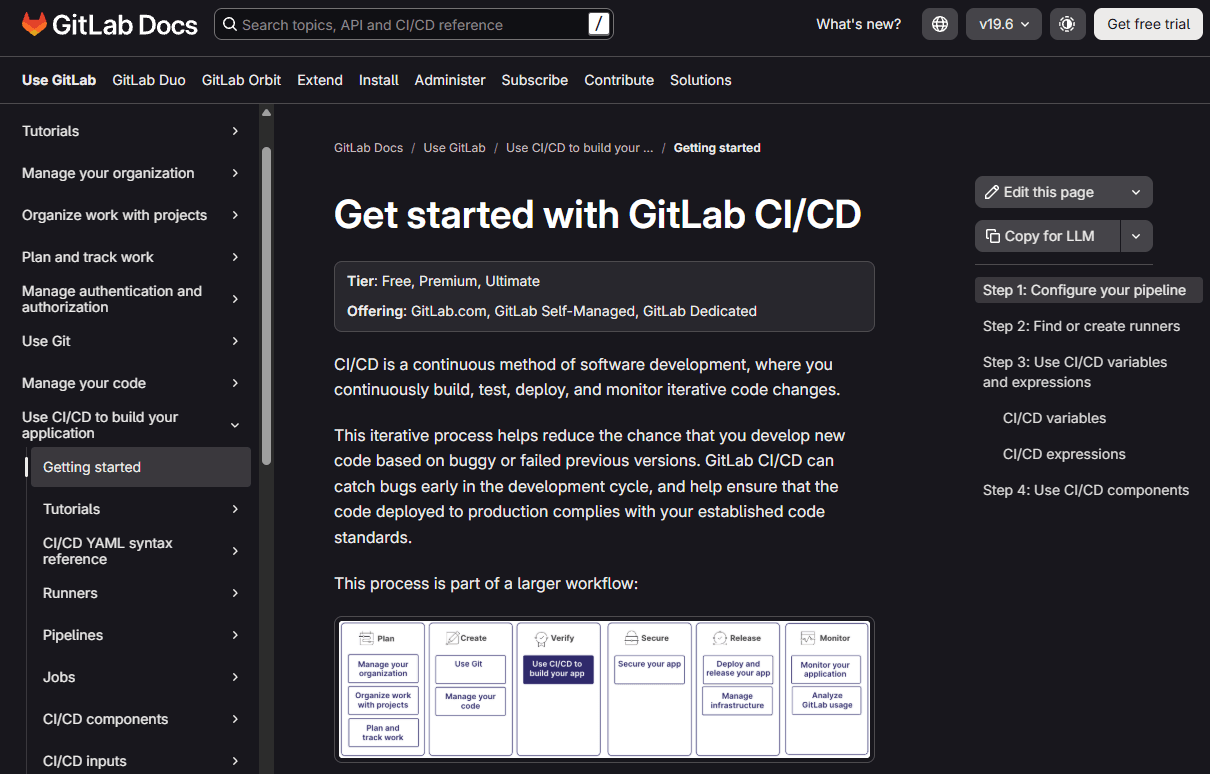
Containers and Kubernetes. GitLab CI/CD can use Docker to build, test and push container images once the runner is configured for your build approach. The Kubernetes executor creates a pod for each CI job, while the GitLab agent for Kubernetes connects pipelines to application clusters for deployment.
Testing and scale. Because job execution and deployment use different mechanisms, evaluate each separately, along with the permissions each needs. Secrets Manager, generally available in GitLab 19.5 for Premium and Ultimate, applies existing group and project permissions to CI secrets.
Agents and integrations. GitLab Duo Agent Platform became generally available in January and includes a flow that analyses failed pipelines and proposes fixes. Treat its output as a proposal for a maintainer to review.
Cost. Premium is listed at USD 29 per user per month on annual billing, while Ultimate is custom priced. GitLab.com Free allows five users per top-level group and 400 compute minutes a month.
4. CircleCI: Speed Up Container Test Suites
Best for: teams whose main bottleneck is slow test suites running in container-based jobs.
Containers and Kubernetes. A job's environment is defined by naming a Docker image in the configuration file, and its steps run inside that container. Separate integrations cover application deployments and running CI jobs on your own Kubernetes clusters.
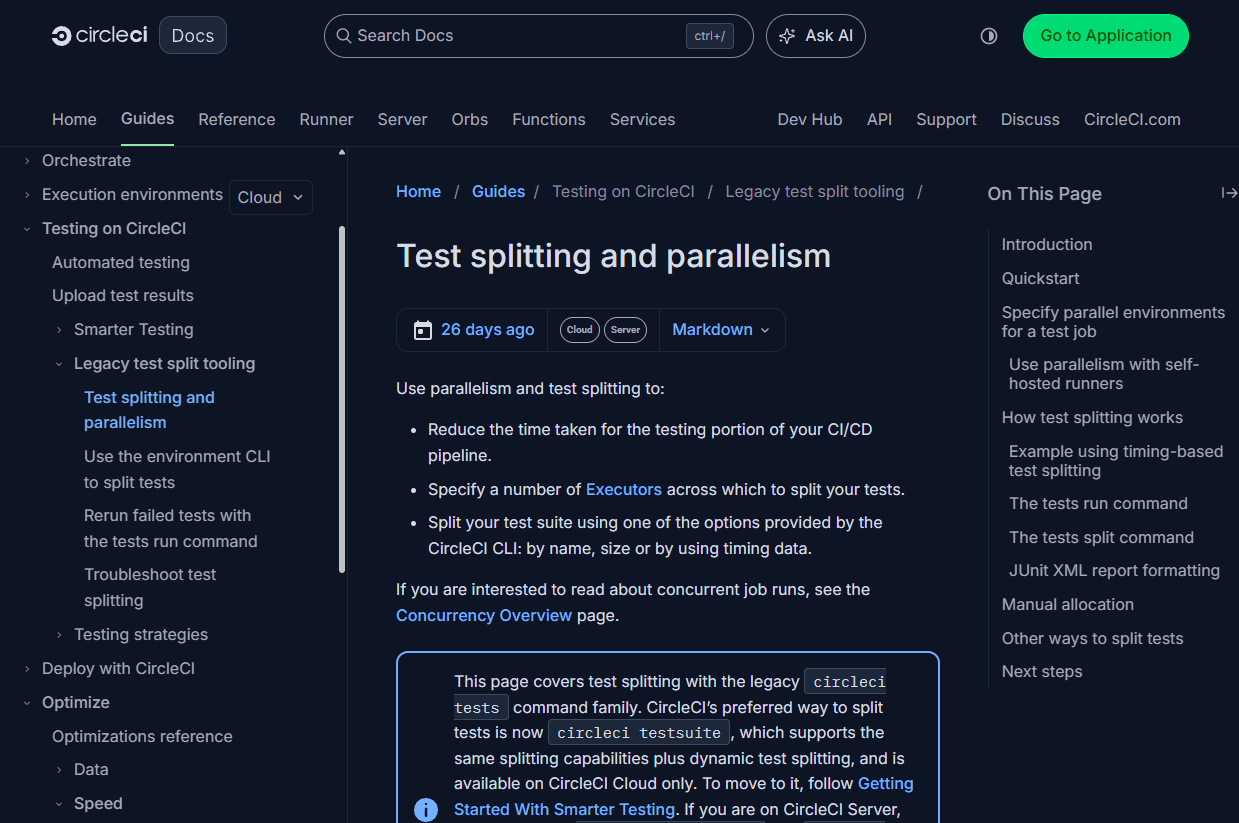
Testing and scale. Test splitting spreads a suite across parallel environments using historical timing data. Extra test groups only help if enough execution capacity is available to run them at the same time.
Agents and integrations. The rewritten CircleCI CLI, generally available since August, includes a built-in MCP server and is optimised for coding agents such as Claude Code and Codex. CircleCI Server customers are told to stay on the older CLI, so self-hosted teams should check availability first.
Cost. The Free plan includes 30,000 credits a month, and Performance starts at USD 15 per month. Credits do not map to a fixed number of minutes, so model costs on a representative workload.
5. Jenkins: Keep Full Control of a Custom Stack
Best for: teams that need to control the controller, plugins, build agents and network themselves.
Containers and Kubernetes. With the Pipeline and Docker Pipeline plugins installed, a Jenkinsfile can build images, run container-based tests and publish to a registry. Your team owns the configuration and plugin compatibility.
Testing and scale. The Kubernetes plugin provides dynamic build agents in a cluster, while the Kubernetes CLI plugin configures kubectl so pipelines can run deployment commands. Dynamic agents alone do not create a deployment workflow.
Agents and integrations. The documentation reviewed here does not establish a native interface for agents to diagnose failures. Jenkins can still validate agent-written changes, but direct agent access would need a separate integration with its own permissions and upkeep.
Cost. Jenkins is open source under the MIT licence, but it is not free to run. Controller upgrades, plugin maintenance, backups, security patching and agent compute all need budget and staff time.
Run a Measured Pilot Before Switching
Documentation narrows the shortlist; a pilot shows how a platform handles your code. Pick one containerised service with a real Docker build, a test suite and a staging deployment to Kubernetes, and run it on two shortlisted platforms. Framing the pilot around a single stage of the software product life cycle keeps the scope small enough to compare fairly.
Keep the comparison fair. Use the same commit, test suite, deployment target, cache conditions and approval rules. Note differences between hosted machine types, since a 2-core runner on one platform is not necessarily equivalent to a 2-vCPU machine on another.
Measure delivery outcomes. DORA's metrics guide uses five software delivery measures: change lead time, deployment frequency, failed deployment recovery time, change fail rate and deployment rework rate. Track them alongside queue time, flaky-test reruns and cost per successful delivery. A short pilot may not produce enough deployments for firm conclusions, so record that limitation.
Set an approval boundary. Let agents propose pipeline changes, run pre-push checks and investigate failures, but use scoped credentials that cannot reach production secrets. Keep human approval for deployments and permission changes, and never let an agent skip failing tests to get a green build.
Choosing the Right Fit
There is no single best platform for Docker and Kubernetes delivery. GitHub Actions and GitLab reduce integration work for teams already in those ecosystems, CircleCI targets slow test suites, Jenkins suits teams that need full control and agent-friendly tooling is now a real differentiator for teams adopting coding assistants.
Start from your bottleneck, whether that is queue time, flaky tests, deployment approvals or maintenance load. Then let a measured pilot decide which platform removes it.
FAQ
What is the difference between running CI on Kubernetes and deploying to Kubernetes? Running CI on Kubernetes means your build and test jobs execute in cluster pods. Deploying to Kubernetes is a release step that ships your application to a cluster. Most platforms handle these through separate integrations.
Do I need AI features in my CI/CD platform? Not necessarily. Agent support helps teams that already use coding assistants to configure pipelines or diagnose failures, but standard automation still does the core work of building, testing and deploying.
Is open-source CI/CD cheaper? The software may cost nothing to license, but you still pay for infrastructure, upgrades, plugin maintenance and the engineers who run it.
Which metrics should I use to compare platforms? Start with DORA's five delivery metrics, then add queue time, flaky-test reruns and cost per successful delivery to explain where time and money go.


