


business resources
How Remote Teams Can Protect Company Data on Employees' iPhones
01 Oct 2026

Remote and hybrid work has changed where business actually happens. Sales managers approve contracts from airport lounges, marketers answer client messages from cafés, and finance teams check dashboards from their kitchen tables. In many of these moments, the device doing the work is an iPhone, and often it is one the employee bought and owns personally.
This flexibility is great for productivity, but it creates a quiet security gap. The same phone that holds corporate email, CRM access, and shared documents is also used for social media, online shopping, and casual browsing. Each of those activities can become a path to company data. The good news is that protecting employees' iPhones does not require a large IT budget. It requires clear rules, the right built-in settings, and a few well-chosen tools.
Why Employee iPhones Are Now Part of Your Security Perimeter
For years, company security focused on office networks, servers, and laptops. Today, the perimeter follows people wherever they go. The moment an employee signs into a work account on their phone, that device becomes an entry point to your systems.
iPhones have a strong reputation for security, and Apple's tightly controlled ecosystem does reduce many risks. However, iOS cannot stop someone from tapping a convincing fake login page, approving a suspicious sign-in request, or joining an unsafe Wi-Fi network. Attackers know this, which is why they increasingly target people rather than operating systems. For a small or mid-sized business, one compromised phone can lead to leaked client data, a hijacked email account, or a fraudulent payment request sent in a manager's name.
The Everyday Threats Hiding in Mobile Browsing
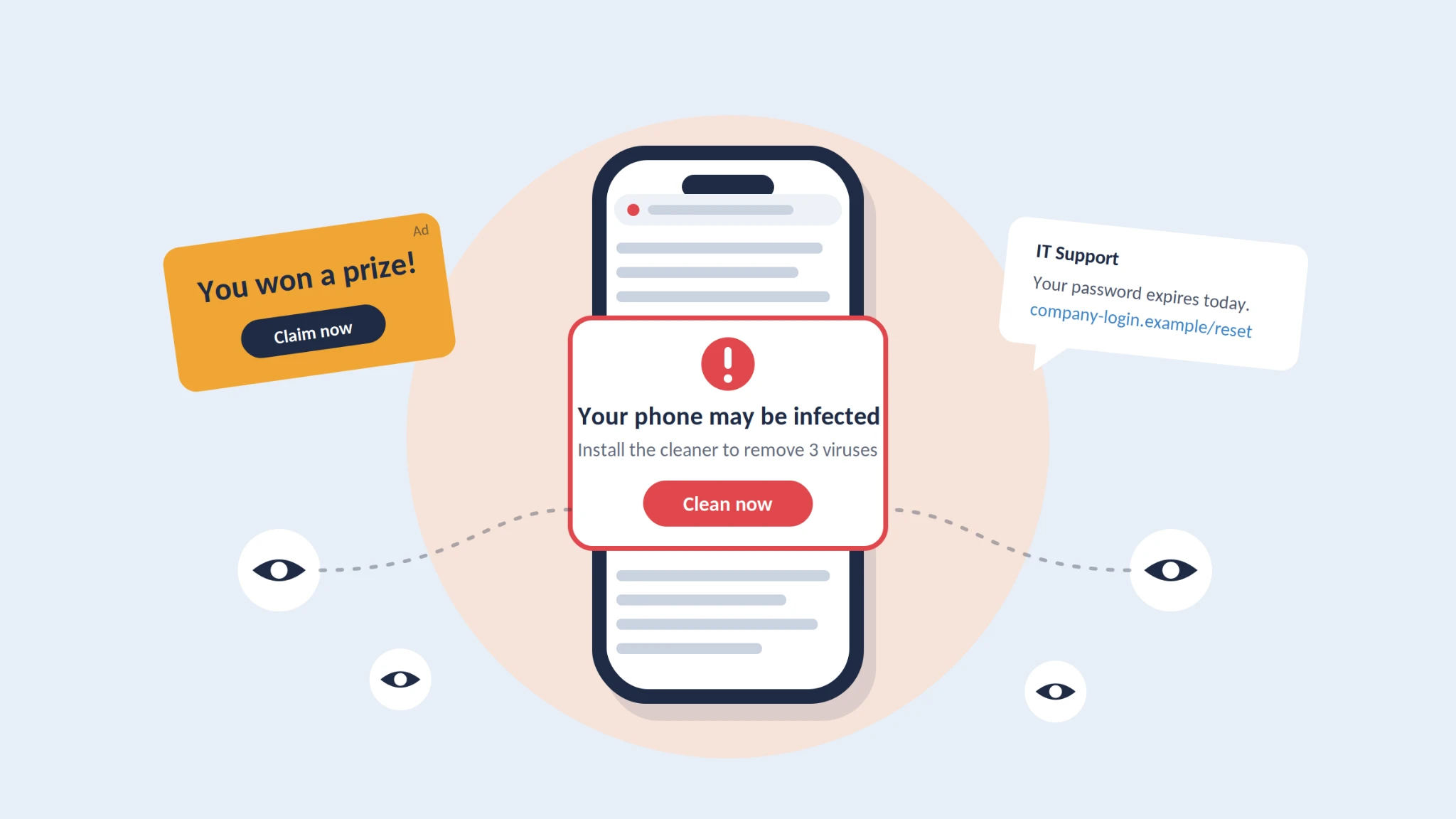
Most mobile threats do not look like attacks. They blend into normal browsing and app use, which is exactly what makes them effective. The most common ones include:
Malvertising. Criminals buy ad space on legitimate websites and use it to display fake banners or silently redirect users to phishing pages.
Fake system alerts. Pop-ups claiming the iPhone is "infected" or that a prize is waiting push users to install unwanted configuration profiles or hand over credentials.
Phishing links. Messages sent by email, SMS, or messengers imitate banks, delivery services, or even the company's own IT team.
Tracking scripts. Third-party trackers collect data about browsing habits, locations, and devices, which attackers can use to build convincing social engineering scenarios.
Because phone screens are small and people often browse in a hurry, these threats are much harder to spot on mobile than on a desktop computer.
Practical Steps to Protect Company Data on iPhones
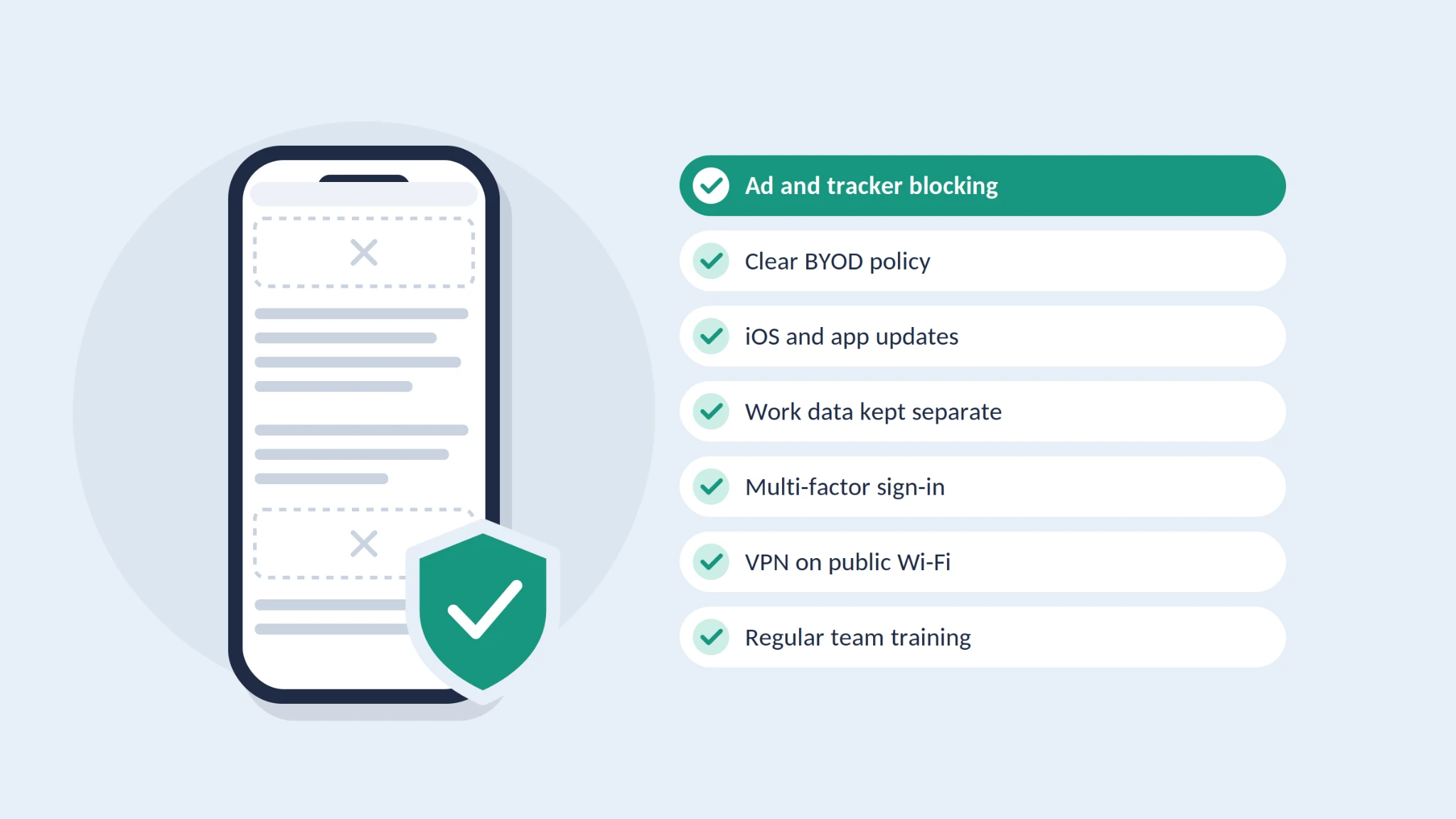
1. Block Malicious Ads and Trackers
Since many mobile attacks start with a bad ad or a hidden redirect, filtering this content removes an entire category of risk. Safari supports content blockers, and a dedicated ad blocker for iPhone can stop malicious banners, intrusive pop-ups, and tracking scripts before they even load. For teams, there is a welcome side effect: pages open faster, use less mobile data, and cause fewer distractions during the workday. That is a real advantage for employees who travel often or rely on roaming.
2. Set a Clear BYOD Policy
If employees use personal devices for work, put the rules in writing. A good bring-your-own-device policy explains which apps may access company data, what minimum security settings are required, and what happens when a phone is lost or an employee leaves. Keep it short and practical so people actually read it.
3. Keep iOS and Apps Up to Date
Apple regularly releases security patches, sometimes for vulnerabilities that are already being exploited. Ask employees to turn on automatic updates for both iOS and apps, and check update status during regular device reviews.
4. Separate Work and Personal Data
A mobile device management (MDM) solution lets companies control work apps and accounts without taking over the employee's entire phone. With managed apps, IT can require a passcode, prevent data from being copied from work apps into personal ones, and remotely wipe only corporate information if a device goes missing.
5. Enforce Strong Authentication
Require a strong passcode, Face ID, and multi-factor authentication for every business account. Where possible, move towards passkeys, which resist phishing because there is no password to steal in the first place.
6. Be Careful on Public Networks
Hotel, airport, and café Wi-Fi is convenient but not always trustworthy. Encourage employees to use a company VPN for work tasks, disable auto-join for unknown networks, and switch to mobile data when handling sensitive information.
7. Train People, Not Just Devices
Technology solves only part of the problem. Short, regular training sessions help employees recognise phishing messages, fake alerts, and unusual requests for payments or credentials. Make it easy to report a mistake quickly, because early reporting often turns a potential breach into a minor incident.
Employees' iPhones have become some of the most important devices in a modern business, even when the company does not own them. Protecting them is less about expensive infrastructure and more about consistent habits: filtering malicious ads and trackers, a clear BYOD policy, timely updates, separated work data, strong authentication, safe connections, and ongoing awareness training.
For remote and hybrid teams, these measures work best together. Each one closes a small gap, and combined they make it far harder for attackers to turn a single tap on a phone into a costly security incident. Start with the simplest steps this week, and build a mobile security routine your team can actually follow.


