
business resources
How to Choose Software to Measure Body Movement and Balance
29 Sept 2026

A clinic director, a sports science lead, and a university lab manager can all say they want to measure movement and mean different things. One wants a posture image to discuss with a patient. Another wants force-plate balance measures to compare before and after an intervention. A third needs three-dimensional joint angles for a gait study. Software that fits one job may be a poor fit for the others.
The main purchasing mistake is choosing a category of software before defining the decision its data must support. Posture images, center-of-pressure metrics, and whole-body kinematics answer different questions. They also have different hardware, validation, and data-handling requirements. This guide separates those measurement types, then covers setup, exports, privacy, and a practical pilot process.
Key Takeaways
- Match outputs to decisions. Posture images, force-plate balance metrics, and 3D joint angles are not interchangeable.
- Check task-specific validation. Evidence from quiet standing does not establish accuracy during a jump landing or for individual joint angles.
- Test exports and data control. Confirm that files work in your analysis tools and that processing meets your organization's requirements.
- Measure operator time. Include preparation, calibration, processing, and corrections, not just recording time.
- Pilot before buying. Set pass and fail thresholds, then test the system with your participants and tasks.
What Do You Actually Need to Measure?
Start with the question the data must answer, then work backward to the measurement type. Keeping the following three categories separate makes comparisons more useful.
Static posture
Static posture assessment captures a person standing still and describes the apparent alignment of landmarks such as the head, shoulders, pelvis, and knees. Outputs are usually photographs or video frames with angle overlays and annotations. Tools range from photo apps to 2D video software that lets a clinician or coach draw lines and measure angles.
These outputs can support patient education, intake documentation, and visual comparisons. Keep camera position, distance, and participant stance consistent when comparing sessions. A posture image alone cannot quantify sway over time or show how a knee behaves during movement.
Balance and postural sway
A force plate records how a person loads the ground. Software uses those measurements to calculate center of pressure (CoP), the point where pressure is centered under the feet, and measures such as sway area, path length, and sway velocity.
Quiet-standing and single-leg tests assess postural control under defined conditions. Dynamic tasks, such as responding to a disturbance or landing, need their own protocols and metrics. The results depend on test duration, stance, footwear, and other conditions, so standardize the protocol before comparing sessions.
Hardware verification matters too. AMTI references ASTM F3109-23, a standard practice for verifying multi-axis force platforms that includes center-of-pressure performance. Ask any plate vendor for verification reports relevant to your intended loads and testing area rather than relying on a general accuracy claim.
CoP measures describe where force is applied. They are not joint angles and do not, by themselves, explain which joints or muscles produced a balance response.
Whole-body kinematics
Whole-body kinematics describes how body segments move through three-dimensional space and how the angles between them change. These measurements support gait analysis, detailed rehabilitation tracking, and biomechanics research, and they feed the same family of human body models now used in fields like automotive safety testing. They do not directly measure muscle forces or joint loads.
Marker-based optical systems track reflective markers with multiple cameras and reconstruct their 3D positions. Markerless systems estimate body movement from video without attached markers. Theia3D, from Theia Markerless, uses synchronized video to produce a 3D body model without marker placement, according to its documentation.
The Theia Markerless guide offers a useful overview of these categories and emphasizes matching tools to decisions. Use it to understand the measurement options and stated capabilities, then review independent validation for your intended use.
Validation and Accuracy: What "Good Enough" Looks Like
An accuracy claim is useful only when it names the movement, reference method, population, and metric being tested.
For example, agreement between an estimated center-of-mass position and a force-plate reference during quiet standing may support that specific application. It does not establish accuracy during running or for individual ankle angles. Apply study findings only to the tasks and measurements they actually cover.
When reviewing evidence, check the following:
- Reference method. What was the system compared against, and what limitations does that reference have?
- Movement or task. Standing, walking, running, and jumping place different demands on measurement systems.
- Population. Results from healthy young adults may not transfer to older adults or people with altered movement patterns.
- Size of the error. Look for differences in meaningful units, such as degrees or millimeters, and the spread of those differences. A high correlation alone does not show that two systems give interchangeable results.
- Repeatability. Does the system produce consistent results across sessions and operators? Could measurement variation hide the change you want to detect?
- Conflicts of interest. Vendor-funded studies can be useful, but read disclosures and consider independent evidence alongside them.
Use published evidence to build a shortlist. For a vendor perspective on posture assessment, force-plate balance testing, and markerless motion capture, see this guide to software to measure body movement; treat it as commercial context alongside independent validation sources. Then test whether the remaining uncertainty is acceptable for the decisions your team will make.
Setup, Environment, and Operator Time
A technically capable system may still be a poor fit if preparation and processing limit the number of sessions your team can run. Compare the full workflow, from participant arrival to usable results.
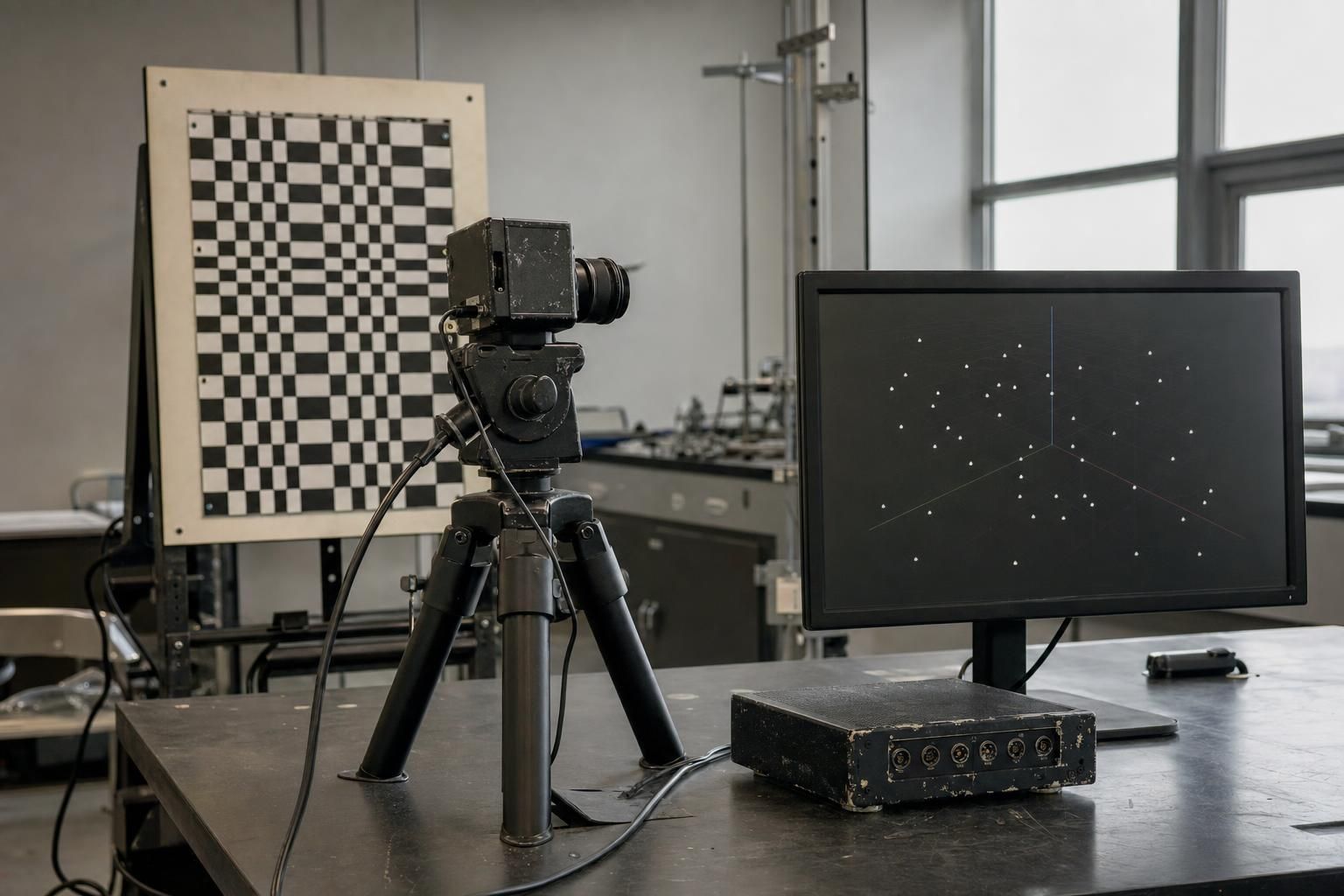
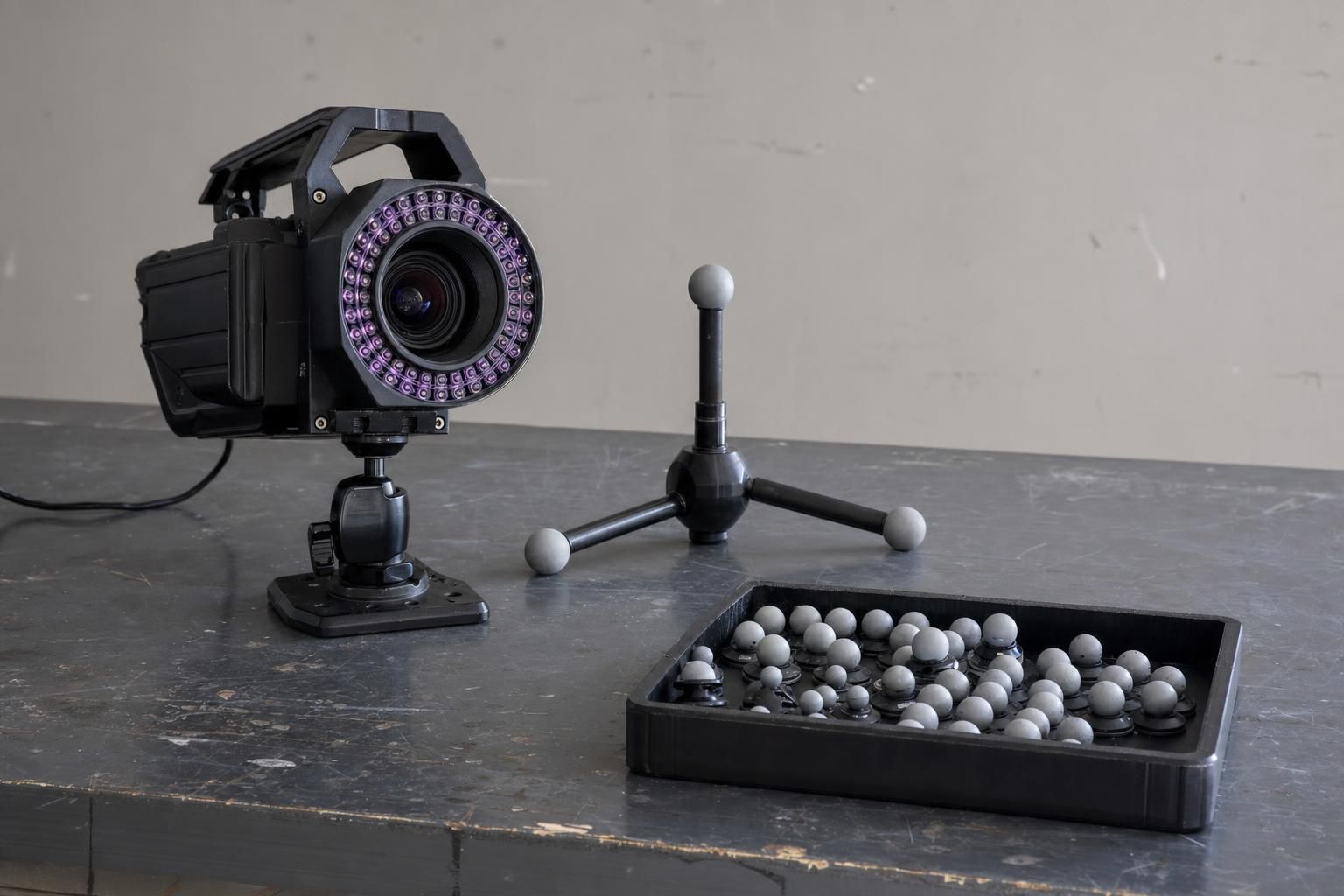
Marker-based systems require trained staff for marker placement, camera calibration, and checks for missing or mislabeled markers. Lighting and camera coverage also matter. Qualisys documentation describes marker tracking alongside synchronized video and markerless options, illustrating why setup requirements should be checked for the specific configuration rather than the vendor alone.
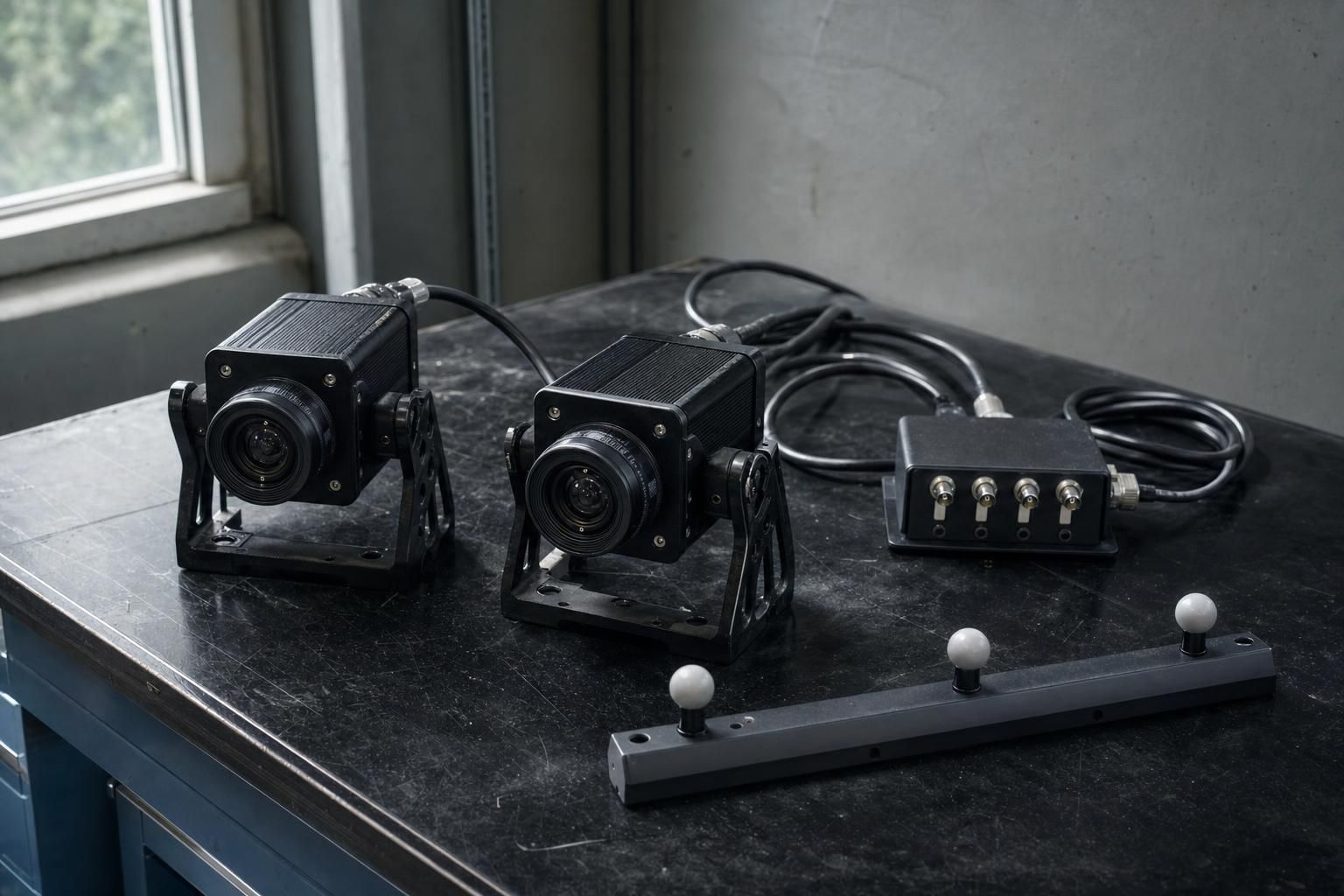
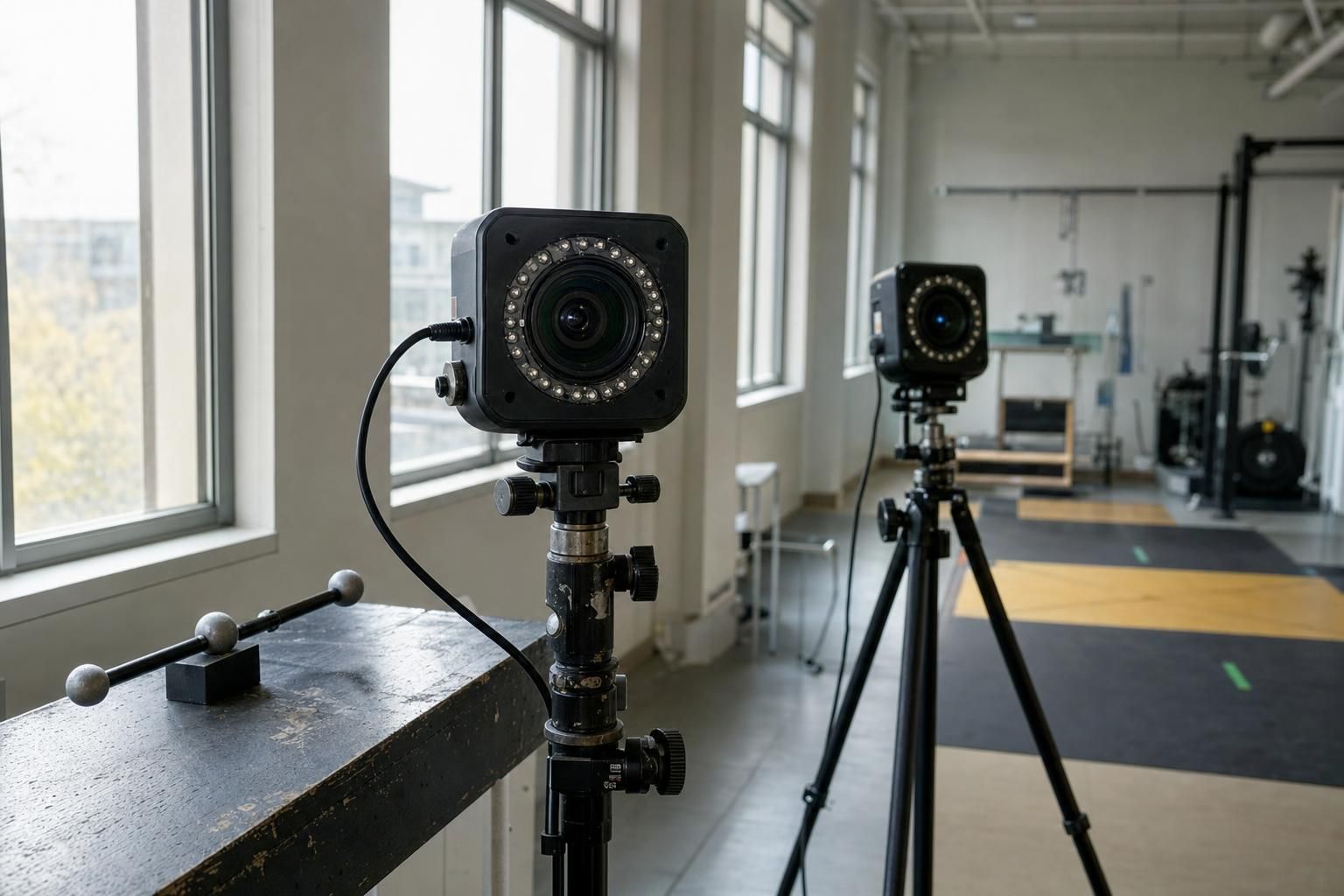
Theia3D removes marker placement from the capture workflow, but a multi-camera setup still needs suitable coverage and calibration. Ask for the requirements for your tasks and measure setup time yourself. A permanently installed camera array has different demands from one that staff assemble for each session.
Smartphone workflows, including OpenCap, can reduce hardware costs and support capture outside a lab. Check how many phones the selected workflow requires, how recordings are synchronized, and whether processing happens locally or in the cloud. Do not assume every smartphone system uses the same capture method.
Depth cameras capture color and distance information. VALD describes HumanTrak as using this approach for movement analysis, including center-of-mass estimation. A single-sensor setup can simplify deployment, but camera count alone does not establish accuracy. Compare evidence for the movements and outputs you need.
Data Control, Privacy, and Governance
Ask where video and derived measurements are processed, stored, backed up, and accessed. These are separate questions, and each should have a documented answer.
Theia Markerless describes Theia3D as using local processing, which can help teams keep motion-analysis data on infrastructure they control. OpenCap includes cloud-based processing workflows. Local processing requires your organization to manage security, storage, and backups. Cloud processing uses provider-managed computing but introduces third-party handling of participant data. Neither approach guarantees compliance on its own.
In the United States, HIPAA applies to protected health information handled by covered entities and their business associates. Not every university lab or sports facility falls into those categories. Have your privacy team assess whether your organization and workflow are covered, whether the video and outputs constitute protected health information, and whether a cloud provider needs a business associate agreement.
Regulatory status is a separate issue. If outputs will inform diagnosis or treatment, review the FDA's software guidance and ask vendors about the intended use and regulatory status of the specific product. Do not assume a system has FDA clearance without documentation, or that every movement-analysis function requires it.
Include these points in your governance review:
- Consent. Does participant information cover video capture, storage, third-party processing, and any secondary use?
- Retention. How long are video, derived files, and backups kept? Who can delete them?
- De-identification. Can you export useful measurements without identifying video? Removing faces alone does not establish legal de-identification.
- Access. Who can view or export data, and are those actions logged?
Interoperability and Exports
Check whether exported data works in the tools your team already uses. A familiar file extension is a starting point, not proof of compatibility. C3D is widely used for motion-capture data, but downstream tools may require particular data fields, naming conventions, or conversion steps.
Theia3D outputs C3D, which carries segment pose data into biomechanics analysis tools. Confirm which additional export formats your version supports before assuming a visualization or scripting route exists.Request sample files and confirm what each export contains in the version you are evaluating.
| Export format | What it can carry | Typical downstream use |
| C3D | 3D trajectories and synchronized analog channels, where included | Biomechanics analysis; readers and conversion tools may be needed |
| CSV | Tables of angles, positions, or CoP values over time | Spreadsheets, statistical software, custom analysis |
| FBX | Skeleton and animation data | Animation and visualization software |
| JSON | Structured data with vendor-defined fields | Custom scripts, applications, and database imports |
Check units, coordinate systems, joint-angle definitions, timestamps, and missing-data handling. If you plan to estimate muscle forces or joint loads, confirm that your modeling workflow receives all required inputs, not just a table of angles.
Integration with Hardware
Some analyses combine movement data with other measurements: force plates for estimating joint loading, electromyography (EMG) for muscle activation timing, or an instrumented treadmill for repeated gait cycles. Confirm support for the exact hardware models you own or plan to buy.
Synchronization is often the practical challenge. Devices record at different rates and may use separate clocks. Ask:
- Can the devices use a shared clock or trigger, and how is timing drift controlled during longer recordings?
- How does the software align measurements recorded at different rates?
- Does the export preserve the timing relationship between movement and force or EMG data?
Test alignment during the pilot using an event visible in both recordings, such as foot contact on a force plate. Check the exported data, not just the on-screen display.
Category Snapshots
These common categories offer a starting point for a shortlist. Choose by required output rather than treating one category as universally better.
Force-plate ecosystems
Vendors such as VALD and AMTI offer force-plate hardware and related analysis tools. Depending on the setup and protocol, outputs may include sway, jump, and strength measures. These systems fit force- and CoP-focused assessment; they do not independently provide joint-level kinematics.
Multi-camera markerless motion capture
Systems such as Theia3D produce 3D movement data from synchronized video without attached markers. Local processing and standard exports can support research and detailed assessment workflows. Teams still need camera coverage, calibration, and task-specific validation.
Marker-based optical systems
Vicon and Qualisys offer established marker-based workflows with camera arrays, hardware integration, and analysis exports. These systems often serve as reference methods in validation studies. Their practical demands include marker placement, calibration, and review of tracking errors.
2D video and education tools
Tools such as Kinovea and Dartfish support frame-by-frame review, angle annotation, and visual comparison. They fit posture documentation and technique feedback with relatively little hardware. A 2D view, however, cannot fully describe motion outside the camera plane or quantify force-plate balance measures.
Quick-Start Decision Matrix
Use this table to identify requirements before requesting demonstrations or quotes. Costs depend on the full configuration, so compare equipment, licenses, integration, and staff time rather than software price alone.
| Use case | Required outputs | Setup tolerance | Validation needs | Data handling | Export needs | Main cost factors |
| Clinic balance screening | CoP sway measures and clear reports | Short, repeatable patient setup | Verified hardware, repeatable protocol, appropriate reference data | Approved storage and access; assess HIPAA applicability | CSV and reports | Plates, analysis licenses, staff time |
| Field testing in sport | Task-specific movement measures | Portable, quick setup | Evidence for the movements and field conditions | Confirm consent, processing location, and retention | CSV, JSON, or compatible analysis files | Cameras or phones, mounts, processing fees |
| Gait research | 3D kinematics; synchronized force when needed | Lab preparation acceptable | Task-specific agreement and repeatability | Institutional approval for processing and storage | C3D or another verified compatible format | Cameras, integration, analysis, staff time |
| Performance coaching | Annotated video and relevant angles | Fast feedback | Measurements reliable enough for the intended feedback | Athlete consent and controlled sharing | Video and measurement tables | Camera, review software, staff time |
How to Run a Risk-Reduced Pilot
A pilot tests whether published evidence and stated capabilities translate into a workable process in your setting. Keep the scope small enough to manage but representative of routine use.
- Define success before testing. Set acceptable measurement differences, total session time, and the proportion of trials that must produce usable data. Tie thresholds to the decisions you need to make.
- Use representative participants and tasks. Test your actual protocol, including relevant movement limitations, clothing, and equipment. A small pilot checks fit; it does not replace a validation study.
- Test exports end to end. Open sample files in your analysis software and confirm that units, timing, and measurements remain correct. Check transfer to your database or health record if needed.
- Check realistic environmental variation. Test the lighting, space, background activity, and session pace you expect in routine work. Record failed trials and the time needed to fix them.
- Review total cost and license terms. Include training, support, hardware, storage, and recurring fees. Confirm whether you can access and export existing data after a subscription ends.
- Decide against the original thresholds. Document any gaps and whether they can be resolved. A system that fails the pilot has still provided useful purchasing evidence.
Shortlist Checks by System
Once you have selected a measurement category, use configuration-specific questions to make vendor discussions more useful.
- OpenCap: confirm the phone count, capture procedure, processing location, and export options for the workflow you intend to use.
- Vicon: measure marker-placement and processing time, and verify integration with your existing instruments.
- Qualisys: confirm which hardware and licenses support your chosen combination of marker tracking, video, and markerless analysis.
- Theia3D: local processing and standard exports support teams seeking 3D kinematics without marker placement. Test sample exports in your analysis tools and confirm the camera configuration for your tasks.
- VALD HumanTrak: request validation for the specific screening tasks and measurements you plan to use.
- AMTI software with force plates: request hardware verification records and confirm that the software supports your balance protocol.
- Kinovea and Dartfish: test whether camera positioning and annotation procedures produce repeatable measurements for your intended feedback.
Where to Read More, and a Closing Checklist
For technical background, consult the documentation for your intended analysis tools, including OpenSim if it is part of your workflow. Use task-specific validation papers to assess measurement performance, and HHS and FDA resources for U.S. privacy and regulatory questions. Theia Markerless documentation for Theia3D provides a useful starting point for checking processing and export capabilities; confirm current version and configuration details during evaluation.
Before committing, make sure you can answer these questions:
- Which decision will the data support, and does it require posture images, balance measures, or 3D kinematics?
- What validation and repeatability evidence covers your tasks, participants, and metrics?
- Where will data be processed and stored, and which privacy requirements apply?
- Can your team open and use the exported files without losing essential information?
- Does the system synchronize with the hardware your analysis requires?
- Did the pilot meet your measurement, workflow, and cost thresholds?
The best fit is not necessarily the system with the most features. It is the one that produces suitable evidence for your decisions, works reliably in your setting, and lets your team retain control of the data.


