
Businesses
How to List Your Business in an Online Directory
12 Aug 2026

Listing your business in an online directory involves choosing a relevant platform, preparing accurate company information, creating or claiming your profile, completing verification and keeping the listing updated.
A well-prepared business directory listing can help customers, suppliers, partners and investors understand what your company does and how to contact it. Companies seeking broader international visibility can explore the Businessabc Global Business Directory, which connects businesses with a global network of companies, leaders, investors, universities and organisations.
Key takeaways
- Choose directories that serve your customers, market or industry.
- Search for an existing profile before creating a new one.
- Use the company’s genuine public-facing name.
- Keep your name, address, telephone number and website consistent.
- Select the most accurate business category.
- Explain clearly what the company does, whom it serves and where it operates.
- Complete verification where available.
- Review important listings regularly.
- Measure enquiries and qualified visits; not only profile views.
How to list your business in an online directory
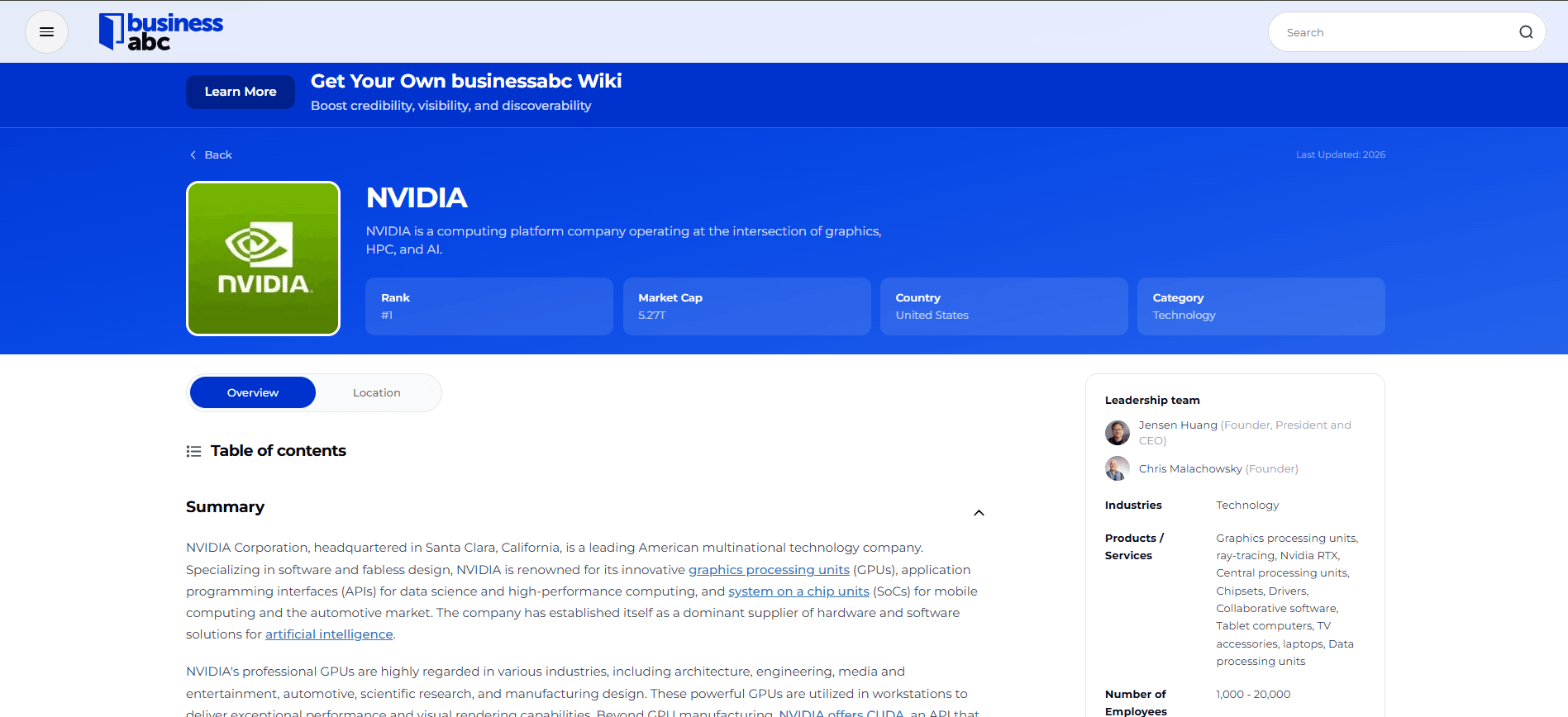
1. Choose a relevant business directory
Start with directories that match the company’s goals.
A local business may prioritise directories used for nearby discovery, while an exporter or B2B company may benefit more from an international business directory.
Before creating a listing, check:
- Geographic coverage
- Industry categories
- Profile quality
- Verification process
- Free and paid features
- Listing-management controls
- Reputation and moderation
- Audience relevance
A small number of maintained profiles is generally more useful than dozens of inaccurate listings.
Businesses seeking a structured international company profile can start with the Businessabc directory.
2. Check whether your business is already listed
Search the directory using your:
- Business name
- Previous trading names
- Website domain
- Telephone number
- Address
- Parent company
A listing may already have been created from public information or submitted by a former employee.
If one exists, claim and update it through the directory’s official ownership process. Avoid creating a duplicate profile unless the platform specifically instructs you to do so.
Google, for example, generally permits only one Business Profile for each genuine business location.
3. Prepare your business information
Create one approved information sheet before completing any listing.
Include:
| Profile field | Information to prepare |
|---|---|
| Business name | Genuine public-facing name |
| Category | Primary industry or business type |
| Description | Short explanation of the company |
| Website | Official company URL |
| Telephone | Monitored business number |
| Company-controlled address | |
| Location | Accurate public or registered location |
| Service area | Countries, regions or cities served |
| Opening hours | Current customer-facing hours |
| Visuals | Logo and authorised business photographs |
| Social accounts | Official company profiles |
| Company details | Founding year, headquarters and leadership |
Only provide personal or confidential information through a legitimate, secure verification process.
4. Create a company-controlled account
Register using an email address controlled by the business rather than a temporary personal account.
Suitable examples include:
marketing@company.comdirectory@company.comcommunications@company.com
Record who controls the account and enable multifactor authentication where available.
If an external agency creates the profile, the business should still retain ownership and recovery access.
5. Enter the real business name
Use the name displayed consistently on the company website, signage, documents and customer communications.
Do not add:
- Promotional slogans
- Unnecessary keywords
- Telephone numbers
- Website addresses
- Unsupported claims
- Extra locations
- Lists of products or services
For example:
- Correct: Meridian Engineering
- Incorrect: Meridian Engineering — Best Industrial Engineers in London
The other information belongs in the category, description and location fields.
6. Choose the correct category
Choose the category that most accurately completes this sentence:
This business is a ______.
For example, select “accounting firm” rather than the broader “business services” category when the more specific option is available.
Add secondary categories only when they represent genuine parts of the company’s operations. Selecting unrelated categories simply to appear in more searches can confuse users and violate platform rules.
7. Write a useful company description
A strong business directory description explains:
- What the company is
- What it provides
- Who it serves
- Where it operates
- What makes it relevant or distinctive
Use this structure:
[Company] is a [business type] serving [customer group] in [market]. It provides [products or services], helping customers [result]. The company specialises in [relevant capability or differentiator].
Example
Meridian Circular Packaging is a Manchester-based packaging consultancy serving food and consumer-goods companies across the UK. It helps businesses evaluate materials, redesign packaging systems and prepare practical implementation plans.
Avoid vague statements such as:
We are a world-leading company offering innovative, high-quality solutions.
Specific information is more useful and credible than unsupported superlatives.
8. Add accurate contact information
Check every contact field before submitting the listing:
- Does the telephone number work?
- Does the email reach a monitored inbox?
- Does the website open correctly?
- Is the address current?
- Are the opening hours accurate?
- Does the service area reflect where the company actually operates?
A service-area business should not publish a residential address unless customers genuinely visit that location and the platform allows it.
Apple Business, for example, allows eligible companies to manage how their logo, hours, images and other details appear across Apple services.
9. Upload professional images
Depending on the directory, useful images may include:
- Company logo
- Workplace or premises
- Products
- Team members
- Completed projects
- Facilities
- Leadership portraits
Use recent images that accurately represent the business. Do not use stock photography in a way that implies it shows the real team, location or customer work.
Confirm that the company owns the images or has permission to publish them.
10. Complete verification
Directories may verify a listing through:
- Company email
- Telephone or text message
- Website-domain ownership
- Postal code
- Business documents
- Video verification
- Manual editorial review
Use only the official verification process. Never provide a password or security code to an unsolicited caller.
Verification can confirm ownership or selected information, but it does not necessarily mean that the directory endorses the company.
11. Review and publish the profile
Before publishing, confirm that:
- The business name is correct.
- The primary category is accurate.
- The description contains no unsupported claims.
- Contact links work.
- Images are current and authorised.
- The company’s geographic reach is accurate.
- No confidential information is visible.
- The desired customer action is clear.
- Ask another employee to review the profile before publication.
12. Keep the listing updated
Review important directory listings after any change to:
- Business name
- Website
- Address
- Telephone number
- Opening hours
- Products or services
- Leadership
- Countries served
- Ownership
- Operating status
A quarterly review is appropriate for most important listings.
Assign one employee responsibility for maintaining the company’s directory information.
How to improve your Businessabc directory profile
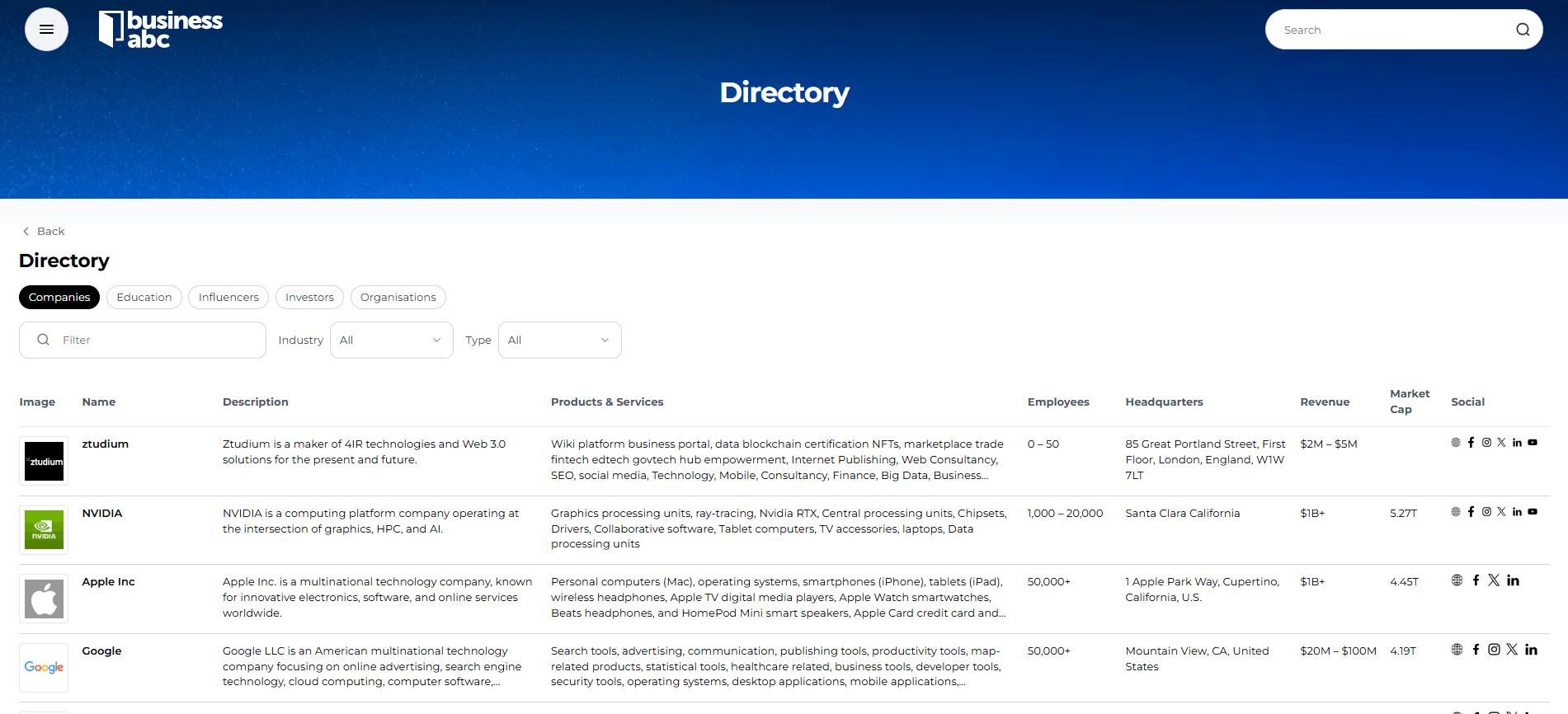
Businessabc operates as a global business directory and digital business ecosystem. Profiles sit alongside information about companies, leaders, investors, universities and other organisations.
Before creating or improving a Businessabc profile, prepare:
- A clear company description
- Primary industry category
- Countries and markets served
- Official website and contact information
- Current logo and authorised images
- Leadership details
- Company milestones
- Relevant news, awards or supporting evidence
You can explore existing profiles through the Businessabc Global Business Directory and review the available Businessabc membership options.
Businessabc has also explained the essential benefits of a global business directory, including discoverability, credibility and international connections.
Common business-listing mistakes
Creating duplicate listings
Search first and claim an existing profile where possible.
Adding keywords to the company name
Use the genuine business name. Add service and location information in the appropriate fields.
Choosing too many categories
Select one accurate primary category and only genuinely relevant secondary categories.
Writing a generic description
Explain the actual services, customers and markets instead of relying on phrases such as “world-class solutions.”
Publishing inconsistent information
Conflicting addresses, telephone numbers or opening hours can confuse customers.
Abandoning the profile
An outdated listing can continue showing incorrect information long after the company changes.
Using unauthorised images
Confirm ownership, licensing and consent before publishing photographs.
Buying fake reviews
Fabricated reviews mislead users and can violate directory policies and consumer-protection rules. The US Federal Trade Commission prohibits buying reviews that are required to express a particular sentiment.
Does listing a business in a directory help SEO?
A relevant directory can help people and search systems discover consistent information about a company. It may also create another credible route through which users can find the business website.
However, no directory listing guarantees a particular search position.
Avoid services that promise instant rankings through hundreds of low-quality listings. Prioritise relevant platforms, accurate information and profiles that provide genuine value to prospective customers.
Frequently asked questions
How do I list my business in an online directory?
Choose a relevant directory, search for an existing profile, create a company-controlled account, enter accurate information, select the correct category, add authorised images and complete verification.
Is it free to list a business online?
Some directories offer free basic listings. Others charge for verification, enhanced profiles, additional locations or promotional features. Review the current terms before registering.
What should an online business listing include?
Include the company’s real name, category, description, website and an appropriate contact method. Local businesses may also need an address, opening hours and service area.
Can an online-only business use a directory?
Yes, if the directory accepts online companies. Do not invent a customer-facing physical location. Provide the company’s headquarters, jurisdiction or markets served where appropriate.
How often should directory listings be updated?
Update a profile immediately after a material change and review important listings at least once per quarter.
How many directories should a business use?
There is no universal number. Prioritise directories used by the company’s customers, industry or target markets and maintain every profile created.
Final takeaway
Listing your business in an online directory is not about appearing on as many websites as possible.
Choose directories that serve the right audience, publish accurate information and give the business control over its profile. Use a clear description, complete verification and review the listing regularly.
For companies seeking international visibility, the Businessabc Global Business Directory provides a central place to build a structured company presence and connect with a broader global business ecosystem.


