


resources
How to Make AI-Generated Videos with Google Veo 4 for YouTube Shorts
24 Apr 2026

Short-form video has taken over social media, and YouTube Shorts is at the center of that shift. Creators who can consistently publish engaging Shorts gain subscribers, build authority, and unlock monetization faster than ever. The challenge has always been production speed — until now. Google Veo 4 makes it possible to generate scroll-stopping short videos from nothing more than a text prompt.
Why YouTube Shorts Demand a New Production Approach
YouTube Shorts rewards volume and consistency. The algorithm favors creators who post frequently, but producing multiple high-quality vertical videos every week stretches even well-resourced teams thin. Traditional filming requires planning, shooting, editing, and rendering — a cycle that can take hours per clip.
AI video generation compresses that entire pipeline into minutes. You describe the scene you want, and the model produces a polished clip ready for upload. For creators competing in fast-moving niches like tech reviews, lifestyle tips, or motivational content, this speed advantage translates directly into growth.
The format also demands visual variety. Audiences scroll past anything that looks repetitive or low-effort. Generating unique visuals for each Short keeps your content fresh and your audience engaged, without requiring a new filming setup every time.
Accessing Google Veo 4 Through Pollo AI
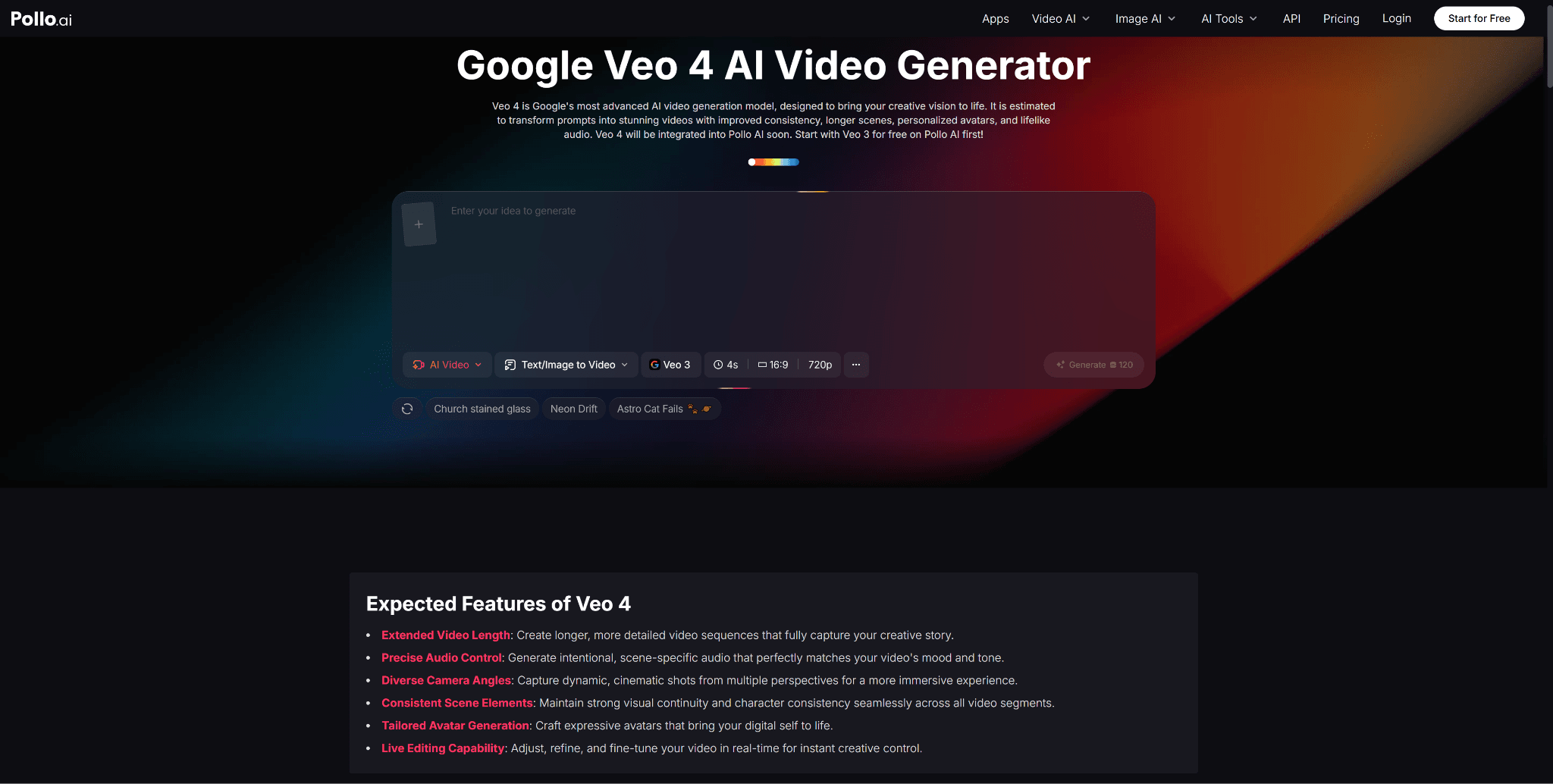
The most straightforward way to start creating AI-generated Shorts is through Pollo AI's Google Veo 4 integration. The platform provides a clean, intuitive workspace where you can write prompts, select aspect ratios, and generate videos without any technical configuration.
Pollo AI is designed for creators who want results, not complexity. The interface guides you through the generation process step by step, and the platform saves your history so you can revisit and refine past creations. For YouTube Shorts specifically, select the vertical aspect ratio before generating to ensure your output matches the platform's requirements without any post-production cropping.
Crafting Prompts That Work for Short-Form Video
Effective Shorts prompts are concise but vivid. You have a few seconds to capture attention, so your generated video needs immediate visual impact. Focus on a single strong visual concept rather than trying to pack multiple ideas into one clip.
Strong prompt examples for YouTube Shorts include descriptions like "a neon-lit city street at night during rain, cinematic slow motion, reflections on wet pavement, moody atmosphere" or "a close-up of coffee being poured into a ceramic mug, steam rising, warm morning light, cozy kitchen setting." Each prompt centers on one compelling visual moment that holds attention.
Avoid overly complex prompts with too many competing elements. Short-form content thrives on simplicity and clarity. One striking image or motion sequence is more effective than a cluttered scene trying to do too much.
Building a Content Series with AI Video
The most successful YouTube Shorts creators build recognizable content series — recurring formats that audiences look forward to and associate with their channel. Google Veo 4 makes it practical to maintain multiple series simultaneously without burning out on production.
Develop prompt templates for each series. A "Daily Calm" series might use a template like "peaceful natural landscape, gentle movement, golden hour lighting, meditative atmosphere," with the specific setting changing each day. A "Future Cities" series could follow "futuristic urban architecture, advanced technology integrated into daily life, cinematic wide shot" with different architectural concepts for each episode.
These templates ensure visual consistency within each series while allowing enough variation to keep content fresh. Pollo AI's prompt saving features make managing multiple templates efficient and organized.
Combining AI Video with Other Creative Tools
Raw AI-generated clips are powerful starting points, but the best YouTube Shorts often layer additional elements on top. Adding text overlays, background music, voiceovers, and sound effects transforms a generated clip into a complete, polished Short.
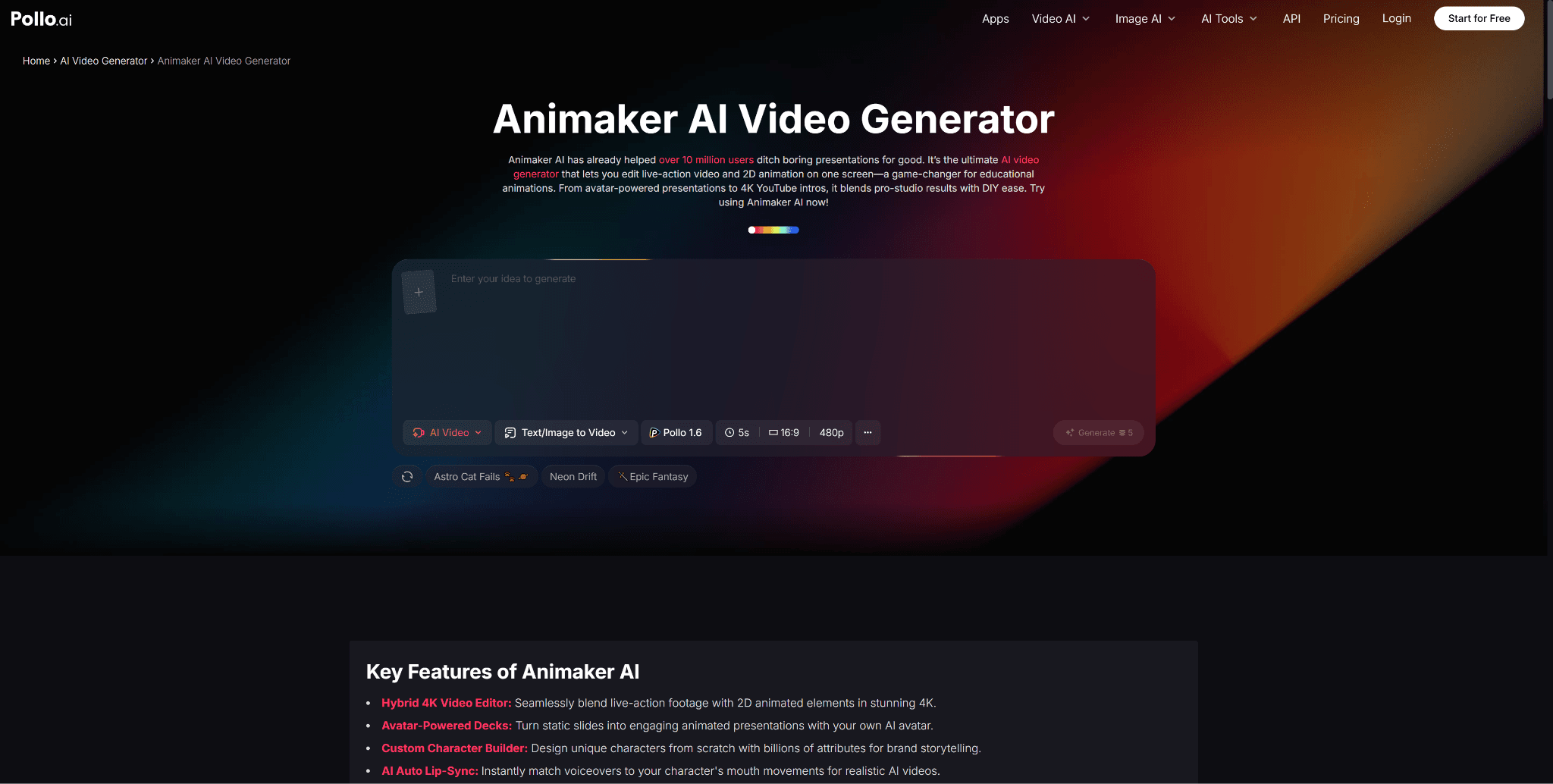
For creators who want to incorporate animated intros, transitions, or character-driven segments into their Shorts alongside AI-generated footage, Animaker through Pollo AI provides animation tools that complement the live-action style of Google Veo 4. This combination of realistic AI video and animated elements creates a distinctive visual style that helps your channel stand out.
Consider developing a consistent intro or outro animation for your Shorts series. This branded element builds recognition and professionalism, signaling to viewers that your content is worth following.
Optimizing Your AI Shorts for Maximum Reach
YouTube's algorithm considers several factors when deciding which Shorts to promote: watch time percentage, engagement rate, and viewer retention curve. AI-generated videos that hook viewers in the first second and maintain visual interest throughout perform best.
Front-load your most compelling visual moment. If your generated clip features a dramatic reveal, a beautiful transformation, or a striking visual contrast, ensure it appears within the first one to two seconds. You can achieve this through careful prompt design or by trimming the generated output to start at the most impactful frame.
Keep your Shorts between fifteen and forty-five seconds. While the platform allows up to sixty seconds, shorter clips tend to achieve higher completion rates, which signals quality to the algorithm. Pollo AI lets you specify duration preferences during generation, helping you produce clips that fit this optimal length range.
Scaling Your YouTube Shorts Strategy
The real power of AI video generation for YouTube Shorts lies in scale. While other creators struggle to post three or four Shorts per week, you can generate and publish daily content without sacrificing quality or burning creative energy.
Batch your generation sessions. Set aside one or two hours per week to generate an entire week's worth of Shorts. Write all your prompts in advance, generate videos in sequence, review the outputs, and schedule them for publication. This systematic approach transforms YouTube Shorts from a demanding daily task into a manageable weekly workflow.
Google Veo 4 on Pollo AI makes this scale practical and sustainable. The combination of fast generation, intuitive interface, and prompt management tools creates a production system that grows with your channel. Start with a few Shorts per week, measure your results, and scale up as you develop confidence in the workflow and see the growth metrics respond.


