
Trading Strategies & Tech
Mastering the Interactive Brokers Trading Platform: A Comprehensive Guide
22 Mar 2026

Thinking about trading forex? Interactive Brokers offers a solid platform for it. This guide breaks down how to get started, from setting up your account to actually placing trades. We’ll cover the tools you’ll need and how to manage your risk, because let’s be honest, trading can be tricky. Whether you’re new to forex or just new to Interactive Brokers, we’ve got you covered. We’ll also point you to some resources that can help you learn more. It’s all about making the process clearer so you can focus on your trading.
Key Takeaways
- The interactive brokers trading platform provides a robust system for forex trading, with features that cater to different trader needs.
- Before trading forex, it’s important to set up your account correctly and understand margin requirements.
- Knowing how to place and manage different order types is key to executing forex trades effectively on the interactive brokers trading platform.
- Once you understand the basics, you can explore advanced strategies like algorithmic trading using the IBKR API.
- Managing risk with tools like stop-loss orders and understanding your account balance is vital for long-term success when using the interactive brokers trading platform.
Navigating the Interactive Brokers Trading Platform Interface
Alright, let’s talk about getting around the Interactive Brokers platform. It can seem a bit overwhelming at first, with all the charts, data, and buttons, but once you get the hang of it, it’s pretty straightforward. Think of it like learning a new city; you start with the main roads and landmarks, and then you discover the cool little side streets.
Customizing Your Trading Workspace
One of the best things about the Interactive Brokers platform, especially the Trader Workstation (TWS), is that you can really make it your own. You’re not stuck with a one-size-fits-all layout. You can arrange windows, choose what information you see, and set up hotkeys. This is super important because it means you can have the tools you need right in front of you, without digging through menus.
Here’s a quick rundown on how to start personalizing:
- Layouts: Save different workspace layouts for different tasks. Maybe one for forex, another for stocks.
- Windows: You can open and close various windows like charts, order entry panels, and news feeds.
- Hotkeys: Assign keyboard shortcuts to common actions, like placing an order or switching instruments.
The goal is to create an environment that feels natural and efficient for your trading style. It takes a little time upfront, but it pays off big time in the long run.
Understanding Key Market Data Displays
Seeing the right market data is like having a good map when you’re traveling. Interactive Brokers gives you a lot of options for this. You’ll see things like:
- Quotes: Real-time prices for the instruments you’re watching.
- Charts: Visual representations of price movements over time.
- Order Book (Level II): Shows buy and sell orders at different price levels, giving you insight into market depth.
It’s important to know what each piece of data means. For example, the bid is the highest price a buyer is willing to pay, and the ask is the lowest price a seller is willing to accept. The difference between them is the spread, which is a cost of trading.
Understanding the nuances of market data displays is key to making informed trading decisions. Don’t just look at the numbers; try to understand what they’re telling you about supply and demand.
Adding Forex Pairs to Your Watchlist
Your watchlist is basically your personal list of currencies you’re interested in. It’s the first place you’ll look to see how things are moving. Adding forex pairs is pretty simple.
- Find the ‘Add Symbol’ or similar function in your watchlist window.
- Type in the currency pair code (e.g., EUR.USD for Euro/US Dollar, GBP.JPY for British Pound/Japanese Yen).
- Select the correct instrument from the dropdown list.
Once added, you can see their current prices, daily changes, and other key info at a glance. You can organize your watchlist by dragging and dropping pairs into your preferred order. This helps you keep track of the markets that matter most to you without getting lost in the noise. You can explore different IBKR platform options to see which interface you prefer for managing these lists.
Understanding Core Trading Concepts on Interactive Brokers
Alright, let’s get down to the nitty-gritty of trading with Interactive Brokers. It’s more than just picking stocks or currency pairs; it’s about understanding the mechanics behind the scenes and how the platform helps you manage your money and your risks.
The Role of Interactive Brokers in Global Markets
Think of Interactive Brokers (IBKR) as your connection to the vast world of financial markets. They aren’t just a place to buy and sell; they’re a major player that gives you access to a huge variety of assets across the globe. Whether you’re interested in stocks, bonds, options, futures, or forex, IBKR provides the infrastructure. They act as a prime broker, which means they have direct links to the big players who supply the actual currency or stock, helping to ensure you get competitive prices and quick trade fills. This access is pretty important, especially in fast-moving markets like forex.
Understanding Margin Requirements for Forex
When you trade forex on margin, you’re essentially borrowing money from your broker to make larger trades than your own capital would normally allow. This can amplify your profits, but it also significantly amplifies your losses. Interactive Brokers has specific margin requirements for forex trading, and it’s super important to know these before you even place a trade. These requirements can change based on market volatility and the specific currency pair you’re trading.
Here’s a simplified look at how margin works:
- Initial Margin: The amount of money you need in your account to open a leveraged position.
- Maintenance Margin: The minimum amount of equity you must maintain in your account to keep your leveraged positions open.
- Margin Call: If your account equity falls below the maintenance margin level, you’ll receive a margin call, meaning you need to deposit more funds or close positions.
Understanding your margin requirements is key to avoiding unexpected account closures. It’s a delicate balance; too much leverage can be risky, but too little might limit your trading potential.
Trading on margin magnifies both potential gains and potential losses. It’s vital to understand the specific margin rules for each asset class and to monitor your account equity closely to avoid margin calls. Proper risk management is paramount when using leverage.
Managing Risk with Stop-Loss and Take-Profit Orders
This is where you take control and set boundaries for your trades. Stop-loss and take-profit orders are your best friends in managing risk. A stop-loss order automatically closes a losing trade at a price you specify, limiting your potential downside. A take-profit order does the opposite; it automatically closes a winning trade when it reaches a target profit level you’ve set. These tools help you stick to your trading plan and remove emotion from decision-making, which is often a trader’s biggest enemy. You can explore these and other order types in detail through the IBKR educational materials.
Using these orders effectively means you can set up trades and walk away, knowing that your risk is defined. It’s a smart way to trade, especially when you can’t monitor the market every second of the day.
Executing Trades Effectively on Interactive Brokers
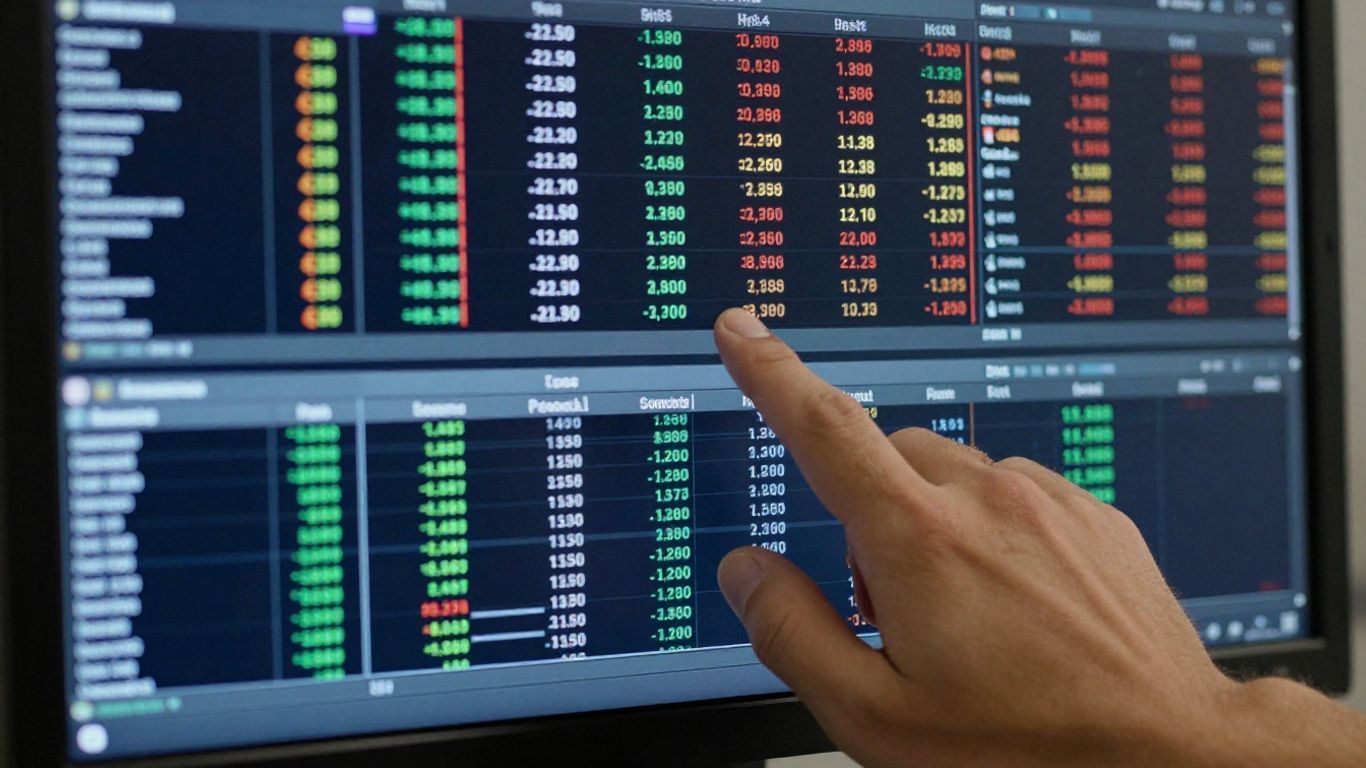
Alright, so you’ve got your workspace set up and you’re ready to actually put some money on the line. Executing trades on Interactive Brokers is where the rubber meets the road, and there are definitely some smart ways to go about it. It’s not just about hitting ‘buy’ or ‘sell’; it’s about using the right tools to get the job done the way you want.
Exploring Diverse Order Types and Execution
Interactive Brokers gives you a whole toolbox of order types, way beyond the simple market or limit orders you might be used to. Understanding these can make a big difference in how your trades get filled and at what price. You’ve got your basic market order, which is fast but can sometimes fill at a price you didn’t expect, especially in choppy markets. Then there’s the limit order, which gives you price control but might not get filled if the market doesn’t reach your price. But it gets more interesting.
Consider these order types:
- Stop Orders: These trigger a market or limit order once a certain price is hit. They’re great for limiting losses or entering a trade when momentum builds.
- Stop-Limit Orders: This is a bit of a hybrid. It triggers a limit order when a stop price is reached. This gives you price control after the stop is triggered, but there’s a risk the limit order might not fill if the price moves too quickly past your limit.
- Trailing Stop Orders: These automatically adjust your stop price as the market moves in your favor, helping to lock in profits while still protecting against reversals.
The speed and certainty of execution can vary greatly depending on the order type and current market conditions. It’s always a good idea to check out the IBKR Campus educational materials to get a feel for all the options available. You can also trade outside of regular trading hours, like in the pre-market or after-hours sessions, though prices might be more volatile. Trading outside of regular trading hours is an option for those who need it.
Placing and Managing Your Forex Trades
When you’re trading forex on Interactive Brokers, placing a trade is pretty straightforward once you know where to look. You’ll typically use the Trader Workstation (TWS) platform. You can select your currency pair, choose your order type, enter the amount you want to trade (in base currency or contract size), set your price if it’s a limit or stop order, and then review before submitting. It’s important to get familiar with the order entry screen. You can even set up hotkeys or custom order entry panels to speed things up.
Once your trade is placed, managing it is just as important. You’ll see your open positions in your portfolio, showing your current profit or loss. From there, you can modify existing orders, add stop-loss or take-profit orders, or even close the position entirely. Keeping an eye on your open trades and making adjustments as needed is key to staying in control.
Managing your trades effectively means having a clear plan before you even enter the market. This includes knowing your entry and exit points, and how much risk you’re willing to take on any single trade. Without this discipline, it’s easy to get caught up in the moment and make decisions you’ll regret later.
Leveraging Bracket Orders for Precision
Bracket orders, often called OCO (One-Cancels-Other) orders on Interactive Brokers, are a really neat tool for managing risk and potential profit simultaneously. When you place a bracket order, you’re essentially setting up two opposing orders based on a single entry point. For example, you might place an order to buy a currency pair, and simultaneously set a stop-loss order to sell if the price drops by a certain amount, and a take-profit order to sell if the price rises by a certain amount.
Here’s how they work:
- Entry Order: You place your initial order to enter the trade.
- Stop-Loss Order: This is set below your entry price (for a buy order) to limit potential losses.
- Take-Profit Order: This is set above your entry price (for a buy order) to lock in profits if the market moves favorably.
Once one of these orders (either the stop-loss or the take-profit) is executed, the other order is automatically canceled. This takes a lot of the guesswork and emotional decision-making out of managing a trade. It’s a great way to define your risk and reward upfront and let the platform handle the execution based on market movements. It’s particularly useful for traders who can’t constantly monitor the market.
Advanced Strategies with the Interactive Brokers Platform
Alright, so you’ve got the hang of the basics on Interactive Brokers and you’re looking to do more than just click around. This is where things get really interesting. We’re talking about using technology to trade smarter, not just harder. Think automated systems and really digging into the data.
Introduction to Algorithmic Trading with IBKR API
Algorithmic trading, or algo trading, is basically letting computers trade for you based on rules you set up. Interactive Brokers has an API (Application Programming Interface) that lets you connect your own software to their trading system. It’s pretty powerful stuff. You can write code that watches the market and automatically places trades when certain conditions are met. It’s not just for big banks anymore; individuals can get into this. The main idea is speed and consistency – something humans struggle with when emotions get involved.
Here’s a quick look at why people use algorithms:
- Speed: Computers can react in fractions of a second. Humans can’t.
- Accuracy: Algorithms follow rules precisely, no second-guessing.
- Consistency: They can trade around the clock without getting tired or bored.
To get started, you’ll need to learn some programming. Python is a popular choice.
Automating Trades with Python Scripts
Python’s extensive libraries for data analysis and machine learning make it a natural choice for developing sophisticated trading algorithms. By leveraging historical data, technical indicators, and machine learning models, you can create algorithms that adapt to changing market conditions. Implementing risk management strategies becomes more accessible, allowing you to optimize your trading performance and safeguard your capital. Before deploying your algorithm in live markets, it’s crucial to backtest it thoroughly to ensure its viability and profitability. Python’s extensive backtesting libraries can be integrated with Interactive Brokers data, allowing you to simulate your strategies across historical market data. This iterative process helps you refine and optimize your algorithms for real-world scenarios.
Real-time Data Streaming with Python
Python’s versatility shines when it comes to handling real-time data. By integrating Interactive Brokers’ API with Python, you can effortlessly stream live market data directly into your Python environment. This enables you to make data-driven decisions and respond to market fluctuations in real time. Libraries like ib-insync provide intuitive functions for subscribing to market data feeds and handling updates seamlessly. This means you can build applications that react instantly to price changes, news events, or any other market signal you’re monitoring.
The fusion of Interactive Brokers and Python presents a formidable toolkit for traders and investors seeking automation, real-time data analysis, and algorithmic trading capabilities. By embracing this powerful combination, you can gain a competitive edge in today’s dynamic financial landscape.
Leveraging Resources for Trading Success
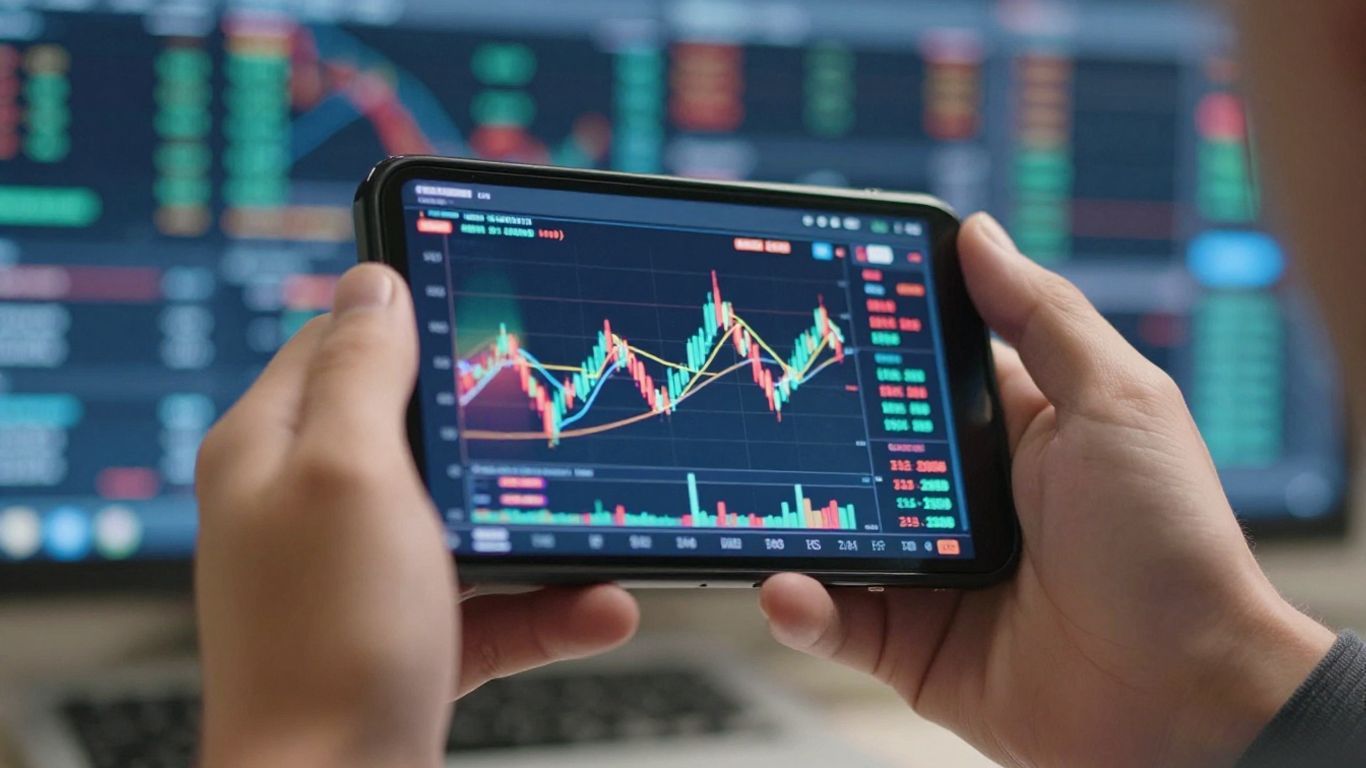
So, you’ve got your Interactive Brokers account set up and you’re ready to trade. That’s great! But trading isn’t just about clicking buttons, right? There’s a whole world of information out there that can really help you out. Think of it like learning to cook – you can follow a basic recipe, but knowing about different ingredients, techniques, and even watching a pro chef can make your meals so much better.
Interactive Brokers Educational Materials and IBKR Campus
Interactive Brokers itself has a ton of stuff to help you learn. They’ve got educational materials that cover everything from the basics of trading to more complex ideas. It’s a good place to start because it’s directly related to the platform you’re using. You can find guides and tutorials that explain how to use their tools. Seriously, take some time to look through what they offer; it’s more than you might think. They provide a solid library of learning resources. These aren’t just generic trading tips; they’re tailored to their platform. You’ll find:
- Platform Guides: Detailed walkthroughs of Trader Workstation (TWS) and other trading interfaces, explaining specific tools.
- Webinars and Videos: Recorded sessions covering various trading topics, including market analysis and strategy development.
- Written Tutorials: Step-by-step instructions on how to set up your account, place trades, and manage risk within the IBKR environment.
- Market Commentary: Regular updates and analysis on global markets, which can inform your trading decisions.
Utilizing Third-Party Tools and Platforms
Beyond what IBKR offers, there’s a whole ecosystem of external tools and platforms that traders use. Some traders find that using specialized charting software or news feeds can give them an edge. Others might use external platforms for backtesting strategies before implementing them on Interactive Brokers. It’s about finding what works for your style. Just remember to check if these tools integrate well with IBKR or if you’ll be using them alongside your trading activities. When considering third-party tools, always do your homework. Look for reviews, understand their pricing, and make sure they align with your trading goals and risk tolerance. Not every shiny new tool is going to be a perfect fit for your trading journey. You can find resources that assist investors in discovering and confirming trading prospects, optimizing trade timing, and gaining knowledge about financial markets here.
Engaging with Community Forums and Support
Don’t underestimate the power of talking to other traders. Online forums and communities can be goldmines for practical advice, strategy discussions, and troubleshooting. You can often find experienced traders sharing their insights, asking questions, and helping each other out. Interactive Brokers has its own support channels, of course, but sometimes hearing from someone who’s in the trenches with you can be just as helpful. Just be sure to take advice with a grain of salt – everyone’s trading experience is different.
Here’s a quick look at where you might find help:
- IBKR Client Services: For account-specific issues or technical problems with the platform.
- Online Trading Forums: Places like Reddit’s r/forex or dedicated IBKR forums where traders discuss strategies and market events.
- Social Media Groups: Many traders connect on platforms like Twitter or Facebook to share real-time market observations.
Using these resources effectively can make a big difference in your trading journey. It’s about continuous learning and adapting.
Trading involves risk, and no single resource guarantees success. It’s important to combine information from various sources with your own analysis and risk management practices. Always be cautious and do your own research before making any trading decisions.
Wrapping It Up
So, we’ve covered a lot about using Interactive Brokers for trading. It’s a powerful platform, and honestly, it can feel like a lot at first with all the options and tools available. But remember, you don’t have to master everything at once. Start with the basics, get comfortable with the interface, and gradually explore the more advanced features as you gain confidence. There are tons of resources, like the IBKR Campus and online communities, to help you along the way. Keep learning, keep practicing, and don’t forget to manage your risk. Trading is a journey, and with the right approach and tools, you can make the most of it.
Frequently Asked Questions
What exactly is forex trading?
Forex trading, or foreign exchange trading, is like buying and selling different countries’ money. Imagine you’re traveling and you exchange your dollars for euros. In forex trading, people do this on a much bigger scale, trying to make money by guessing if one currency will become worth more or less than another. It happens all over the world, 24 hours a day!
Is Interactive Brokers a good place to trade forex?
Yes, Interactive Brokers (IBKR) is a popular choice for forex trading. They offer a powerful platform with lots of tools that can help you see market information, place trades, and manage your risk. It’s used by many people who trade currencies.
What is ‘margin’ in forex trading?
Margin is like a deposit you put down to borrow money from your broker, like Interactive Brokers, to make a bigger trade. It lets you control a larger amount of currency with less of your own money. While this can lead to bigger profits, it also means you could lose more money if the trade goes against you. It’s really important to understand how margin works so you don’t get into trouble.
What are stop-loss and take-profit orders?
These are tools to help you manage risk. A stop-loss order automatically sells your currency if the price drops to a certain point, limiting your losses. A take-profit order automatically sells when the price reaches a level where you’ve made the profit you wanted. They help you trade smarter and less emotionally.
Can I automate my trades with Interactive Brokers?
Yes, you can! Interactive Brokers has something called an API (Application Programming Interface) that lets you connect your own computer programs to their trading system. This means you can write code, often using languages like Python, to automatically place trades based on rules you set. It’s called algorithmic trading.
Where can I find more help to learn about trading on Interactive Brokers?
Interactive Brokers offers lots of free learning materials on their website, including guides, videos, and courses through something called IBKR Campus. You can also find helpful discussions and tips on online trading forums and communities where other traders share their experiences. Practicing with a demo account is also a great way to learn without risking real money.


