
business resources
Most Popular Ad Blockers for August 2026: What Millions of Users Are Actually Installing
22 Jul 2026

Ad blocking has gone mainstream. Over 500 million people worldwide now block ads regularly — a number that's grown steadily since Manifest V3 destabilized the Chrome extension ecosystem and YouTube doubled down on anti-adblock enforcement in mid-2026. But which tools are actually winning downloads this month?
This isn't a "best of" ranking based on technical criteria — it's a popularity audit. Which ad blockers are dominating Chrome Web Store charts, topping Firefox Add-ons lists, trending on Reddit's privacy and tech forums, and seeing surging direct downloads in August 2026? The answers reveal where real users are putting their trust — and they're not always the tools that get the most press.
How We Measured Popularity
Ranking ad blockers by popularity requires going where the numbers are:
- Chrome Web Store and Firefox Add-ons active user counts and weekly install trend data
- Apple App Store and Google Play Store rankings for August 2026, including category charts and review velocity
- Search volume data from Google Trends, Ahrefs, and SEMrush (global, past 90 days)
- Community signals from r/adblock, r/privacy, r/technology, and related Hacker News threads
- Direct download estimates based on web traffic reporting and company-disclosed figures
One important caveat: tools like AdLock that distribute primarily through direct downloads rather than app stores are harder to quantify from public data alone. Their popularity is measured here through search trend data, web traffic estimates, and user community reports — all of which show meaningful and growing traction.
The Most Popular Ad Blockers in August 2026
1. AdBlock Plus (ABP)
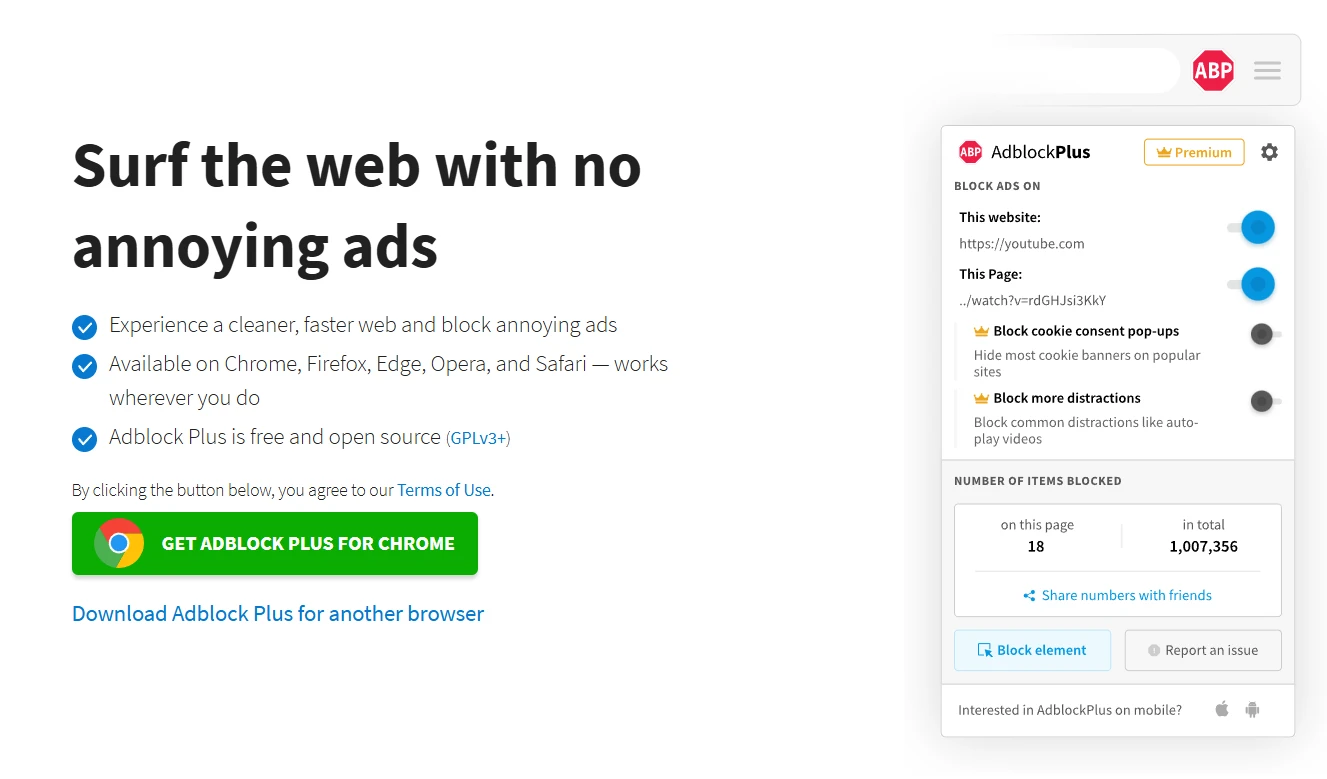
AdBlock Plus is where the mainstream story begins. Launched in 2010, it remains one of the most recognized software brands in consumer privacy — and recognition translates directly into downloads. ABP holds 10+ million active users on the Chrome Web Store alone, with additional significant install bases on Firefox, Edge, and its mobile apps for Android and iOS.
The reason for its endurance isn't technical superiority — it's familiarity. When someone's friend tells them to "get an ad blocker," there's a good chance ABP is what they search for first. The free tier covers basic blocking across all major browsers with no configuration required.
The ongoing controversy is the "Acceptable Ads" program: companies can pay to have their ads whitelisted and shown to ABP users by default. Critics call it a conflict of interest; defenders note the opt-out is available. Either way, it means ABP is not the most aggressive blocker on this list — some ads still get through. For users who just want fewer ads without changing their browser habits, it does the job.
Pros: Huge install base, cross-platform, free, zero setup, widely recognized
Cons: Acceptable Ads program lets some paid ads through; not the strongest blocker available
Free vs Paid: Free (with Acceptable Ads); paid whitelist opt-out available
Best for: Users who want a familiar, free, basic ad blocker with no learning curve
4. AdLock
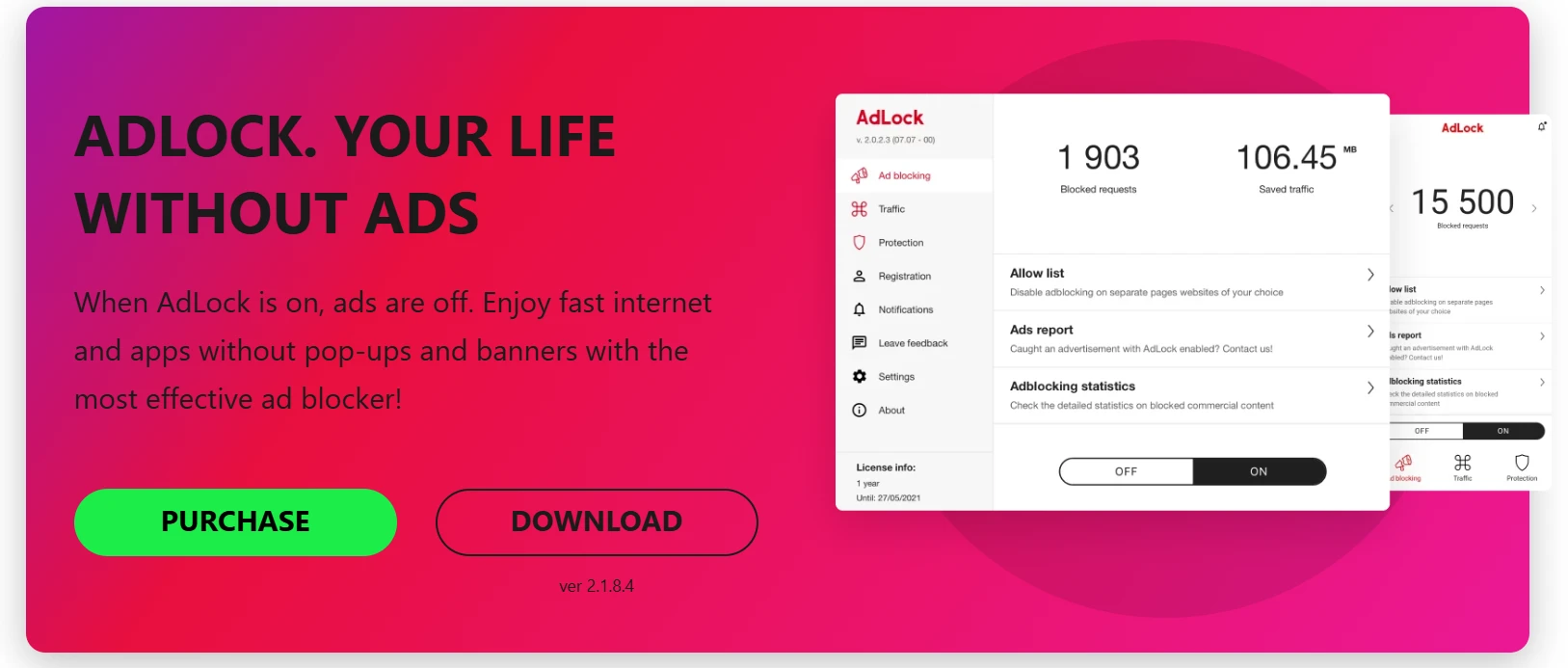
AdLock represents one of the more interesting growth stories in the ad blocker market in 2025–2026. Rather than competing as another browser extension in an overcrowded Chrome Web Store, AdLock took a different architectural approach: system-level blocking through a local VPN tunnel that intercepts traffic from every app and browser on the device simultaneously.
That distinction is what's driving its growing popularity in community discussions and search trend data. As users have learned — often through frustration — that browser extensions only block ads inside that browser, demand has shifted toward tools that cover the whole device. AdLock delivers that without requiring root access on Android, and it works across Windows, Mac, Android, and iOS. The no-traffic-logging policy matters to users who are increasingly privacy-aware.
AdLock as an ad blocker category leader is newer than the legacy players, and its distribution through direct downloads rather than app stores makes precise user counts harder to pin down. But search volume trends and web traffic data show consistent upward movement through 2026. Users who discover it typically arrive via searches for "block ads in apps" or "system-wide ad blocker" — searches that have themselves trended upward significantly this year.
Pros: System-level blocking covers all apps and browsers, no root required on Android, strong privacy policy, available on all major platforms
Cons: Paid product (free trial available); lower brand recognition than legacy players
Free vs Paid: Free trial; subscription for full access
Best for: Users who want system-wide ad blocking across all apps and browsers with one tool
3. uBlock Origin (and uBlock Origin Lite)
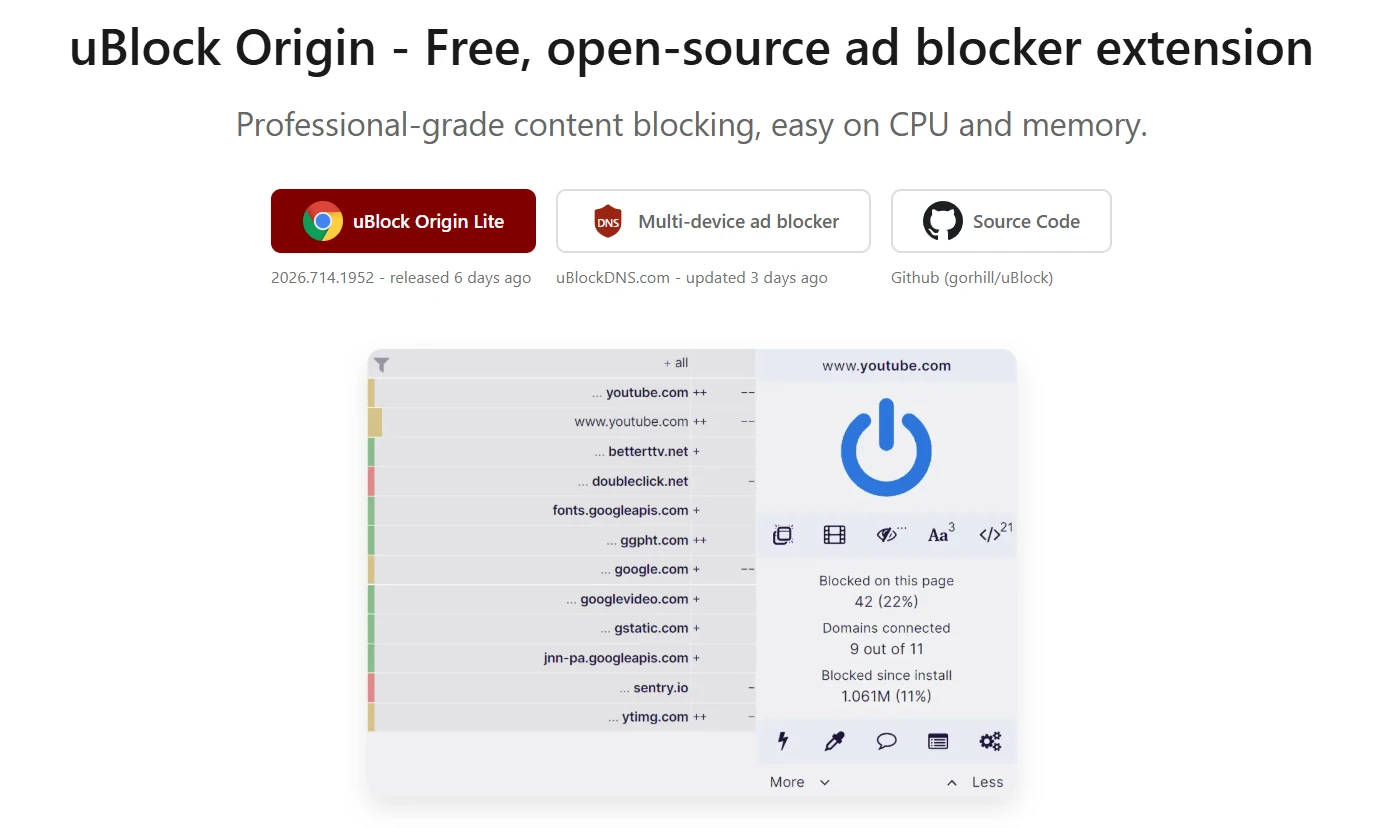
If AdBlock Plus is the mainstream choice, uBlock Origin is the enthusiast choice — and its community is enormous. It consistently ranks in the top three of Firefox Add-ons by active user count, with tens of millions of installs across Firefox, legacy Chrome, and Edge. In privacy-focused corners of the internet (r/privacy, Hacker News, security forums), uBlock Origin isn't just popular — it's the default recommendation.
The reason is straightforward: it's free, open-source, maintained by a solo developer (Raymond Hill) without corporate backing, and genuinely more effective than most alternatives at the same file size. It's lightweight enough to run comfortably on older machines and aggressive enough to block ads that slip past other tools.
The 2024–2026 Manifest V3 transition created a wrinkle. Google's MV3 requirements forced changes that weakened extension-based blocking on Chrome. uBlock Origin Lite — the MV3-compliant version now on the Chrome Web Store — is functional but noticeably less powerful than the full uBlock Origin on Firefox. This has accelerated a notable migration: uBlock Origin users moving to Firefox specifically to keep the full version. That migration itself is a data point worth noting.
Pros: Open-source, free, highly effective, lightweight, deeply trusted by privacy community
Cons: uBlock Origin Lite (Chrome) is weaker than the full version; some configuration needed for advanced features
Free vs Paid: Completely free
Best for: Privacy-focused users who want free, open-source, maximum-control blocking
4. AdGuard
AdGuard's company-reported figure of 65+ million users across all platforms makes it one of the largest ad blocking ecosystems in existence — and the key word is "ecosystem." Unlike single-platform extensions, AdGuard operates across browsers, operating systems, and device types: browser extensions for Chrome, Firefox, Safari, and Edge; standalone desktop apps for Windows and Mac; and mobile apps for Android and iOS.
That breadth is the main reason for its popularity. Users who start with the browser extension often upgrade to the standalone app when they realize browser extensions don't block ads in other applications. AdGuard's YouTube blocking is among the most effective available, which matters enormously given how many people cite YouTube pre-rolls as their primary motivation for seeking an ad blocker in the first place.
The free version is functional but limited — DNS filtering, per-app controls, and the larger filter lists are behind the Pro paywall. The learning curve is real for non-technical users. But for users who want a trusted brand with comprehensive cross-platform coverage, AdGuard's user base growth is no accident.
Pros: 65M+ users, cross-platform and cross-browser, strong YouTube blocking, browser extension and system-level app
Cons: Full features require Pro subscription; interface complexity for casual users
Free vs Paid: Free version available; Pro unlocks system-level and advanced features
Best for: Users who want comprehensive blocking across all browsers and apps with a well-established brand
5. Ghostery
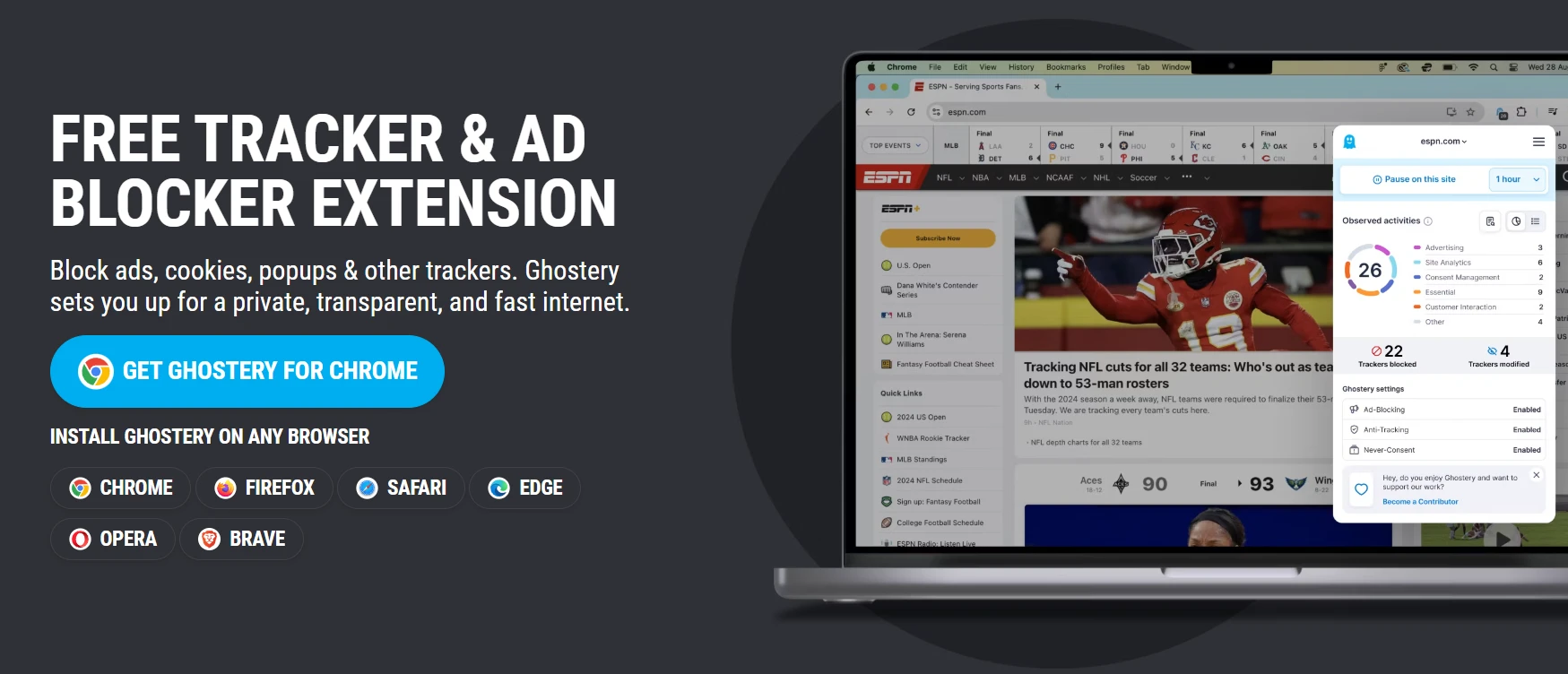
Ghostery has found its niche at the intersection of ad blocking and tracker transparency. With 2+ million active users (company-reported), it's smaller than the giants on this list, but its audience is loyal and specifically motivated by wanting to understand who's tracking them — not just block ads passively.
The "Who tracks me" feature is the main differentiator: Ghostery shows users exactly which trackers are running on any given page, names the companies behind them, and lets users block selectively or wholesale. This transparency-first approach has built a dedicated community among users who want visibility, not just filtration.
Ghostery was historically owned by Cliqz, which raised data collection concerns in earlier years. The company has updated its privacy policies significantly, and current users report no major issues. It works across all major browsers and has been rebuilt for MV3 compliance. Firefox users get the fullest feature set. For users who care as much about understanding their privacy exposure as eliminating ads, Ghostery fills a gap the other tools on this list don't quite address.
Pros: Strong tracker visibility, transparent about who's tracking you, MV3 compliant, all major browsers
Cons: Smaller filter list than top competitors; historically raised privacy concerns (policies updated)
Free vs Paid: Free
Best for: Users who prioritize tracker transparency and want to understand their privacy exposure
6. Brave Browser (Built-in Blocking)
Technically, Brave isn't an ad blocker — it's a browser. But with 60+ million monthly active users (company-reported), Brave represents one of the largest "install this and stop seeing ads" user bases in existence. That makes it impossible to exclude from a popularity ranking.
Brave's approach is different from every other tool on this list: blocking is built into the browser engine itself, at a level below extensions and APIs. There's nothing to install, configure, or update separately. It blocks ads, trackers, and fingerprinting scripts by default from the first launch. YouTube blocking in Brave works more reliably than most extension-based alternatives.
The trade-off is the obvious one: switching browsers. Users who rely on Chrome extensions, specific browser sync features, or enterprise configurations may find the transition disruptive. Some websites detect Brave and restrict features. But for users who are willing to switch, the zero-maintenance, zero-configuration ad-blocking experience is genuinely hard to beat — which explains sixty million monthly active users.
Pros: 60M+ MAU, zero configuration, engine-level blocking, strong YouTube blocking
Cons: Requires switching browsers; some sites detect and restrict Brave
Free vs Paid: Free
Best for: Users who want zero-configuration ad blocking and don't mind switching browsers
Quick Comparison Table
Tool | Platform | Free / Paid | Active Users (est.) | Best For | System-Level Blocking |
AdBlock Plus | Chrome, Firefox, Safari, Edge, Mobile | Free | 10M+ (Chrome alone) | Simple, free basics | No |
uBlock Origin | Firefox, Chrome (Lite), Edge | Free | 30M+ | Privacy-focused power users | No |
AdGuard | All browsers + standalone app | Free / Pro | 65M+ (all platforms) | Cross-platform coverage | Yes (standalone app) |
AdLock | Windows, Mac, Android, iOS | Paid (trial) | Growing (direct DL) | System-wide all-app blocking | Yes |
Ghostery | All major browsers | Free | 2M+ | Tracker transparency | No |
Brave | Browser (all platforms) | Free | 60M+ MAU | Zero-config, no browser switch | Engine-level |
Why Are These Ad Blockers So Popular?
The tools that dominate installs share a few consistent traits — and understanding them explains where the market is heading.
Price is still the biggest driver. Most of the top-downloaded ad blockers are free. Users are willing to pay for premium features once they see clear value, but the entry point is almost always free. AdLock and AdGuard's paid tiers succeed because the free tier establishes trust first.
"Just works" beats "feature-rich." Brave and Wipr's popularity comes from requiring zero setup. ABP's staying power despite not being the most powerful blocker comes from the same place. Most users don't want to manage filter lists.
YouTube blocking is the conversion event. Search volume data consistently shows that spikes in ad blocker installs correlate with YouTube rolling out new anti-adblock measures. Users who previously tolerated ads elsewhere draw the line at YouTube pre-rolls.
System-level tools are gaining ground. Browser extensions were fine when most digital content was browser-based. As ads have proliferated in games, streaming apps, and other applications, users increasingly want a tool that covers everything — not just one browser.
Trust takes time. Users don't give an unknown app access to their network traffic without a reason. Longevity, open-source code, and brand recognition are all trust proxies, which is why legacy tools like ABP and uBlock Origin maintain large install bases even as technically superior alternatives emerge.
What's Trending in August 2026?
Several shifts are reshaping the ad blocker market this month specifically:
Post-MV3 migration continues. Google's Manifest V3 changes, which weakened Chrome extension-based blocking, are still reshaping user behavior. The clearest indicator is Firefox's user growth — driven substantially by uBlock Origin loyalists who migrated to keep the full, uncapped version.
YouTube ad blocking searches spiking. Google's mid-2026 intensification of anti-adblock enforcement in YouTube triggered a measurable spike in searches for "YouTube ad blocker" and "how to block YouTube ads 2026." Tools that handle YouTube effectively — AdGuard, AdLock, Brave — saw corresponding upticks in download activity.
System-level blockers growing. The category of "block ads in apps, not just browsers" is one of the fastest-growing search segments in the ad blocker market. AdLock and AdGuard's standalone apps are the primary beneficiaries, as users learn that browser extensions have no effect on in-app advertising.
iOS ad blocking interest rising. iPhone users are increasingly seeking Safari-compatible ad blockers as mobile web advertising grows more aggressive. App Store rankings for Safari content blockers have trended upward consistently through Q2 and Q3 2026.
Privacy is a primary motivation now. Users aren't just blocking ads to reduce visual clutter — they're blocking trackers, fingerprinting scripts, and analytics SDKs. This shift explains Ghostery's loyal audience and the growing emphasis on privacy policies among paid tools like AdLock.
Which Should You Use in August 2026?
The right ad blocker depends on what specifically is driving you to look for one:
Want the most popular free option? uBlock Origin on Firefox is the enthusiast consensus pick. AdBlock Plus on Chrome is the mainstream familiarity pick. Both are free, both have massive install bases.
Want cross-platform and system-wide coverage? AdLock or AdGuard's standalone app — both block across all browsers and apps on your device, not just inside one browser.
Want zero configuration, install once and forget? Brave browser handles blocking at the engine level with nothing to set up. It requires switching browsers but delivers the most seamless experience available.
Want tracker visibility alongside ad blocking? Ghostery's transparency tools show you exactly which companies are tracking you on each page, which no other tool on this list does as well.
Want to block YouTube ads specifically? AdGuard, AdLock, and Brave all handle YouTube blocking more consistently than basic browser extensions in August 2026.
Primarily mobile? AdGuard's mobile app or dedicated iOS Safari blockers like 1Blocker and Wipr handle mobile-specific blocking. AdLock's Android app covers system-level blocking without root.
Want to support open-source development? uBlock Origin is maintained independently, accepts no corporate funding, and remains the privacy community's most-recommended tool.
The 500 million people blocking ads worldwide aren't all using the same tool — because they don't all have the same problem. Match the tool to what's actually annoying you, and you'll land on the right one.


