


business resources
The 2026 WooCommerce Plugin Checklist: 20 Tools Every Serious Store Should Consider
29 Jul 2026

One peculiar feature of the WooCommerce plugin market is that it is incredibly vast, highly fragmented, and consists of a variety of seemingly identical plugins which, however, deliver entirely different results in reality. Thus, it takes hours for business owners to evaluate their options and select the proper plugin pack, which can consist either of too few plugins (which means that some capabilities will be missing) or too many plugins (which, in its turn, can lead to bloating of your website and redundant functionality).
However, there is one thing that could help you in selecting a plugin pack more than any other, a specially selected pack of the plugins with the best functionality in your particular WooCommerce store. This is what the following article is intended to provide you. All the 20 plugins presented below resolve certain specific issues faced by business owners, such as conversions, promotion, compliance with regulations, operation, and lost income generation. Not all 16 plugins will be necessary for you at once. However, among these 16 plugins, there are definitely those two or three plugins which will help you improve your store right now.
20 WordPress Plugins Every WooCommerce Store Should Consider
1. FunnelKit
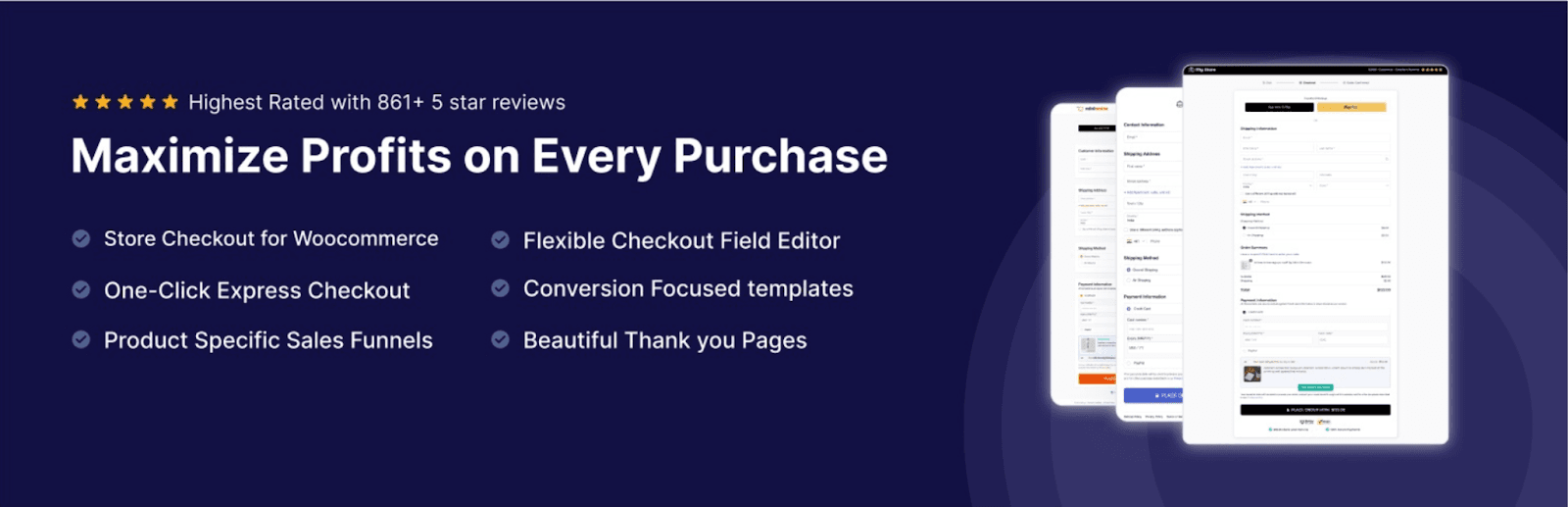
FunnelKit is an excellent sales funnel builder that has been designed for the WooCommerce shop. This tool enables you to build amazing checkout pages, one-click upsells, order bumps, and thank you pages, which ensure that your customers will have no difficulties navigating the checkout process.
The plugin comes with integrations with well-known page builders, such as Elementor, and has WooCommerce integration, thus making your installation fast and flexible. FunnelKit has built-in automation tools, A/B testing, and analytics.
2. WooCommerce Product Recommendations
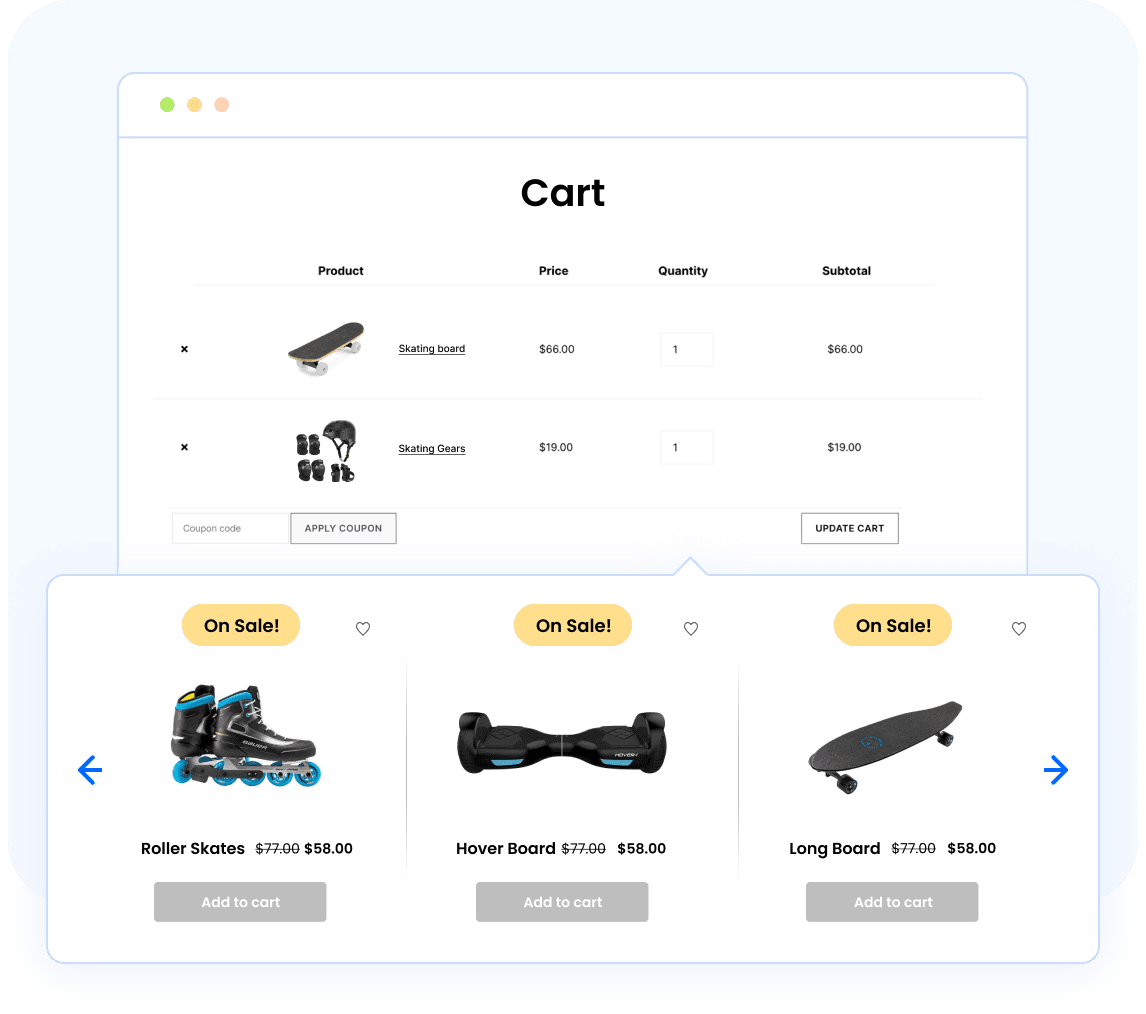
The WooCommerce Product Recommendations plugin enables you to turn your product catalog into a salesman. Rather than waiting for customers to discover related products through self-exploration, it suggests related recommendations – upsells, cross-sells and other products purchased together – at every stage in the purchasing process. Such a recommendation system is typical of major retail websites, but it is now available for WooCommerce sites without having to customize it.
Recommendation widgets can be displayed on product pages, shopping carts, the checkout page and other places where customers have high intent to purchase something, all of which are filtered by conditions. Advanced display rules and filters let you control which recommendations appear based on products, categories, users, and prices. The free version that you can download from WordPress.org offers related product, upsell, and cross-sell functionalities.
3. TrustPulse

It’s assumed that newcomers come with a dose of doubt after all, they have no idea who you are, have never seen your products in real life, and one minor micro-conversion will send them off in another direction. TrustPulse addresses this issue by showing them real-time evidence of your success: small notifications informing about recent purchases, signups, and other user actions.
The principle is simple enough, seeing that others are actually making the purchase, diminishes the risks of being the one to test the product out for the first time. The plugin automatically collects data on on-site activity, so there’s no need for a lengthy setup process. Plus, you can customize notifications design, direct them at particular products or pages and set up the appearance time.
4. Smart Coupons for WooCommerce
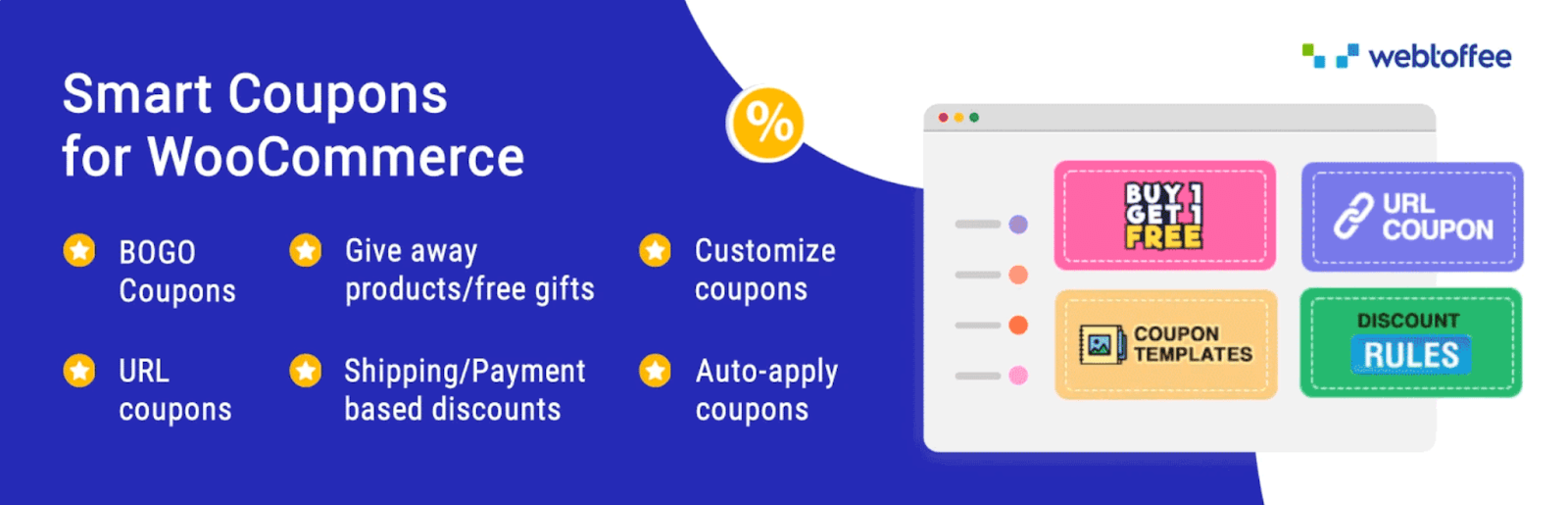
Coupons when applied well are one of the most dependable means for increasing conversions and customer retention, but the default coupons offered by WooCommerce just touch the tip of the iceberg. The WordPress coupon plugin expands on this by providing all the promotional features that you would expect out of an eCommerce platform: BOGO discounts, gift certificates, store credits, predefined link discounts, rules based on order history, and many more.
It does not stop there, as this advanced coupon code plugin also takes care of everything related to managing those promotions. You get the ability to create multiple codes en masse for a campaign, limit coupons according to products, categories, and user roles, and even set up workflows for discount triggers on customer actions. The free version available on WordPress.org provides all the basic features – percentage discounts, BOGO offers, and giveaways.
5. Checkout Field Editor for WooCommerce
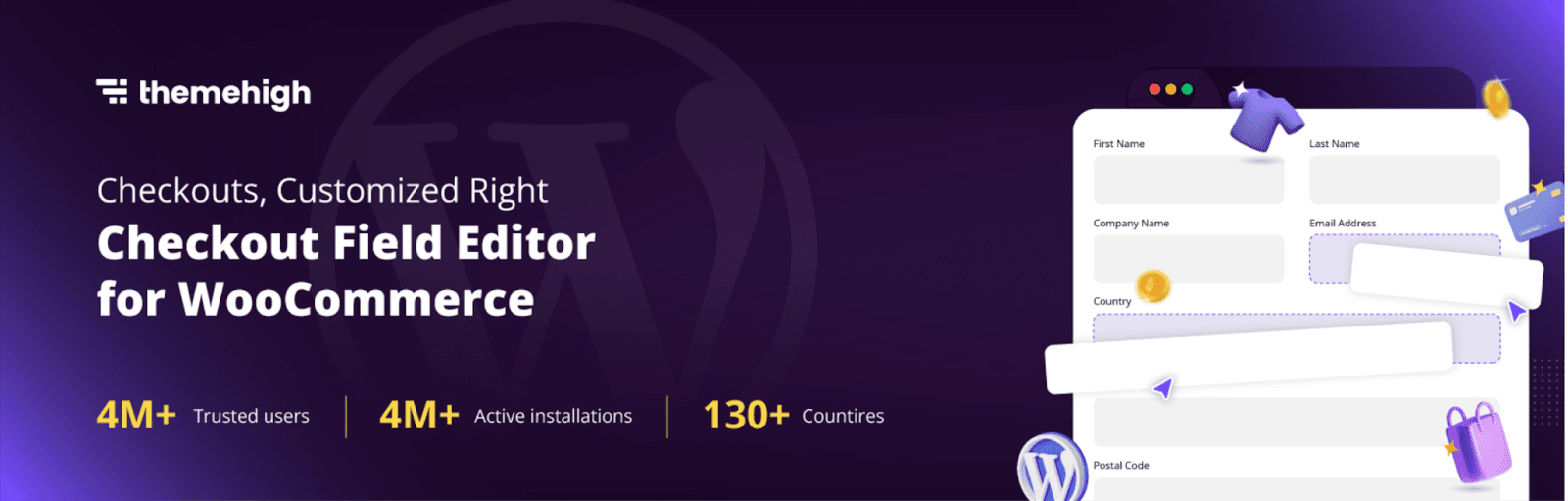
By default, the checkout page for WooCommerce has the same information fields for digital download products as well as those shipping physical products globally. Checkout Field Editor for WooCommerce enables customization of the fields according to the nature of your business by deleting or rearranging the fields in a drag-and-drop manner without coding.
Conditional logics are another feature of this plugin that displays or hides the fields depending on the nature of the items in the shopping cart or other choices made by the customers. It allows hiding of the shipping fields for digital products only, displaying of the specific region tax information fields when necessary, and so on.
6. WooCommerce Gift Cards

Gift cards provide two-fold benefits in that they earn money immediately and attract new customers to your business by having them visit your store to cash out their cards. This best gift cards plugin turns gift cards sales into a revenue stream, offering unlimited options for creating digital and physical gift cards with different designs and amounts.
The plugin offers all the features a good gift card program must have. Customers will select a pre-defined value or a custom amount, then deliver cards immediately by email or send them on a specified date. Printing and mailing of physical cards happens from your admin panel. The balance, issuing refunds in the form of store credit, and redemption during checkout all function smoothly. There is even a free version available on WordPress.org that lets you create a gift card product with four templates, plus store credit and balance management; unlimited cards and 20+ templates come with the premium version.
7. Mollie Payments for WooCommerce
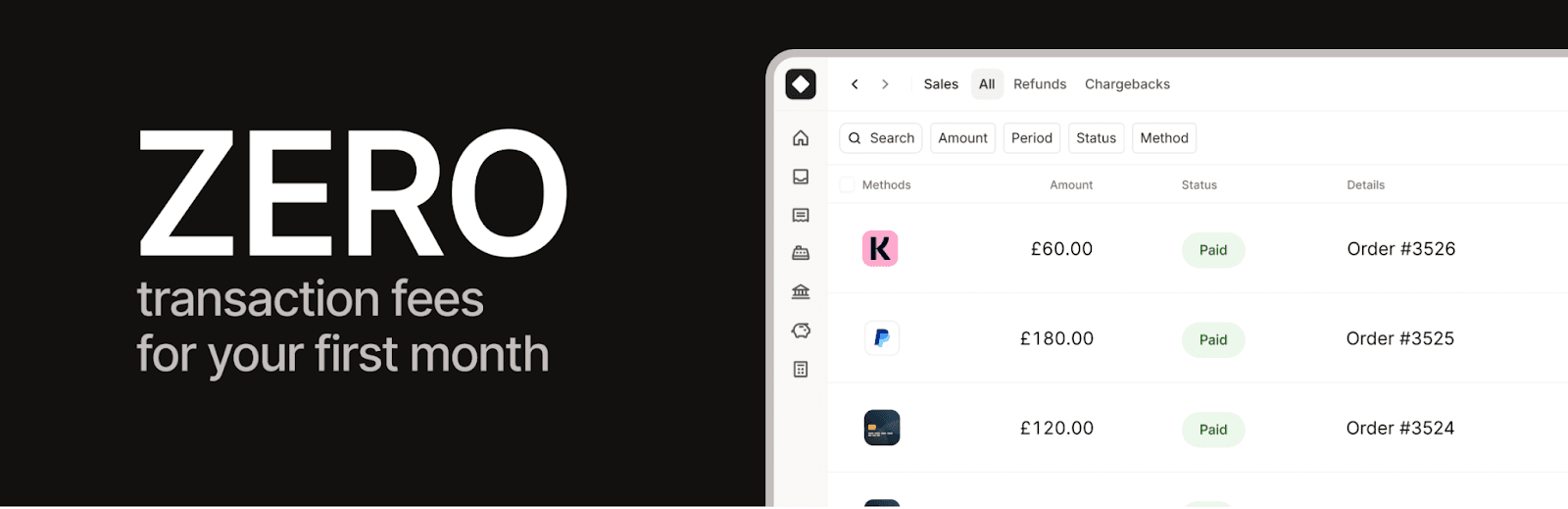
The truth of the matter is that every client has their preferred means of payment, and the offering of the wrong payment methods may be considered one of the stealthiest reasons for cart abandonment. This issue is addressed by Mollie Payments for WooCommerce because it integrates all of the popular means of payment available in the world: credit card, PayPal, Apple Pay, Google Pay, Klarna, iDEAL, Bancontact, among others.
Integration with the service is easy, and each payment goes through the secure gateway provided by Mollie, with PCI compliance taken care of. You get real-time payment information directly in your WooCommerce account, and any refund can be issued with a click of a button. The true power of this plugin lies in geographical flexibility, meaning you can accept payments worldwide without integrating multiple payment plugins.
8. WebToffee eCommerce Marketing Automation
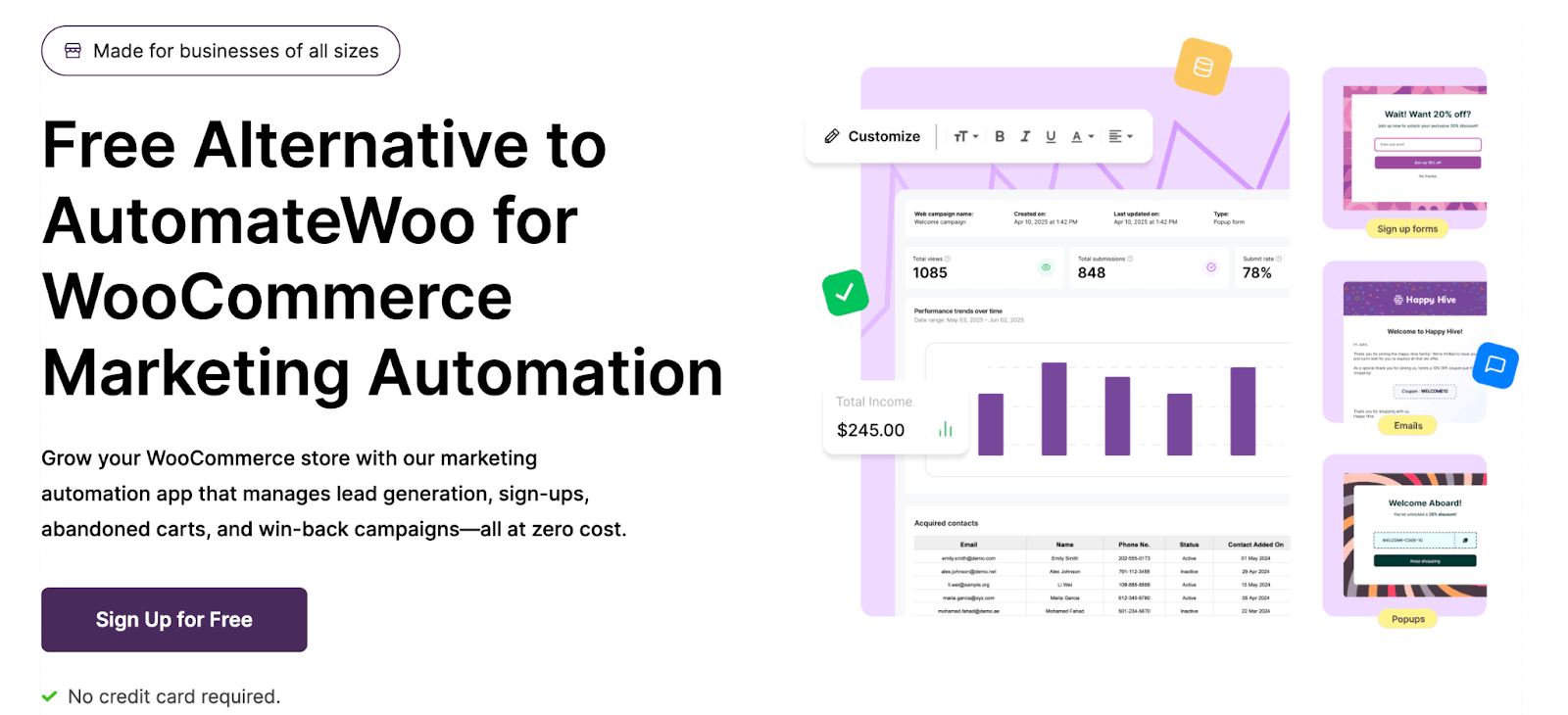
For the majority of WooCommerce stores, the biggest unexplored source of revenues is not attracting new clients; it is managing their follow-up communications with the customers they already have. The solution called eCommerce Marketing Automation from WebToffee will help with that, since it launches behavioral email and popup campaigns depending on user behavior.
There are already available workflows that include such things as abandoned cart recovery, welcome series for newly subscribed customers, follow-ups after purchases, and win-back campaigns for former clients. One can create his own workflows based on visual triggers and conditions, use popups, exit-intent messages, and signup forms. The best thing about this ecommerce email marketing app is that it's free to start and doesn't require any credit card information.
9. WebYes Accessibility Tool

Accessibility on the web was considered a back-burner task – something you'll deal with sooner or later. In 2026, with ongoing lawsuits in accordance with ADA, implementation of the European Accessibility Act, and stricter enforcement of WCAG guidelines by different jurisdictions, this can no longer be the case. WebYes Accessibility Tool makes WooCommerce websites accessible without requiring major changes to the website itself.
It scans your website and flags WCAG accessibility issues — such as missing alt text, poor color contrast, heading-structure errors, and keyboard/focus-order problems — so you can fix them at the source. In contrast to overlay widgets criticized for hiding accessibility issues without solving them, WebYes tackles the problem on the coding level. Another bonus feature is a free-to-use Accessibility Checker Chrome extension to perform instant WCAG compliance tests.
10. WooCommerce PDF Invoices, Packing Slips & Credit Notes
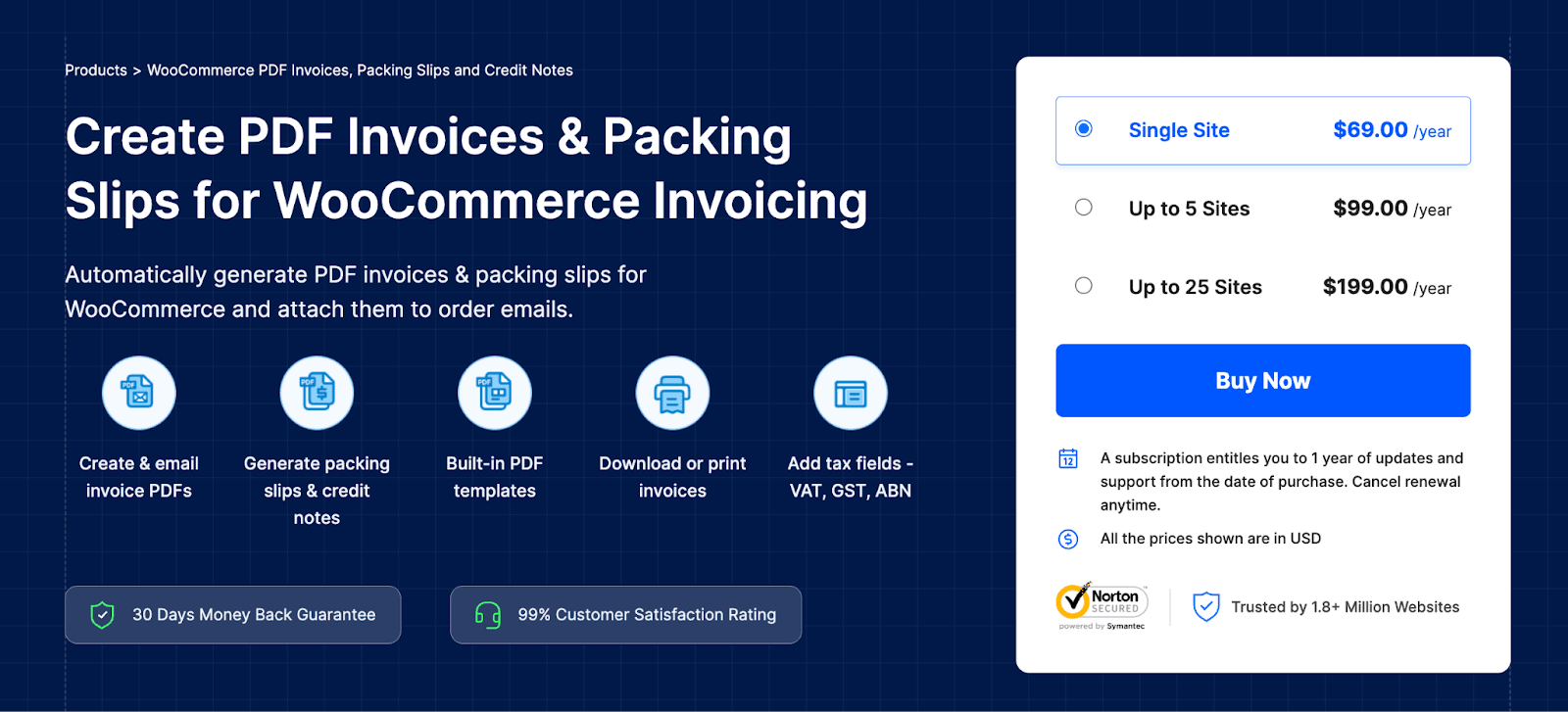
Order documentation is one of those mundane activities that take away your time secretly, a few minutes now, a few minutes then, and before you know it you have spent a substantial portion of your week on documentation rather than growing your business. WooCommerce PDF Invoices, Packing Slips & Credit Notes will take care of all that documentation automatically – it will create branded PDFs whenever you receive an order and attach it to the confirmation email of your customers.
Each PDF can be customized with your logo, signature, and footer information using flexible templates. The ability to print in bulk and download in batches helps to handle large number of orders, while multilingual and tax-compliant formatting makes it work seamlessly with multiregional stores. You can get a free plugin from WordPress.org that can create invoices for you.
11. MonsterInsights

An internet shop that is managed without a well-defined analytics system can only be compared to guessing all along the way; while being productive, one is busy addressing problems that do not exist. MonsterInsights solves this problem by combining Google Analytics with your WooCommerce shop and making available the important metrics within the WordPress dashboard so that the information is viewed.
The reports provide the important information that helps e-commerce, including revenues, conversion rates, average order value, best-selling products, best sources of traffic, and where the customers get lost in your sales funnel. With the Enhanced eCommerce tracking, one will also gain detailed information on product views, additions to carts, and checkout abandonments — and this is where all important information is.
12. Sequential Order Numbers for WooCommerce
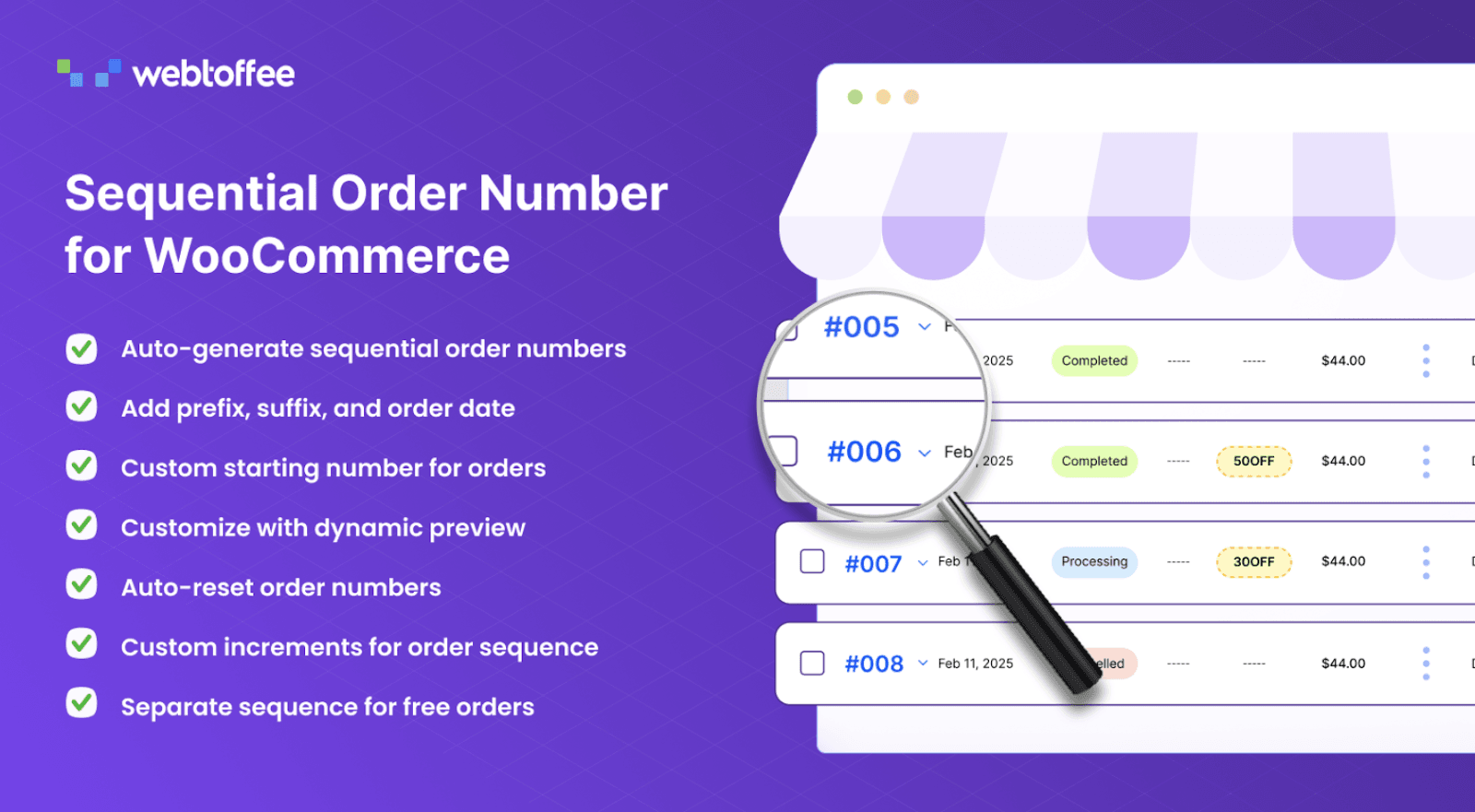
The stock order IDs generated by WooCommerce are practical but customer unfriendly — six-digit, random numbers that are difficult for the customer to remember, hard for the support team to identify, and impossible to arrange meaningfully. The plugin Sequential Order Numbers for WooCommerce replaces the IDs with meaningful, sequential order numbers of your choice.
Order ID formats can be created with letters, numbers, and various other components. Order ID prefixes and suffixes help differentiate between order types. You can start a fresh sequence every day, month, or year according to your reporting period. Numbering systems can even be used to renumber historic order numbers. The free version on WordPress.org includes custom formats, prefixes, a custom starting number, order-number length, and renumbering of existing orders; suffixes and daily/monthly/yearly auto-reset require the premium version.
13. Yoast SEO
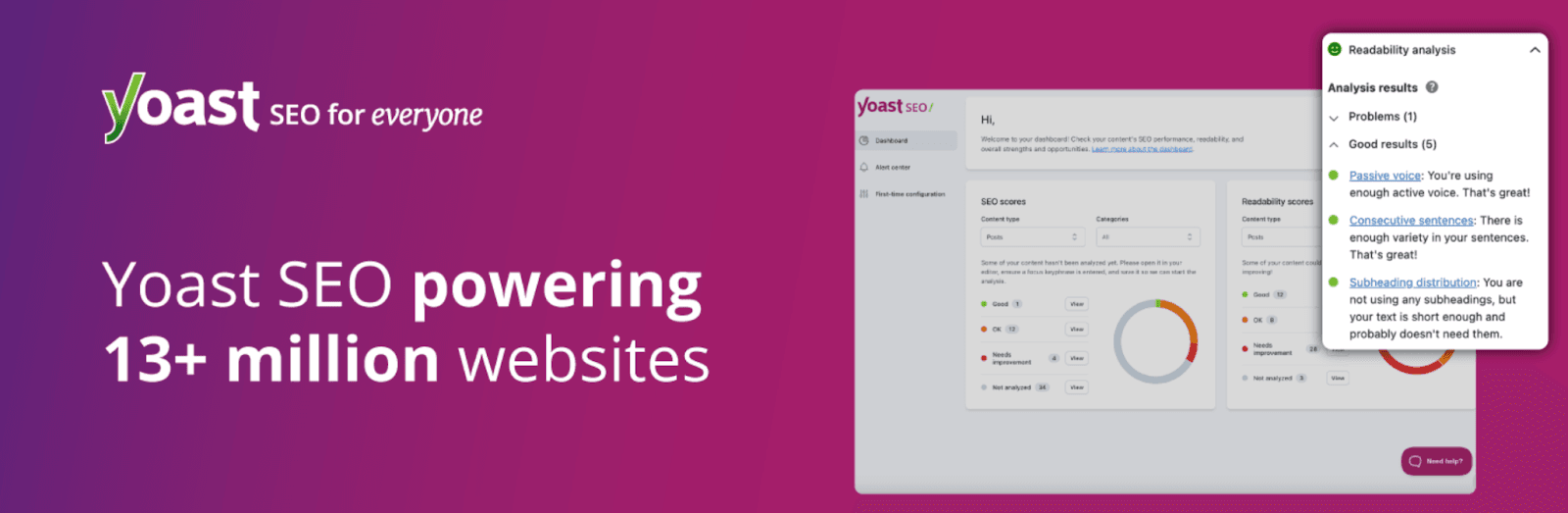
Yoast SEO is considered one of the most reliable SEO plugins that can optimize WordPress sites and WooCommerce stores for the purpose of improving their SEO performance.
Using the plugin allows store owners to boost their presence on Google as it provides real-time analysis of the SEO of any web page, advises which keywords to use, and conducts readability tests.
Some of the main functionalities of Yoast SEO include schema markup, breadcrumbs management, and automatic meta tags management.
Moreover, the plugin allows integrating it with social media and customizing the way links to the site will look once shared on social platforms.
14. Product Feed for WooCommerce
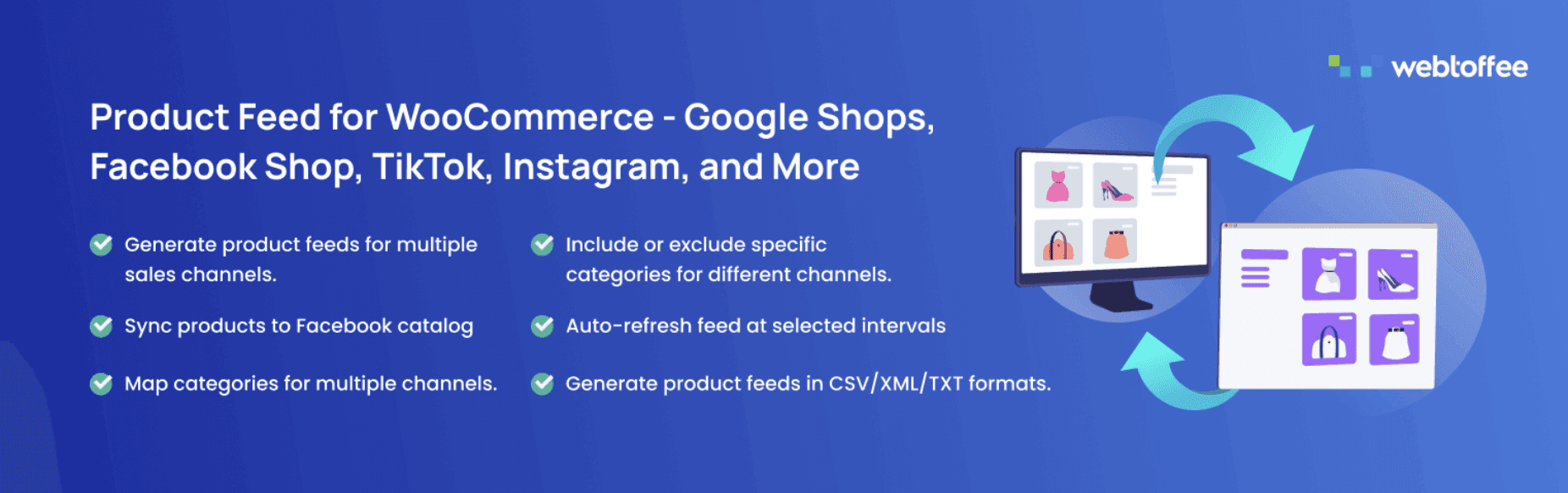
Listing via Google Shopping, Facebook Marketplace, Instagram, TikTok, or any other platform means using product feeds which follow certain formatting rules according to the selected platform. It becomes impossible to do such things manually when dealing with a large product catalog, not to mention keeping your listing up-to-date while changing prices and stock. The Product Feed for WooCommerce Plugin will make your listing on all popular channels automated and manage feeds for all of them from one dashboard.
You have full control over the way your feeds are generated with attribute mapping, customization, and filters for including or excluding certain products. Scheduling makes sure that everything you sell stays up-to-date by updating the feeds automatically while changing prices, stock, and adding new products. The free version on WordPress.org offers basic formats, such as XML, CSV, and TXT — it is enough to launch your first sales channel.
15. UpdraftPlus

UpdraftPlus is an effective and user-friendly backup plug-in that protects your WooCommerce website's data. You will be able to perform automated backups and keep them safe on remote servers, such as Google Drive, Dropbox, and Amazon S3. It will take only a few steps for you to restore your website in full along with all its elements.
In case you operate a WooCommerce website and want to secure your business from crashes, hacks, or failures during updates, UpdraftPlus is the perfect plug-in that can help you achieve it easily.
16. Product Import Export Plugin for WooCommerce
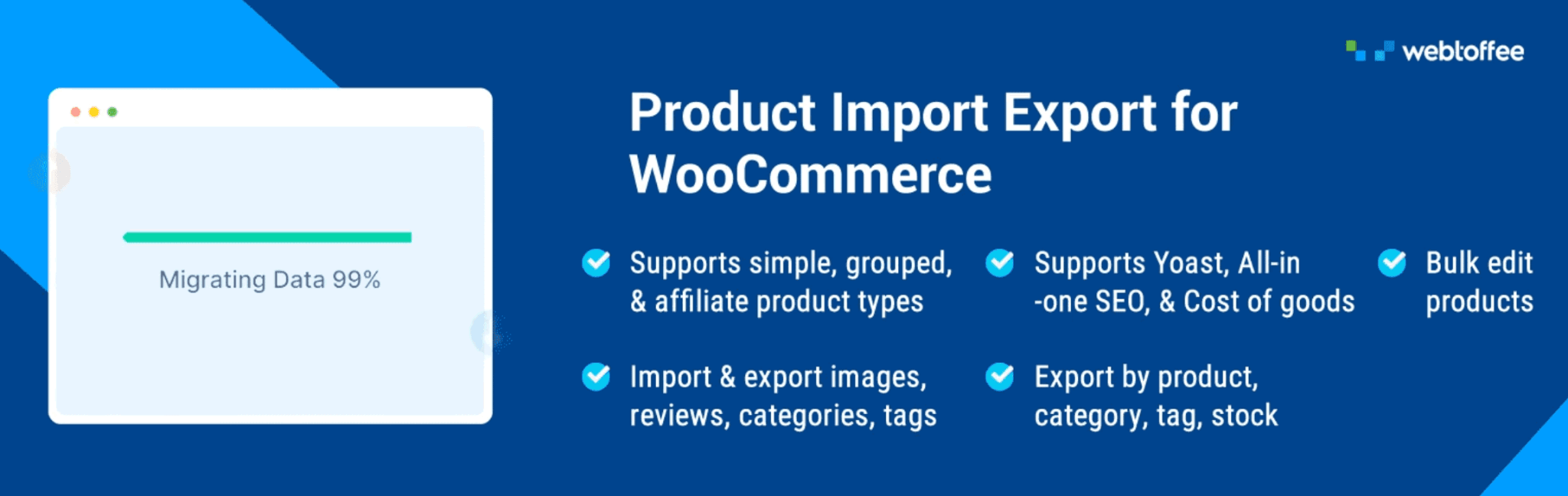
Who hasn’t been frustrated with manually updating a WooCommerce shop that holds even a couple hundred items? Product Import Export Plugin for WooCommerce offers a more efficient way to do this with mass operations through CSV/ XML files that can deal with thousands of items.
This plugin supports all product types provided by WooCommerce (simple, variable, grouped, external, subscription), as well as associated information (reviews, images, custom meta). The field mapping process is very visual, making errors much less likely during import. A free version of the plugin available at WordPress.org is enough for basic imports and exports that are free of charge.
17. Dokan

In case you want to have other vendors doing sales through your platform, be it a niche marketplace, a curated community, or a regional shopping destination – Dokan is the plugin you need to make WooCommerce support the whole multi-vendor structure. The vendors will sign up, set up their store, manage their products and shipments, process orders from the dedicated front-end dashboard, working under your marketplace name.
On the back end, Dokan will take care of the complex processes behind running a marketplace including commission management, money withdrawals, vendor reviews, reporting, analysis per each vendor and integration with popular payment systems. The plugin supports most of the WooCommerce plugins, so you may use it with the shipping solutions, subscription, or membership features as well as required.
18. GDPR Cookie Consent
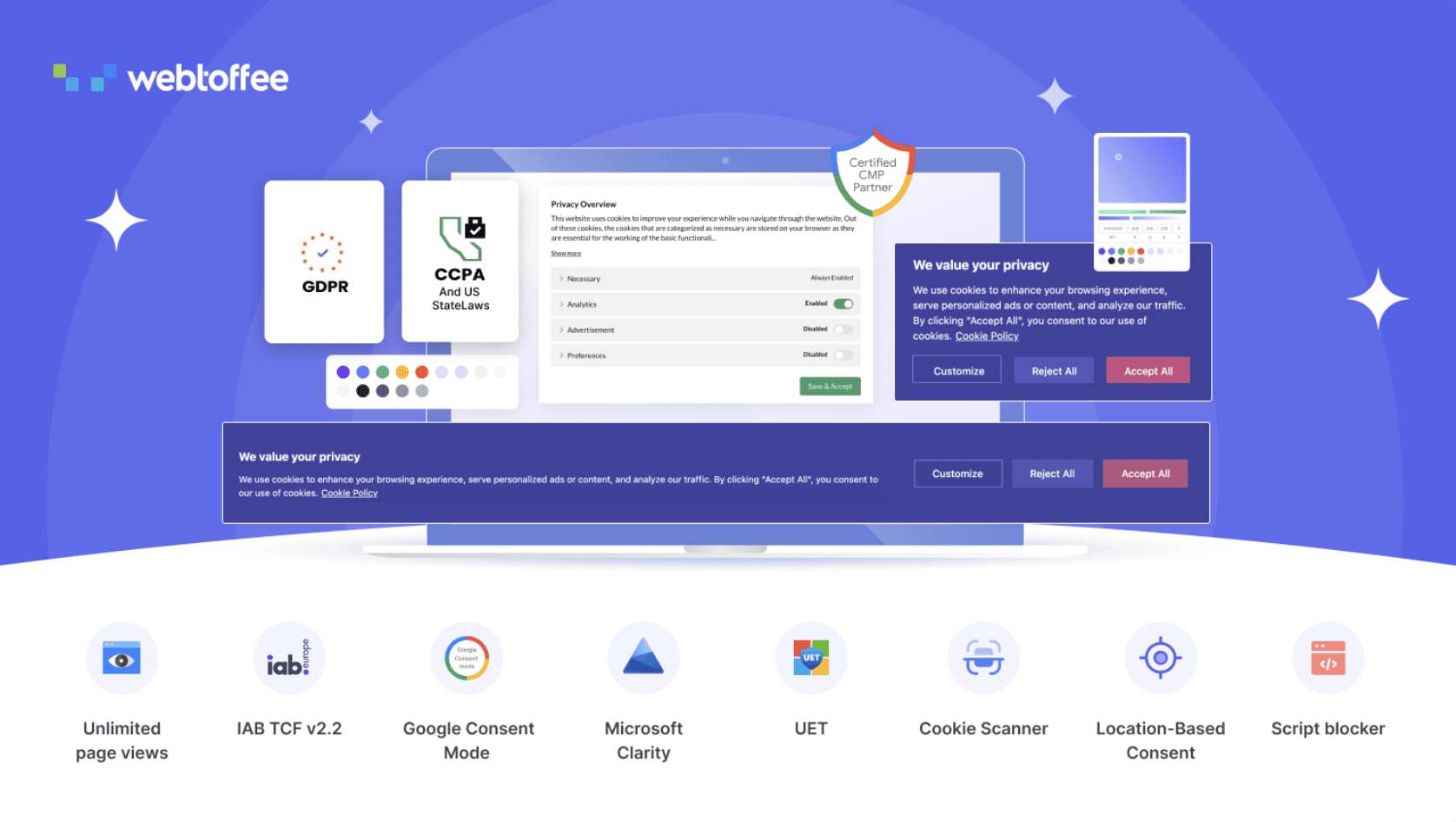
Privacy laws are not a trend; GDPR in Europe, CCPA in California, LGPD in Brazil, and many others across the globe have made it a necessity to handle consent management. GDPR Cookie Consent is a certified consent management solution for WooCommerce that takes care of this task without affecting the user experience in any way.
This GDPR plugin will scan the cookies used by your store and classify them. It shows a nice consent banner to your visitors. You may prevent tracking cookies from being active until you obtain the consent of the visitors. This allows you to use Google Analytics in Google Consent Mode. The banner is customizable in terms of language, placement, and design.
19. Ivory Search

Ivory Search is an incredibly flexible WordPress search plugin that adds additional functionality to the standard search form and makes searching on your WooCommerce store more effective.
It is possible to specify which type of content needs to be included or excluded in the search form – posts, pages, categories, custom post types, or any other field from WooCommerce products. This search plugin supports AJAX live search.
Ivory Search integrates easily into your menus, widgets, and shortcodes. The plugin is indispensable for online stores with a lot of different products.
20. MailPoet

MailPoet is an effective email marketing plug-in that works especially well for WordPress and WooCommerce sites. The plug-in enables you to plan, create, and schedule email campaigns from your WordPress dashboard without having to use any other email marketing platform outside of WordPress. With stunning templates and a user-friendly drag-and-drop editor, you can effortlessly create newsletters, abandoned cart campaigns, and recommendations.
MailPoet is also fully compatible with WooCommerce; you will be able to segment users depending on their purchasing behavior and send automated reminders or promotions. With features such as list segmentation, analytics, and built-in delivery, MailPoet provides a full solution to engage with your subscribers and increase their repeat purchases.
Wrapping Up
What all these plugins have in common is that they solve a concrete and measurable problem – they don't just add some functionality on top of it. This is the useful perspective to have when you consider an addition to your own set of plugins: what problem does it solve, and how do I measure success?
If you are already using most of these plugins, your biggest benefit will come from optimizing the existing configuration – half of the effectiveness of any plugin comes from the settings and integration. It's easy to install a plugin and then not use it. Spend a weekend auditing your setup before installing anything else; many times, what you need will be just one settings change away.
If you are building your first WooCommerce site, resist the urge to install all plugins right away. Instead, choose two or three plugins that will cover your most obvious gaps, optimize their performance, and then reevaluate the situation in a month. The long game will pay off here.


