
Trading Strategies & Tech
TradeStation: A Comprehensive Review of Its Trading Platform and Services
03 Apr 2026

So, I’ve been looking into TradeStation for a bit now, and it’s got some interesting stuff going on. It’s definitely geared more towards people who know their way around trading, not so much for someone just dipping their toes in. Think of it like a souped-up sports car – lots of power and features, but you really need to know how to drive it. We’ll go over what TradeStation offers, how you can build and test your own trading ideas, and what it costs to get started. Plus, we’ll touch on how safe it is and what other users are saying about it.
Key Takeaways
- TradeStation is a robust platform built for active, self-directed traders, offering advanced tools for strategy development, testing, and execution.
- The platform features EasyLanguage, a proprietary scripting language, and a Strategy Builder, making it ideal for creating custom trading systems and automated strategies.
- TradeStation provides extensive backtesting capabilities with historical data and specialized tools like FuturesPlus and OptionsStation Pro for futures and options trading.
- While offering zero-commission trading for stocks and ETFs, TradeStation has various additional fees, including IRA administrative fees and high account transfer costs, which can add up.
- The user interface, especially the desktop version, can be overwhelming for beginners due to its complexity and numerous customization options, suggesting it’s best suited for experienced traders.
TradeStation Platform Overview
TradeStation has been around for a while, starting way back in 1982. They’ve built a platform that tries to cater to a wide range of traders, from beginners to the really serious pros. It’s available as a desktop application, a web version, and even a mobile app, so you can trade pretty much wherever you are.
Core Features of TradeStation
TradeStation packs a lot of features into its platform. For starters, it’s known for its proprietary scripting language called EasyLanguage, which lets you build and test your own trading strategies. If you’re into automated trading, this is a big deal. They also offer a huge amount of historical data, going back decades, which is super useful for backtesting. You get access to hundreds of built-in indicators, and you can create even more with EasyLanguage. Plus, they have specialized tools for futures and options traders, like FuturesPlus and OptionsStation Pro, which offer advanced analysis and order types.
TradeStation’s User Interface and Learning Curve
Now, about the user interface. The desktop version, while powerful, can feel a bit overwhelming when you first open it. It’s got a lot going on, with tons of customization options and tools that might seem like a lot to take in if you’re new to trading. It’s definitely geared more towards experienced traders who want to tweak every little detail. The web version is a bit more streamlined and easier on the eyes, but some features, like watch list syncing, don’t carry over from the desktop. It takes some time to get used to where everything is and how to use it efficiently.
The platform’s design prioritizes functionality and customization for active traders. While this offers immense flexibility, it can present a steeper learning curve for those accustomed to simpler interfaces. Getting comfortable with the layout and available tools is a process that requires some dedicated time.
Multiple Platforms and Robust Support
TradeStation offers a few ways to access its services:
- Desktop Platform: This is the most feature-rich version, designed for serious traders who want maximum control and customization. It’s available for Windows and Mac.
- Web Platform: A more accessible version that provides most of the core trading and charting capabilities without the complexity of the desktop app.
- Mobile App: For trading on the go, available for iOS and Android devices. It offers essential features for monitoring your portfolio and executing trades.
While the platform itself is robust, getting help is also important. TradeStation provides customer support through various channels, and there’s also a community forum where users can share tips and ask questions. They also have a simulator that lets you practice trading with virtual money, which is a great way to learn the ropes without risking real cash, though you do need a funded account to use it.
Developing and Testing Trading Strategies on TradeStation
EasyLanguage: TradeStation’s Proprietary Scripting Language
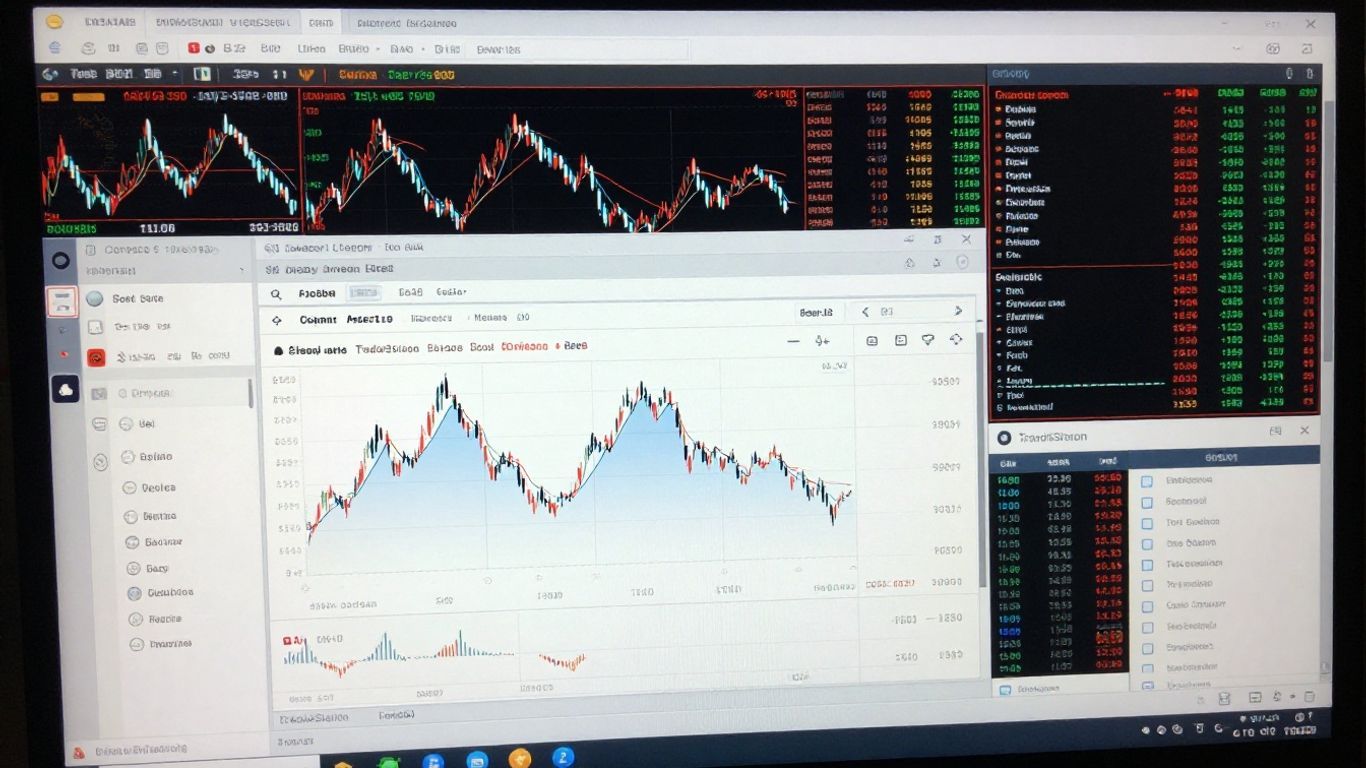
TradeStation’s claim to fame for many active traders is its built-in programming language, EasyLanguage. It’s designed to let you create, test, and automate your own trading ideas without needing to be a seasoned software developer. Think of it as a way to translate your trading hunches into actual instructions for the platform. While it has a learning curve, especially if you’re new to coding concepts, it’s generally considered more accessible than many other programming languages used in finance. Many users find it quite powerful for building custom indicators, alerts, and even fully automated trading systems.
Strategy Builder for Custom Trading Systems
If writing code from scratch feels like too much, TradeStation also offers a Strategy Builder. This tool provides a more visual, point-and-click approach to creating trading strategies. You can combine various technical indicators and conditions to define entry and exit rules for your trades. It’s a good middle ground, allowing for customization without requiring deep programming knowledge. You can then take these strategies and test them out.
Backtesting Capabilities with Historical Data
This is where TradeStation really shines for strategy development. The platform gives you access to a massive amount of historical market data, going back decades. This allows you to rigorously test how your trading strategies would have performed in the past. You can see metrics like:
- Total Net Profit
- Winning Percentage
- Maximum Drawdown
- Average Trade Profit/Loss
This historical testing, often called backtesting, is super important. It helps you weed out strategies that look good on paper but don’t hold up when tested against real market conditions. TradeStation also includes tools like the Walk-Forward Optimizer, which helps you adjust your strategy parameters over time to adapt to changing market conditions, making your backtests more realistic.
The sheer volume of historical data available on TradeStation is a significant advantage for anyone serious about developing and testing trading strategies. It allows for a level of scrutiny that many other platforms simply can’t match, helping traders refine their approaches before risking real capital.
Trade Execution and Advanced Tools
When you’re ready to put your trading ideas into action, TradeStation offers a solid set of tools to get the job done. It’s not just about placing an order; it’s about doing it efficiently and with the right information at your fingertips. The platform aims to give active traders the control they need for quick and precise trade execution.
Access Advanced Tools for Trade Execution
TradeStation provides several ways to manage your trades. You can use the standard order entry tickets, which are pretty straightforward. But for those who need more, there are advanced order types available. Think about things like One-Cancels-Other (OCO) or Order-Sends-Order (OSO) orders. These can be really helpful for managing risk or setting up more complex entry and exit strategies without having to constantly watch the market.
FuturesPlus and OptionsStation Pro Features
For traders focused on futures and options, TradeStation has specialized tools. FuturesPlus is designed to make trading futures contracts, including the smaller micro-futures, a bit simpler. Then there’s OptionsStation Pro. This is where options traders can really dig in. It offers a clear view of the options chain, showing important details like the Greeks (Delta, Theta, Gamma) so you can get a handle on the risk involved in your positions. It also helps group the different legs of a multi-leg options strategy, like an Iron Condor, into one manageable view instead of seeing them as separate parts. This makes it much easier to track your overall position.
Order Routing Technology and Price Improvement
How your order gets to the market matters. TradeStation uses electronic systems to connect directly to various market centers for equities, options, and futures. This direct access is generally aimed at providing speed and reliability. They also talk about price improvement, which means they try to get you a better price than your limit order if possible when your order is executed. It’s a nice little bonus when it happens, though it’s not guaranteed on every trade.
The platform’s design focuses on giving traders the ability to execute trades quickly and with a good amount of control. This includes specialized tools for options and futures, along with technology that aims for efficient order routing and potentially better pricing.
TradeStation’s Market Access and Assets
TradeStation’s platform gives traders access to a broad range of US-based assets, making it a solid choice for those interested in active trading and more complex products. If you’re looking for a one-stop shop for stocks, ETFs, options, and futures, this platform covers most of what you’d want—though there are a few things you won’t find.
Supported Markets and Assets on TradeStation
TradeStation users can trade a variety of assets right from their accounts, with a platform built around real-time data and automation. Here’s a quick look at what’s available:
| Asset Class | US Customers | Notes |
|---|---|---|
| Stocks (listed/OTC) | Yes | Includes most US and OTC shares |
| ETFs | Yes | Thousands of US ETFs available |
| Options | Yes | On stocks, ETFs, futures |
| Futures | Yes | Includes micro-futures and options on futures |
| Commodities | Yes | Through futures contracts |
| Mutual Funds | Limited | Only with broker assistance; high commissions |
| Bonds | Limited | Treasuries, corporates, with extra fees |
| Forex, Crypto, CFDs | No | Not available for US traders in 2026 |
Trading Stocks, ETFs, Options, and Futures
- Stocks: Both listed and OTC stocks are supported, with tight spreads and direct market access—ideal for day traders.
- ETFs: Access to thousands of US-based ETFs means plenty of choice. Traditional and sector-specific funds are both available.
- Options: Options trading is a major focus, supported by powerful tools like OptionStation Pro.
- Futures: The FuturesPlus platform provides specialty tools and automation—micro and full futures contracts are available.
This wide range of common asset classes makes TradeStation useful for both active short-term traders and those who like to mix strategies.
If you trade futures, options, or a blend of stocks and derivatives, TradeStation makes it straightforward to manage everything under one roof, with strong real-time data and quick order execution. But if you need mutual funds or more bonds, it might start to feel restrictive pretty quickly.
Limitations on Mutual Funds and Bonds
Let’s talk about what’s missing or limited:
- Mutual funds are available only through broker assistance and come with steep $14.95 transaction fees.
- No-fee mutual fund options are missing completely.
- Bond trading is mostly for those looking at US Treasury or investment-grade corporate debt, and extra charges apply.
- There’s no direct access to fractional shares, cryptocurrency, forex, or CFDs for US-based traders.
If you’re looking for a lot of commission-free or automated investing in these categories, you’ll run into roadblocks on this platform.
TradeStation Pricing and Fees
When you’re looking at a trading platform like TradeStation, the costs involved are a big part of the picture. It’s not just about the headline numbers; there are a lot of smaller fees that can add up, especially if you’re not a super active trader. TradeStation’s pricing structure is definitely geared more towards active traders, particularly those in options and futures.
TradeStation’s Commission Structure
For stocks and ETFs, TradeStation offers $0 commissions, which is pretty standard these days. However, they do have a per-share fee that kicks in based on your trading volume. If you’re trading a lot, this fee can be as low as $0.003 per share, but if you’re just making a few trades, it’s higher. For options, there’s a per-contract fee that ranges from $0.80 down to $0 for very high-volume traders. Futures have their own tiered pricing, starting at $1.75 per contract and going down to $0.50 for the most active users. It’s a volume-based system, so the more you trade, the less you pay per trade.
Understanding Additional Service Fees
This is where things can get a bit tricky with TradeStation. While the commission structure might seem okay for active traders, there are several other fees to watch out for. For instance, they charge an annual fee for IRAs, which is $35, and a $50 fee if you decide to close your IRA account. These are fees that many other brokers have done away with. There’s also a $125 fee if you want to transfer your account out to another brokerage. And if your account is inactive, you could be hit with a $10 monthly fee, though this is waived if you maintain a certain balance. It’s important to check the details on their pricing page to avoid surprises.
IRA and Account Transfer Costs
Let’s break down some of those specific fees that can impact retirement savers and those looking to switch brokers. The $35 annual IRA fee is a recurring cost that eats into returns over time. If you decide to move your assets, the $125 ACAT transfer fee is quite steep compared to competitors. For options traders, remember that TradeStation charges $14.95 to exercise an option and $5.95 for an assignment. These exercise and assignment fees are significant and can really impact the profitability of options strategies that are held to expiration.
It’s really important to look beyond just the commission rates. Those smaller, less obvious fees can make a big difference in your overall trading costs, especially if you’re not trading in massive volumes every single day. Always read the fine print.
TradeStation Security and Support
When you’re putting your money on the line, knowing your account is safe and that help is available if you need it is pretty important, right? TradeStation seems to get this. They’ve put a few things in place to keep things secure and offer support when things get tricky.
TradeStation Security Measures
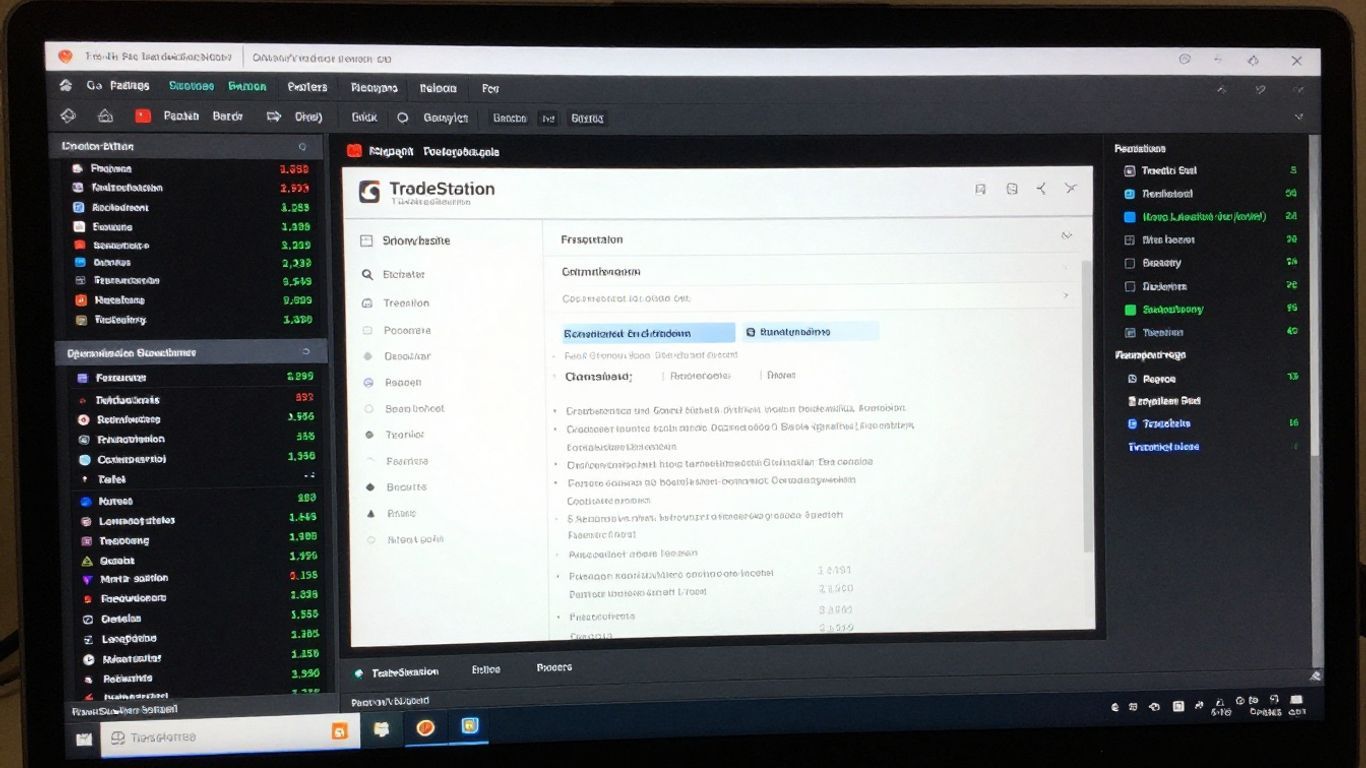
TradeStation takes security pretty seriously, using a few layers to protect your account. They’ve got the standard stuff like two-factor authentication (2FA), which you can set up using things like Google Authenticator or even just an SMS text. For the mobile app, they even offer biometric logins, which is handy. Beyond that, TradeStation is regulated by major financial bodies like the SEC, FINRA, and CFTC, which means they have to follow some pretty strict rules. They’re also a member of SIPC, which provides insurance for your investment accounts up to $500,000 if the brokerage were to go under. They even have extra insurance through Lloyd’s of London, which is a nice bit of added protection.
Customer Support Channels and Concerns
If you run into a snag, TradeStation offers a few ways to get help. You can reach out via live chat, email, or phone. They also have a virtual assistant and a basic FAQ section on their site. For more technical issues, phone support is available. The trade desk is open from 5:30 am to 6 pm EST on weekdays. However, user feedback on customer support can be a mixed bag. Some people find it really helpful, while others report difficulties getting timely assistance, especially during busy market periods. It seems like your experience might depend a bit on when you reach out and what kind of issue you’re facing.
Community Support and User Forums
Beyond the official support channels, TradeStation has a community forum where users can connect with each other. It’s a place to share tips, ask questions, and get advice from other traders who are using the platform. While I haven’t personally spent a ton of time there, it appears to be a fairly active space. For those who like learning from peers or troubleshooting with others, this can be a pretty useful resource. It’s kind of like having a built-in group of fellow traders to bounce ideas off of.
TradeStation User Experience and Ratings
When you first log into TradeStation, especially the desktop version, it can feel a bit like walking into a cockpit. There are a lot of buttons and data points, which is great if you know what you’re doing, but maybe a little much if you’re just starting out. The interface is definitely built for people who want to trade a lot and have all the tools right there. It’s not exactly the sleek, minimalist look you see on some newer apps, but it gets the job done.
TradeStation Review Ratings from Multiple Sites
Looking at what other people and review sites say, TradeStation generally gets pretty good marks, especially from active traders. On Trustpilot, it often scores around 4.1 out of 5 stars, though it’s worth noting that a chunk of those reviews are 1-star ones, often complaining about fees or support. Other sites like BrokerChooser give it solid ratings, around 4.2 out of 5, highlighting its power for experienced users but also mentioning it can be complex for casual folks. The mobile app usually gets decent scores too, often above 4.3 out of 5, though sometimes the Android version is said to be a bit behind the iOS one.
| Review Site | Average Rating | Key Feedback |
|---|---|---|
| Trustpilot | ~4.1 / 5 stars | Praised for speed and tools; criticized for fees and support issues. |
| BrokerChooser | ~4.2 / 5 stars | Strong for power users, but complex for beginners; fee concerns noted. |
| InvestingTips360 | ~4.35 / 5 stars | Mobile app generally good, usability and features are well-regarded. |
User Feedback on TradeStation’s Performance
People who use TradeStation a lot seem to really like its speed and the fact that you can customize almost everything. The EasyLanguage scripting is a big plus for those who want to build their own trading bots or indicators. Backtesting capabilities are also frequently mentioned as a strong point, letting you test strategies with historical data. However, some users find the desktop platform a bit clunky and dated, preferring the simpler web version. A common wish is for a Mac desktop app, as it’s currently Windows-focused. Some users have also reported issues with withdrawals or transfers taking longer than expected.
The platform’s strength lies in its advanced features and customization, which is fantastic for active traders. However, this same complexity can be a hurdle for newcomers. It’s a tool built for serious trading, not necessarily for casual browsing of your portfolio.
TradeStation’s Suitability for Different Trader Types
So, who is TradeStation really for? It’s a great fit for:
- Active Traders: If you’re day trading or making frequent moves, the speed, tools, and charting are top-notch.
- Futures and Options Traders: With specialized tools like FuturesPlus and OptionsStation Pro, it’s a strong contender in these markets.
- Strategy Developers: The EasyLanguage scripting and robust backtesting make it ideal for creating and testing automated trading systems.
It might be less ideal for:
- Beginner Traders: The learning curve can be steep, and the sheer amount of data might feel overwhelming.
- Passive Investors: If you’re just looking to buy and hold mutual funds or bonds for retirement, TradeStation’s focus and fee structure might not be the best fit. They don’t offer no-transaction-fee mutual funds, for instance.
- Crypto Traders: TradeStation doesn’t currently support cryptocurrency trading.
Wrapping It Up: Is TradeStation Right for You?
So, after looking at everything TradeStation has to offer, it’s clear this platform is built for a specific kind of trader. If you’re someone who likes to dig deep, build your own strategies, and trade actively, especially futures or options, TradeStation has some really powerful tools. The ability to backtest strategies with historical data is a big plus, and the integration with TradingView is pretty neat. However, it’s not exactly a walk in the park for beginners. The desktop platform can feel a bit cluttered and takes some getting used to, and while the web and mobile versions are a bit simpler, they might not have every bell and whistle. There are also some fees to watch out for, like for IRAs or mutual funds, that might catch you off guard. All in all, TradeStation is a solid choice for experienced, self-directed traders who want a lot of control and advanced features, but if you’re just starting out or prefer a simpler setup, you might want to explore other options first.
Frequently Asked Questions
What exactly is TradeStation?
TradeStation is a platform for people who like to trade stocks and other financial things themselves. It gives them tools, from simple to really advanced, to help them make trades. It’s known for being good for active traders and has a special way to create and test trading ideas.
Is TradeStation easy for beginners to use?
TradeStation can be a bit tricky at first, especially the desktop version. It has a lot of options and can look crowded. While it has a simpler web version and a mobile app, it’s generally better suited for traders who are already familiar with trading or are willing to spend time learning its advanced features.
Can I test my trading ideas on TradeStation before using real money?
Yes, TradeStation has a trading simulator, often called paper trading. This lets you practice with fake money using real market data. You can test out strategies and get comfortable with the platform without risking your own cash, though you usually need a funded account to access it.
What kind of investments can I trade on TradeStation?
You can trade a lot of things on TradeStation, like stocks, ETFs (exchange-traded funds), options, and futures. However, it’s not the best place if you mainly want to trade mutual funds or certain types of bonds, as there might be extra fees or limitations.
Does TradeStation cost a lot of money?
TradeStation offers commission-free trading for stocks and ETFs, which is great. But, there are other fees to watch out for, like charges for options and futures trades, and sometimes fees for IRAs, account transfers, or if your account is inactive. It’s important to check their fee schedule carefully.
How safe is my money with TradeStation?
TradeStation takes security seriously. They use things like two-factor authentication to protect your account. Plus, your investments are protected by SIPC insurance, and TradeStation has extra insurance, offering a high level of protection for your money, which is more than many other brokers provide.


