
business resources
Wiki vs Knowledge Base: Which One is Better for Businesses?
23 Feb 2026

Wiki and knowledge bases are both useful tools for knowledge sharing. They are both good for businesses and individuals. The decision regarding which of them is the better one comes down to usage preferences and needs.
In this post, we’re going to guide you on easily deciding whether your business will be better off with a wiki or a knowledge base.
Let’s go.
Wiki vs Knowledge Base: What’s the Difference?
To get started, let’s first understand the differences between these two in detail. Below, we will define each of them and then create a table that defines their differences.
What is a Wiki?
A wiki is a platform where multiple users can create, edit, and organize content. The focus is open contribution and shared editing.
In organizations and businesses, a wiki is a central space where different members can create articles that are open to being edited by others.
A well-known example of wikis is Wikipedia, where volunteers continuously update and refine articles.
Here are some key characteristics of wikis:
- Open or semi-open editing
- Fast content creation and updates
- Version history tracking
- Internal linking between pages
- Member-driven structure
Wikis work well when teams need flexible documentation that evolves over time, such as internal project notes or collaborative research.
What Is a Knowledge Base?
A knowledge base is a structured collection of information designed to help users solve problems, find answers, or follow processes. It is usually managed by a specific team rather than edited by everyone.
Examples include support centers from companies like Microsoft or Apple, where articles guide users through troubleshooting steps.
Here are some key characteristics of knowledge bases:
- Controlled authorship
- Structured categories and search system
- Reviewed and approved content
- Focused on accuracy and clarity
- Often customer-facing
Knowledge bases are ideal for customer support, internal SOPs, and training documentation.
Differences Between a Wiki and a Knowledge Base
Feature | Wiki | Knowledge Base |
| Editing Access | Open to many users | Restricted to specific authors |
| Content Control | Community-reviewed | Formally reviewed and approved |
| Structure | Flexible and evolving | Organized and standardized |
| Purpose | Collaboration and shared knowledge | Problem-solving and official guidance |
| Tone | Informal to semi-formal | Professional and consistent |
| Best For | Team collaboration, brainstorming | Customer support, internal documentation |
Is Wiki Better for Businesses or Knowledge Base?
As is evident from the discussion that we’ve had above, both wikis and knowledge bases have a slightly different purpose, even though the main theme is information sharing.
While wikis are open for all members, knowledge bases are more closed off.
This helps us understand the fact that both wikis and knowledge bases are good for businesses. However, they both have their own respective ideal use.
Here is a breakdown:
- For businesses that need internal information sharing, wikis are better. This is so because the information stays inside the businesses and it makes sense for all the members to be able to chip in. That way, the information stays up to date.
- On the other hand, for businesses that need information sharing for customer support, knowledge bases are better. By using a knowledge base, the business or organization will be able to make sure that only a few select people are able to edit the information. The latter itself will be available to be viewed by anyone, including customers and clients.
The TL;DR of the whole matter is this:
Wikis are good for businesses that prioritize and require internal knowledge sharing, while knowledge bases are good for those businesses that prioritize and require external knowledge sharing.
Before we end this post, I think that it is only prudent that I should suggest and mention useful tools for both purposes so that you can get started on using them if you don’t have the time to browse and choose.
Recommend Online Tools for Creating and Managing Knowledge Bases and Wikis
Here are our recommended wiki software and knowledge base software that you can use online:
1- Helpjuice (Knowledge Base)

Good for: Businesses looking to build a polished, customer-facing knowledge base that reduces support tickets and gets customers to answers faster.
Helpjuice is a dedicated knowledge base platform built with one goal in mind: making it ridiculously easy for your customers and end-users to find the information they need without reaching out to your support team. It's clean, it's intuitive, and it doesn't try to be everything at once, which honestly works in its favor.
Main Features:
- Powerful search functionality that surfaces answers quickly and accurately
- Customizable branding so your knowledge base looks and feels like your product
- Analytics that show you what users are searching for (and not finding)
- Multi-language support for global teams and audiences
- Collaboration tools for teams writing and managing content together
Pricing: Helpjuice offers three plans. The Knowledge Base plan starts at $249/month for up to 30 users, the AI-Knowledge Base plan comes in at $449/month for up to 100 users, and the Unlimited AI-Knowledge Base plan is $799/month for unlimited users. All plans include live collaboration, workflows, and full customization. They also offer a free trial so you can test things out before committing.
2-Notion (Wiki)
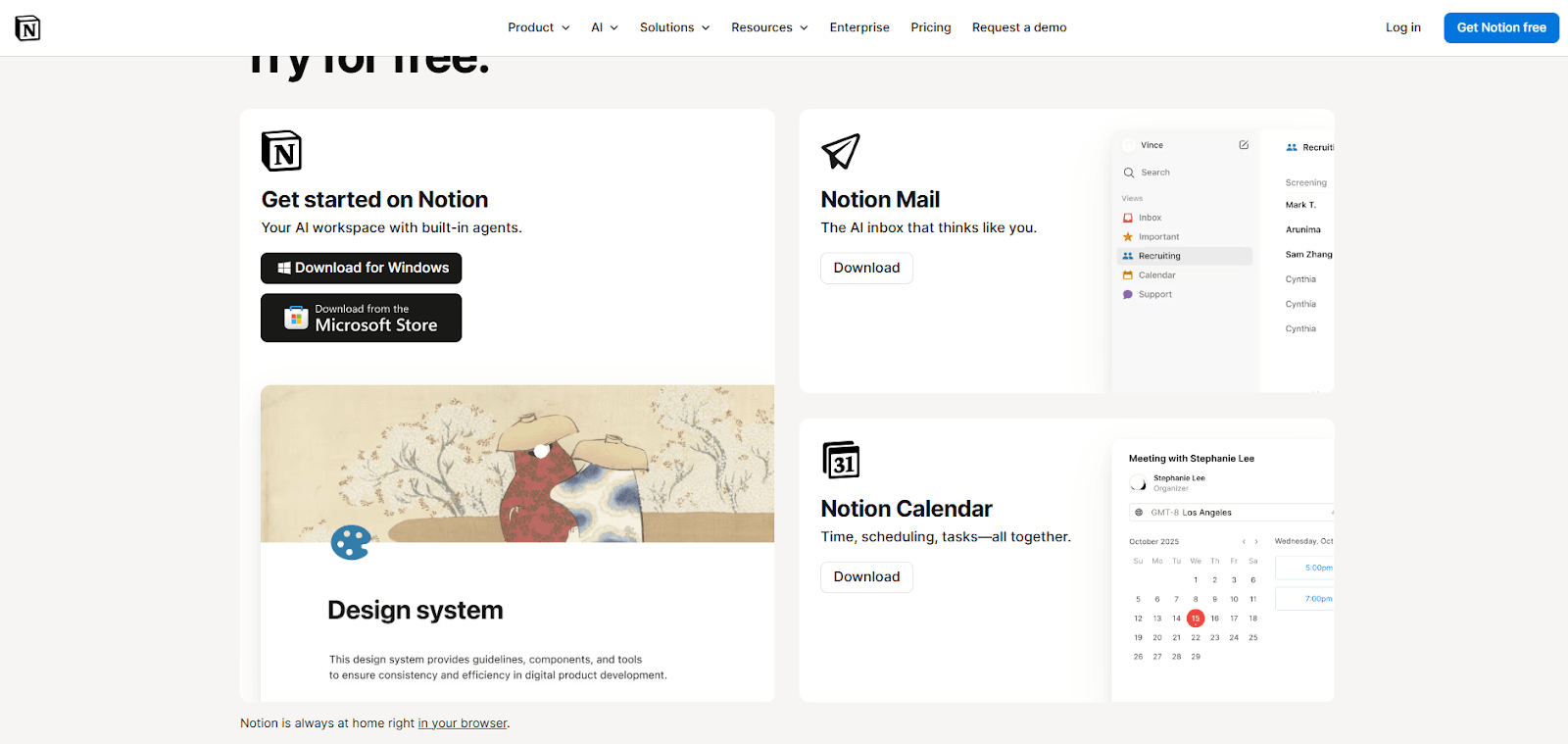
Good for: Teams that want a flexible, all-in-one workspace for building internal wikis, documenting processes, and keeping everyone on the same page without the rigidity of traditional wiki tools.
Notion has become something of a go-to for teams building internal knowledge hubs, and it's easy to see why. It gives you the freedom to structure your wiki however makes sense for your team, whether that's by department, project, or any other way you think about your work. It's not a pure wiki tool in the traditional sense, but for most teams, it does the job better than the alternatives.
Main Features:
- Flexible page and database structure that adapts to how your team works
- Real-time collaboration with commenting and mentions
- Templates for quick wiki setup without starting from scratch
- Integrations with tools like Slack, GitHub, Figma, and more
- Permission controls to manage who sees and edits what
Pricing: Notion has a free plan for individuals, a Plus plan at $10 per member/month, and a Business plan at $20 per member/month for growing teams that need more advanced collaboration features. Enterprise pricing is available on request for organizations that need greater scalability and security controls.
Wrapping Up
There is no definite answer to the question: is wiki better for businesses or knowledge bases. It all depends on what the business in question is looking for.
If it is looking for a digital solution that allows the members to share important information with another in the form of open and editable articles, then wikis are better.
If the business is looking for a centralized pool of information that can be edited by a select group of people but can be accessed for a wide range of people for learning or troubleshooting or for getting answers to questions, then knowledge bases are better.


