
business resources
7 Video Automation Tools Every Creative Team Should Know
17 Feb 2026

Video has become one of the most powerful formats for communication, marketing, and storytelling. For creative teams, however, producing high-quality video at scale can quickly turn into a bottleneck. Tight deadlines, repetitive tasks, multiple formats, and constant revisions often slow down even the most talented teams. That’s where video automation tools come in.
Video automation doesn’t replace creativity; it removes friction. By automating repetitive steps like rendering, versioning, localization, or data-driven variations, these tools allow creative professionals to focus on ideas, storytelling, and design quality. Below is a curated overview of video automation tools every creative team should be aware of:
Nexrender
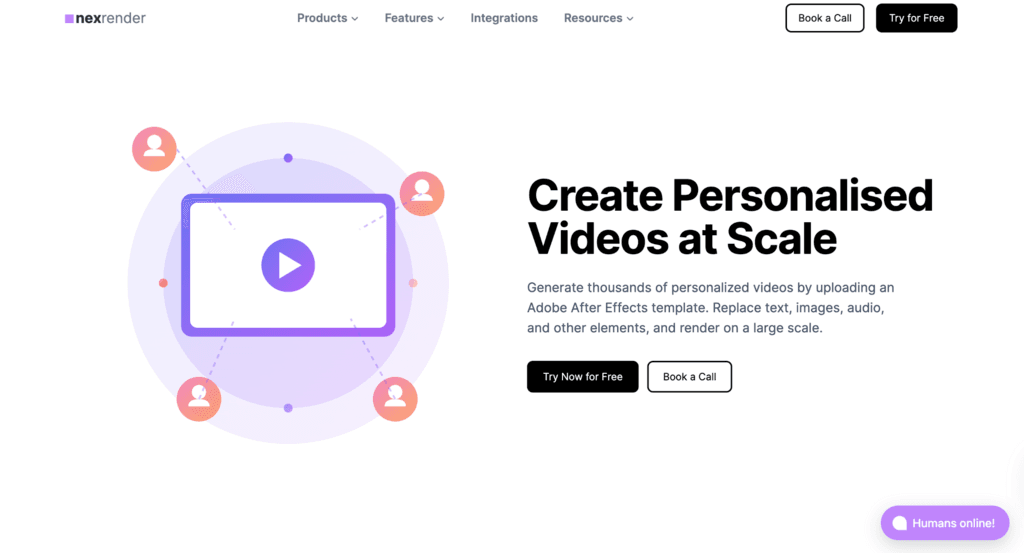
Nexrender is a video automation and rendering engine designed specifically for teams that rely on Adobe After Effects as their core creative tool. Rather than replacing the creative workflow with templates or simplified editors, it connects directly to existing compositions, making it a practical choice for studios and teams that already rely on After Effects as their production foundation.
At its core, Nexrender automates rendering through structured job definitions. Teams can trigger renders programmatically, swap text, images, or other assets, and generate multiple video versions without manually opening After Effects each time. This makes it particularly effective for localized campaigns, personalized ads, dynamic social content, or any project that requires high-volume versioning from a single master composition. This kind of flexibility is especially valuable for teams producing social-first content, including workflows that involve editing, repurposing, or even integrating assets sourced from tools used to download reels for rapid content iteration.
One of its main strengths is scalability. Nexrender supports both local and distributed rendering setups, allowing teams to start small and expand as output demands grow. Because it separates creative work from execution, designers continue building projects as usual while the system handles orchestration and batch processing behind the scenes.
However, Nexrender is primarily an automation layer rather than a creative tool. It does not assist with editing decisions, visual experimentation, or AI-driven effects. Instead, it focuses on reliable rendering, structured workflows, and integration with external systems. For teams that prioritize control, repeatability, and large-scale video generation, it serves as a powerful production backbone rather than a creative playground.
Adobe After Effects with Expressions and Scripts
While not a standalone automation platform, After Effects itself deserves mention because many automation workflows begin here. Expressions, scripts, and templated compositions allow motion designers to build projects that respond dynamically to data, text changes, or external inputs.
For creative teams with technical motion designers, this approach offers unmatched creative control. Everything from animated charts to personalized name reveals can be driven by structured data. However, these workflows often require a deeper understanding of After Effects internals and scripting logic.
On its own, Adobe After Effects automation can become difficult to manage at scale. That’s why many teams pair it with dedicated automation engines like Nexrender, which handle orchestration, rendering, and scaling while After Effects remains the creative source.
Runway
Runway has gained popularity as a creative toolkit that blends video editing with AI-powered automation. It offers features such as background removal, object tracking, generative video effects, and automated editing assistance.
For creative teams focused on experimentation, social media content, or fast-turnaround visuals, Runway can be a useful playground. It lowers the barrier to applying advanced effects that would otherwise require complex manual work.
That said, Runway is more about creative augmentation than production automation. It excels at helping creatives explore ideas quickly, but it’s less suited for large-scale versioning, structured pipelines, or consistent brand-driven output. As a result, it works best as a complementary tool rather than a central automation system.
Autokeyframe
Autokeyframe focuses on automating motion graphics creation by turning static designs into animated content. It’s particularly useful for teams that frequently produce short-form videos from existing design assets.
By streamlining transitions, timing, and basic animations, Autokeyframe can reduce the effort required to transform static visuals into motion. This can be valuable for marketing teams that need volume and speed without extensive custom animation work.
However, because it emphasizes pre-defined animation logic, it offers less flexibility than full motion design tools. Creative teams working on highly customized or narrative-driven projects may find it limiting, but for repeatable content formats, it can be a time-saver.
Lumen5
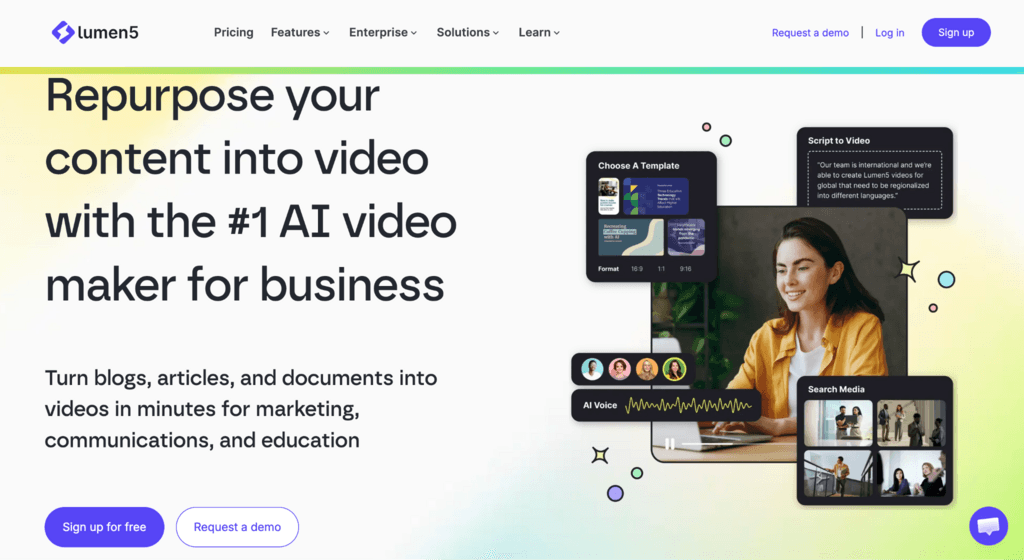 Lumen5 is a video creation platform designed primarily for turning written content into video. It automates layout, scene selection, and timing based on text input, making it popular with content and social media teams.
For creative teams that support marketing or editorial workflows, Lumen5 can help repurpose blog posts, announcements, or scripts into simple videos quickly. The automation focuses on structure rather than motion design complexity.
While it’s effective for certain use cases, Lumen5 prioritizes ease of use over creative depth. Branding options and animation control are limited compared to professional motion design tools. As such, it’s best suited for lightweight content rather than high-end visual storytelling.
Pictory

Pictory takes a similar approach to automation by focusing on script-to-video and long-form-to-short-form transformations. It uses automation to identify key moments, match visuals, and generate captions.
This tool can be useful for creative teams managing video podcasts, webinars, or educational content. By automating highlights and summaries, it reduces the manual editing workload and speeds up content distribution.
Like many AI-driven platforms, Pictory emphasizes convenience. While it offers quick results, the outputs may require additional refinement to meet strict brand or design standards. It works best as a starting point rather than a final production tool.
Jitter
Jitter is a web-based motion design tool built for modern creative teams that want to add animation to their workflow without the complexity of traditional software. With a clean and intuitive interface, it makes it easy to create polished motion for social media, product design, and marketing - even for those with little to no motion design experience.
Getting started is straightforward. Teams can explore a wide range of ready-made templates and animation presets or jump directly into design mode using features like blend modes, blur, and gradients. Because it runs entirely in the browser, Jitter allows users to animate, preview, and export content quickly in formats such as video, GIF, and Lottie, making it well-suited for fast-paced creative environments.
One of Jitter’s key strengths is how naturally it fits into existing design workflows. With seamless import options from tools like Figma and a strong focus on intuitive actions over complex keyframes, it enables designers to turn static assets into expressive animations in minutes. This accessibility makes it particularly valuable for teams looking to expand their creative output without relying heavily on dedicated motion specialists.
However, Jitter is not built for complex motion graphics production or large-scale automation pipelines. Instead, it excels as a fast, collaborative tool that simplifies animation and brings motion design into everyday creative work. For teams prioritizing speed, ease of use, and consistency across digital content, it offers a practical and efficient way to scale motion without added friction.
Kapwing
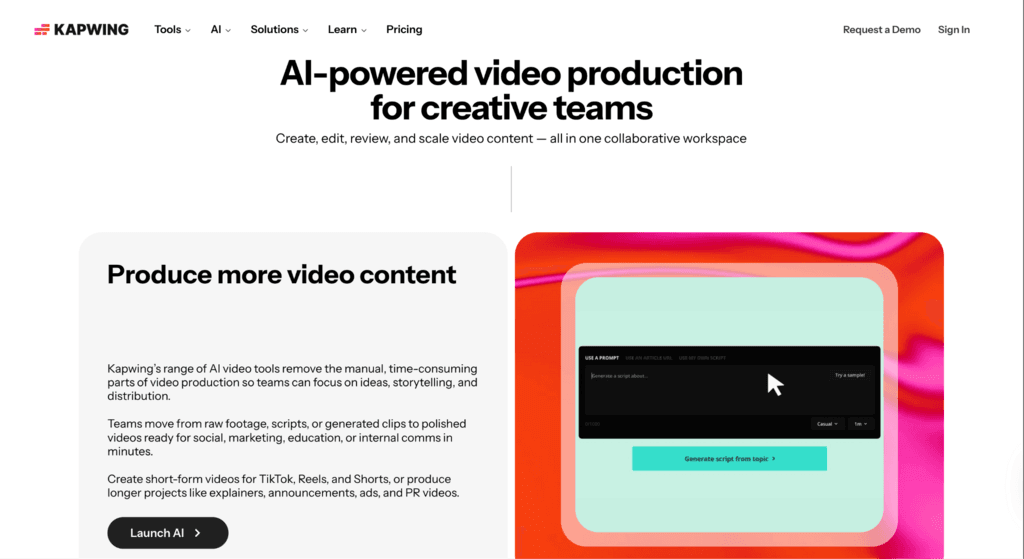
Kapwing is a collaborative video editing platform that includes automation features such as bulk resizing, caption generation, and template-based editing. It’s particularly popular with distributed teams that need a shared workspace.
For creative teams handling social media formats across multiple platforms, Kapwing’s automation can reduce repetitive tasks like resizing and subtitle creation. Its browser-based nature also makes it accessible to non-technical contributors.
However, Kapwing is more of a productivity tool than a deep automation engine. It simplifies common tasks but doesn’t address large-scale rendering, data-driven variations, or advanced motion graphics workflows.
Final Thoughts
Video automation is no longer a luxury; it’s becoming a necessity for creative teams facing growing content demands. The right tools can remove repetitive work, reduce errors, and unlock new possibilities for personalization and scale.
Among the available options, Nexrender offers the most balanced approach for professional creative teams. It respects creative workflows, scales reliably, and focuses on automation where it matters most. When combined with thoughtful motion design and a clear production strategy, it can turn video automation into a genuine competitive advantage rather than just a productivity shortcut.
Creative teams that invest in the right automation tools today are better positioned to produce more, experiment more, and focus on what they do best: creating compelling visual stories.


