
resources
Cities: Skylines Free Download: Your Guide to City-Building Simulation
14 Nov 2025

Have you ever contemplated constructing your own virtual city? Cities: Skylines stands out as an incredibly popular game that empowers players to design, build, and meticulously manage an entire metropolis from the ground up. Having been a fixture in the gaming world for quite some time, its enduring appeal stems from the deep level of detail and control it offers. While many might search for a 'Cities: Skylines free download,' understand that the game itself is a premium product—however, there are indeed ample opportunities to immerse yourself and truly grasp what makes it such a special experience.
Key Takeaways
- Cities: Skylines offers an exceptionally deep city-building experience, empowering players to manage every aspect, from intricate road networks to comprehensive zoning plans.
- Drawing lessons from earlier titles, it provides significantly larger city sizes and enhanced player freedom, a welcome change for many.
- The game is remarkably customizable, largely due to a vast community of creators developing countless mods and custom assets.
- Players are afforded considerable creative autonomy, facilitating the design of truly unique and artistically inspired city layouts.
- Though not offered as a free-to-play title, the game delivers a robust and engrossing simulation that sustains player engagement for countless hours.
Understanding Cities: Skylines
A Breath of Fresh Air in City Simulation
Upon its initial release, Cities: Skylines truly felt like a game-changer for aficionados of the city-building genre. Many players had, admittedly, experienced a degree of disappointment with other titles in this space, particularly following the 2013 launch of SimCity, which was met with considerable criticism. Cities: Skylines, however, emerged to deliver a remarkably robust experience, steadfastly reaffirming the core appeal of these games: the intricate process of building and managing your own city from the ground up. It notably provided players with a significantly expanded buildable area—a crucial factor for anyone aspiring to create a sprawling metropolis rather than a mere town. Furthermore, the game offers the convenience of completely offline play, which many find to be a valuable option.
Addressing Criticisms of Past Titles
This particular game evidently learned valuable lessons from the missteps of its predecessors. A prominent grievance regarding earlier titles, for instance, revolved around the constrained building space. Cities: Skylines directly countered this by offering substantially larger maps, facilitating the construction of truly expansive urban designs. Moreover, unlike certain games that mandated a perpetual internet connection, Cities: Skylines can be enjoyed entirely offline. It also thoughtfully incorporates a built-in map editor, providing even greater control over the environment you choose to develop. Collectively, these features directly addressed significant player frustrations prevalent in other city simulators, cultivating a far more open and flexible gameplay experience.
The Appeal of a Detailed City Builder
Perhaps what truly distinguishes Cities: Skylines is the unparalleled level of detail and comprehensive control it affords players. One can truly delve into the minutiae of urban planning, establishing specific regulations for individual neighborhoods. Do you envision a district with a reduced police presence and perhaps more—shall we say—unconventional policies? Such customization is entirely within your grasp. This profound degree of micromanagement introduces a sophisticated layer of depth that many players find particularly appealing. It extends beyond the mere placement of structures; it's fundamentally about shaping the very life and function of your nascent city. Moreover, the game boasts a rather appealing visual aesthetic, even upon close inspection, and its interface is generally intuitive to navigate, especially for those familiar with similar gaming experiences.
The game provides a sandbox where creativity meets management. You're not just building structures; you're crafting a living, breathing urban environment with its own unique challenges and opportunities.
Core Gameplay Mechanics
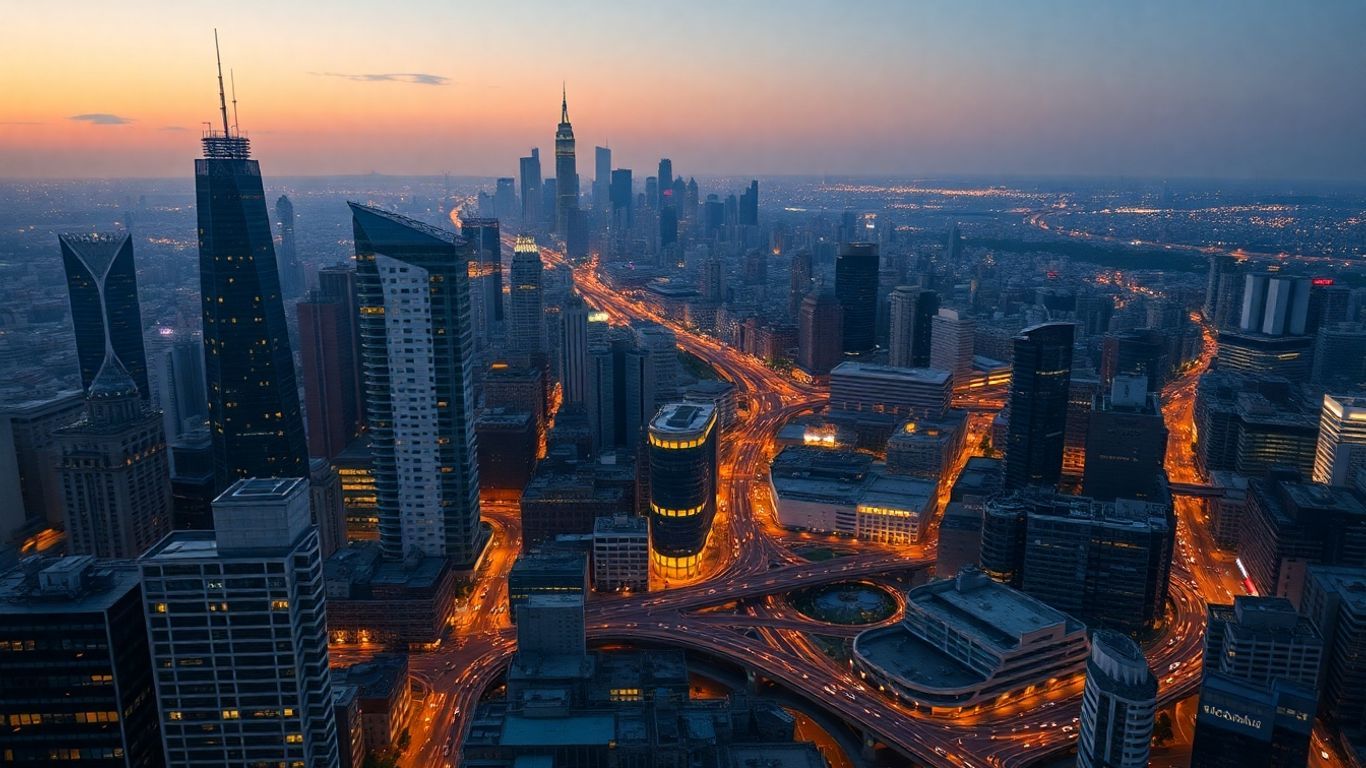
Cities: Skylines truly distinguishes itself in the intricate methods available for city construction and management. It's far more than merely positioning buildings; a remarkable depth permeates the experience.
Micromanagement and Neighborhood Rules
Among the initial aspects one will discern is the meticulous level of detail attainable. Players can, for example, zone areas for residential, commercial, or industrial use, and subsequently delve into even finer specificities. You possess the capability to establish distinct districts within your city and assign them unique policy frameworks. Consider, for instance: one district might necessitate an augmented police presence, whereas another could significantly benefit from tax incentives designed to attract particular industries. This granular control permits extensive fine-tuning—indeed, you're not merely constructing a city; you're actively shaping its very identity.
- Zoning: Designate areas for different types of development.
- Districts: Divide your city into sections for specialized management.
- Policies: Apply unique rules and benefits to specific districts.
- Services: Manage essential services like power, water, garbage, and healthcare, ensuring they reach all your citizens.
The game encourages you to think about the needs of your citizens and how different policies might affect their happiness and the city's economy. It's a balancing act, for sure.
Building Larger and More Complex Cities
With the expansion of your city, a commensurate increase in complexity and challenges naturally arises. You'll find yourself needing to consider infrastructure on a considerably grander scale. Roads, for instance, transcend their simple depiction as lines on a map; they truly embody the arteries of your city. Consequently, effectively managing traffic flow, public transportation, and utility networks becomes paramount. The game exhibits remarkable scalability, empowering you to construct sprawling metropolises complete with intricate road networks and diverse neighborhoods. Witnessing a modest town blossom into a bustling urban center is immensely satisfying—though it undeniably demands meticulous planning.
Intuitive Interface for Players
Despite its inherent complexity, Cities: Skylines manages to maintain a commendable degree of accessibility for players. The user interface is typically clean, logical, and user-friendly. Essential tools for constructing roads, designating zones, and managing vital services are, thankfully, uncomplicated to operate. Furthermore, players can conveniently access critical information regarding their city's needs, financial status, and citizen happiness through various integrated panels and overlays. Ultimately, this design philosophy ensures you can allocate less time to mastering game mechanics and more to the actual construction and oversight of your burgeoning urban domain.
The Power of Community Mods
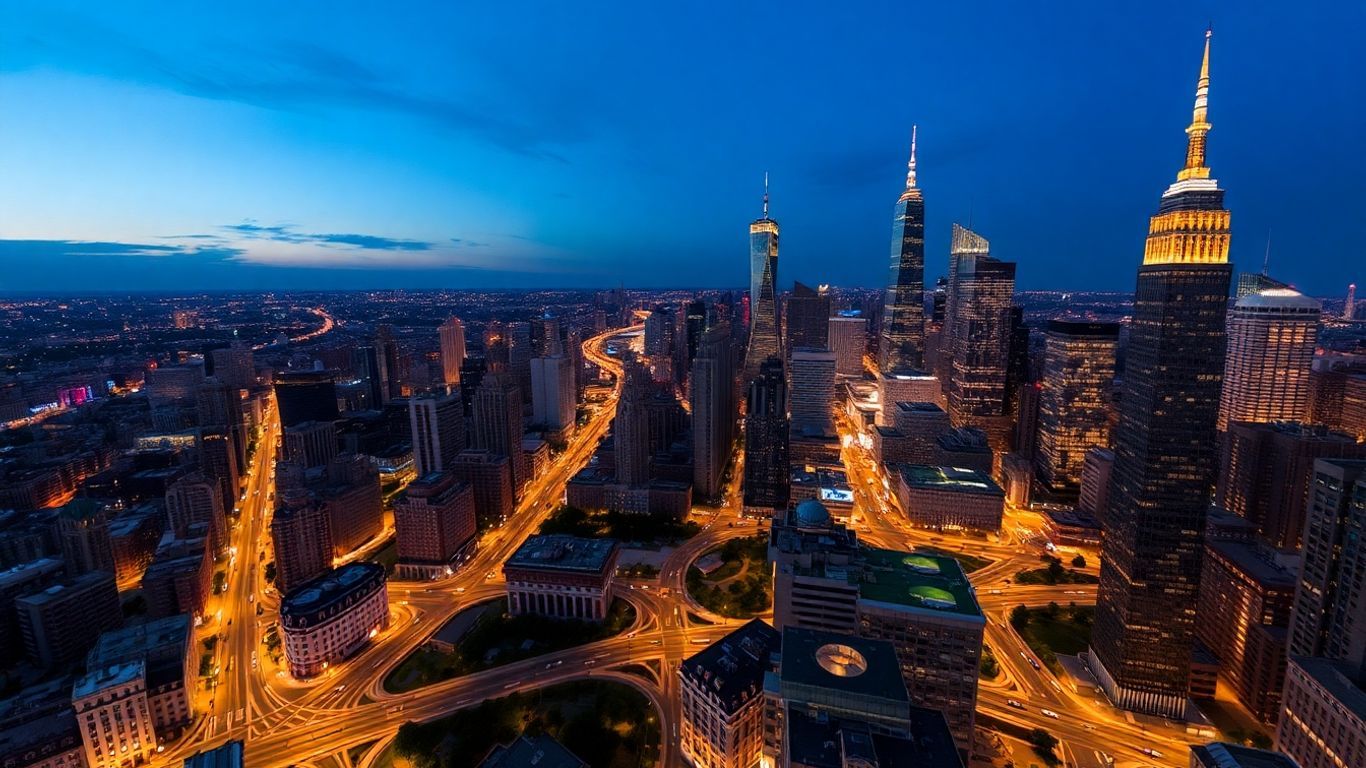
Cities: Skylines truly excels when one considers the profound contributions of its dedicated player community. The Steam Workshop, in particular, stands as a veritable treasure trove for this game, brimming with thousands of mods and custom assets capable of utterly transforming the gameplay experience. Indeed, the base game often feels like a mere foundation, with the community actively building upon and expanding its possibilities.
Exploring the Extensive Modding Scene
Should you be encountering limitations with the base game's inherent features or simply desire a broader array of options, the modding community offers unparalleled enhancement. Players have meticulously crafted solutions for virtually any conceivable challenge. Are you frequently frustrated by perplexing traffic jams? A mod exists to address just that. Aspiring to construct roadways in configurations the vanilla game typically prohibits? Yes, there’s a mod for that as well. These community-developed modifications confer significantly greater control than the standard game, allowing you to fine-tune traffic AI, relocate structures with ease, or even, perhaps—momentarily set aside citizen grievances to prioritize aesthetic urban design.
The sheer volume of mods available means you can tailor the game to your exact preferences. Whether you want more realism, more creative freedom, or just a way to fix a specific annoyance, chances are someone has already made a mod for it.
Enhancing Gameplay with Custom Assets
Beyond mere gameplay modifications, the custom asset landscape is truly remarkable. Within this expansive repository, you can discover virtually any type of building, vehicle, or park imaginable. Do you wish to imbue your city with the character of a specific real-world location, or simply integrate unique architectural styles? Custom assets are unequivocally the solution. Countless players dedicate hours to meticulously sourcing the ideal assets, aiming to render their cities more realistic and lived-in. It's astonishing how significantly these additions can elevate the visual appeal of your urban creations, sometimes to the point where screenshots are scarcely distinguishable from genuine photographs.
Here are some types of custom content you'll find:
- Buildings: From unique residential and commercial structures to specialized service buildings.
- Props: Small decorative items like benches, signs, streetlights, and more.
- Vehicles: Custom cars, trucks, buses, and even trains to populate your streets.
- Trees and Foliage: A wider variety of plants to make your parks and natural areas look more diverse.
Tips for Modding Without Issues
Venturing into the vast Steam Workshop can, admittedly, be somewhat daunting, and indiscriminate downloading can occasionally lead to game instabilities. To ensure a seamless and stable experience, consider these recommendations:
- Organize: Create collections within the Steam Workshop for distinct categories of mods or assets (e.g., "Traffic Mods," "Unique Buildings," "Park Assets"). This strategy significantly streamlines the management of your downloaded content.
- Check File Sizes: Remain cognizant of the storage footprint of assets. Some large building packs or highly detailed trees can be considerably large, potentially impacting game performance or loading durations. Prioritize assets with smaller file sizes whenever feasible.
- Use Favorites: If you discover an asset you appreciate but don't intend to integrate immediately, simply utilize the "Favorite" option instead of initiating a download. You can, of course, retrieve it at a later time should the necessity arise.
- Read Descriptions: Always make it a point to thoroughly read the mod or asset description. It frequently provides crucial information regarding compatibility, prerequisite modifications, or documented issues.
It's certainly tempting to download an extensive array of content, but a measure of organization and judicious caution can significantly contribute to maintaining game stability and enhancing overall enjoyment.
Creative Freedom and Sandbox Play
After players have mastered the fundamental city-building mechanics and established a smoothly functioning urban environment, Cities: Skylines genuinely unveils its full potential. It effectively evolves from a strategic management challenge into an expansive sandbox—a virtual playground where the sole constraint is your own imagination. This is precisely where the game truly empowers personal expression, enabling the design and construction of the precise urban landscape you envision, whether that be a sprawling utopia or a meticulously planned metropolis.
Designing Your Ideal Metropolis
At its heart, the enduring allure of Cities: Skylines stems from its inherent sandbox design. Players are furnished with comprehensive tools to sculpt the terrain, delineate road networks, and strategically position structures; yet, the overarching developmental direction rests entirely within their discretion. Indeed, many players discover that once the intricacies of traffic management and financial oversight are mastered, the game gracefully transforms into a vast canvas for their creative impulses. You can freely experiment with diverse city layouts, architectural styles, and even unique thematic approaches. Do you aspire to construct an entire city predicated on an expansive park system? Or perhaps a dense, futuristic urban core? The game readily supports such ambitions, empowering you to manifest your personal vision of an ideal city.
The Artistic Side of Urban Planning
While it might initially seem surprising, the act of constructing a city within Cities: Skylines can, in fact, evolve into a profoundly artistic endeavor. The intricate manner in which roads interconnect, the strategic placement of buildings, and the overall urban flow can attain an aesthetic caliber comparable to any painting or sculpture. Indeed, numerous players dedicate countless hours to meticulously perfecting their road networks, engineering intricate interchanges that are simultaneously functional and visually striking. The game's vibrant community frequently shares stunning examples of cities featuring unique geometric patterns, elegant circular layouts, or even intricate hexagonal designs, vividly demonstrating how roads themselves can transcend utility to become a distinct form of art.
Building Unique City Layouts
Beyond just functional considerations, Cities: Skylines actively encourages innovative thinking when it comes to city layouts. Players are certainly not confined to traditional grid patterns. To foster distinctive urban landscapes, one might consider these diverse approaches:
- Organic Growth: Mimic natural development by starting with a small settlement and letting it expand outwards organically, following the natural contours of the land.
- Geometric Precision: Embrace mathematical shapes like circles, hexagons, or even complex fractal patterns for a highly organized and visually striking city.
- Thematic Districts: Design distinct neighborhoods, each with its own character, architectural style, and purpose, connected by well-planned transportation routes.
- Waterfront Wonders: Utilize rivers, lakes, and coastlines to create picturesque cities with prominent harbors, canals, or scenic riverside developments.
The freedom to experiment with different layouts and designs is a major draw. You can spend hours meticulously crafting a single intersection or a unique district, knowing that the game won't penalize you for creative choices that might not be perfectly efficient but look amazing. This focus on visual appeal and personal expression is what keeps many players coming back.
Ultimately, Cities: Skylines presents a compelling form of escapism. It serves as an immersive environment where one can simultaneously embody the roles of urban planner, architect, and artist. The sandbox mode, in particular, allows for boundless opportunities for exploration and creativity, facilitating the construction of not merely a functional city, but one that profoundly reflects your unique style and personal vision.
Optimizing Your Gaming Experience
Ensuring Cities: Skylines runs smoothly, particularly when managing a sprawling, highly detailed metropolis, is paramount to truly enjoying the game. It's not solely about possessing the latest hardware, however; it also crucially involves comprehending how the game utilizes your system's resources and making judicious choices accordingly.
System Requirements for Smooth Play
While Cities: Skylines is designed to operate across a range of system configurations, a more robust PC will undoubtedly yield a superior experience, particularly if your aspirations include constructing massive metropolises teeming with a significant populace and extensive custom content. For those ambitious enough to cultivate a city exceeding 100,000 residents, a careful consideration of your hardware specifications becomes prudent.
Generally speaking, the following specifications are beneficial:
- RAM: 16 GB is highly recommended for a truly optimal experience, especially when employing numerous mods and managing a large city. While 8 GB can function, players might encounter noticeable slowdowns.
- CPU: A modern multi-core processor is essential for efficiently handling the complex calculations inherent in simulating a dynamic urban environment.
- GPU: A dedicated graphics card is crucial for rendering the visual aspects, thereby enabling higher detail settings and smoother frame rates.
- Storage: An SSD (Solid State Drive) will dramatically accelerate loading times for both the game itself and your meticulously crafted cities.
Graphics and Visual Appeal
Cities: Skylines presents an impressive visual standard by default, but optimizing visual settings too aggressively can, however, adversely affect performance. Discovering that optimal balance between graphical fidelity and a consistent frame rate is, therefore, crucial. Players may find it necessary to fine-tune parameters such as texture quality, shadow detail, and anti-aliasing. Occasionally, disabling certain graphical effects—especially when employing performance-impacting mods—can yield a significant improvement in overall fluidity.
The visual details in Cities: Skylines are impressive, from the tiny cars on the roads to the individual buildings. However, these details come at a cost to your computer's performance. Balancing how pretty you want your city to look with how smoothly it runs is a constant consideration for players.
Leveraging Mods for Enhanced Visuals
While mods possess the capacity to dramatically alter your city's aesthetic, they can simultaneously be significant resource consumers. Certain modifications, such as those that increase texture resolution or add dynamic lighting, can impose considerable strain on your system. Should you encounter performance issues, consider the following strategies:
- Limiting Custom Assets: While custom buildings and props undoubtedly add character, an excessive quantity can markedly impede performance. Exercise selectivity in your downloads.
- Disabling Performance-Heavy Mods: Mods like Dynamic Resolution, while enhancing visual sharpness, can regrettably induce significant slowdowns. It may be necessary to disable these or employ them with moderation.
- Using Optimization Mods: Some mods are specifically engineered to improve game performance, such as the invaluable Loading Screen Mod, which can considerably reduce city loading times—especially pertinent for players with extensive content libraries.
It's truly a balancing act. Naturally, you aspire for your city to appear visually stunning, but you also desire uninterrupted gameplay free from persistent stuttering. Experimentation with various settings and modifications frequently proves the most effective method for identifying an optimal configuration tailored to your specific hardware.
Advanced City Management Strategies
Once the fundamental mechanics are mastered and your city operates with a foundational efficiency, it’s time to delve into the nuanced strategies that enable a metropolis to genuinely thrive. This stage, after all, transcends the mere placement of structures; it centers on intelligent planning, optimized systems, and fostering a happy, productive populace. Let's explore how to elevate your urban creation from merely functional to truly exceptional.
Mastering Traffic Flow
Traffic frequently emerges as the most persistent challenge in Cities: Skylines. A city might boast impressive aesthetics and content citizens, but if its populace is perpetually ensnared in gridlock, the entire urban fabric risks unraveling. The cornerstone of success lies in a meticulously designed road network. Consider the fundamental dynamics of vehicular movement: traffic originates at a point, seeks a destination, and ideally, should not be funnelled disproportionately onto a limited number of arterial roads.
- Road Hierarchy: Avoid the indiscriminate application of a single road type throughout your city. Implementing a robust hierarchy—comprising highways for long-distance travel, main arteries to channel traffic into various urban sectors, collector roads to gather flow from smaller streets, and local roads for direct building access—is crucial for effective congestion management.
- Intersections: These points often serve as critical choke points. Endeavor to minimize the proximity of multiple intersections, particularly on primary thoroughfares. Employ roundabouts for smaller junctions or consider grade separations (overpasses and underpasses) at major intersections to ensure sustained traffic flow.
- Public Transit: A robust public transport system is an invaluable asset. Buses, trains, metros, and ferries can substantially alleviate vehicular congestion. Ensure your transit lines efficiently connect residential areas with commercial and industrial zones.
- Zoning Impact: The strategic placement of residential, commercial, and industrial zones holds significant consequence. Positioning high-density residential areas proximate to jobs and retail outlets can drastically reduce commute times and private car usage. Furthermore, exploring mixed-use zoning can foster more walkable and integrated neighborhoods.
The goal with traffic management isn't to eliminate cars entirely, but to provide efficient alternatives and design your road network so that the cars that are used can move without causing city-wide paralysis. It's a constant balancing act.
Financial Management and Growth
Maintaining your city's budget in surplus is every bit as critical as ensuring unimpeded traffic flow. An urban center perpetually operating at a deficit will inevitably struggle to furnish essential services, culminating in citizen dissatisfaction and an impeded economy.
- Taxation: Adjusting tax rates represents the most direct lever to influence municipal revenue. Exercise caution, however; excessively high rates might prompt an exodus of citizens or stifle new development—whereas overly low rates will invariably deplete municipal funds.
- Service Costs: Every service building (police, fire, healthcare, education, garbage collection) incurs ongoing maintenance costs. Position them strategically to adequately serve populated areas without redundantly servicing undeveloped tracts. Upgrading buildings can, at times, enhance their efficiency and reduce the overall number of structures required.
- Commercial and Industrial Zones: These sectors represent your principal income generators. Encourage their growth, but simultaneously monitor pollution levels and ensure robust employment opportunities for your populace. A strong industrial base provides both jobs and goods, while commercial areas offer services and employment.
- Tourism and Leisure: Should you possess the relevant DLCs, fostering tourist attractions and leisure areas can attract substantial revenue from visitors, thereby diversifying your city's economic foundation.
Unlocking Game Progression
Cities: Skylines incorporates a progression system intrinsically linked to population milestones. As your urban center expands, you'll progressively unlock access to new buildings, services, and policies. Attaining these milestones is fundamental to accessing more sophisticated tools and expanded options for your burgeoning city.
- Residential Growth: The most direct pathway to population growth involves effectively zoning residential areas and ensuring citizens enjoy access to ample employment, essential services, and a high quality of life. Indeed, content citizens are a powerful magnet for further demographic expansion.
- Service Availability: Ensure that foundational services—such as power, water, and waste management—are both stable and sufficient. Absent these provisions, your city will stagnate, and potential new residents will be disinclined to relocate.
- Education and Healthcare: Elevated education levels can catalyze the emergence of more advanced industries and commercial enterprises, frequently generating augmented tax revenue. Similarly, robust healthcare provisions maintain citizen vitality and well-being, thus contributing to a stable and growing populace.
- Policies and Districts: The strategic application of district policies can significantly aid in specializing areas of your city, fostering specific types of development or effectively managing challenges like heavy traffic or pollution. This targeted approach can effectively propel your city toward subsequent milestones by optimizing specific zones for maximum impact.
Wrapping Up Your City-Building Journey
Having now delved into the expansive world of Cities: Skylines, it becomes unequivocally clear that this game presents a wealth of opportunities for anyone keen on constructing and overseeing their own virtual cities. Whether your ambition lies in crafting a perfectly functional metropolis or an exquisitely rendered landscape, the requisite tools are readily at your disposal. The inherent flexibility of the game, particularly when bolstered by the immense volume of community-created mods, signifies that you can truly sculpt the experience to align with your precise preferences. It is, indeed, a platform that fosters experimentation, encourages learning from setbacks, and ultimately empowers you to forge something genuinely worthy of pride. We encourage you to embark on this journey and discover what kind of extraordinary city you can bring to life.
Frequently Asked Questions
What exactly is Cities: Skylines?
Cities: Skylines is a comprehensive city-building simulation that empowers players to construct and meticulously manage their own urban centers from inception. Envision yourself as the mayor, chief urban planner, and infrastructural overseer—all rolled into one. You dictate the layout of transportation networks, designate residential, commercial, and industrial zones, and oversee the intricate operational dynamics of the entire city.
Is this game hard to learn?
It can initially appear somewhat challenging, particularly for those unacquainted with the city-building genre. However, the game is thoughtfully designed for accessibility, and a plethora of helpful guides and tutorials are readily available. Players typically acclimate swiftly to the intricacies of traffic management and urban expansion, often mastering them quite quickly.
Can I make my city look unique?
Absolutely, and indeed, this constitutes one of Cities: Skylines' most compelling attributes. Players are afforded immense creative freedom to design their cities according to any vision they harbor. One can conceptualize expansive suburbs, bustling downtown districts, or even uniquely unconventional layouts. Furthermore, the game benefits from a vast community that actively creates custom buildings and items, enabling even greater personalization of your urban environment.
What makes Cities: Skylines different from other city games?
A primary distinguishing factor lies in its scale. Players are empowered to construct urban centers of significantly greater magnitude than those typically permitted in comparable titles. Moreover, Cities: Skylines is exceptionally receptive to player-created modifications, commonly referred to as 'mods'. Consequently, the game benefits from continuous player-driven updates and alterations, introducing an unending stream of new possibilities and maintaining a consistently fresh experience.
Do I need a powerful computer to play this game?
A super high-end gaming computer isn't strictly necessary. Cities: Skylines operates quite effectively on the majority of modern personal computers. While enhanced graphics certainly elevate the visual experience, the game remains thoroughly enjoyable even if your system isn't the absolute latest and greatest.
What are 'mods' and why are they important?
Mods, short for 'modifications,' are essentially community-created add-ons. They possess the capacity to alter virtually any aspect of the game, ranging from the introduction of novel building types and vehicles to refining traffic mechanics or even comprehensively transforming the game's visual aesthetic. Indeed, mods represent a cornerstone of Cities: Skylines' enduring appeal and longevity, ensuring a perpetually engaging and dynamic experience.


