


business resources
How Small Businesses Can Scale Customer Communication with Smarter Messaging Workflows
15 Sept 2026

For many small businesses, digital transformation starts with practical changes rather than complex enterprise software.
Customer communication is a good example. A business may begin by answering a few enquiries, confirming appointments, sharing order updates, or following up with leads manually. As the number of conversations grows, the same process quickly becomes harder to manage.
Teams start repeating the same messages, forgetting follow-ups, switching between customer lists, and spending too much time on routine communication.
The challenge is therefore not simply sending more messages. It is creating a more structured workflow while keeping communication relevant to each customer.
Turn Messaging Into a Clear Process
Customer messaging often develops informally.
At first, one person may handle most conversations. Later, sales, support, and operations teams become involved, but the workflow may remain unchanged.
This can lead to duplicated messages, missed follow-ups, inconsistent updates, or unclear responsibility when customers reply.
A better approach is to define a simple process:
who should receive the message;
why they are being contacted;
what information they need;
when the message should be sent;
and who handles the next action.
Once these steps are clear, technology can help make the process more efficient.
Segment Customers Before Sending
Businesses should avoid treating every contact as part of the same audience.
A customer waiting for delivery needs different information from a sales lead requesting pricing. Appointment reminders also require a different workflow from customer support updates.
Useful contact groups may include:
new enquiries;
active leads;
existing customers;
appointment-based customers;
customers waiting for delivery;
and previous customers requiring follow-up.
Segmentation keeps communication more relevant and reduces unnecessary outreach.
Instead of asking how many messages can be sent, businesses should focus on which customers actually need information at that moment.
Reduce Repetitive Messaging Work
One of the biggest operational problems appears when teams need to send similar information repeatedly.
Manually copying the same appointment reminder, delivery update, event notification, or follow-up into dozens of conversations takes time and increases the possibility of mistakes.
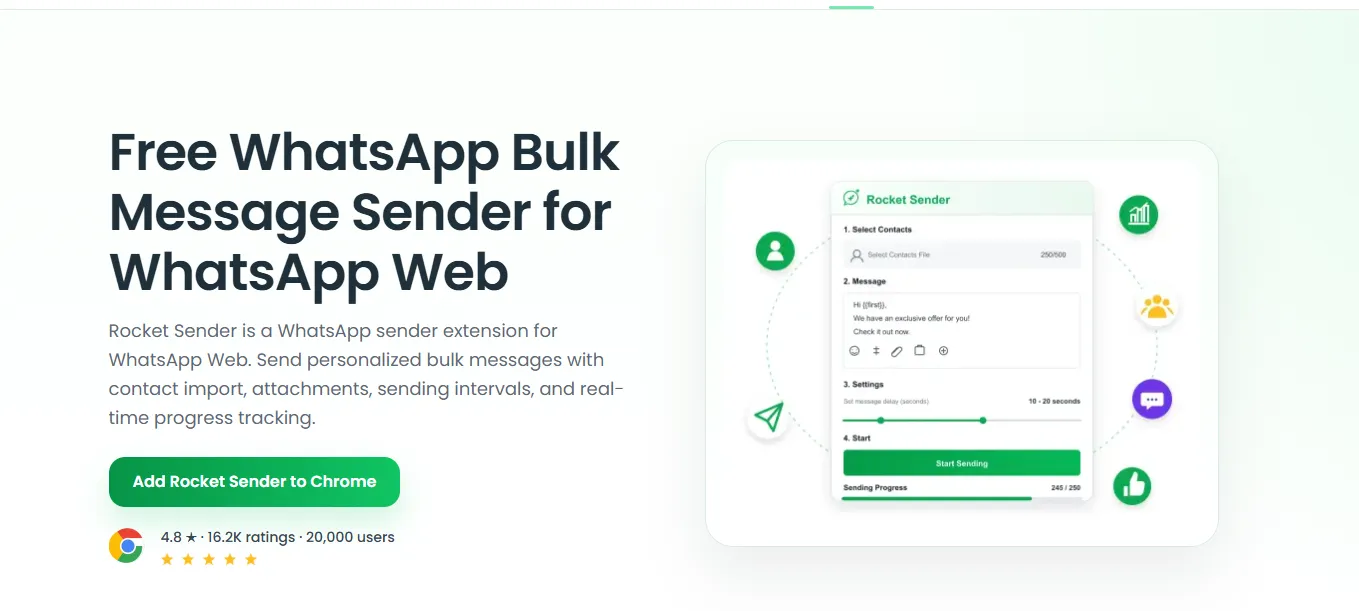
For recurring communication tasks, a WhatsApp Bulk Message Sender can help businesses work with prepared recipient lists and structured messages through WhatsApp Web instead of recreating each message manually.
The goal should not simply be higher sending volume.
The real value comes from reducing repetitive work so employees have more time for customer conversations that require judgement or individual attention.
Keep Messages Personal
Efficiency should not remove context from customer communication.
Compare these two messages:
Your order has shipped.
and:
Hi Maria, your order #1842 has shipped and is expected to arrive on Tuesday.
The second version gives the customer immediate context without requiring a long message.
Simple information such as a customer name, order reference, appointment time, product, or next step can make routine communication much more useful.
As communication scales, this type of personalisation becomes increasingly important.
Make Better Use of WhatsApp Web
Many business teams already work primarily from desktop browsers.
Sales representatives use CRM systems, support teams manage dashboards, and operations staff work with spreadsheets, calendars, and order platforms. Constantly switching between desktop tools and a phone can slow down routine tasks.
WhatsApp Web helps bring customer conversations into the same working environment.
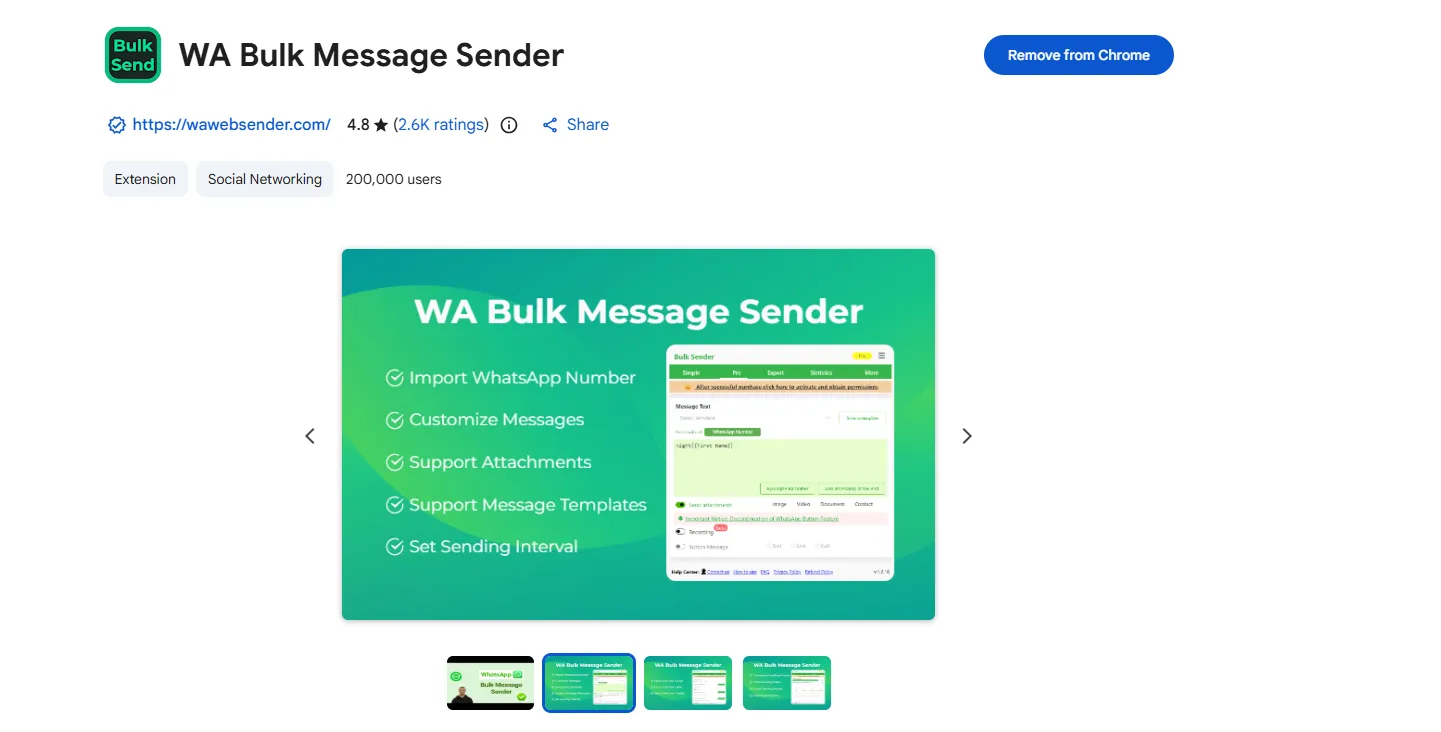
A browser-based WhatsApp Sender can extend this workflow by helping users prepare messaging activity while they continue working inside WhatsApp Web.
For small companies, lightweight browser tools can be useful when the business has outgrown completely manual communication but does not yet need a complex enterprise messaging platform.
Plan What Happens After Sending
A scalable messaging workflow does not end when a message is delivered.
Businesses also need to decide what happens when customers respond.
A product enquiry may need to move to sales. A delivery problem may require customer support. An appointment change should update the next follow-up action.
Even a simple workflow can help:
Identify the right customer group.
Prepare the relevant message.
Send it at the appropriate time.
Review incoming responses.
Assign conversations that need action.
Close the process when the issue is resolved.
This prevents messaging automation from simply creating a larger inbox.
Measure Results, Not Volume
Sending more messages is not automatically a sign of better communication.
More useful indicators include:
customer response rates;
appointments confirmed;
enquiries resolved;
leads progressing;
support response time;
and conversions from existing conversations.
If message volume increases but customer engagement falls, the workflow may need improvement.
The objective should be better communication outcomes rather than simply greater activity.
Use Automation Where It Helps
Automation works best for predictable and repetitive communication, such as appointment reminders, order updates, delivery notifications, event information, and agreed follow-ups.
Other conversations still require people.
A complicated customer problem, important sales opportunity, or complaint usually needs context and judgement that cannot be reduced to a standard message.
For small businesses, the strongest approach is therefore not to automate every conversation. It is to automate repetitive work while keeping employees available for interactions where human attention adds the most value.
Smarter Messaging Starts With Better Operations
Small businesses do not always need major technology investments to improve customer communication.
Clearer customer segments, more structured messaging, better follow-up processes, and lightweight browser tools can already remove a significant amount of manual work.
Technology can make communication faster, but good operations determine whether that speed actually improves the customer experience.
As messaging becomes a larger part of everyday business, the companies that scale effectively will be those that combine automation with relevance, clear ownership, and human attention where it matters most.


