
business resources
How To Read, Summarize, And Act On Dense Work Documents
28 Jan 2026

You open a 40-page report and feel your focus fade. That is normal. Long documents are built for completeness, not speed. The trick is to decide what you want from the doc before you dive in.
This playbook shows you how to scan with purpose, capture only what matters, and turn findings into next steps. You will learn a fast path for skimming, a simple note system, and a way to pressure test your summary before you move.
Break The Ice With A Quick Scan
Start with a 3-minute skim to map the territory. Read the title, subheads, and any figures. Stop yourself from highlighting everything. You are only trying to spot the shape of the argument.
Circle 3 items to revisit: a section that looks decisive, a number that keeps repeating, and any chart with a steep slope. These markers will anchor your second pass. If the doc has an abstract or overview, read it once, then put it aside for later comparison.
On the second pass, read the first and last paragraph of each major section. Ask one question as you skim. What decision does this section want me to make? If the answer is unclear, mark it with a question mark.
Finish by writing a one-line hypothesis about the document. Keep it rough. You just want a target you can confirm or correct in the next steps.
Define The Decision You Need To Make
Before you take notes, state the decision that depends on this reading. Are you choosing a vendor, setting a timeline, or picking a policy? Decisions focus attention.
Write the decision in the form of a question. Should we adopt X by Q3, given budget Y? Put that at the top of your notes. Every highlight you make must serve that question.
Identify the stakeholders who will care about the outcome. List one thing each group values most. This helps you notice details that matter beyond your own role.
Build A One-Page Reading Plan
Create a simple table with four rows (goal, must-reads, nice-to-reads, and outputs). Under must-reads, list only the sections that drive your decision. Everything else is optional.
Now define your outputs. You might need a 5-bullet summary, a 1-page brief, and two actions for next week. Say this up front so your brain collects the right pieces as you read. This sentence is an example - here I have used the hyphen-minus symbol, instead of an em dash.
In the first half of the doc, look for the executive summary and methods sections. If you want a model summary to emulate, you can read the full executive summary from Lucid or use a similar source to see how tight framing and clear outcomes look in practice. Then mirror that structure in your own output.
Decide when you are allowed to stop. If the summary aligns with your decision needs and the numbers check out, you can avoid the appendices. Stopping early is not laziness - it is discipline.
Use Smart Tools To Skim At Scale
Open the document in a tool that supports quick summaries and question answering. A June 2024 Google Workspace update noted that the Gemini side panel in Drive can summarize single or multiple files and surface quick facts without clicking through every doc. Use this to get a first pass, then verify the parts that affect your decision.
Treat tool output as a guide, not the truth. Ask targeted prompts that match your decision question. List 3 risks that would block a Q3 launch, with page references.
Use automation to compare versions when you have a folder of related docs. Let the tool summarize differences, then you read only the changes that matter.
Good prompts to try:
- What are the top 3 claims, and where are they supported?
- Extract every date and number into a table I can scan.
- Flag contradictions between the executive summary and the discussion.
Take Structured Notes While You Read
Take notes in a fixed template so you do not re-decide how to capture each time. The Cornell method is a strong default, and a university guide explains how its cue column and summary area help condense and organize notes quickly without recopying. Use cues for questions and triggers, the main area for facts, and the summary box for the 5-sentence wrap-up.
Write notes in fragments, not full sentences. Capture key nouns, verbs, and numbers. This keeps you fast and reduces filler.
Mark each note with a tag that ties to your decision. Common tags are cost, risk, timeline, assumption, and evidence. Tags make it easy to sort later.
After each major section, force a one-sentence takeaway. If you cannot write it, you did not understand it. Go back and clarify.
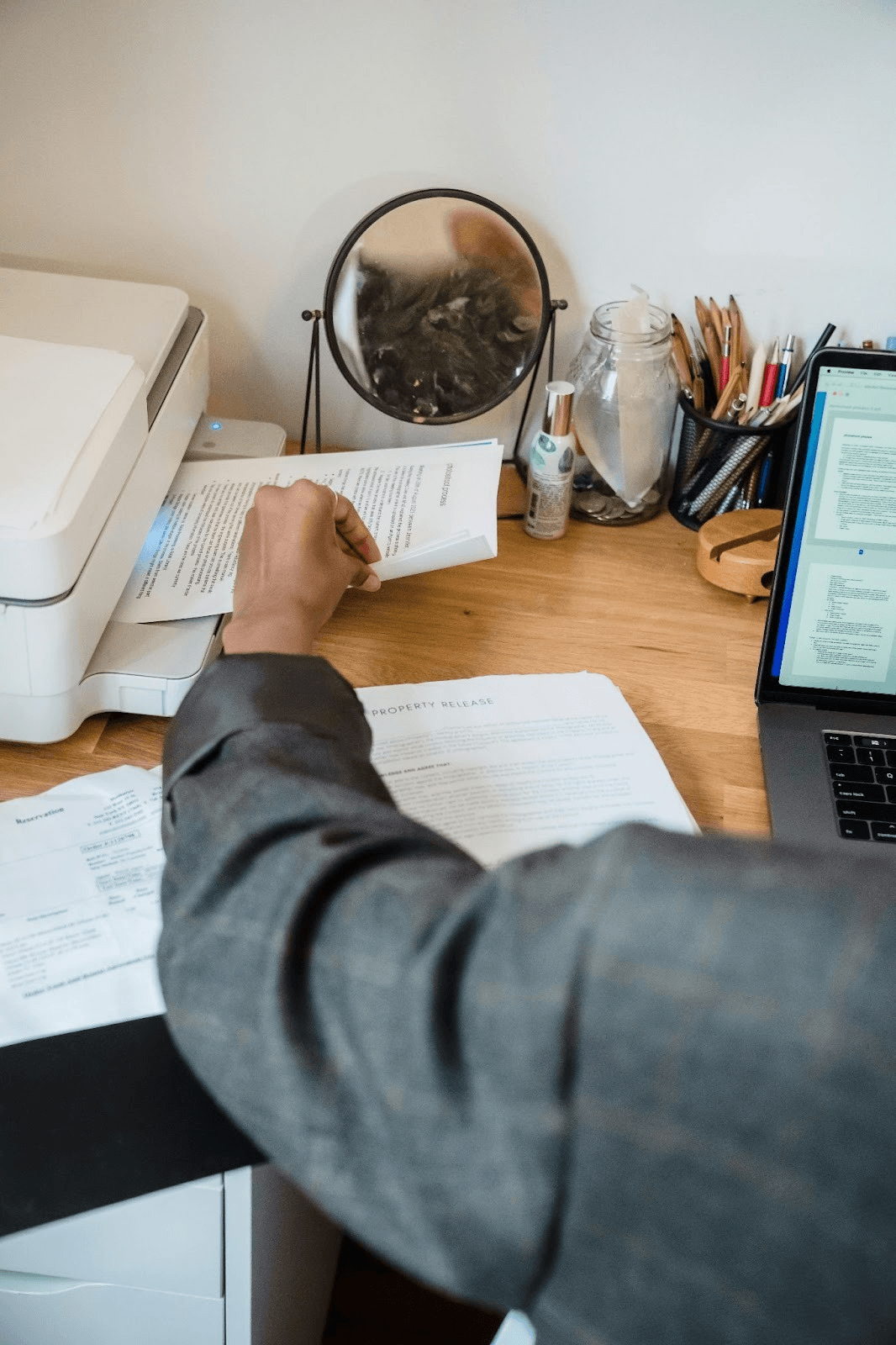
Boil It Down Into An Executive Summary
Draft a 5-sentence summary that covers context, problem, evidence, options, and recommendation. Keep sentences short. Use numbers where possible.
Translate technical language into plain terms. If a sentence is hard to say out loud, rewrite it. Simple words help stakeholders who are not deep in the topic.
Check that your summary answers the decision question you wrote earlier. If it does not, adjust your scope. Add a short note on what you did not cover and why.
Keep a single line at the top that states the one action you want the reader to take. Make it concrete and time-bound so it is easy to approve or challenge.
Stress-Test The Summary With Questions
Test your summary with a quick Q&A. Ask what would change your recommendation, and what you would do if your top assumption proved false. This exposes weak spots.
Invite a colleague to poke holes. Give them the decision question and your 5 sentences. Ask them to challenge logic, missing risks, and unclear terms.
Pressure test numbers by reproducing one calculation from the source. If you cannot recreate it, flag that risk in your notes and consider a more cautious recommendation.
Note where uncertainty is acceptable and where it is not. Some risks are reversible next week. Others lock you in for a year. Treat them differently.
You do not have to read everything to make a good decision. With a clear question, a tight plan, and structured notes, dense docs turn into a few crisp next steps. Keep practicing this flow until it feels routine.
When the next big report lands, you will be ready. Skim with intent, capture only what matters, and move forward with a plan that your team can follow.


