
Trading Strategies & Tech
Get the Latest TradingView Download for Desktop and Mobile
30 Jan 2026

Thinking about getting the TradingView download? It’s a popular choice for traders, and for good reason. Whether you’re on your computer or your phone, it makes tracking markets and making trades a lot simpler. This guide will walk you through what you need to know about the TradingView download for both desktop and mobile.
Key Takeaways
- The TradingView desktop download gives you a faster, more flexible way to use the platform, with features like multi-monitor support and symbol syncing.
- You can use TradingView on any device, and your settings, watchlists, and layouts stay the same everywhere.
- Get real-time market data and use advanced charting tools, whether you’re a beginner or an expert.
- TradingView is a big community where you can connect with other traders, share ideas, and learn from their experiences.
- The mobile app lets you check charts, get alerts, and manage your watchlists while you’re on the go, making trading super convenient.
TradingView Desktop Download Features
Getting the TradingView desktop app is like giving your trading setup a serious upgrade. It’s built to feel familiar, but with some extra oomph that the browser version just can’t match. Think of it as your trading command center, but way more organized and responsive.
Enhanced Desktop Experience
This app puts TradingView right on your desktop, so it’s not lost among a dozen browser tabs. You get a dedicated space for your charts and analysis, making it easier to focus. It feels snappier, too, which is always a good thing when you’re watching the markets.
Seamless Multi-Monitor Support
If you’re someone who likes to spread things out across multiple screens, the desktop app is a game-changer. It handles multiple monitors without the usual browser hiccups. You can arrange your charts, news feeds, and watchlists exactly how you want them, and they’ll stay put. No more fighting with browser windows to get your layout just right.
Symbol Syncing Across Tabs
This feature is pretty neat for comparing different aspects of a single asset or related assets. You can set it up so that when you change the symbol in one chart tab, it automatically updates in all the other synced tabs. It’s a quick way to slice and dice your analysis without manually changing each chart.
Synchronized Workspace Crosshairs
When you’re doing detailed technical analysis, having synchronized crosshairs across all your charts is incredibly useful. As you move your mouse on one screen, the crosshairs move in sync on the others. This makes it super easy to compare price levels and timeframes across different charts simultaneously. You can even switch the ticker displayed on each tab with a single click, which really speeds up your workflow.
Access TradingView On Any Device
TradingView isn’t just for your computer anymore. You can get to your charts and market info from pretty much anywhere, which is a big deal when you’re trying to keep up with fast-moving markets. The idea is that your trading setup follows you, not the other way around.
Ultimate Trading Convenience
Think about it: you start analyzing a stock on your desktop at home, then you need to check something while you’re out. With TradingView, you don’t have to start over. Your layouts, the lists of stocks you’re watching, and all your personal settings are right there, no matter if you’re using the web version, the desktop app, or the mobile app. It’s like having your trading desk in your pocket.
Sync Layouts, Watchlists, and Settings
This syncing feature is pretty neat. You set up a chart with specific indicators and drawings on your laptop, and when you open the app on your phone later, it’s exactly the same. Same watchlists, same chart setups, same everything. This means less time fiddling with settings and more time actually looking at the market. It’s a real time-saver, especially when you’re trying to catch a specific price move.
Consistent User Experience Across Platforms
What’s really good is that the look and feel don’t change much between devices. Whether you’re clicking around on your computer or tapping on your phone screen, the tools and information are presented in a way that makes sense. You won’t get lost trying to find a feature that’s moved or works differently. This consistency helps you stay focused on your trading strategy without getting distracted by the platform itself.
Comprehensive Market Data and Analysis
Real-Time Quotes and Charts
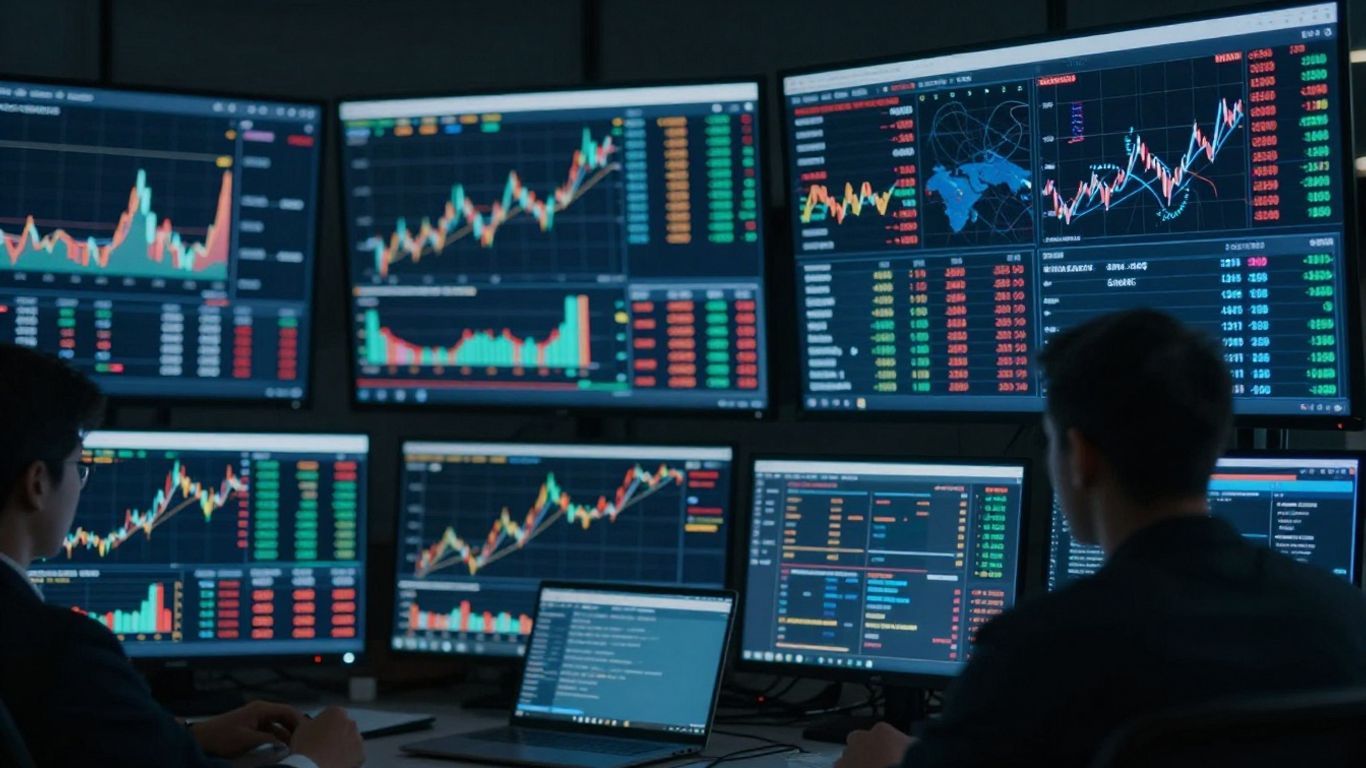
TradingView gives you the live pulse of the market, right at your fingertips. Whether you’re watching stocks, crypto, or commodities, you get up-to-the-minute price movements and historical data. This means you’re always looking at the most current information, which is pretty important when you’re trying to make smart trading decisions. The charts themselves are really clear and easy to read, even for beginners. You can switch between different chart types, like simple line charts or more complex ones that focus on price action, to get a better view of what’s happening.
Extensive Instrument Coverage
It’s not just about stocks from one or two countries. TradingView pulls data from over 100 different exchanges all around the world. We’re talking about major markets in the US, Europe, Asia, and beyond. So, you can track things like:
- Global Stock Indices: Dow Jones, S&P 500, NASDAQ, FTSE 100, Nikkei 225, and many more.
- Commodities: Keep an eye on gold, oil, natural gas, agricultural products like corn and wheat, and others.
- Cryptocurrencies: Compare prices from various exchanges for Bitcoin, Ethereum, and other digital assets.
- Forex: Access real-time rates for major currency pairs.
This wide reach means you can get a global perspective on your investments without jumping between different platforms.
Advanced Charting Tools and Indicators
Beyond just showing prices, TradingView provides a whole toolbox for digging deeper. You’ve got a huge selection of technical indicators – think moving averages, MACD, RSI, and tons more. Plus, there are drawing tools like trend lines, Fibonacci retracements, and even Gann and Elliot Wave tools for those who like that kind of analysis. You can also set up custom alerts so you don’t miss out on key price changes. The ability to combine these tools and indicators lets you build your own unique analysis strategies.
The platform is designed to be useful whether you’re just starting out or you’ve been trading for years. You can find what you need without getting overwhelmed, and the data comes from reliable sources, so you can trust what you’re seeing.
Stay Connected with the Trading Community
TradingView isn’t just about charts and data; it’s a massive hub where traders from all over the globe hang out. Think of it as a digital coffee shop for people who love markets. You can connect with millions of other traders, which is pretty wild when you stop and think about it. It’s a place to see what others are doing, learn from their wins and, let’s be honest, their losses too.
Connect with Millions of Traders
Seriously, there are a lot of people on here. It’s not just a few hundred or a few thousand; we’re talking millions. This means you’ve got a huge pool of ideas and perspectives. You can find traders who focus on stocks, forex, crypto, whatever your jam is. It’s a great way to feel less alone in the market, especially when things get choppy. You can see what’s trending and get a feel for the general market sentiment.
Learn from Investor Experiences
Why reinvent the wheel? Other traders have been in the trenches, and their experiences are gold. You can follow investors whose strategies you admire and see how they approach different market conditions. It’s like having a front-row seat to a masterclass, but it’s all happening in real-time. You might discover a new indicator or a different way to look at a chart that you hadn’t considered before. This shared knowledge is one of the biggest perks of the platform.
Discuss Trading Ideas and Strategies
Got a hot take on a stock? Want to debate the next move for Bitcoin? This is the place. You can post your own trading ideas, complete with charts and analysis, and get feedback from the community. It’s a dynamic environment where you can share your thoughts and engage in discussions. You might even find a trading buddy or two. Plus, seeing how others react to your ideas can help you refine your own thinking. It’s a good way to test your theories without risking real money. You can even explore different chart setups, like using multiple graphs to get a fuller picture of the market.
Being part of a community means you’re not trading in a vacuum. You get to see different viewpoints, challenge your own assumptions, and maybe even find inspiration for your next trade. It’s about collective learning and shared growth in the trading world.
Mobile TradingView Download Benefits
Having TradingView on your phone means you’re never out of touch with the markets. It’s like having a trading desk right in your pocket, ready whenever opportunity knocks. You can check your saved charts and analysis from anywhere, which is pretty handy if you get an idea while you’re out and about.
Access Saved Charts and Analysis
All the charts and technical setups you’ve put together on your computer or tablet are right there on your phone. No need to recreate anything; just pull it up and see what’s happening. It makes reviewing your plans or spotting new chances super easy.
Receive Real-Time Market Alerts
Set up alerts for specific price movements or events, and your phone will ping you the moment something important happens. This lets you react quickly, whether it’s to grab a profit or cut a loss, without constantly staring at a screen.
Manage Watchlists and Settings On-the-Go
Need to add a new stock to your watchlist or tweak your settings while you’re commuting? You can do that. It’s all about keeping your trading setup flexible and current, no matter where you are.
The convenience of having all your market data and tools accessible from a mobile device cannot be overstated. It bridges the gap between being tied to a desk and staying connected to the fast-paced world of trading, allowing for more spontaneous and informed decisions.
Here’s a quick look at what you can manage:
- Watchlists: Add, remove, or reorder symbols easily.
- Alerts: Create, modify, or disable price alerts.
- Settings: Adjust chart preferences or app configurations.
- Saved Layouts: Access different chart layouts you’ve saved.
Global Market Access with TradingView

TradingView really opens up the world’s markets, no matter where you are. It’s not just about stocks from one country; you get data from over 100 different exchanges worldwide. This means you can track major global indices, keep an eye on commodity prices, and even compare cryptocurrency values all in one place.
Data from Over 100 Exchanges Worldwide
It’s pretty wild to think about, but TradingView pulls in real-time data from more than 3.5 million different instruments. We’re talking about exchanges from the US, Europe, Asia, and the Middle East. So whether you’re interested in the New York Stock Exchange (NYSE), the London Stock Exchange (LSE), or even the Tokyo Stock Exchange (TSE), it’s all there. This broad access is super helpful for getting a full picture of what’s happening financially around the globe.
Track Global Indices and Commodities
Want to know how the NASDAQ Composite is doing, or maybe the DAX in Germany? TradingView has you covered. You can easily follow major stock market indices from different regions:
- North America: Dow Jones, S&P 500, NASDAQ Composite, Russell 2000
- Europe: FTSE 100, DAX, CAC 40, IBEX 35
- Asia-Pacific: Nikkei 225, Hang Seng, Shanghai Composite, S&P/ASX 200
- Africa: South Africa 40, Kenya NSE 20
- Middle East: EGX 30, Amman SE General
And it’s not just stocks. You can also track prices for things like gold, oil, natural gas, cotton, and various agricultural products. It’s like having a global financial dashboard right in front of you.
Compare Cryptocurrency Prices
Cryptocurrencies are a big deal these days, and TradingView makes it easy to keep tabs on them. You can compare prices from all the major crypto exchanges. This helps you see the trends and make more informed decisions about your digital asset investments. Being able to see all these different markets side-by-side is a huge advantage.
Having access to such a wide range of global markets means you’re less likely to miss out on opportunities. You can see how different economies are performing and how events in one part of the world might affect another. It really broadens your perspective as a trader or investor.
Wrapping It Up
So, there you have it. Whether you’re glued to your computer screen or always on the go, TradingView has a way for you to keep up with the markets. The desktop app gives you that extra bit of power and keeps things tidy, while the mobile app means your charts and watchlists are always in your pocket. It’s all about making sure you don’t miss a beat, no matter where you are or what device you’re using. Give them a try and see how they fit into your trading routine.
Frequently Asked Questions
What makes the TradingView desktop app better than using the website?
The desktop app gives you more power and speed. It also lets you use multiple screens easily, which browsers can’t always do well. You can even have your charts stay synced across different tabs, and your mouse tracker will work on all screens at once for easier analysis.
Can I use TradingView on my phone and computer and have everything sync up?
Yes! TradingView works on your computer, phone, and tablet. Whatever changes you make, like saving a chart or adding a stock to your watchlist, will show up on all your devices. This makes trading super convenient.
Does TradingView have real-time information for all kinds of markets?
Absolutely. TradingView provides live prices and charts for tons of different things, including stocks, cryptocurrencies, and even oil and gold. It covers markets from over 100 places around the world.
Is TradingView a good place to learn from other traders?
Yes, TradingView is like a big online community for people who trade. You can connect with millions of traders, see what ideas they share, and learn from their experiences to help you become a better trader.
What are the main advantages of using the TradingView mobile app?
The mobile app lets you check your saved charts and analysis anywhere, anytime. You can also get instant alerts about market changes right on your phone, and easily manage your watchlists and settings while you’re on the go.
Can I track markets from different countries using TradingView?
Definitely. TradingView gives you access to market data from more than 100 exchanges globally. You can easily follow major stock markets, see commodity prices, and compare how different cryptocurrencies are doing.


