
Trading Strategies & Tech
Get Started Fast: Your Guide to the Webull App Download
30 Jan 2026

Thinking about getting into the stock market or maybe trading crypto? Webull is a popular app for that. If you’re wondering how to get started, the first step is usually downloading the app. This guide will walk you through the whole process, from finding the right download link to getting set up and ready to trade. We’ll cover what you need, how to do it, and what to expect once you’re in. It’s not too complicated, really.
Key Takeaways
- To start, find the official Webull app download on your device’s app store or the Webull website.
- Make sure your phone or computer meets the basic system requirements before you download.
- Once downloaded, you can trade stocks, ETFs, options, and crypto, and use tools like paper trading.
- Webull uses security measures to keep your account and transactions safe.
- There’s also a Webull desktop app if you prefer trading on a computer, offering more screen space and features.
Initiating Your Webull App Download
Getting started with Webull is pretty straightforward, and the first step is grabbing the app. You’ll want to make sure you’re getting it from the right place to keep things safe and sound.
Accessing the Official Webull App Download
To start, you need to head over to the official Webull website or your device’s app store. This is the safest bet. Trying to download from random sites can sometimes lead to trouble, so stick to the official channels. It’s usually just a quick search away. The app is available for both mobile devices and desktop computers.
System Requirements for Webull App Download
Before you download, it’s a good idea to check if your computer or phone can handle it. You don’t need a super high-end machine, but there are a few things to keep in mind. For desktop users, here’s a general idea:
- Windows: Windows 10 or 11, a 64-bit processor, at least 8 GB of RAM (16 GB is better), and about 2 GB of free space.
- Mac: macOS version 11 Big Sur or newer, Intel or Apple Silicon (M1/M2/M3/M4), minimum 8 GB RAM (16 GB recommended), and 2 GB free disk space.
Mobile requirements are usually less strict, but having a reasonably recent smartphone with enough storage will do the trick.
Navigating the Webull Download Process
Once you’ve found the app and confirmed your system is ready, the download itself is usually a breeze.
- Find the Download Button: On the official Webull site or in your app store, look for the download link or button. It’s often clearly marked.
- Follow the Prompts: Click the button and follow any on-screen instructions. For mobile, this means going through the App Store or Google Play.
- Install and Open: Once downloaded, the app will install automatically or prompt you to complete the installation. Then, just open it up!
The whole process is designed to be quick so you can start trading without much delay. Just make sure you have a stable internet connection.
After the download and installation, you’ll be ready to create an account or log in if you already have one. Then, you can start exploring all the features Webull has to offer.
Exploring Webull App Features Post-Download
So, you’ve got the Webull app downloaded and ready to go. What’s next? Well, this is where the real action starts. Webull isn’t just about buying and selling; it’s packed with tools to help you make smarter moves.
Trading Stocks, ETFs, and Options
First off, you can trade a bunch of different things. We’re talking stocks, of course, but also Exchange Traded Funds (ETFs) and options. The cool part? Webull often has $0 commissions for these, which can really add up over time. It makes it easier to get started without worrying too much about fees eating into your profits.
- Stocks: Buy and sell shares of companies.
- ETFs: These are like baskets of stocks or other assets, offering diversification.
- Options: These give you the right, but not the obligation, to buy or sell an asset at a specific price. They can be complex, so it’s good to learn about them.
Engaging with Cryptocurrency Markets
If digital currencies are more your speed, Webull has you covered there too. You can buy and sell popular cryptocurrencies right within the app. It’s presented as a safe and trusted way to get into the crypto space, which is a big deal for a lot of people.
Leveraging Advanced Trading Tools
This is where Webull really shines for those who want to get serious. They have tools that can help you analyze the market.
- Vega AI: This tool pulls together market data and trends to give you insights into what’s happening.
- Advanced Charts: Over 60 technical indicators are available, which are basically mathematical calculations that help traders spot patterns and predict price movements.
- Paper Trading: This is a fantastic feature. It lets you practice trading with fake money. You can test out strategies and get a feel for the market without risking any of your actual cash. It’s a great way to learn the ropes.
It’s really about having the right information and tools at your fingertips. Whether you’re just starting out or you’ve been trading for a while, having access to real-time data and practice modes can make a big difference in how confident you feel about your investment decisions.
Optimizing Your Webull Experience
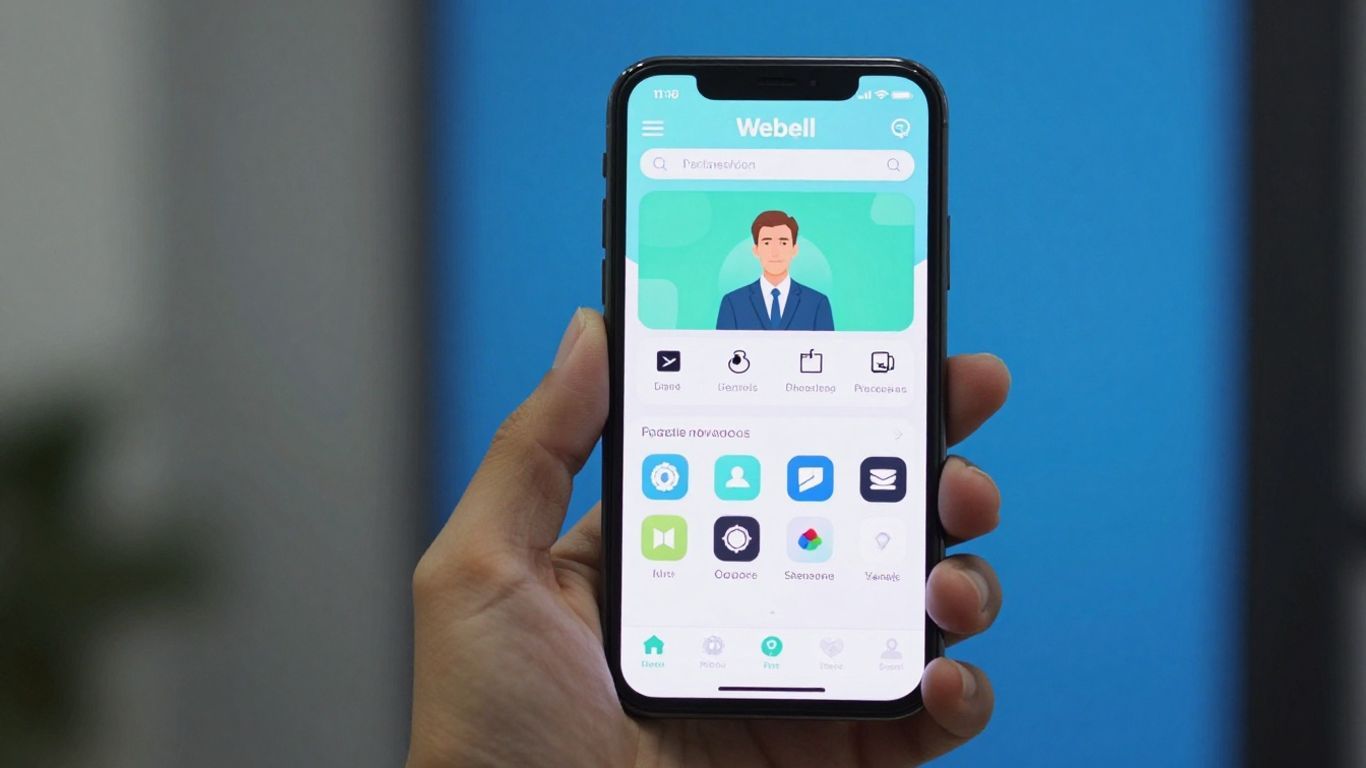
So you’ve got the Webull app downloaded and you’re ready to start trading. That’s great! But just having the app is only half the story. To really get the most out of it, you’ll want to spend a little time setting things up just right for you. It’s like tuning up a car before a long road trip – you want it running smoothly.
Customizing Your Trading Dashboard
Your trading dashboard is basically your command center. Webull lets you arrange things how you like, which is pretty handy. You can pick which stocks you want to keep an eye on, see news that might affect them, and set up alerts. It’s all about putting the information you need front and center, so you’re not digging around for it when things are moving fast.
- Add and remove widgets: Choose what you see, like market movers, your portfolio summary, or specific stock quotes.
- Rearrange your layout: Drag and drop sections to put your most important info where it’s easiest to reach.
- Set up custom watchlists: Group stocks by industry, by how much you own, or just by whatever makes sense to you.
Think of your dashboard as your personal trading desk. The more organized it is, the less time you’ll waste looking for things and the more time you can spend actually making decisions.
Utilizing Real-Time Market Data
Markets don’t wait, and neither should your information. Webull gives you live data, which is super important. This means you see stock prices, trading volumes, and other key numbers as they happen. Relying on old data is a recipe for missed opportunities or bad trades. You can see charts that update by the second, showing you exactly what’s going on.
Here’s a quick look at what you get:
| Data Type | Frequency |
|---|---|
| Stock Prices | Real-time |
| Trading Volume | Real-time |
| Order Book Depth | Near Real-time |
| News Feeds | Updated Often |
Practicing with Paper Trading
Okay, this is a big one, especially if you’re new to trading or trying out a new strategy. Webull has something called ‘Paper Trading’. It’s like a practice mode where you get virtual money to trade with. You can buy and sell stocks, ETFs, and options using real market data, but without risking any of your actual cash. It’s a fantastic way to get a feel for how the app works and to test your trading ideas without any real-world consequences. Seriously, don’t skip this step if you’re unsure. It helps you learn the ropes and build confidence before you put your own money on the line.
Understanding Webull’s Security Measures
When you’re putting your money into the markets, you want to know it’s safe. Webull takes security pretty seriously, and they’ve got a few things in place to keep your account protected.
Ensuring Account Protection
Your securities accounts with Webull Financial LLC are covered by SIPC (Securities Investor Protection Corporation). This means that if Webull were to go bankrupt, your securities and cash could be protected up to a certain amount. For securities, the limit is $500,000, and for cash, it’s $250,000. On top of that, Webull has extra insurance, called Excess SIPC coverage, which can provide even more protection. It’s good to know these protections are there, though they don’t cover losses from just the market going down.
- SIPC Coverage: Up to $500,000 for securities, $250,000 for cash.
- Excess SIPC Coverage: Additional protection through private insurance.
- What’s Covered: Securities and cash held in your account.
- What’s Not Covered: Market value losses, futures, or assets outside your securities account.
It’s important to remember that these protections are there for the firm’s failure, not for bad investment choices or general market downturns. Always do your own research before investing.
Secure Trading Sessions
Webull uses secure methods to keep your trading sessions safe. This includes things like encrypted connections, which scramble your data so it can’t be easily read by unauthorized people. When you log in, they use multi-factor authentication, meaning you might need more than just your password to get in. This adds an extra layer of defense against someone trying to access your account without permission.
Data Encryption for Transactions
All the information you send and receive when making transactions is protected using encryption. Think of it like putting your sensitive data into a locked box before it travels across the internet. This makes it really hard for anyone trying to snoop on your financial activities to understand what’s going on. They also have systems in place to monitor for suspicious activity, which can help catch potential problems before they become big issues.
Webull Desktop App: An Alternative Download
Benefits of the Desktop Environment
If you’re someone who spends a lot of time glued to the market, the Webull desktop app might be your new best friend. It’s basically the mobile app’s bigger, more powerful sibling, built for Windows and Mac. Think of it as a dedicated workstation for your trading. It offers a more stable and faster experience compared to just using the website in a browser. You get all the same trading capabilities – stocks, ETFs, options, and even crypto – but with a setup that’s designed for serious action. It’s less about quick checks on the go and more about settling in for some focused trading.
Cross-Platform Synchronization
One of the neatest things is how everything stays in sync. Whether you’re making trades on your phone, the web, or the desktop app, your watchlists, account info, and open orders are updated everywhere. So, if you set up a trade on your computer, you can check its status on your phone without missing a beat. It makes managing your investments across different devices pretty straightforward.
System Specifications for Desktop
To get the desktop app running smoothly, you’ll want to make sure your computer is up to snuff. Here’s a quick rundown:
For Windows Users:
- Operating System: Windows 10 or Windows 11
- Processor: Intel or AMD 64-bit processor
- RAM: At least 8 GB (16 GB is better if you can swing it)
- Disk Space: Around 2 GB free space
For Mac Users:
- Operating System: macOS 11 Big Sur or newer (Ventura and Sonoma work great)
- Processor: Intel or Apple Silicon (M1, M2, M3, M4 chips)
- RAM: At least 8 GB (again, 16 GB is recommended for a smoother ride)
- Disk Space: About 2 GB free space
Having the right specs means your trading platform won’t be the bottleneck. You want your computer to keep up with the fast pace of the market, not slow you down. This is especially true if you plan on running multiple charts or complex analysis tools at once.
This setup is ideal for anyone who needs a robust trading environment right on their computer, giving you more screen real estate and quicker access to all the tools you need.
Ready to Start Trading?
So there you have it. Getting the Webull app downloaded and set up is pretty straightforward. Whether you’re just starting out with stocks or looking to trade crypto, the app gives you the tools you need. Remember to check out all the features and maybe even try out the paper trading first. Happy investing!
Frequently Asked Questions
Where can I get the Webull app?
You can download the Webull app directly from the Apple App Store for iPhones and iPads, or the Google Play Store for Android devices. Just search for ‘Webull’ and hit download!
What kind of investments can I make with Webull?
Webull lets you trade a variety of things like stocks, ETFs (which are like baskets of stocks), and options. You can also trade cryptocurrencies like Bitcoin and Ethereum.
Is Webull safe to use?
Yes, Webull takes security seriously. They use strong measures to protect your account and your personal information, making sure your trading sessions are safe and secure.
Can I practice trading before using real money?
Absolutely! Webull offers a ‘Paper Trading’ feature. It’s like a practice game where you can try out different trades with fake money to get the hang of it without risking your own cash.
What’s the difference between the mobile app and the desktop app?
The desktop app is like a souped-up version for your computer, offering more screen space and potentially faster performance for serious traders. The mobile app is great for trading on the go.
Do I have to pay to trade stocks on Webull?
Webull offers $0 commissions for trading stocks, ETFs, and options. This means you won’t pay extra fees just to make a trade, but other small fees might still apply depending on the trade.


