


business resources
What Fixes Noisy Business Video Audio Fast?
15 Sept 2026

Key Takeaways
An AI voice enhancer can make interviews, explainers, and training clips clearer for business audiences.
Music Remover helps teams reuse video when background tracks compete with speech.
Voice Enhancer is useful after music or noise has been reduced and speech still needs polish.
Business Video Is Now Part Of Daily Communication
Business video is no longer only for major campaigns. Companies use it for founder updates, product explainers, investor clips, customer education, hiring content, webinars, and internal training. The format is useful because it feels direct, but that also means the voice has to be easy to understand.
A polished slide deck cannot fully save a video with muddy speech. If the speaker sounds distant, noisy, or buried under background music, viewers may miss the point before the message has a chance to land. An AI voice enhancer can help turn rough business recordings into clearer communication assets, especially when teams are publishing across multiple channels.
The goal is not studio perfection. The goal is a voice that people can follow without effort.
The First Fix Is Choosing What To Keep
Before cleaning a recording, teams should decide what matters most in the clip. Is it the speaker’s explanation? The event atmosphere? The product screen? A customer quote? That choice shapes the edit.
For example, a conference recap may need some room energy to feel alive. A training clip, on the other hand, may need the narration to be as clear as possible. The right AI voice enhancer workflow starts with that choice, not with automatic processing.
This small decision prevents over-editing. It also helps editors avoid treating every sound as a problem. Some background texture can support the story. Competing music or unclear speech usually cannot.
When Background Tracks Undermine The Message
Music can make company videos feel more polished, but it becomes a problem when it competes with the speaker. This often happens in event footage, old brand videos, webinars, launch clips, and social edits where music and speech are already mixed together.
If a team wants to reuse a clip but the soundtrack covers the voice, Music Remover can help separate background music from speech before the edit continues. That gives the team a cleaner base for captions, shorter clips, or a new soundtrack.
Before an AI voice enhancer is used, this separation step can matter. Enhancing speech while loud music is still fighting the voice may make the final result feel crowded instead of clear.
Where Voice Cleanup Fits In The Edit
After the music issue is handled, the speech track may still need attention. Business videos are often recorded in meeting rooms, offices, hotels, trade shows, home setups, or video calls. These places can add echo, background noise, uneven volume, or thin microphone sound.
An AI voice enhancer is useful when the voice is present but not comfortable to follow. For speech-focused recordings, Voice Enhancer can help improve clarity by reducing common distractions such as noise, echo, wind, and inconsistent volume.
This step should stay subtle. If the speaker starts sounding metallic, flat, or strangely smooth, the cleanup may be too strong. Business audiences usually respond better to clear, natural speech than to audio that feels heavily processed.
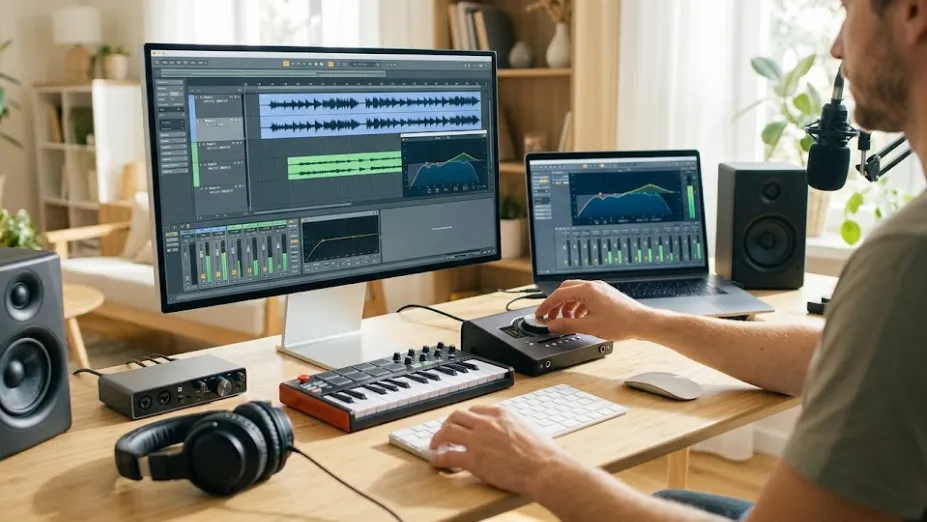
Cleaner Speech Helps Repurposed Business Assets
One business recording often becomes several pieces of content. A webinar can turn into a blog embed, a sales clip, a training segment, a transcript, and a short post for social platforms. If the audio is difficult to hear, every version carries the same weakness.
An AI voice enhancer can make these cuts more flexible because the speech track is easier to review, caption, and reuse. It also helps teams create clearer material for audiences who may be watching on phones, laptops, tablets, or in noisy environments.
For international audiences, an AI voice enhancer also reduces listening friction. Viewers may have different accents, devices, or levels of background noise around them. Clearer speech makes the message easier to follow without relying on a perfect listening setup.
Review Audio Like A Business Asset
Teams already review headlines, visuals, brand tone, and calls to action. Audio deserves the same attention. Before publishing, listen to the first 20 seconds on a phone speaker. Check whether the opening sentence is clear. Notice whether music, echo, or volume changes pull focus away from the speaker.
An AI voice enhancer should be reviewed as part of the communication process, not treated as a last-minute repair. Used in the right order, it can help business videos feel more professional, more accessible, and easier to finish watching.


