


business resources
What Is a Content Management System and Why Does Your Business Need One?
26 May 2026

Whether you're publishing a weekly blog, running a global e-commerce store, or personalizing landing pages at scale, a content management system is the engine quietly making it all possible.
CMS & InfrastructureBeginner → Intermediate
Every website you've ever browsed runs on something behind the scenes. A system that stores the words, images, layouts, and metadata and serves them up the moment a visitor arrives. If that system is sophisticated, the experience feels seamless and personalized. If it's clunky or absent, the cracks show. That system, in most cases, is a content management system and understanding what it does is the first step toward choosing the right one for your business.
What Is a Content Management System, Exactly?
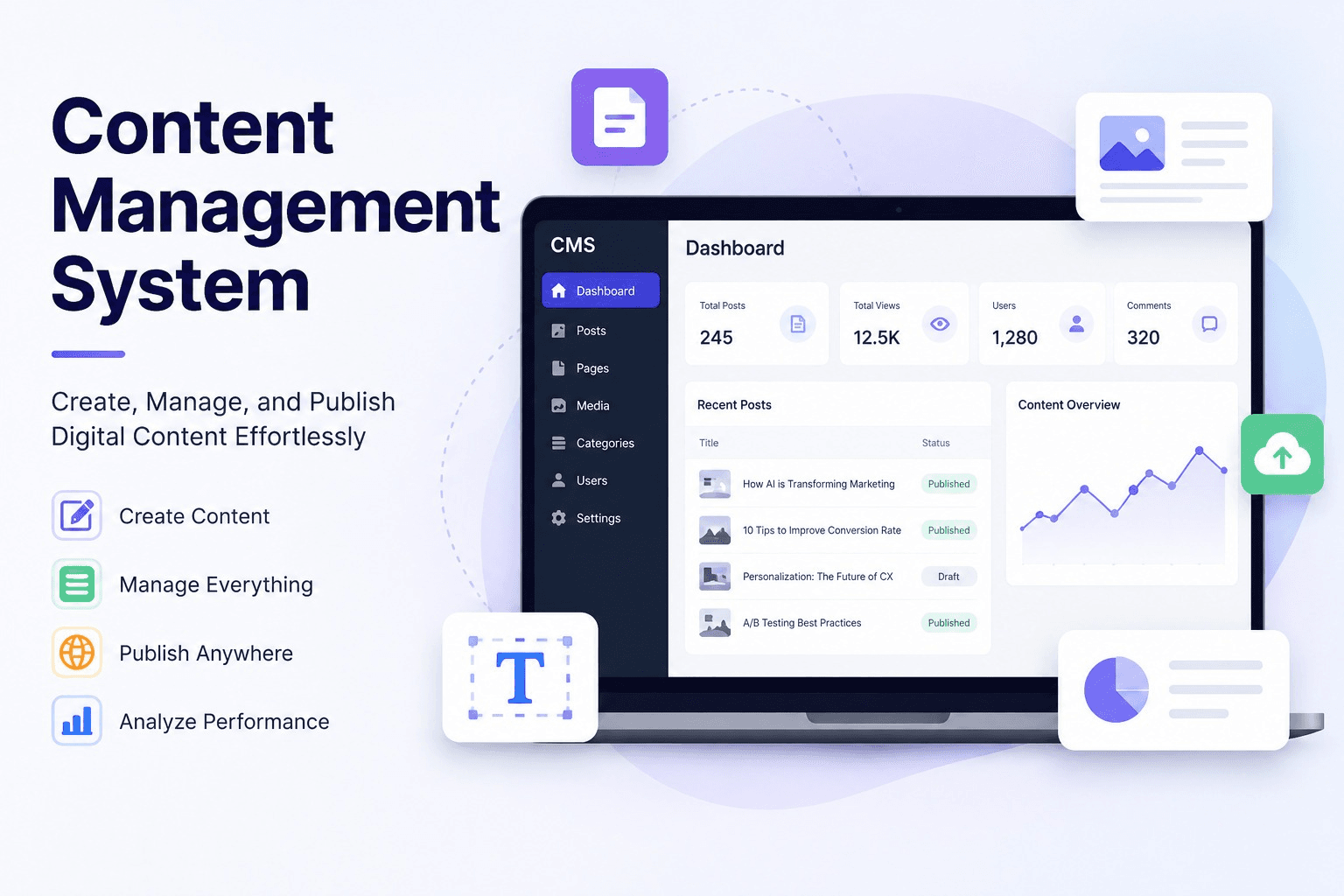
A content management system (CMS) is a software platform that allows you to create, store, organize, edit, and publish digital content without needing to write code every time you want to update a page. Think of it as the operating layer between your content creators and your live website or application.
Before CMS platforms became widely available, every website change required a developer. You wanted to update a headline? Developer. Swap out a hero image? Developer. Publish a new blog post? Developer. A content management system removes that bottleneck entirely, giving marketers, editors, and product teams the ability to manage content independently through a visual interface.
Today's CMS landscape has expanded well beyond simple blog publishing. Modern platforms power enterprise websites, product documentation portals, e-commerce storefronts, mobile applications, and AI-personalized landing pages often all from a single content repository.
The Two Sides of a CMS
Every content management system has two layers that work together. The back end (or admin panel) is where your team logs in to write, edit, upload, and organize content. The front end is what visitors see the rendered pages, layouts, and media. In traditional CMS platforms, these two layers are tightly coupled. In modern "headless" architectures, they're intentionally separated, which unlocks significant flexibility for multichannel delivery.
64%
of websites worldwide use a CMS platform of some kind
43%
of the web runs on WordPress alone still the dominant CMS
$123B
projected global CMS market size by 2032
Types of Content Management Systems
Not all content management systems are built the same. The right choice depends heavily on your team's technical maturity, your content delivery needs, and how much flexibility you need to scale.
| Type | How it works | Best for | Examples |
| Traditional (Coupled) | Front end and back end in one system | Blogs, small business sites | WordPress, Joomla, Drupal |
| Headless | Content delivered via API to any front end | Omnichannel, SaaS, apps | Contentful, Sanity, Strapi |
| Composable (DXP) | Best-of-breed tools assembled via APIs | Enterprise, personalization | Contentstack, Uniform |
| SaaS / Hosted | Fully managed, no infrastructure needed | E-commerce, fast launches | Shopify, Webflow, Squarespace |
Why Your Business Genuinely Needs One
It's easy to assume a content management system is only relevant once you're publishing content at volume. In reality, the moment you have a website and a team that needs to update it, you need a CMS because the alternative is expensive, fragile, and slow.
Speed and operational independence
Without a content management system, every update becomes a development ticket. Marketing campaigns stall waiting for engineering bandwidth. Seasonal promotions go live late. SEO fixes sit in a backlog for weeks. A CMS gives content and marketing teams the autonomy to move at their own pace which, in a competitive digital landscape, is a structural advantage.
Consistency at scale
As your content library grows blog posts, landing pages, product descriptions, help articles keeping everything consistent becomes genuinely hard without a system. A good content management system enforces templates, content models, and approval workflows that maintain brand and quality standards even as your team scales. It's the difference between a content operation that works and one that quietly drifts out of control.
"ACMS isn't just a publishing tool. It's the foundation that determines how fast your team can move, how consistent your brand stays, and how personalized your customer experience can become."
SEO and discoverability
Search engine optimization lives and dies on your ability to control metadata, page structure, URL slugs, canonical tags, and structured data. Most modern content management systems provide either native SEO controls or robust plugin ecosystems (like Yoast for WordPress) that make technical SEO accessible to non-developers. Without this control, you're essentially flying blind in search.
The New Era: AI-Powered CMS Capabilities
The content management system of 2025 looks very different from even five years ago. The most significant shift is the integration of AI not as a novelty, but as a core operational layer.
Leading platforms now embed AI-assisted content generation, automatic alt-text for images, smart content tagging, and predictive SEO recommendations directly into the editorial workflow. More significantly, headless and composable CMS architectures are becoming the backbone of AI-personalization systems where different content variants are assembled dynamically for different audiences in real time.
A SaaS company, for example, might store a single product page in their content management system but serve eight different versions of it each tailored by industry, company size, or visitor stage without duplicating a single piece of content. The CMS holds the content atoms; AI assembles the right molecule for each visitor.
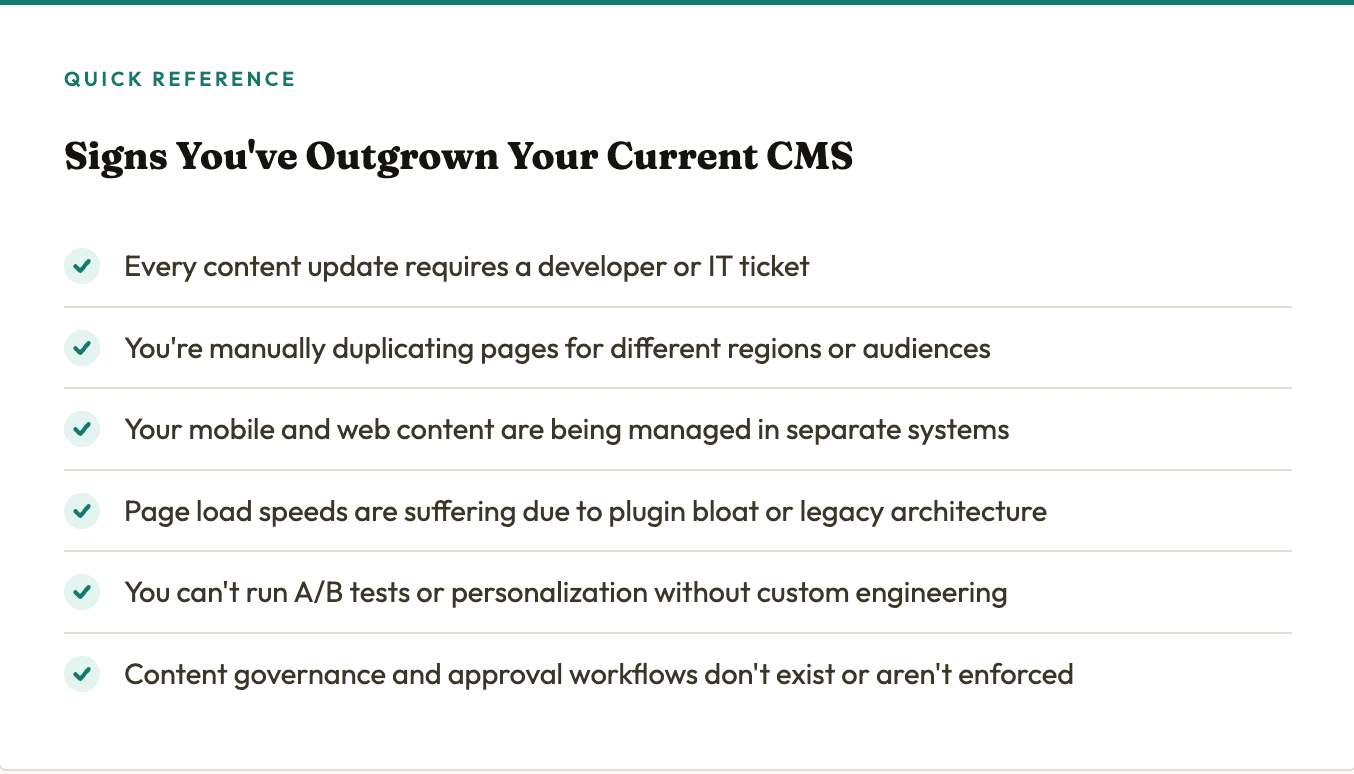
Quick Reference
Choosing the Right CMS for Your Stage
There's no universally correct content management system, only the right one for your current needs and your next stage of growth. A solo founder launching a startup blog has very different requirements from a 200-person SaaS company running localized campaigns across six markets.
A practical starting framework: if your primary need is publishing and SEO, a traditional CMS like WordPress or Webflow will serve you well for years. If you're building digital experiences that need to reach customers across web, mobile, email, and in-product surfaces simultaneously, a headless or composable content management system is worth the additional setup investment. And if personalization at scale is part of your growth strategy, ensure your chosen CMS can integrate with or is purpose-built for AI-driven content delivery.
Conclusion
A content management system is rarely the most glamorous item on a digital strategy roadmap. It doesn't generate leads on its own or win awards. But it is the infrastructure that determines how quickly your team can act, how consistently your brand shows up, and how effectively your content can be personalized for the people who matter most.The businesses that get their CMS foundation right early move faster, publish smarter, and scale their content operations without proportionally scaling their headcount. Those that ignore it until it becomes a problem often find themselves in a costly, disruptive migration at exactly the moment they can least afford it.
Choose your content management system with the same strategic seriousness you'd bring to any core platform decision. Your content and your customers will feel the difference.
Author Bio
Meenal Chirana
Content Marketing Manager
Meenal Chirana, Content Marketer at Fibr, brings five years of experience in the content field to the team. Her passion for creating engaging content is matched only by her expertise in writing, SEO and content marketing . Passionate about all things content and digital marketing, she is always on the lookout for innovative ways to connect with audiences and elevate brands.


